The PromptsRush journal
TutorialsHow to Build an AI UGC Ad Factory: Arcads + HeyGen + ElevenLabs
A step-by-step AI UGC ads workflow: turn one brief into a hook matrix, script it for AI actors, voice it in ElevenLabs, batch-test in Arcads, add product-in-hand cuts in HeyGen, and localize only the winners, with real credit math.
Advertisement
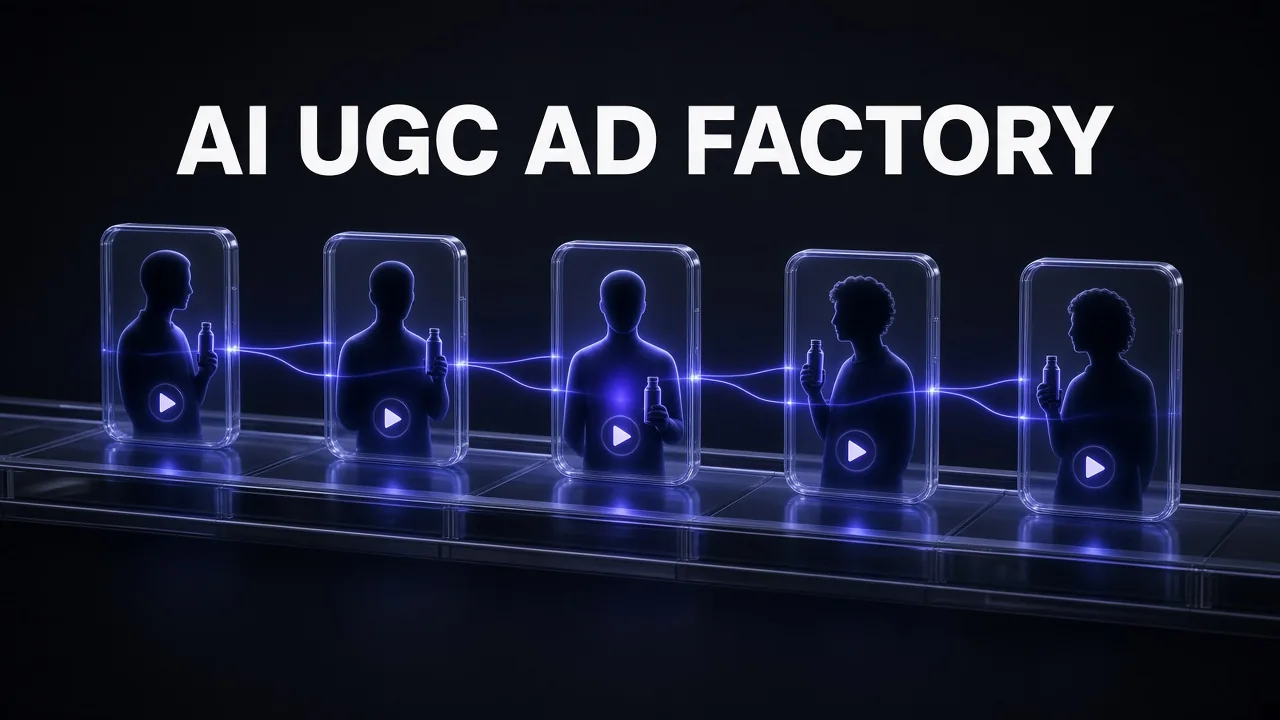
Short version: an AI UGC ad factory is not one tool. It is a repeatable pipeline where one product brief becomes a dozen script variants, each script gets a voice, each voice gets an actor, and the winners get localized. In late 2026 the cleanest way to run that pipeline is Arcads for volume testing with AI actors, HeyGen for product-in-hand and longer explainer cuts, and ElevenLabs for the voices and the dubbing that hold everything together.
This guide walks through the whole build: how to split the jobs between the three tools, the prompts we use to turn one brief into a test matrix, how the credit math works on each platform (from their own pricing and help pages, checked on 14 November 2026), and the mistakes that quietly burn a month of credits. If you are still choosing a platform at all, our roundup of the best AI UGC ads video platforms covers the wider field; this post assumes you have picked the stack and want it to run like a machine.
What You Will Have at the End
By the end of this tutorial you will have a working system that does four things on a schedule, not on inspiration:
- One brief in, many angles out. A single product brief turns into a matrix of pain points, hooks and offers.
- Scripts written for the actor, not the page. Each script is short, spoken-style and timed to fit one talking-actor generation.
- Consistent voices you own. A small library of designed or cloned voices in ElevenLabs, reused across every tool.
- Videos you can test and translate. Arcads actor videos for the hook test, HeyGen product-placement cuts for the winners, and dubbed versions for new markets.
The point of calling it a factory is that each stage has a fixed input and a fixed output. When a stage breaks, you fix that stage instead of starting over.
Why Arcads, HeyGen and ElevenLabs Together
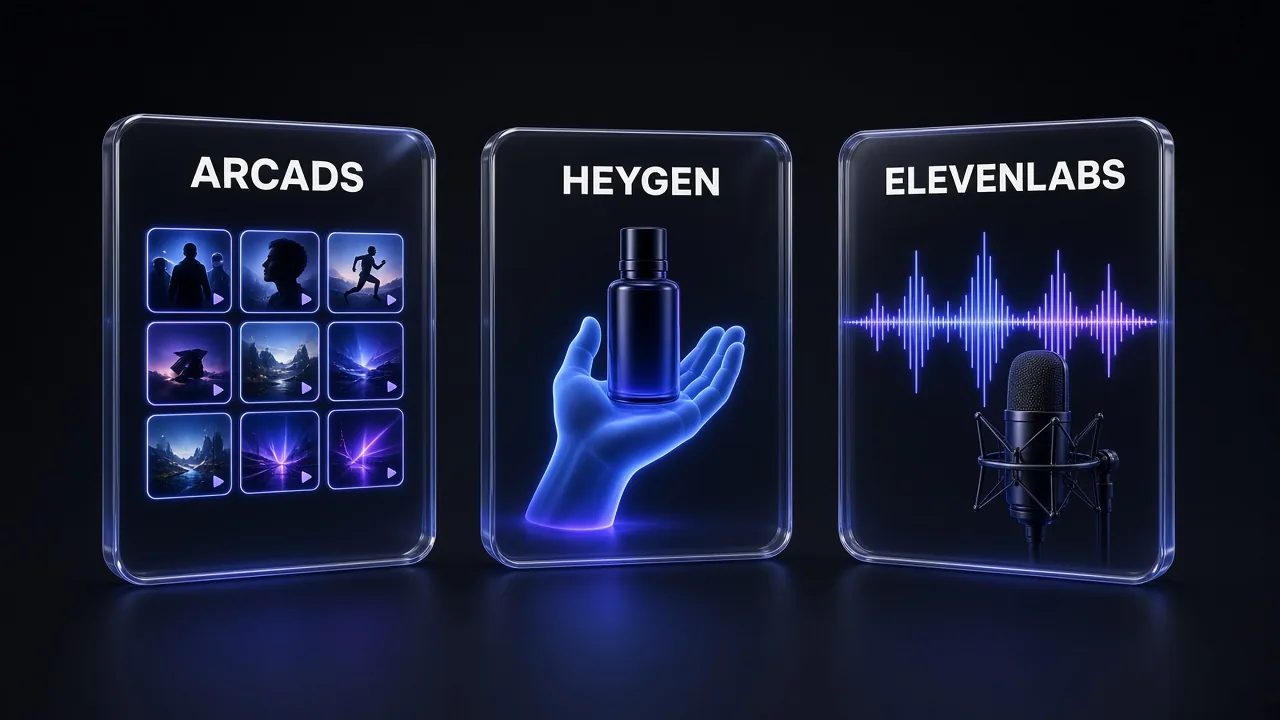
All three tools overlap a little. Arcads has voices and translation, HeyGen has its own voice engine and avatars, and ElevenLabs now generates images and video too. The reason to combine them is that each one is clearly strongest at a different stage, and their pricing models reward different kinds of usage.
| Stage | Tool | Why it wins this stage |
|---|---|---|
| Hook and angle testing | Arcads | 1,000+ AI actors built for ad formats; a standard talking-actor video is a flat 800 credits for up to 2 minutes, so short hooks are cheap to multiply |
| Product in hand, longer cuts | HeyGen | Product Placement app combines your packshot with an avatar; Avatar IV takes scripts up to 5,000 characters |
| Voices and dubbing | ElevenLabs | Voice Design from a text prompt, Instant Voice Cloning from the $6 Starter plan, and dubbing that keeps tone and pacing |
| Localization at campaign scale | ElevenLabs Ads Engine (Pro and up) | Pulls existing ads from Google, Meta and LinkedIn, localizes them into 50+ languages and pushes them back |
My take: if you can only afford one paid plan this month, start with Arcads, because the hook test is where the money is made or lost. Add ElevenLabs next (it is the cheapest of the three), and bring in HeyGen when you have a winning angle that deserves a product-in-hand version. For a deeper look at HeyGen on its own, see our HeyGen review.
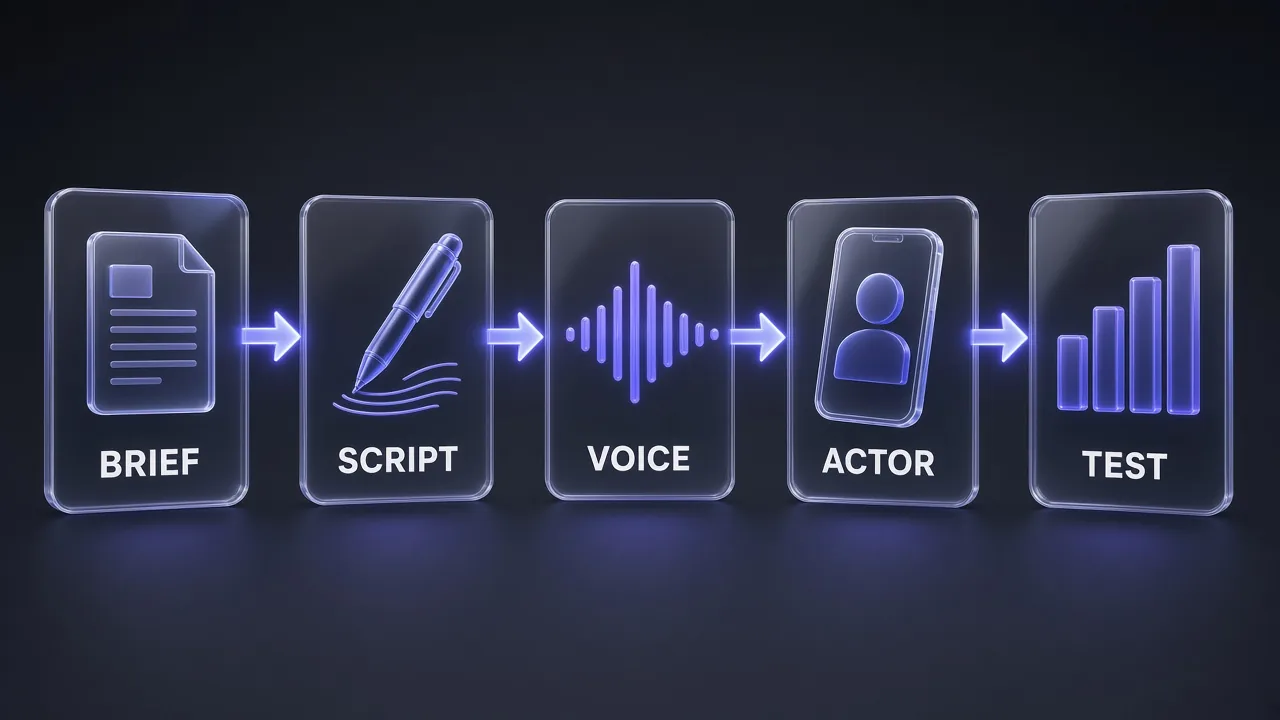
The Six-Stage Pipeline at a Glance
Here is the whole factory in one pass. Each stage gets its own section below.
- Brief: product, audience, proof, offer and banned claims on one page.
- Angle matrix: 3-5 pain points × 3 hook styles, generated from the brief.
- Scripts: 20-40 second spoken scripts, one per cell you want to test.
- Voices: designed or cloned in ElevenLabs, exported as audio when needed.
- Actor videos: Arcads for the test batch, HeyGen for product-placement versions of winners.
- Test, then localize: launch, read results, dub or translate only what won.
Pro tip: Never localize before you test. Translation costs scale with every language you add, so a losing ad in five languages is five times the waste.
Step 1: Write a Brief the Machine Can Use
Most weak AI ads trace back to a weak brief. The models are good at varying a message; they are bad at inventing proof you never gave them. Put everything on one page before you open any video tool:
- Product and price: what it is, what it costs, the one-line promise.
- Audience: who buys it and the moment they feel the problem.
- Proof: real reviews, real numbers, guarantees. Only claims you can defend.
- Offer: discount, trial, bundle, free shipping, deadline.
- Banned claims: anything legal or the platform will reject (health outcomes, income promises, before-and-after for regulated categories).
Then turn the brief into an angle matrix. This is the prompt we use for that step; paste your brief where the placeholder sits.
Brief to Angle Matrix
You are a direct-response creative strategist for short-form video ads.

Here is my product brief:
[PASTE BRIEF: product, price, audience, proof, offer, banned claims]

1. List 5 distinct pain points or desires this audience has, each in the customer's own words.
2. For each pain point, write 3 hooks of under 12 words: one curiosity hook, one problem-callout hook, one bold-claim hook that stays inside the proof I gave you.
3. Return a table with columns: Angle ID, Pain point, Hook type, Hook, Proof used, Offer to close with.
4. Flag any hook that relies on a claim not in my brief.
Do not invent statistics, testimonials or results.
You should end with 15 hooks. You will not film all of them. Pick 6-9 that are genuinely different from each other, and you have your first test batch. Our list of ChatGPT prompts for AI ads has more angle and offer prompts if you want to push this stage further.
Step 2: Turn Hooks Into Actor-Ready Scripts
A UGC script is a spoken thing. It needs short sentences, contractions, one idea per line and a natural pause before the offer. It also needs to fit the generation you plan to pay for. On Arcads a standard Arcads 1.0 talking-actor video costs the same 800 credits whether it runs 15 seconds or the full 2 minutes, so there is no saving in trimming a script from 30 to 20 seconds; the saving is in not generating scripts you do not need.
Use a fixed structure so every variant is comparable. We use hook, problem, product moment, proof, offer, call to action.
Hook to UGC Script
Write a UGC-style video ad script for a single on-camera creator.

Product: [PRODUCT]
Audience: [AUDIENCE]
Hook (use word for word as the first line): [HOOK]
Proof I can stand behind: [PROOF]
Offer: [OFFER]

Rules:
- 70 to 90 spoken words, roughly 25 to 35 seconds.
- Structure: hook, the problem in one sentence, the moment the product helped, one proof point, the offer, a call to action.
- Write like someone talking to a friend: contractions, short sentences, no jargon.
- Mark one natural pause with an ellipsis before the offer.
- Add a one-line note on the creator's tone (for example: tired but relieved).
- No claims beyond the proof I listed.
Run this once per hook you kept. Name every script with its Angle ID (for example A3-curiosity) so the ad name, the file name and the results sheet all match later. For a bigger library of ready-made UGC formats, our 42+ prompts for AI UGC videos covers testimonials, unboxings and problem-solution scripts.
Step 3: Build a Voice Library in ElevenLabs
Voices are the part of AI UGC that viewers notice first. A generic stock voice on ten different actors makes a test batch feel like one ad. ElevenLabs solves this in two ways:
- Voice Design: describe a voice in plain language (age, accent, pacing, energy) and ElevenLabs generates it. Useful when you need a range of distinct personas fast.
- Voice cloning: Instant Voice Cloning is included from the Starter plan; Professional Voice Cloning starts on Creator. Only clone a voice you own or have written consent to use.
The credit math is simple enough to plan around. ElevenLabs says text to speech uses about 1 credit per character on its pricing page, and lists roughly 30 included minutes of speech on Starter and about 121 on Creator. A 30-second script of around 75 words is about 420 characters, so by our arithmetic Starter's 30,000 monthly credits cover around 70 reads of that length before retakes.
| ElevenLabs plan | Price per month | Credits | What matters for ads |
|---|---|---|---|
| Free | $0 | 10,000 | Testing only; no commercial license |
| Starter | $6 ($1 first month) | 30,000 | Commercial license, Instant Voice Cloning, Dubbing Studio |
| Creator | $22 ($11 first month) | 121,000 | Professional Voice Cloning |
| Pro | $99 | 600,000 | Ads Engine access, 44.1 kHz PCM via API |
Prices from elevenlabs.io/pricing on 14 November 2026, before tax. Unused credits on paid plans roll over for up to two months. For the plan-by-plan breakdown, see our ElevenLabs pricing guide.
How the voices travel between tools: HeyGen's own help center says you can bring ElevenLabs voices into HeyGen, and it also accepts uploaded audio as the avatar's voice. Arcads lists ElevenLabs voices and free voice cloning on its Pro plan and above. On lower Arcads plans, the simplest route is to generate the read in ElevenLabs and use an audio-driven generation, which Arcads prices at 800 credits per started minute.
Pro tip: Keep a one-line "voice card" for each persona (name, age, accent, energy, the Voice Design prompt or clone source). When a winning ad needs a sequel three weeks later, you will want the exact same voice.
Step 4: Produce the Test Batch in Arcads
This is the heart of the factory. You take 6-9 scripts and turn them into actor videos you can launch side by side. Arcads is built for exactly this: a library of 1,000+ AI actors, ad-format presets, and a Workflows canvas (Creator plan and above) where you can chain generation, captions and resizing for a whole batch.
Here is what each part of a typical test batch costs in Arcads credits, from Arcads' own pricing help article. Arcads does not publish plan prices on a public page (its help center says current prices are shown in the app), so plan your batch in credits and check the price on your account before you subscribe.
| Item | Arcads credits |
|---|---|
| Arcads 1.0 talking-actor video (up to 2 minutes) | 800 |
| Audio-Driven or OmniHuman 1.5 (your own audio) | 800 per started minute |
| Custom actor | 1,600, once |
| Unboxing POV / Show Your App | 400 / 200 |
| Seedance 2.5 B-roll, 5 seconds at 720p / 1080p | 210 / 520 |
| Captions (Insta and TikTok style) | 8 |
| Translate Video | 240 per started 30 seconds, per language |
| Trim, stitch, resize, text overlay, change voice | 0 |
Monthly credit pools run from 8,000 on Starter to 192,000 on Business. That means Starter covers 10 standard talking-actor videos a month and Creator covers 20, before any B-roll. Starter and Creator stop generating at the limit and reset each cycle, while Pro and above roll unused credits over and bill extra usage on the next invoice.
A sensible first batch on Creator (16,000 credits) looks like this, by our arithmetic:
- 9 talking-actor videos, one per script: 7,200 credits
- 9 sets of TikTok-style captions: 72 credits
- 3 Show Your App or Unboxing POV inserts for the strongest scripts: 600-1,200 credits
- Resizes for 9:16 and 1:1: free
That leaves roughly half the month's credits for the second round, which is exactly where you want to be after the first results come in.
Two settings worth turning on before you start: "Confirm before generating" (Settings, General), which shows the credit cost before each generation, and a daily or weekly spending limit. Arcads also refunds failed generations automatically, so a glitched render does not cost you.
Step 5: Make Product-in-Hand Winners in HeyGen
Once a hook wins, the next question is usually "can we see the product?" That is where HeyGen's Product Placement app earns its place. According to HeyGen's help center, the flow is:
- Open Apps and choose Product Placement.
- Upload a product photo and pick an avatar (yours or a stock one).
- Click Generate Combined Images; HeyGen returns four options in up to about 60 seconds.
- Pick one, then add a script (up to 5,000 characters on Avatar IV) or upload audio, such as your ElevenLabs read.
- Optionally describe a Custom Motion (gestures, expressions), choose 720p or 1080p, and generate.
HeyGen notes that small, handheld products work best; larger items like furniture can come out scaled down to fit in the avatar's hand. Its UGC page lists 1,100+ ready-made avatars and exports in vertical or square formats for TikTok, Reels and Meta.
| HeyGen plan | Price per month | Credits | Useful for this workflow |
|---|---|---|---|
| Free | $0 | 3 watermarked videos, up to 1 minute | Trying the Product Placement flow |
| Creator | $29 | 600 | 1080p, no branding, custom avatar with your own voice, 175+ languages |
| Pro | $49 | 1,000 | 4K export, Seedance 2.5 access, Cinematic Avatars, one Professional Voice Clone |
| Business | $149 | 1,500 | Team workspace, n8n/Make/HubSpot/Zapier integrations |
Prices from heygen.com/pricing on 14 November 2026; yearly billing gives two months free. HeyGen does not list a per-video credit cost on that page, so check the cost shown in the app before a big batch. Our HeyGen Avatar V vs Avatar III pricing breakdown explains which avatar engine is worth the credits, and HeyGen Video explained covers its newer text-to-video model if you want cinematic B-roll without leaving the platform.
Step 6: Test First, Then Localize the Winners
Launch the batch with identical budgets, audiences and placements so the only variable is the creative. Give each ad the same naming pattern you used for the scripts (A3-curiosity_actor-maya_v1), and judge on the metric your campaign is built for, not on views. When two or three ads clearly win, you have three ways to take them to new markets:
- Arcads Translate Video: 240 credits per started 30 seconds, per language. Simplest when the winner was made in Arcads.
- HeyGen translation: 175+ languages and dialects with lip sync on paid plans, plus script proofreading on Pro.
- ElevenLabs dubbing: 2,000 credits per minute for automatic dubbing with a watermark, 3,000 without. On Pro and above, Ads Engine can pull live ads from Google and Meta, localize text, images and video into 50+ languages, and push them back, with an optional human approval step.
Honest answer: for a handful of winners, translate inside the tool that made them. Ads Engine starts to make sense when you run many campaigns across several markets and want the localization step to be a repeatable template rather than a manual job.
How Big a Batch Should You Run?
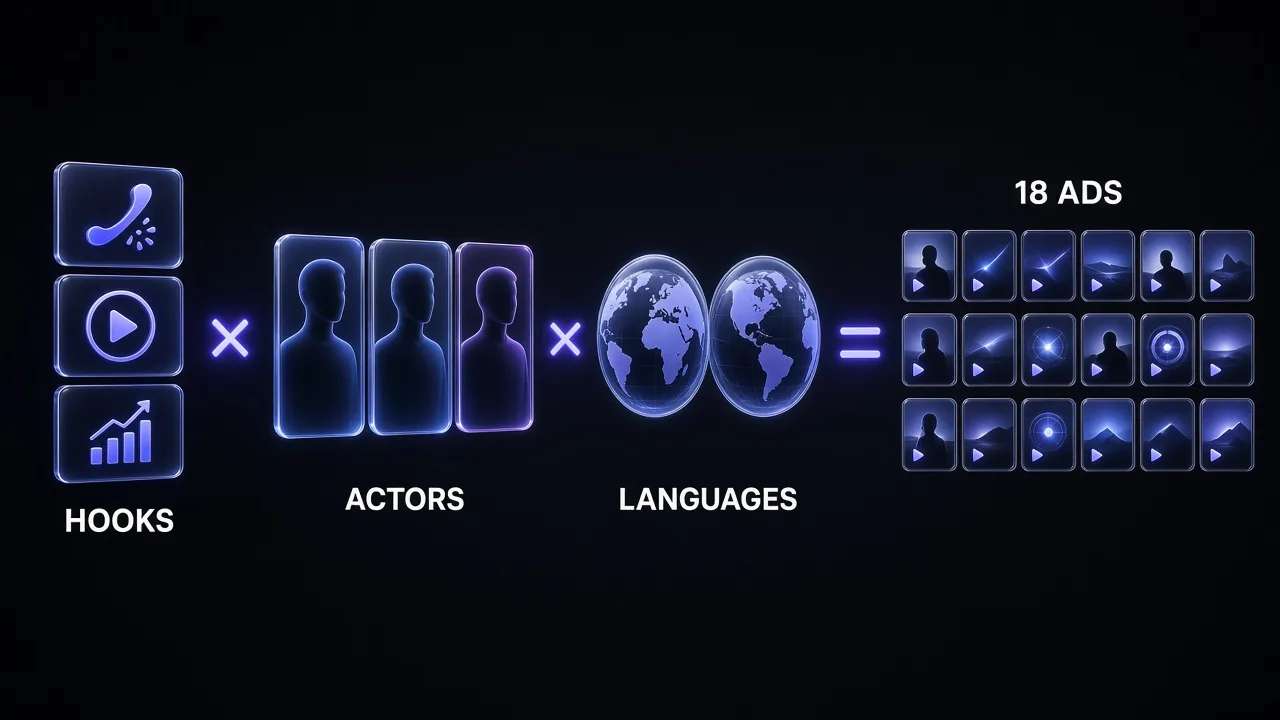
The variant matrix grows fast. Three hooks × three actors × two languages is already 18 ads. That is useful for a mature account and wasteful for a new one. A simple rule we follow:
| Account stage | First batch | What you are learning |
|---|---|---|
| New product, no data | 6-9 hooks, 1 actor each, 1 language | Which angle works at all |
| One proven angle | 1-2 hooks × 3 actors | Which face and voice carry it |
| Proven ad, new market | The winner × 2-3 languages | Whether the angle travels |
Change one dimension per round. If you change the hook, the actor and the language at the same time, you cannot tell which one moved the numbers. When you want cinematic product B-roll for later rounds, our AI video cost per second comparison shows which video models give the most seconds per dollar.
The Full Tool Stack and Monthly Budget
| Tool | Starting plan for this workflow | Published price | Monthly allowance |
|---|---|---|---|
| Arcads | Creator (Workflows, captions) | Shown in the app only | 16,000 credits (about 20 talking-actor videos) |
| HeyGen | Creator | $29/month | 600 credits |
| ElevenLabs | Starter or Creator | $6 or $22/month | 30,000 or 121,000 credits |
| Brief and scripts | Any capable LLM or agent | Varies | - |
The cheapest working version is Arcads plus ElevenLabs Starter; HeyGen is the upgrade you add for product-in-hand winners. If you would rather consolidate into fewer subscriptions, our list of the best HeyGen alternatives and the best AI video stack guide cover tools that can replace one of the three.
Mistakes That Burn Credits
- Generating before the brief is done. Re-rendering because the offer changed is the single biggest waste. Lock the brief first.
- Testing too many variables at once. 18 ads with three changing dimensions teaches you less than 6 ads with one.
- Forgetting the hard stop. Arcads Starter and Creator stop generating at the monthly limit; if launch day is near the end of your cycle, check your balance first.
- Letting the Arcads trial roll over by accident. The trial gives 1,000 credits for 72 hours, needs a card, and starts the Starter monthly plan automatically unless you cancel.
- Cloning voices you do not own. Use Voice Design for invented personas; clone only your own voice or one you have written permission for.
- Skipping disclosure rules. Ad platforms and some regions have rules on AI-generated people and endorsements. Check your platform's current policy before launch, and never present an AI actor as a real customer testimonial.
- Translating losers. Localize only after an ad has proven itself in its first market.
Verdict: Is the Three-Tool Factory Worth It?
For anyone running paid social with more than one or two new ads a month, yes. Arcads makes the hook test fast and predictable because talking-actor videos have a flat credit cost; ElevenLabs gives you voices that stay consistent across every tool for a few dollars a month; and HeyGen adds the product-in-hand shot that a winning angle usually needs next. The setup takes an afternoon. After that, a new product goes from brief to a testable batch in a day, and you only spend real money translating what already works.
If you only add one thing this week, make it the brief-to-angle-matrix step. It is free, it takes 15 minutes, and it is what turns three subscriptions into a factory instead of three expensive toys.
Frequently Asked Questions
8 questions answered