Free Android app

The prompt gallery, in your pocket

Browse 170+ AI image and video prompts by the results they produce, fill in the blanks on your phone, and send the finished prompt to ChatGPT, Gemini or Midjourney in a single tap.

Get it on Google Play

Free · No ads · No account needed

Version
1.0.1
Size
About 3 MB
Requires
Android 8.0+
Price
Free
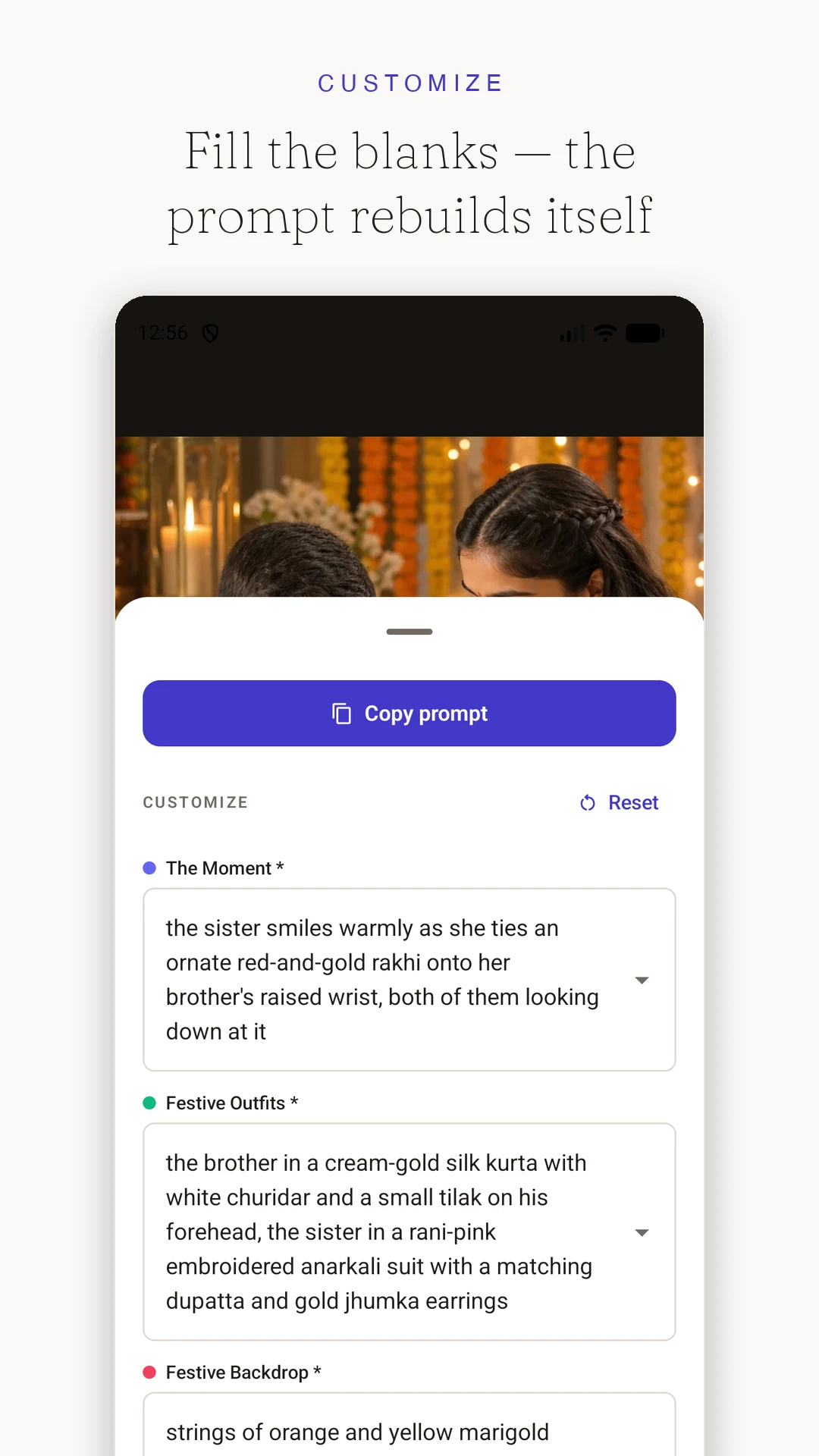
Customising a prompt with colour-coded fill-in-the-blank fields
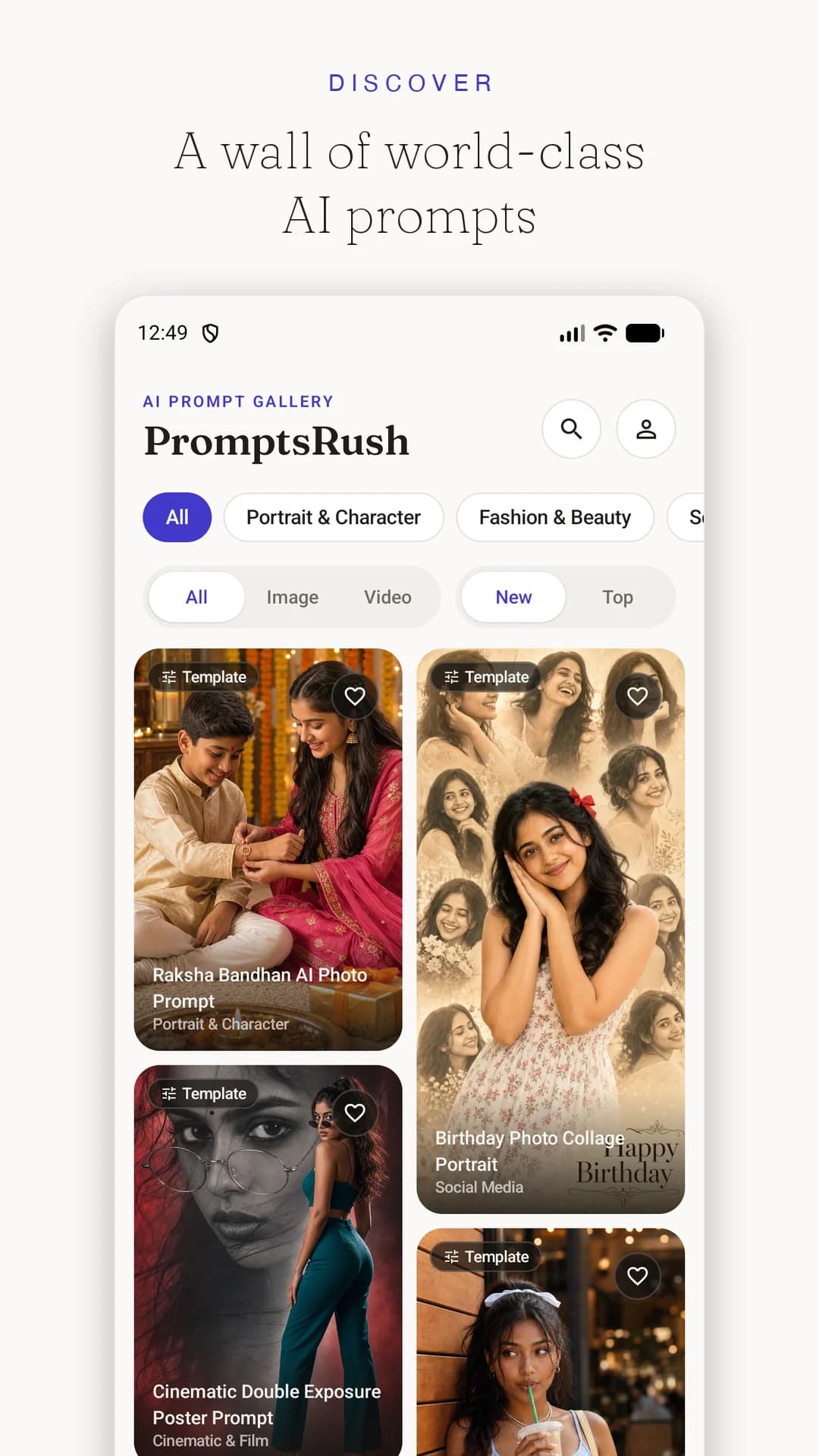
The PromptsRush gallery — a masonry wall of AI prompt results
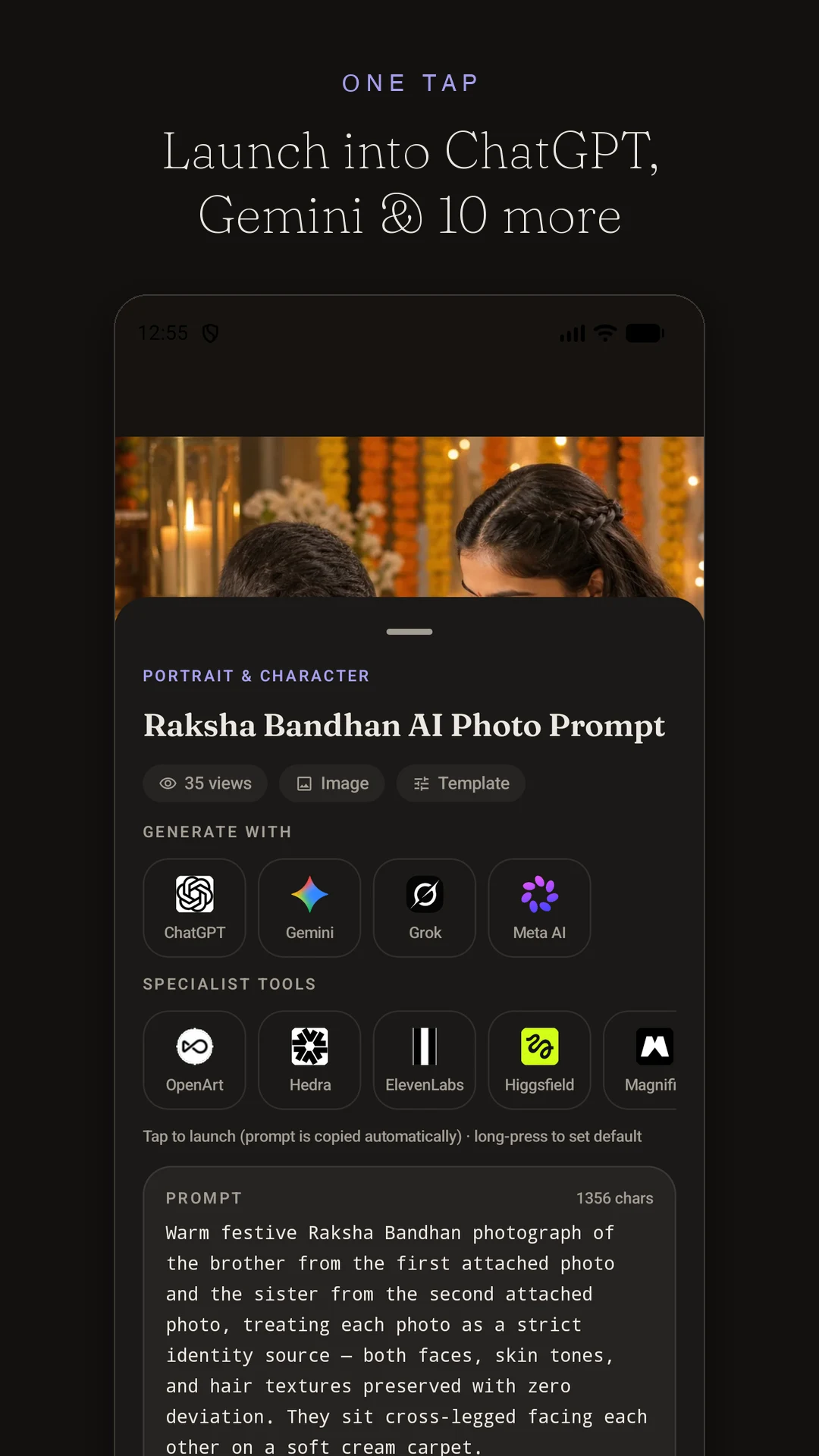
Sending a prompt to ChatGPT, Gemini and other AI apps in one tap
170+
Prompts, free
16
Categories
13
AI models covered
12
Apps, one tap away

What the app does

Everything on the site, rebuilt for a phone

Not a wrapper around the website. The gallery, the prompt viewer and the customiser were written natively so they feel instant under your thumb.

A gallery built for thumbs

Every prompt is shown by its result, in a Pinterest-style wall that keeps loading as you scroll. Filter by category, by image or video, by newest or most popular — the whole library, arranged the way you actually browse on a phone.

Read a prompt without losing your place

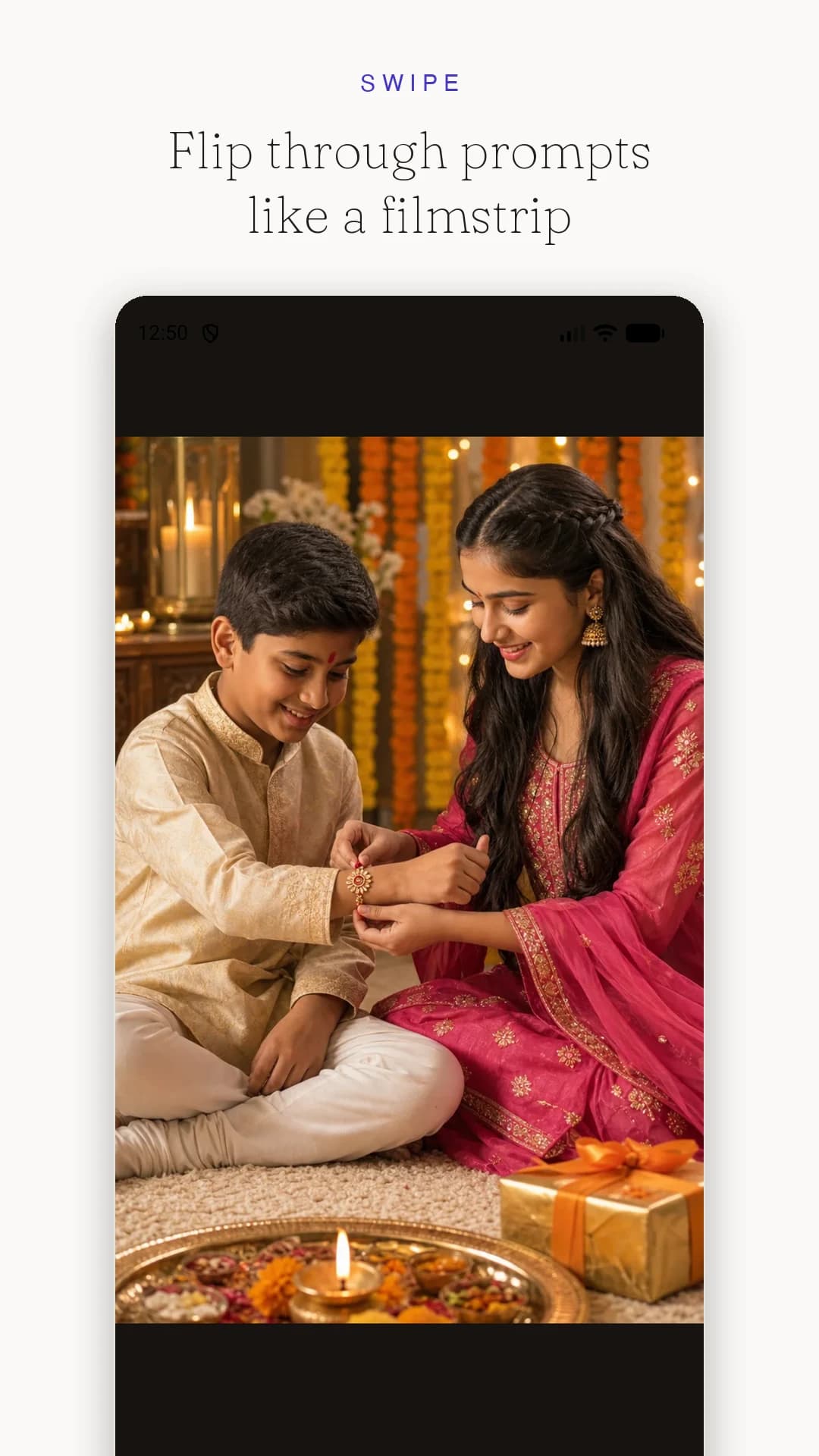
Tap any result to open it full-screen, then swipe sideways to move through the gallery like a filmstrip. Pinch or double-tap to inspect the detail in an image, and pull the sheet up to read the prompt beneath it.

Fill in the blanks, watch the prompt rewrite itself

Template prompts come with editable fields — subject, style, mood, backdrop. Each one is colour-coded inside the prompt text, so you can see exactly what your choice changed. Long options are shown as tappable cards, and your edits are kept per prompt.

One tap into the app you generate in

The prompt is copied automatically and the app you choose opens straight away — ChatGPT, Gemini, Grok, Meta AI and eight more. Pin a favourite and it becomes a single "Generate with" button on every prompt.

Search that understands tags

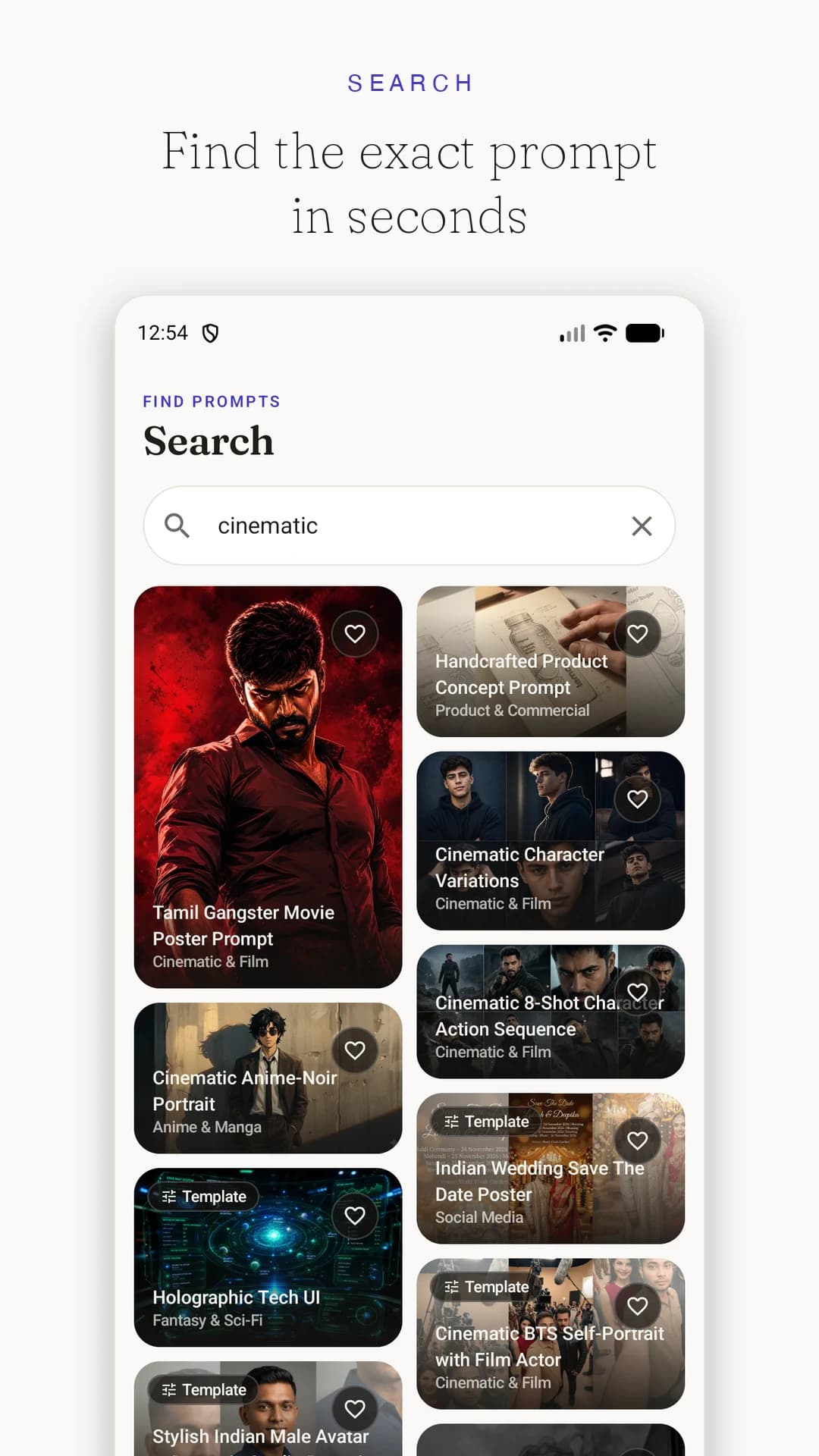
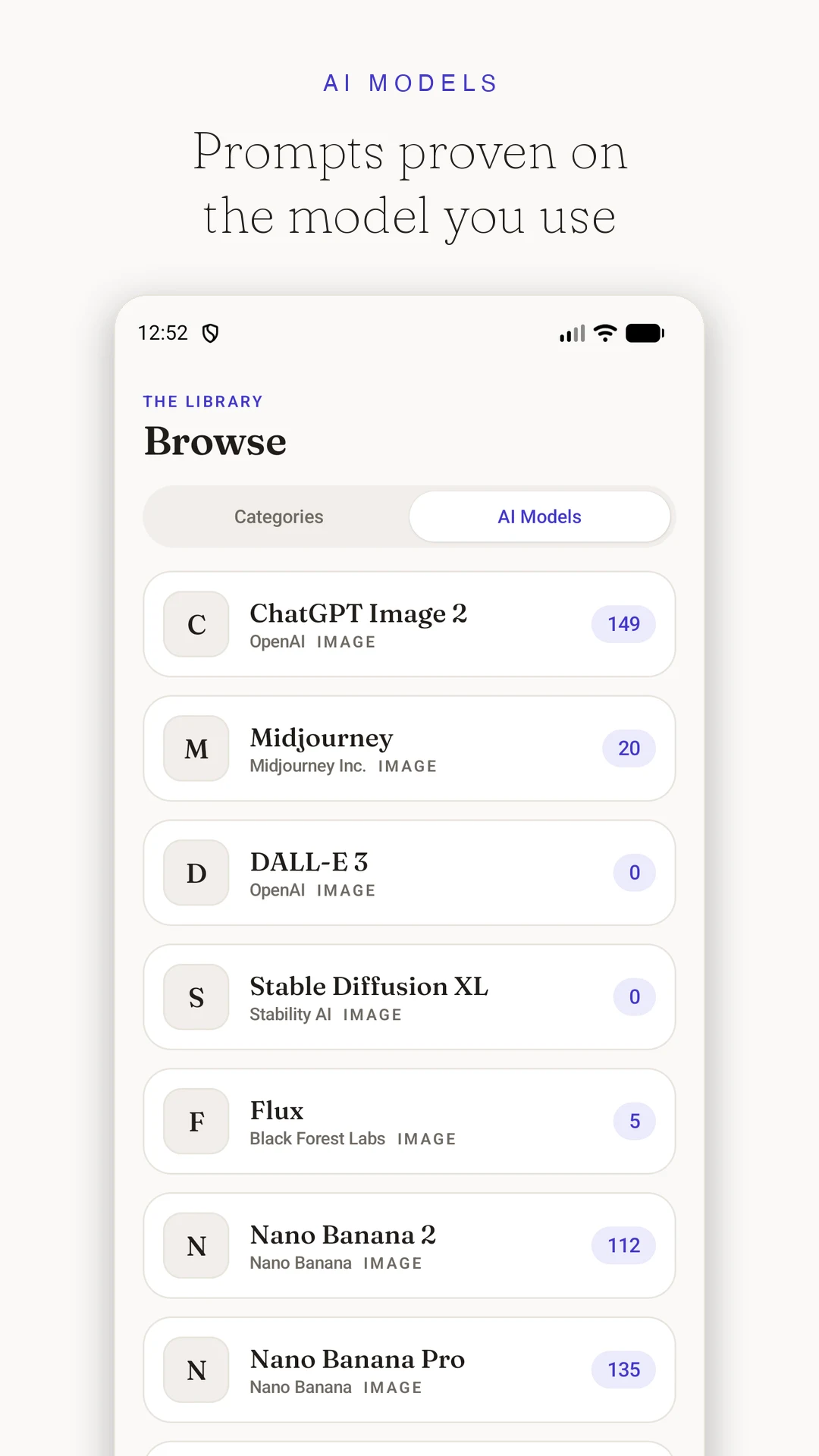
Type two letters and results appear as you go, matched against prompt titles, prompt text and tags. Browse by category, or open a model page to see only the prompts proven on ChatGPT Image, Nano Banana, Midjourney or Flux.

Save now, read later

Tap the heart to keep a prompt in a wishlist that syncs with your promptsrush.com account. Prompts you have opened stay readable offline, so a spotty connection does not cost you the prompt you were about to use.

Warm light and dark themes

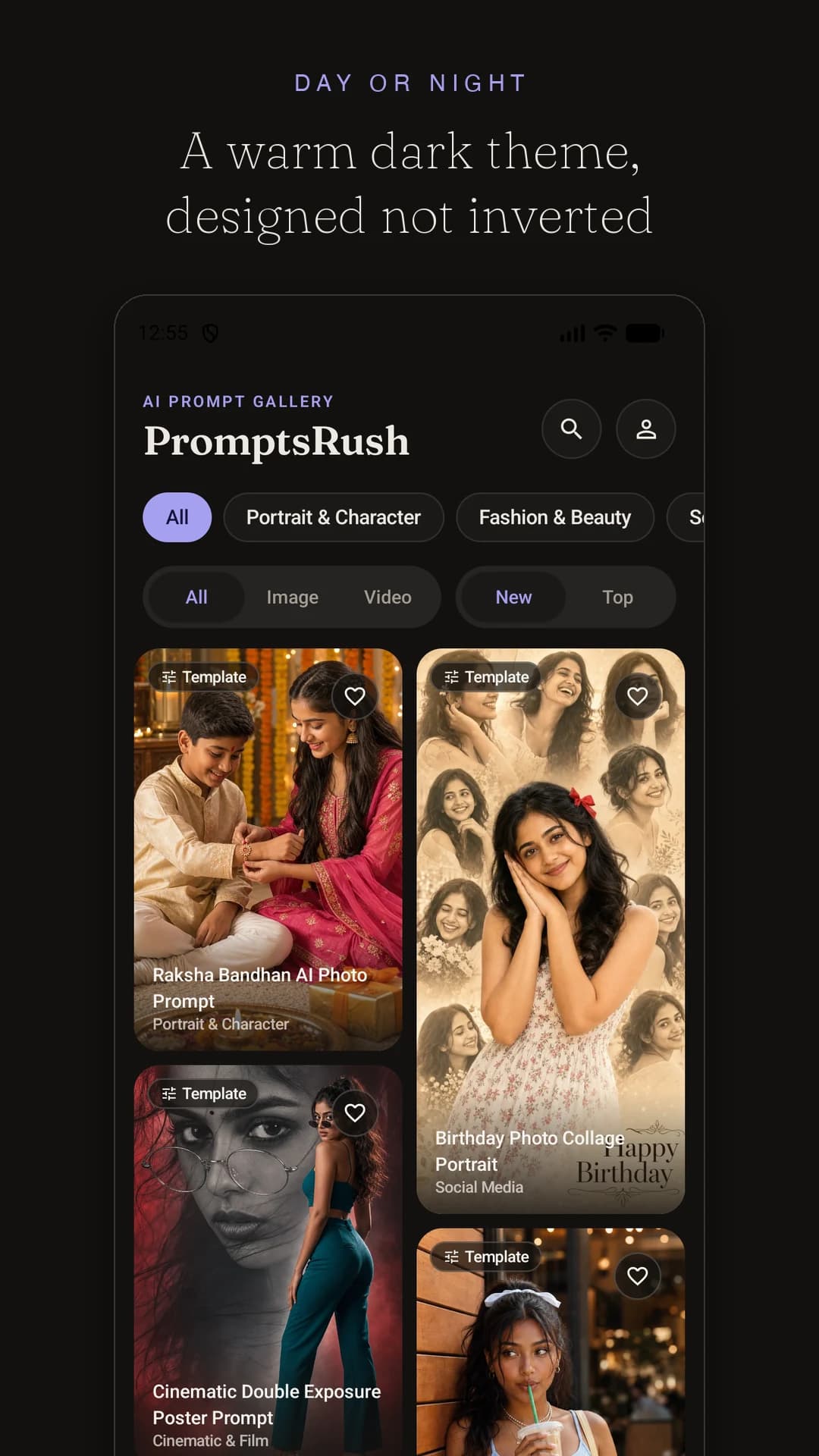
The same editorial design as the site — ivory paper and espresso ink by day, a warm near-black at night. Designed rather than inverted, and it follows your system setting unless you pick one.

No ads, no tracking, no account wall

Browsing, customising, copying and launching all work without signing in. There are no adverts and no third-party analytics — an account only exists so your wishlist can follow you between phone and web.

A look inside

Eight screens, no clutter

The PromptsRush gallery — a masonry wall of AI prompt results
Swiping through prompts full-screen in the PromptsRush app
Sending a prompt to ChatGPT, Gemini and other AI apps in one tap
Customising a prompt with colour-coded fill-in-the-blank fields
Searching the PromptsRush prompt library
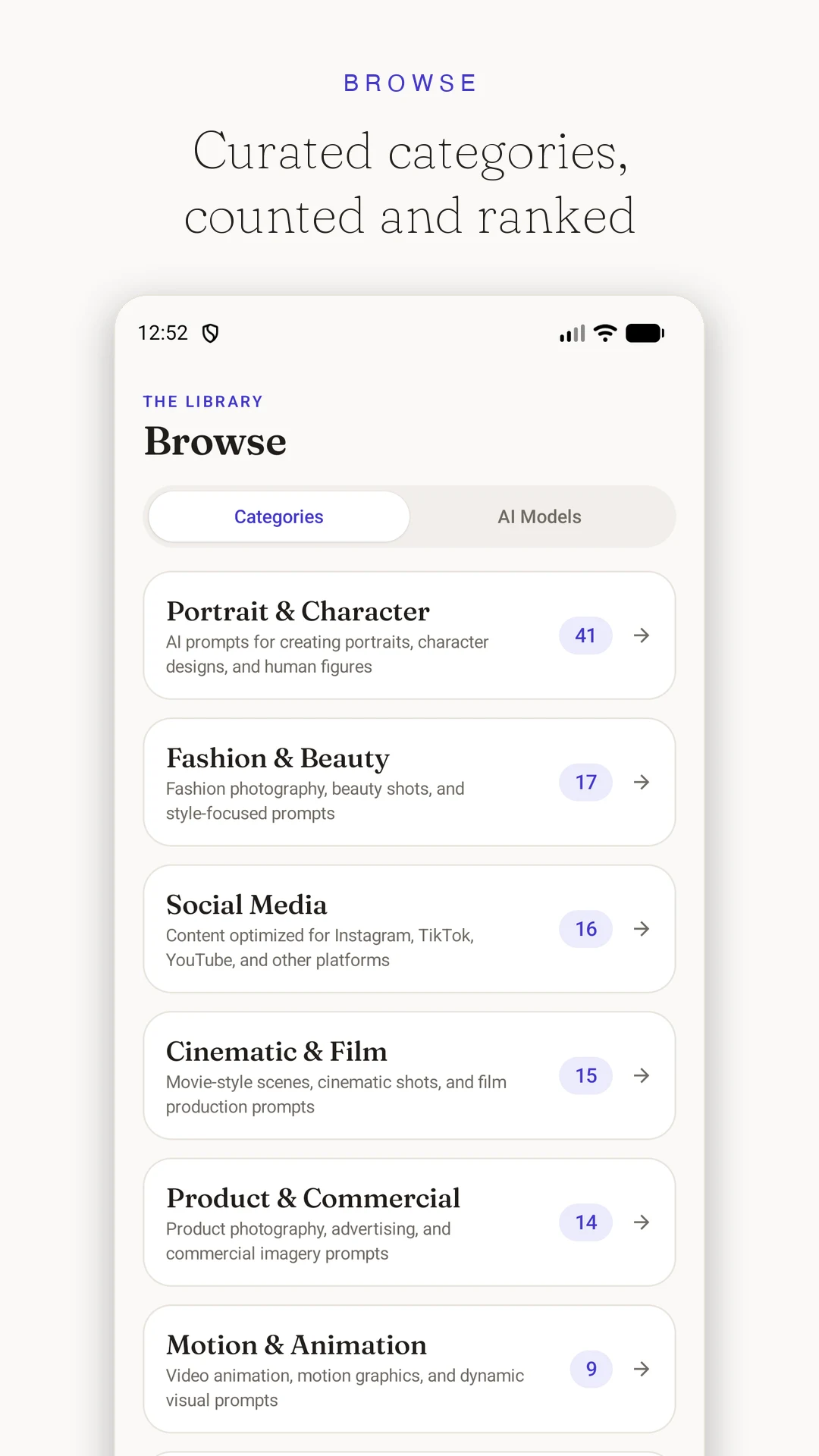
Browsing AI prompt categories in the app
AI model directory showing prompt counts per model
The PromptsRush gallery in dark theme

App or browser?

Use whichever suits the moment

Everything you have on promptsrush.com stays there. The app adds the things a phone does better — and a few the browser simply cannot do.

FeatureWebsiteAndroid app
Browse the full prompt galleryYesYes
Customise fill-in-the-blank promptsYesYes
Save prompts to a synced wishlistYesYes
Swipe between prompts full-screenNoYes
Opens your installed ChatGPT or Gemini appNoYes
Read prompts you opened while offlineNoYes
One tap from your home screenNoYes
Blog, guides, marketplace and eBooksYesNo

Getting started

From install to first image in a minute

  1. 01

    Install from Google Play

    About 3 MB, works on Android 8.0 and newer. No sign-up screen when you open it.

  2. 02

    Find a result you like

    Scroll the gallery or search. Every card shows what the prompt actually produced.

  3. 03

    Make it yours

    Open Customize and pick your subject, style and mood. The prompt updates as you choose.

  4. 04

    Generate

    Tap Generate. Your AI app opens with the prompt already copied — paste and go.

Questions

Before you install

Still unsure about something? Ask us — we answer every message.

Is the PromptsRush Android app free?
Yes. The app is completely free, with no adverts, no subscription and no paid unlocks. Every prompt in the library is available in the app.
Do I need an account to use the app?
No. Browsing the gallery, customising prompts, copying them and sending them to other AI apps all work without signing in. An account is only needed if you want your saved prompts to sync between the app and promptsrush.com.
Which Android versions are supported?
Android 8.0 (Oreo) and newer, which covers almost every phone in use today. The app is built for Android 16 and works on tablets and foldables as well as phones.
Which AI apps can I send prompts to?
You can launch a prompt straight into ChatGPT, Gemini, Grok, Meta AI, OpenArt, Hedra, ElevenLabs, Higgsfield, Magnific, Krea, Kling, Midjourney. The prompt is always copied to your clipboard first, so you can paste it anywhere else too.
Does the app work offline?
Loading new prompts needs an internet connection, but prompts you have already opened stay readable offline, along with any field values you filled in.
Is there an iPhone version?
Not yet. On iOS you can use promptsrush.com in Safari and add it to your home screen — the gallery, customisation and one-tap launching all work in the mobile browser.
Are the prompts the same as on the website?
Yes. The app reads the same library as promptsrush.com, so new prompts appear in both at the same time.
How do I delete my account and data?
Open Settings in the app and tap Delete account, or visit promptsrush.com/account/delete in any browser. Deletion removes your account, profile and saved prompts immediately.
170+ prompts, ready when the idea is

Free, no adverts, no account required. Install it once and the whole library travels with you.

About 3 MB · Android 8.0+