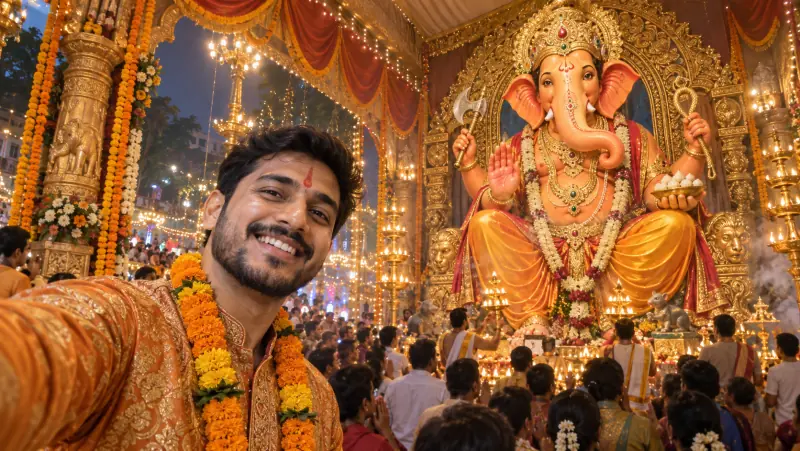
Portrait & CharacterGanesh Chaturthi Murti AI Image Prompt
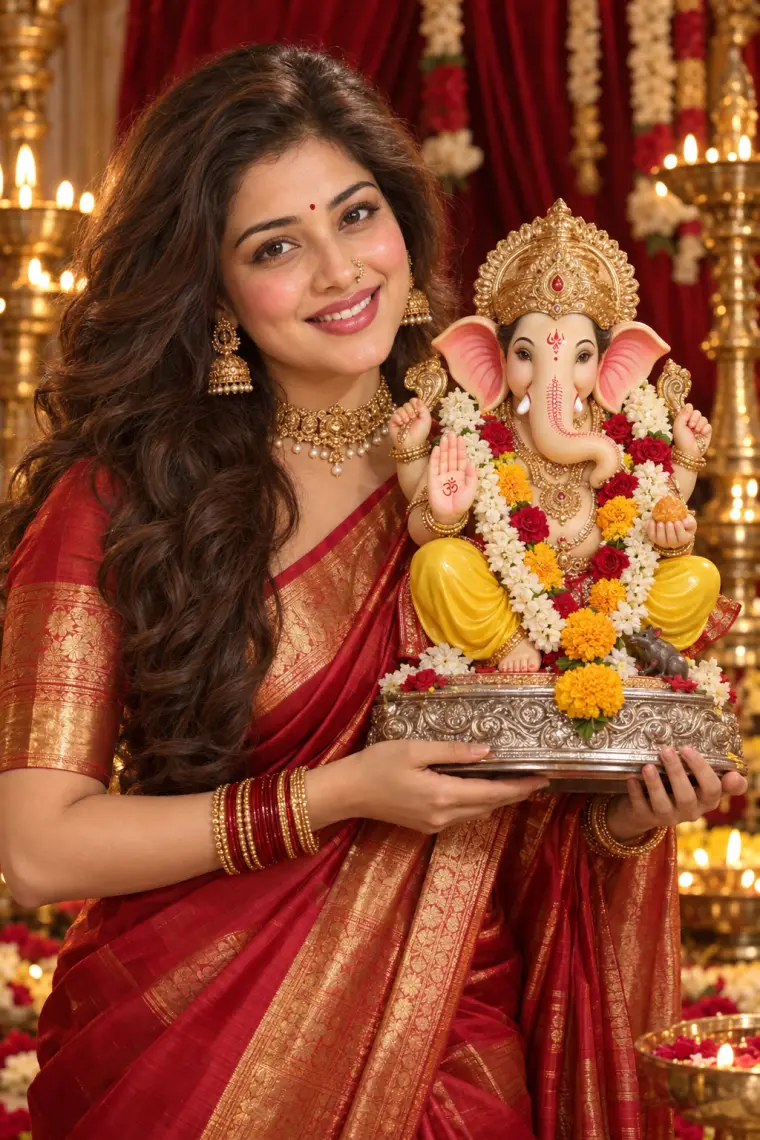
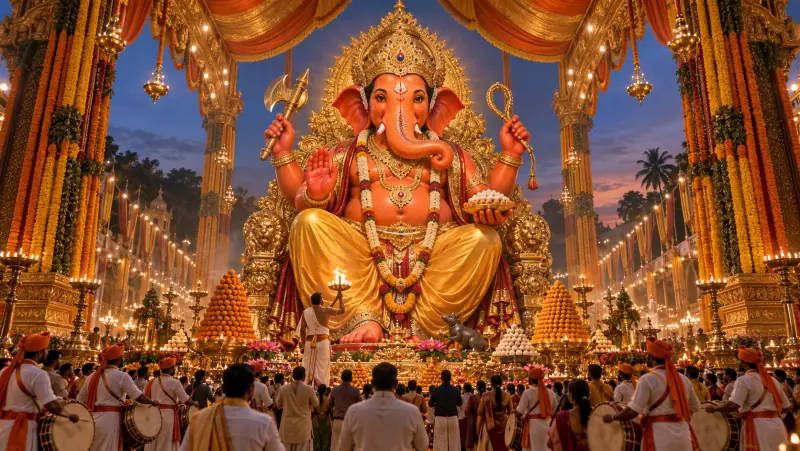
A Ganesh Chaturthi AI image prompt that generates a colossal Lord Ganesha murti in a grand public pandal, with eight divine forms and soaring scale. It recreates the spectacle of the biggest public pandals: a towering murti as the undisputed focal point, devotees and dhol-tasha drummers small at its base, and open, spacious composition that makes the scale feel immense rather than cluttered. Why the murti comes out right Deity art fails most often on iconography, so each Murti Form option carries a complete, self-contained description — crown, ornaments, what each hand holds, the vahana. The fixed tail then guards the details models usually get wrong: a single correctly curved trunk and the right number of arms for the chosen form. What you can customize Murti Form — royal seated king, gold ornament splendor, eco shadu clay, dancing Nritya Ganapati, Panchmukhi on a lion, standing protector, Bal Ganesha, or white marble Pandal Setting — a grand street pandal, temple replica, royal palace durbar, floral mandap, eco bamboo and jute, seaside visarjan float, or village chowk Scene — who and what surrounds the murti, in your own words Festive Moment — evening aarti, night light spectacle, morning sthapana, gulal celebration, monsoon night, golden hour, or visarjan farewell Camera & Scale — low-angle heroic, symmetrical aisle, aerial drone view, close divine portrait, wide street panorama, or three-quarter side Decor Palette — saffron and gold, royal red, pastel floral, emerald, royal blue and silver, or ivory and gold Art Style — photorealistic, cinematic film still, 3D render, classical oil painting, watercolor, or traditional miniature Extra Details — offerings, flowers, an aura, or anything else to add Best for WhatsApp status and display pictures, Instagram festival posts, Ganesh Chaturthi greeting cards, pandal committee posters, phone and desktop wallpapers, and thumbnails for festival videos. Tips for the best results Choose the form first and leave arms and hand objects out of the Scene field — the form already defines them, and repeating them causes conflicts. For the most spacious feel, pair Low-Angle Heroic or Symmetrical Aisle with a grand pandal; use Aerial Drone View to show crowd scale. Keep the Scene to three or four elements, since a crowded foreground shrinks the murti. If the trunk or arm count comes out wrong, regenerate rather than editing. The image is deliberately text-free, so add greetings such as Ganpati Bappa Morya in any editor afterward.