Loading model...
Best ChatGPT Image 2 prompts
167 prompts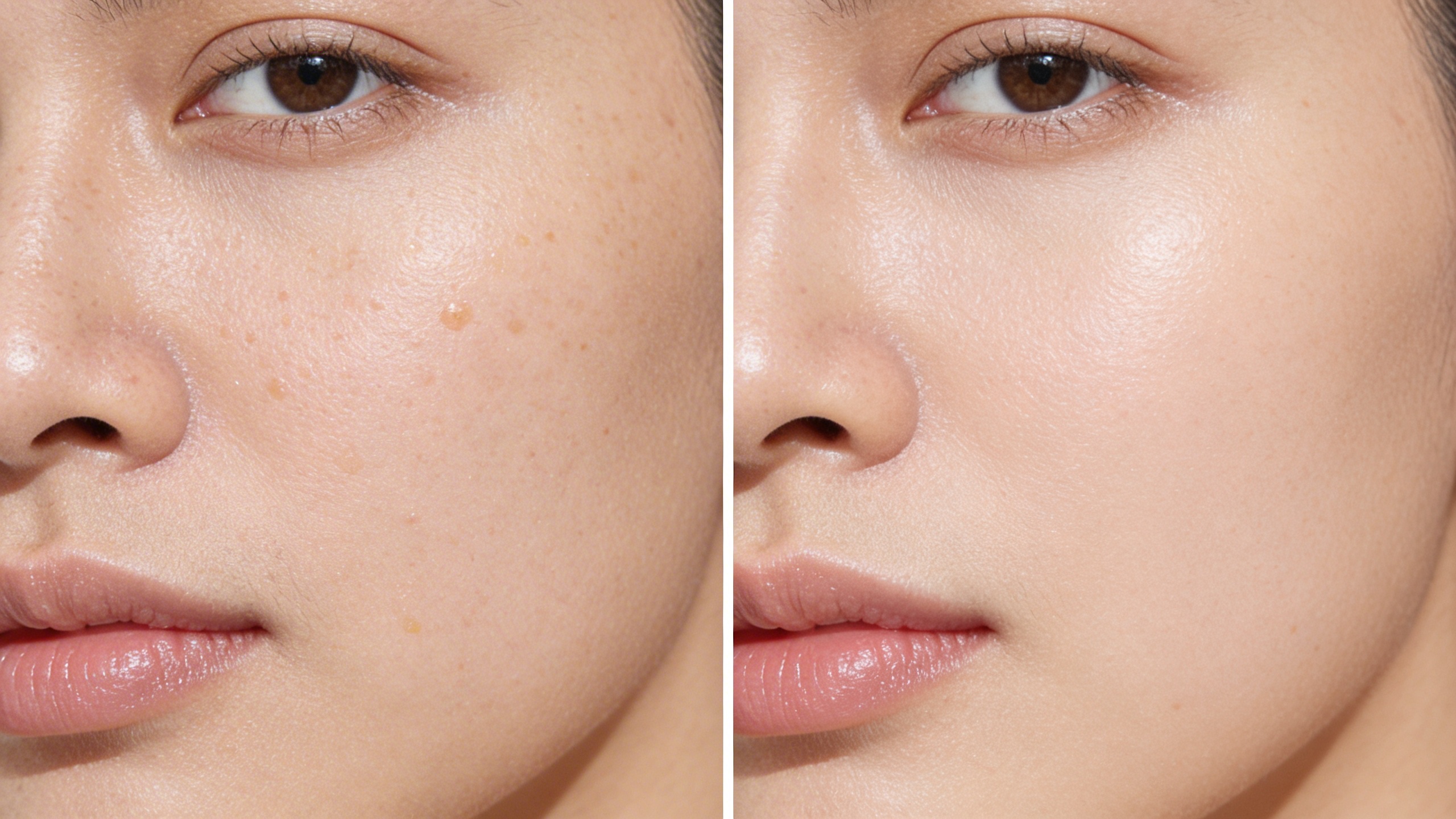
Image
Product & Commercial
Pore Refinement Comparison – Clinical Before & After Close-Up
This template generates a hyper-realistic skincare comparison visual focused on pore refinement and texture improvement. The composition uses a clean split-screen format to clearly present visible changes while maintaining natural skin authenticity.The lighting is soft and clinical-neutral to avoid artificial glow or unrealistic perfection. The transformation appears believable, professional, and suitable for dermatology campaigns, skincare ads, and product landing pages.
313 Views
Image
Fashion & Beauty
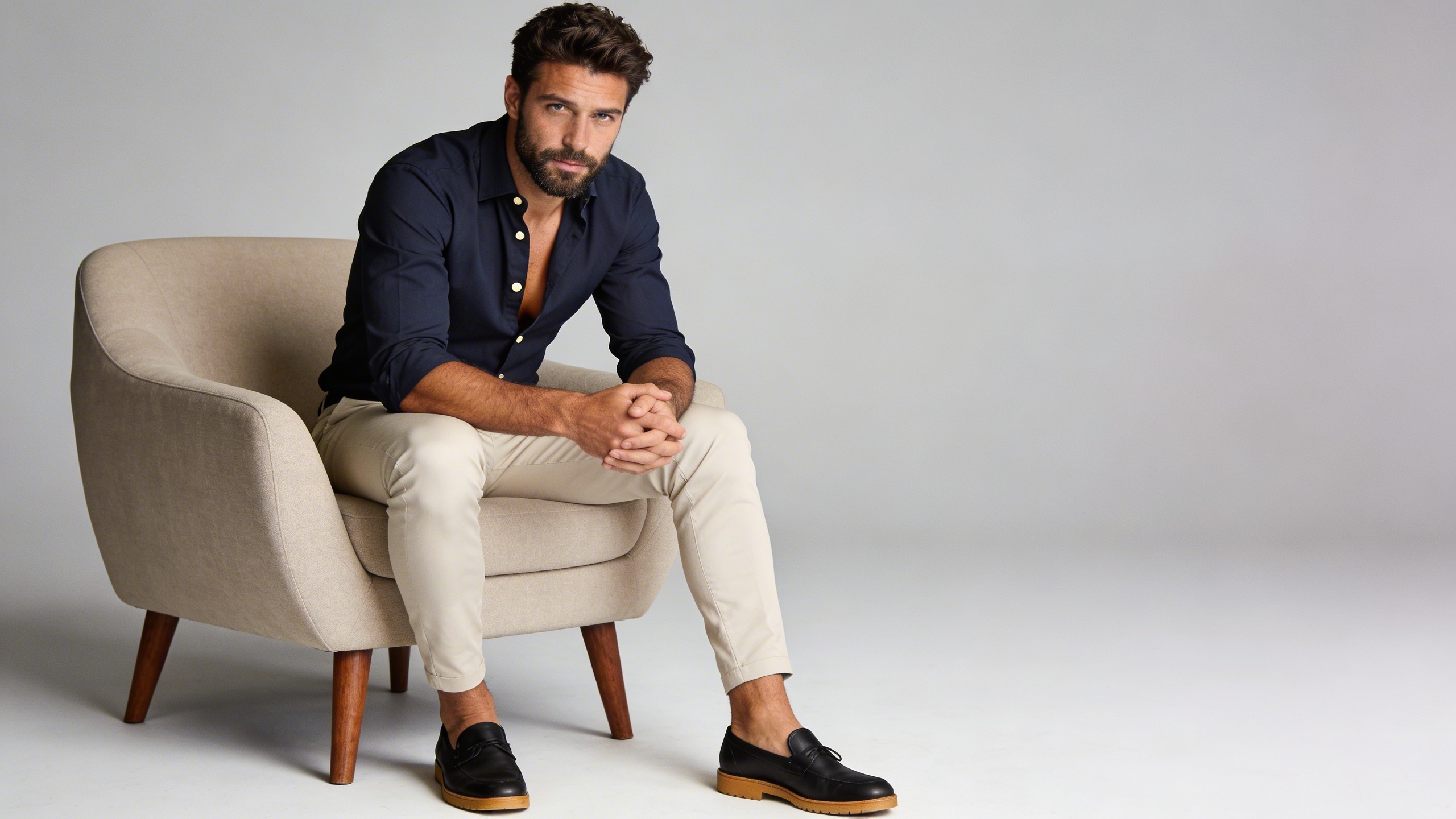
Modern Editorial Authority – Cinematic Studio Portrait
This template generates a high-end cinematic studio portrait featuring a confident seated male subject in a modern fashion-editorial setting. The visual tone is clean, minimalist, and luxurious, with strict preservation of the subject’s real identity from the uploaded image.The composition emphasizes posture, texture, and subtle lighting sculpting to create a powerful yet refined presence suitable for branding, corporate portraits, fashion campaigns, or premium social media visuals.
231 Views
Image
Portrait & Character
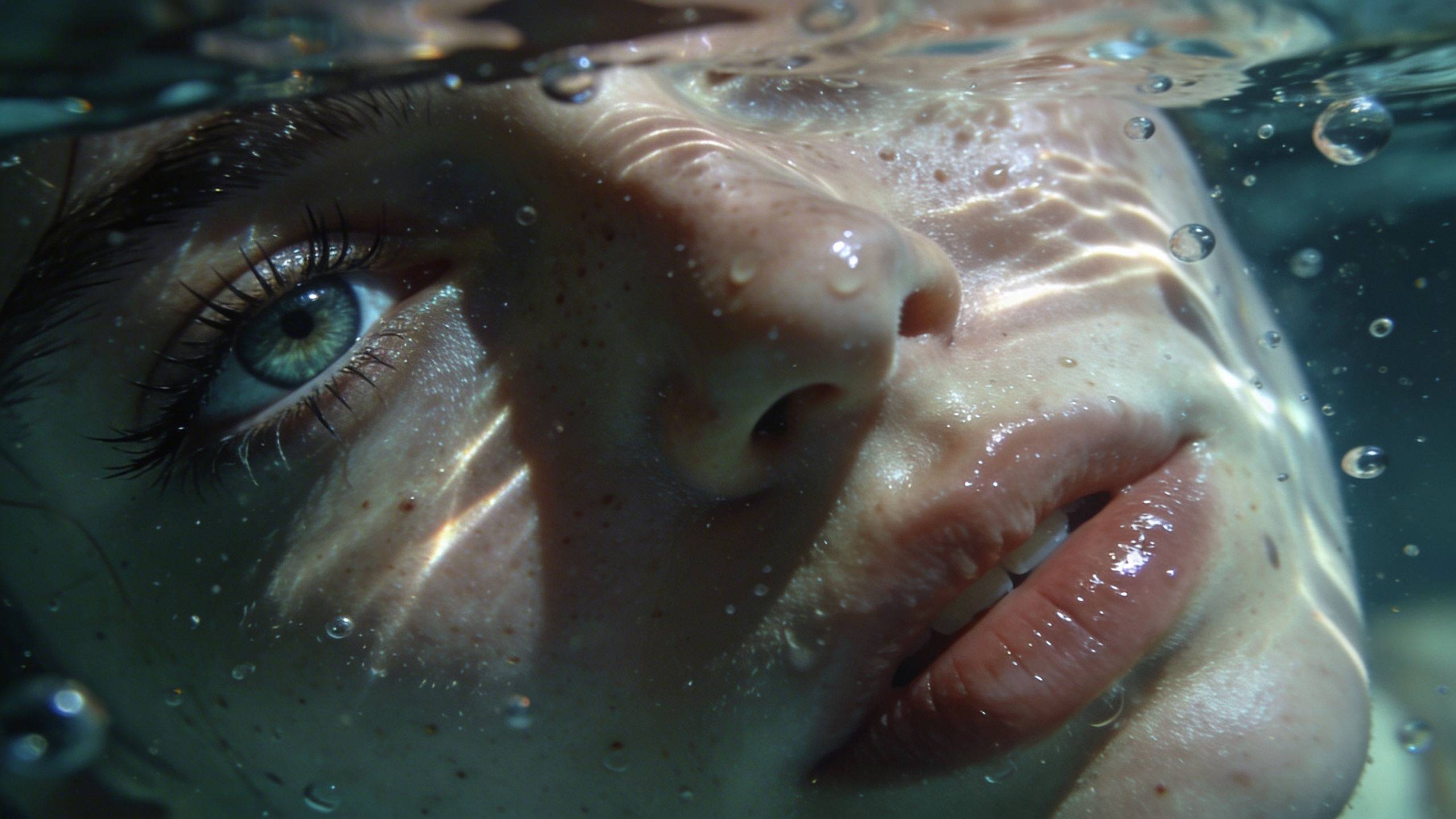
Submerged Focus – Cinematic Underwater Half Portrait
This template creates a hyper-realistic underwater macro portrait showing only the left half of the subject’s face. The composition emphasizes intimacy, texture, and dreamlike atmosphere while maintaining strict identity accuracy.The visual focus is one sharply defined eye positioned at the far left of the frame, with underwater light caustics dancing across natural skin textures. The mood blends realism and surreal elegance, making it ideal for editorial portraits, artistic branding, cinematic posters, or conceptual social visuals.
229 Views
Image
Portrait & Character
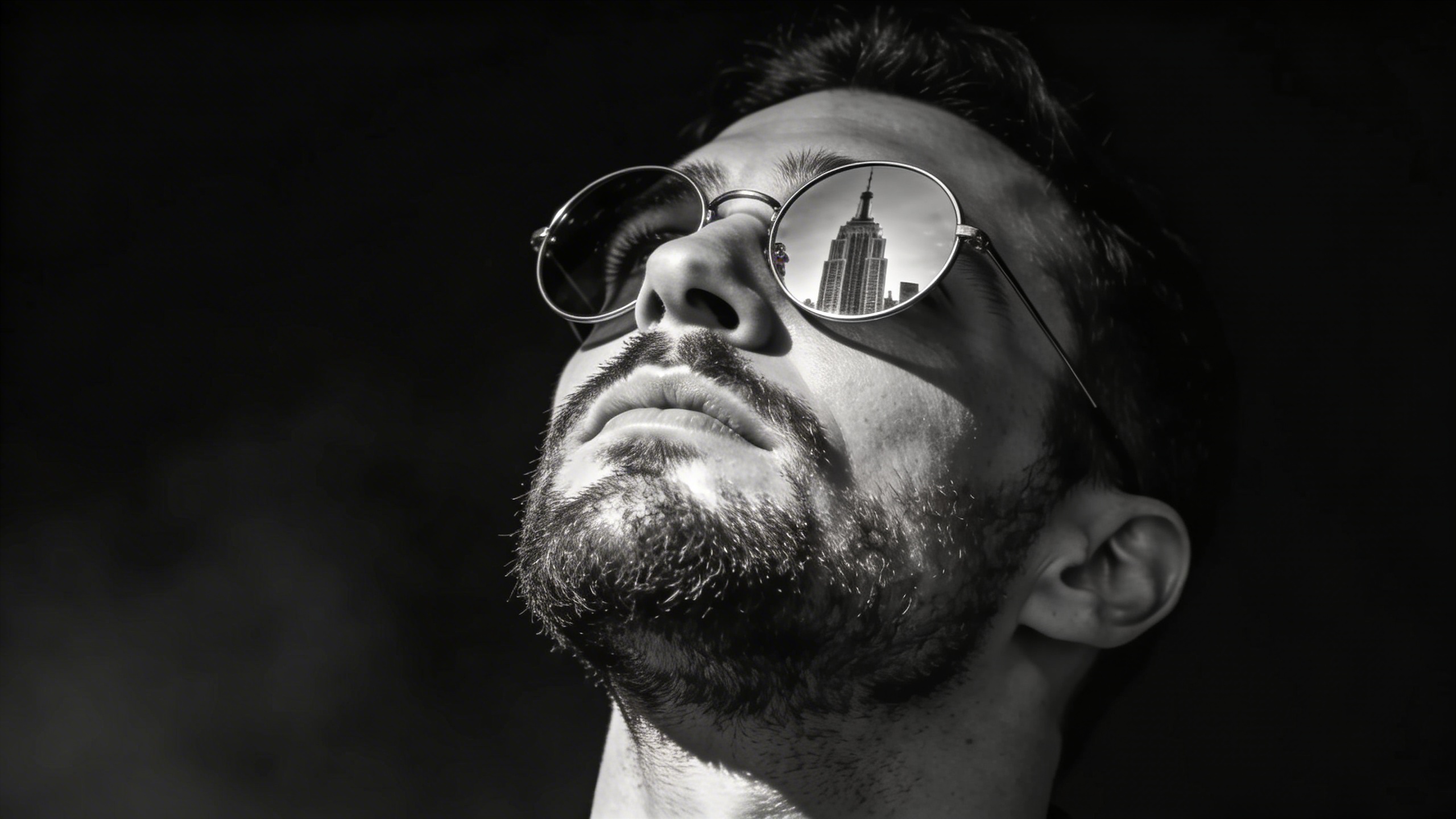
Noir Ascension – Cinematic Black & White Power Portrait
This template creates a dramatic, ultra-realistic black-and-white cinematic portrait with strong side lighting and deep contrast. The subject remains completely unchanged in facial structure and identity while the environment and lighting elevate the mood into a powerful noir-style visual.The reflective sunglasses act as a storytelling element, showing a towering city skyline — symbolizing ambition and dominance.Perfect for editorial branding, social media hero visuals, album covers, or cinematic character posters.
244 Views
Image
Featured
Education
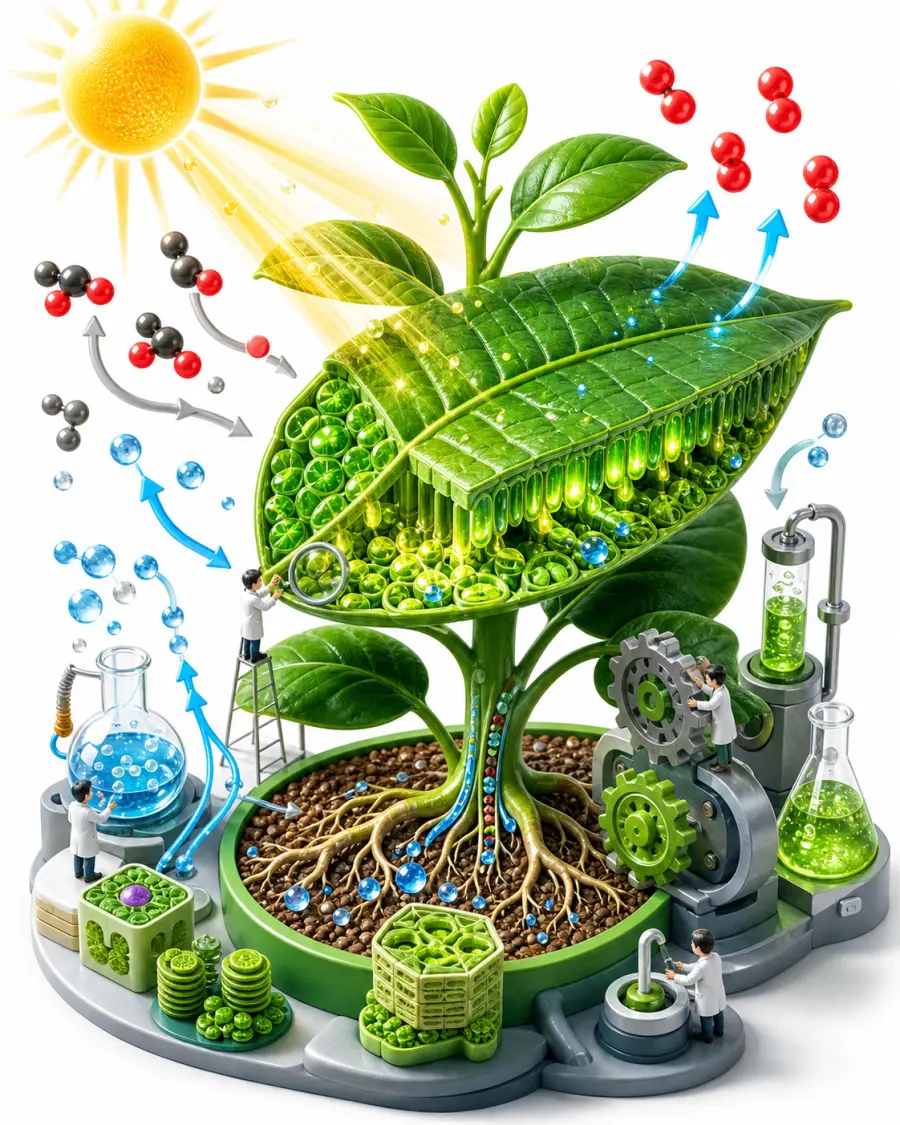
Engaging Isometric Educational Concept
This image prompt produces engaging, visually stunning 3D isometric illustrations for educational materials, explainer content, and e-learning. Isometric art is widely recognized for making complex or abstract concepts easier to digest by presenting them as interconnected miniatures. The prompt composes miniature characters interacting with scaled-up topic elements (books, gears, molecules, beakers or instruments), with small arrows and icons that make the idea readable at a glance, all under bright, even studio lighting on a clean white background at 8k resolution. What you can customize Educational Topic — the concept being illustrated; the default is photosynthesis with a cutaway leaf, glowing plant cells, and molecule flows Color Palette — the color scheme, such as vibrant emerald green and warm sun-yellow Illustration Style — five options: Playful 3D Cartoon, Clean Infographic, Detailed Diorama, Low-Poly, or Claymation Best for Header graphics for online course modules, textbook illustrations, PowerPoint or Keynote slide decks, and infographics explaining scientific, historical, or mathematical concepts. Instructional designers, teachers, Udemy and Skillshare instructors, textbook publishers, and EdTech startups can get custom illustrations without hiring a 3D artist. Tips for the best results Be specific with the topic. Instead of "science", specify "the human circulatory system" or "how a combustion engine works"; the Nano Banana Pro model handles specific details much better. Use color psychology: blue and teal palettes suit intense focus subjects like math and science, while vibrant oranges and yellows suit creative or energetic topics. The white background is deliberate, making it easy to run background removal or blend the image into white pages and slides. Avoid cluttered requests. "World history from Rome to WW2" in one prompt produces messy results; keep each generation narrowly focused. Avoid literal text overlays or specific diagram labels, as AI still struggles with accurate typography on complex shapes.
Image
Architecture & Interior
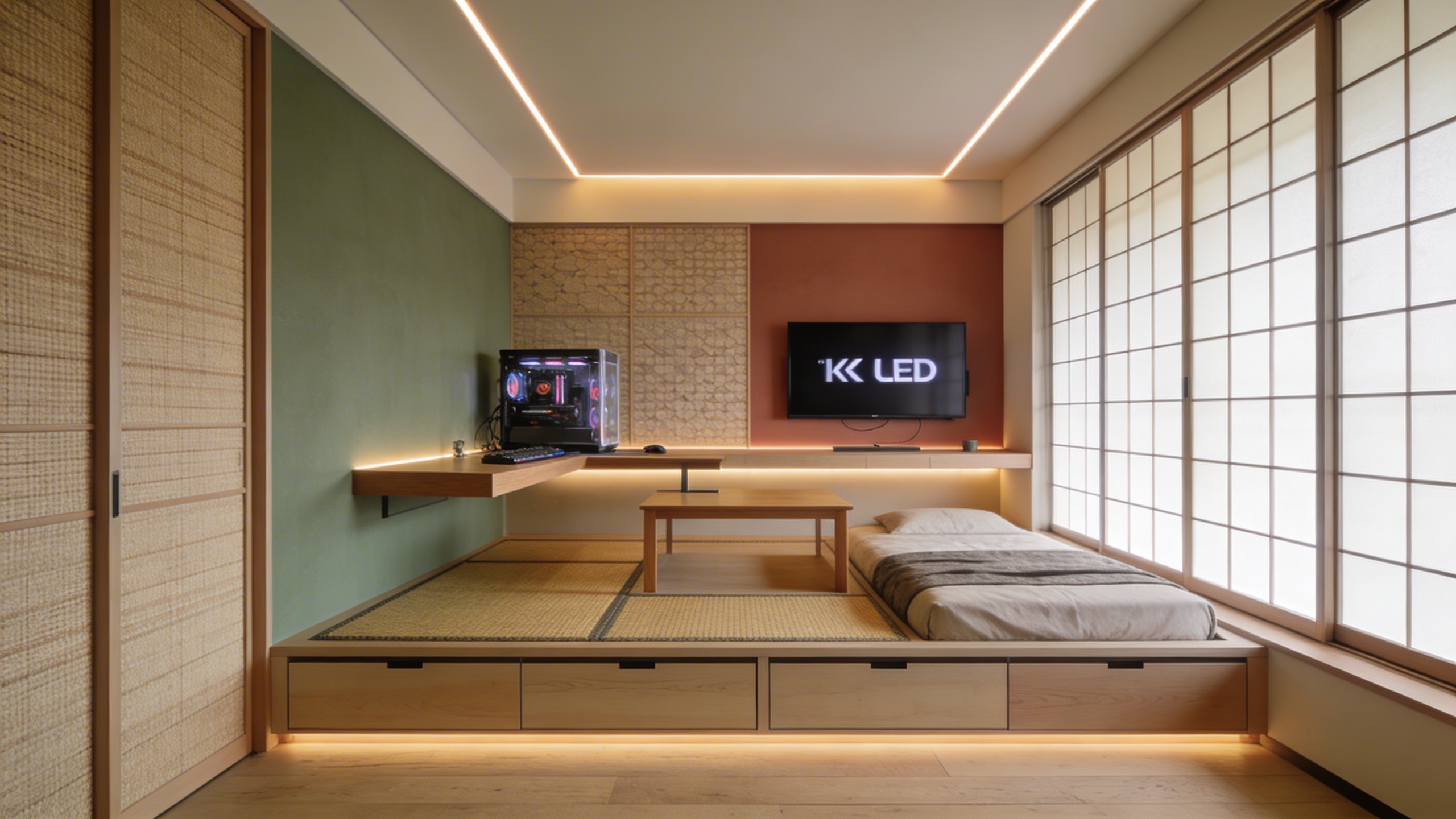
Luxurious Modern Japandi Interior
This prompt crafts stunning interior design renderings in the popular 'Japandi' aesthetic, a hybrid of Japanese minimalism and Scandinavian functionality. The style is defined by natural materials, warm neutral palettes and intentional simplicity, and the prompt locks those in: pale woods, muted earthy tones and a wide-angle lens that shows the full room layout. Output is photorealistic, interior-design-magazine-quality photography at 8k resolution. What you can customize Room Type — the space being rendered; the default is a spacious open-concept living room with a vaulted ceiling, but a detail shot like a close-up of a Japandi coffee table setup works too. Key Interior Features — the furniture and objects that anchor the scene, such as a low-profile curved bouclé sofa, a raw-edge wooden coffee table and a large indoor olive tree. Lighting — the light source and mood; the default is soft morning sunlight casting long shadows across a polished concrete floor. Best for Real estate staging concepts, interior design pitch decks, architectural mood boards and hero imagery for furniture or home decor e-commerce sites. Interior designers, real estate agents showing the potential of empty properties, architects and lifestyle brands needing high-end residential backgrounds for product composites all get value from it. Tips for the best results Focus on natural materials — request elements like "light oak wood", "linen upholstery", "wabi-sabi ceramics" or "paper lanterns" to ground the image in reality; Japandi thrives on texture. Let the light in: specifying "soft golden hour sunlight streaming through floor-to-ceiling windows" drastically improves the mood and premium feel. If you want a detail shot rather than the full layout, adjust the Room Type rather than fighting the wide-angle default. Avoid bold, chaotic colors or loud patterns like neon or busy florals, which break the serene minimalist aesthetic. Do not overcrowd the space with furniture; the power of this style is in the negative space and breathing room between objects.
Image
Productivity
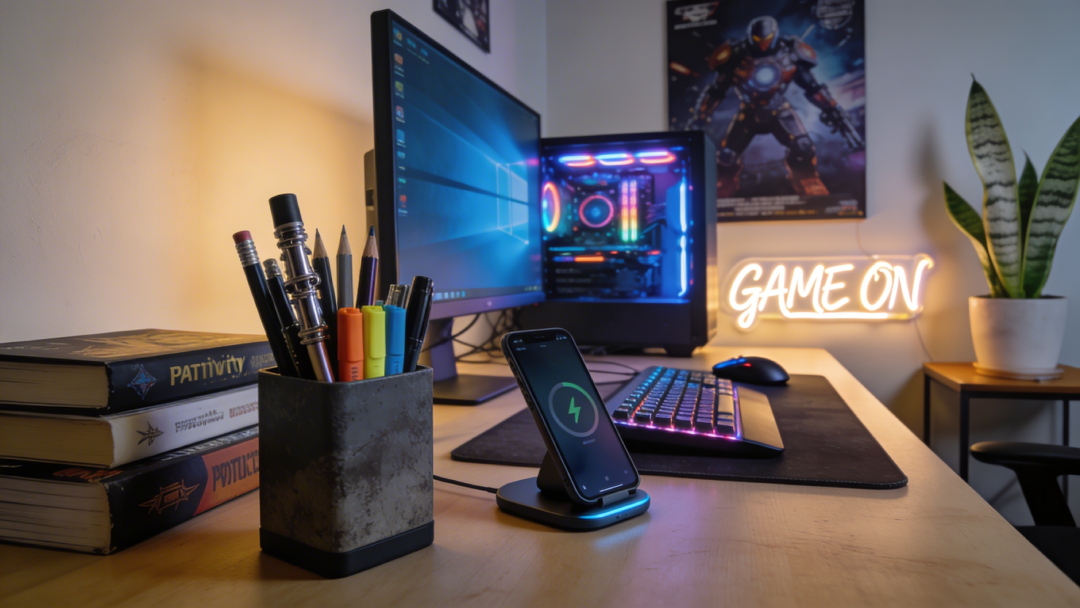
Deep Work Aesthetic Desk Setup
Generate cozy, highly curated desk and workspace setups that perfectly encapsulate the modern 'aesthetic productivity' and 'deep work' movements. The prompt renders lifestyle photography of a desk meticulously arranged for focus, with soft cinematic lighting and extreme attention to detail. The workspaces evoke a sense of focused calm and digital minimalism — the Instagram-worthy setup that productivity culture is built on. What you can customize Desk Items — what sits on the surface; the default is an open glowing tablet with a stylus, a minimalist mechanical keyboard and a steaming cup of matcha latte. Environment Vibe — three atmospheres: a cozy Rainy Afternoon by a large window, a Bright Minimalist Morning with harsh shadows, or a Late Night Hacker scene lit by monitor glow and a warm desk lamp. Best for Visual assets for productivity blogs, header images for task management apps, social posts for study-gram or workspace-setup accounts and background images for focus timer applications. Productivity software startups, lifestyle influencers, tech reviewers and writers get aspirational workspace imagery without cleaning and staging a physical desk full of expensive gadgets. Tips for the best results Curate the clutter: a productive desk is neither empty nor messy, so specifying two or three key items — an open laptop, a cup of coffee, a mechanical keyboard — yields the most realistic compositions. Pick the vibe that matches your content's tone; Rainy Afternoon yields cool, moody lighting while a sunny morning gives bright, energetic contrast. Add plant life — "a small potted succulent" or "trailing pothos plant" — to humanize a tech-heavy desk. Avoid requesting specific text on screens or in notebooks; the model will likely produce garbled text that ruins the photorealism. Avoid broad descriptions like "a desk with stuff on it"; the more specific the tools of the trade, the better the output.
Image
Architecture & Interior
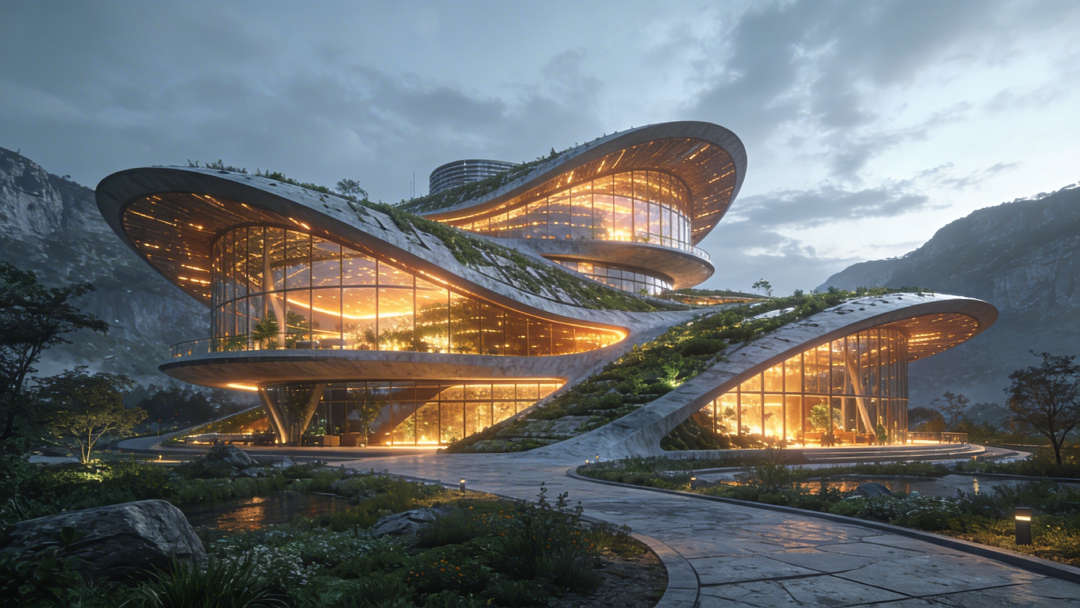
Sustainable Futuristic Architectural Render
Generate awe-inspiring, photorealistic exterior architectural visualizations focusing on sustainable, solarpunk, and eco-futurist design principles. The prompt merges massive modern structures with lush, integrated greenery and organic shapes, rendered at epic scale in an Unreal Engine 5 style architectural visualization. Warm glowing interior lights are built into every render, playing against cool exterior tones and foliage so the building looks inviting and inhabited. What you can customize Building Purpose — what the structure is; the default is a massive public botanical library and research center. Architectural Elements — the features that define the building, such as sweeping biomimetic curves, cascading vertical gardens and a transparent geodesic dome. Surrounding Environment — the context and time of day, from a lushly planted urban park at twilight to a dense metropolis or a coastal cliffside. Camera Angle / Perspective — three views: a dramatic Low Angle looking up, a sweeping Bird's Eye Aerial, or an Eye-Level Street View from a nearby walkway. Best for Urban planning concept proposals, architectural firm portfolios, science fiction world-building concept art and high-impact headers for sustainability and green-tech articles. Architects, urban planners, concept artists, real estate developers and environmental tech companies can use it to show investors or the public a compelling vision of a green future. Tips for the best results Specify eco-elements heavily in the Architectural Elements field — "cascading vertical gardens", "integrated solar panel glass", "living roofs" or "biomimetic curves" — to land the solarpunk look. Treat the surrounding environment as critical: a high-tech eco-building in a dense futuristic metropolis at dusk carries a very different emotional impact than one on a serene coastal cliffside. Use dusk or twilight settings to let the warm interior glow contrast against the exterior. Avoid gritty or dystopian keywords like "cyberpunk", "decay" or "grimy"; the goal is a utopian, clean, optimistic vision. Do not mix clashing historical styles, such as a futuristic gothic cathedral with solar panels, which can confuse the model and produce structural incoherence.
Image
Food & Culinary
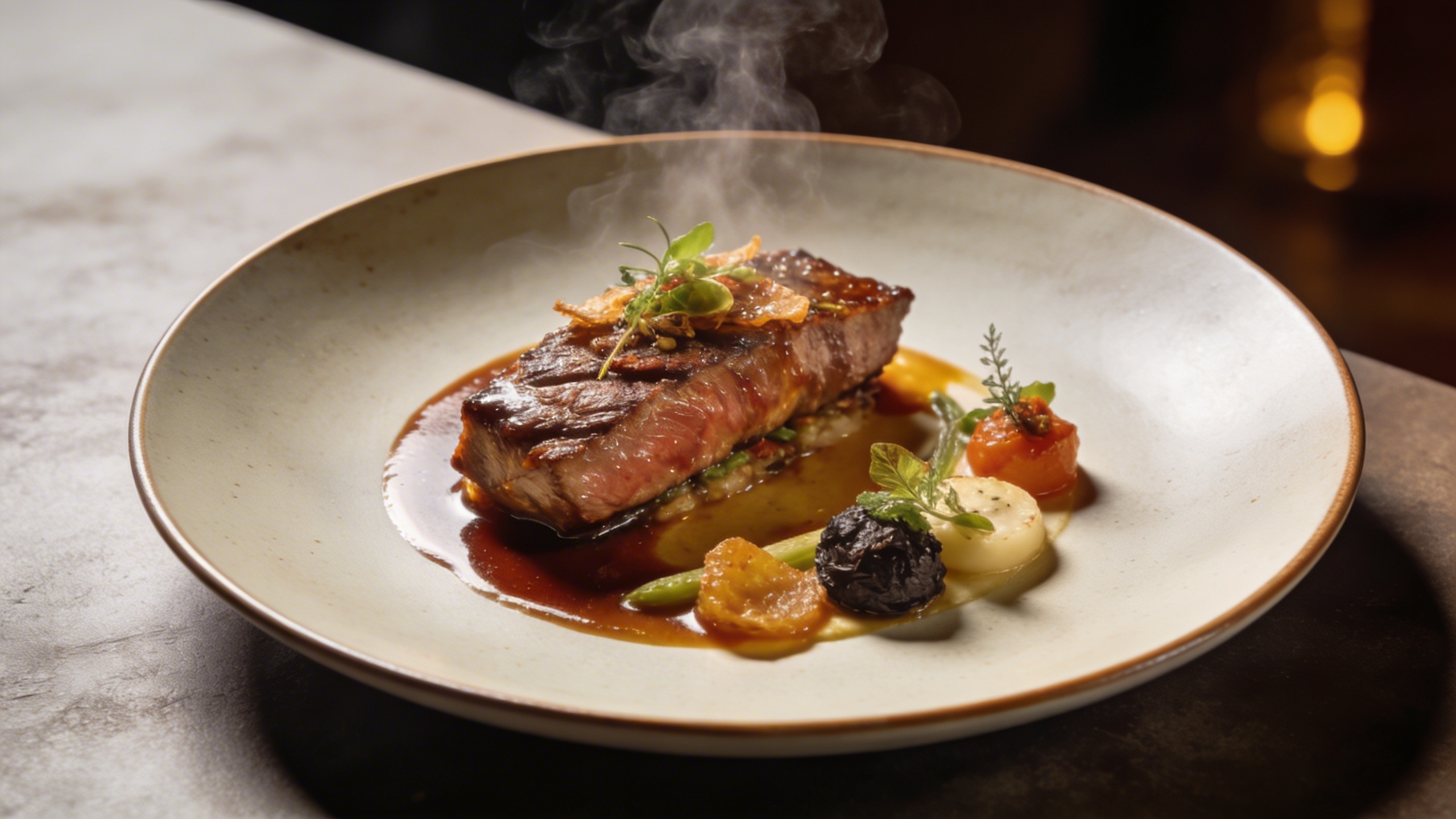
Michelin-Star Plated Gourmet Dish
This prompt is a gourmet food photography generator, simulating the styling, lighting, and cameras top culinary magazines use for Michelin-star dishes. It renders your dish in a Michelin-star dining presentation, shot from a flattering 45-degree angle with shallow depth of field, steam gently rising, and rich appetizing textures. The quality tail asks for an 8k, photorealistic culinary magazine aesthetic, so results read as premium commercial food photography rather than casual snapshots. What you can customize Dish Description — the food itself; the default is pan-seared diver scallops on pea purée with micro-basil and foam, and textural language here drives the result Plating Style — the plate or surface the dish sits on, such as a dark textured slate plate Lighting Style — three options: Dramatic Backlighting, Soft Window Light, or Moody Restaurant Table Best for Designing high-end restaurant menus, premium food blogs, and social media marketing for hospitality groups. It also lets executive chefs and menu designers prototype new plating concepts before anyone enters the kitchen. Tips for the best results Focus on texture in the dish description: "crispy seared skin", "velvety smooth purée", "glossy reduction drizzle". The engine excels at highlighting these details to trigger appetite. Use contrast in plating. Light-colored food belongs on dark slate or dark ceramic; dark food belongs on pristine white porcelain. Pick lighting deliberately: dramatic directional backlighting highlights steam and texture, while soft diffused window light gives a fresher, organic vibe. Avoid "messy" or "casual" food styles if you want to keep the premium feel; the AI interprets "messy" by adding unappetizing splatters. Keep non-food items out of the primary focus point, as they dilute the appetite appeal of the focal dish.
Image
Marketing
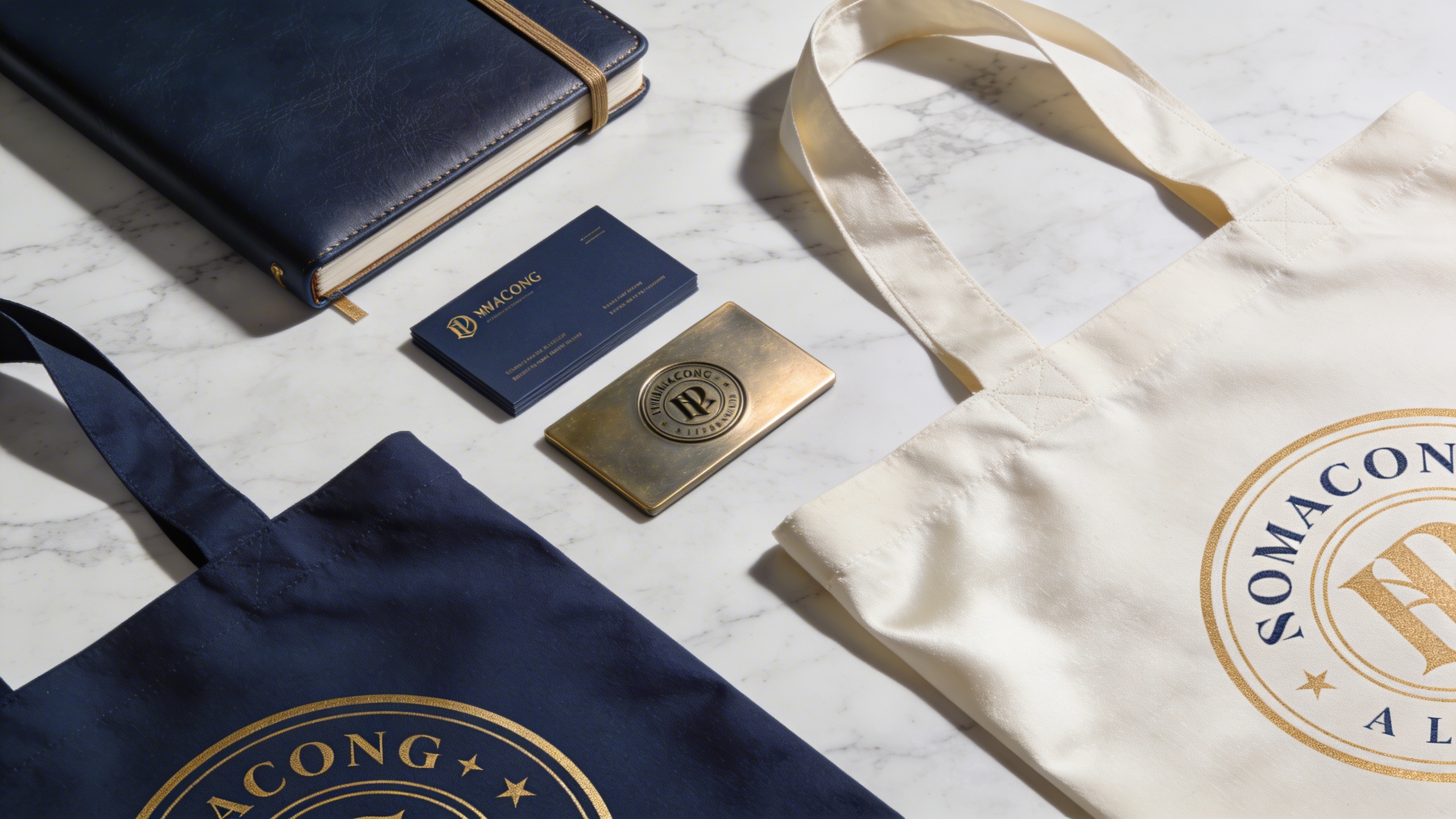
Professional Brand Identity Mockup Kit
This prompt is a brand identity mockup generator, creating photorealistic business cards, letterheads, packaging, and devices on a clean surface. It stages a premium flat-lay photography mockup with your chosen items arranged neatly on a surface material, the palette tinted by your brand colors, and corporate staging with sharp focus at 8k resolution. The result has the high-ticket, agency-level feel that elevates a pitch without 3D rendering software. What you can customize Mockup Items — the objects in the kit; the default is two stacks of matte business cards, a ceramic coffee cup, and an open textured notebook Surface Material — the desk or backdrop, such as a smooth terrazzo stone desk Brand Colors — the dominant palette, such as deep forest green and cream white Lighting & Shadows — three options: Soft Natural Light, Harsh Studio Lighting, or Moody Ambient Lighting Best for Client presentations, portfolio showcases, and brand guideline documents. Graphic designers, brand strategists, creative directors, and founders can visualize a brand's physical presence before sending anything to print and present it to investors, stakeholders, or customers. Tips for the best results Lighting is key. Choose soft natural light for organic brands (soft shadows from a nearby window) and harsh studio lighting for tech. Be specific about materials in the item and surface fields: matte paper, gold foil, organic textured cardboard, or sleek frosted glass all improve realism. Keep the objects cohesive so they make sense together for the industry you are representing. Avoid mixing too many unrelated or oversized items that break the flat-lay perspective. Do not describe complex, highly detailed logos; the engine excels at scene and mood rather than perfect typography.
Image
Marketing
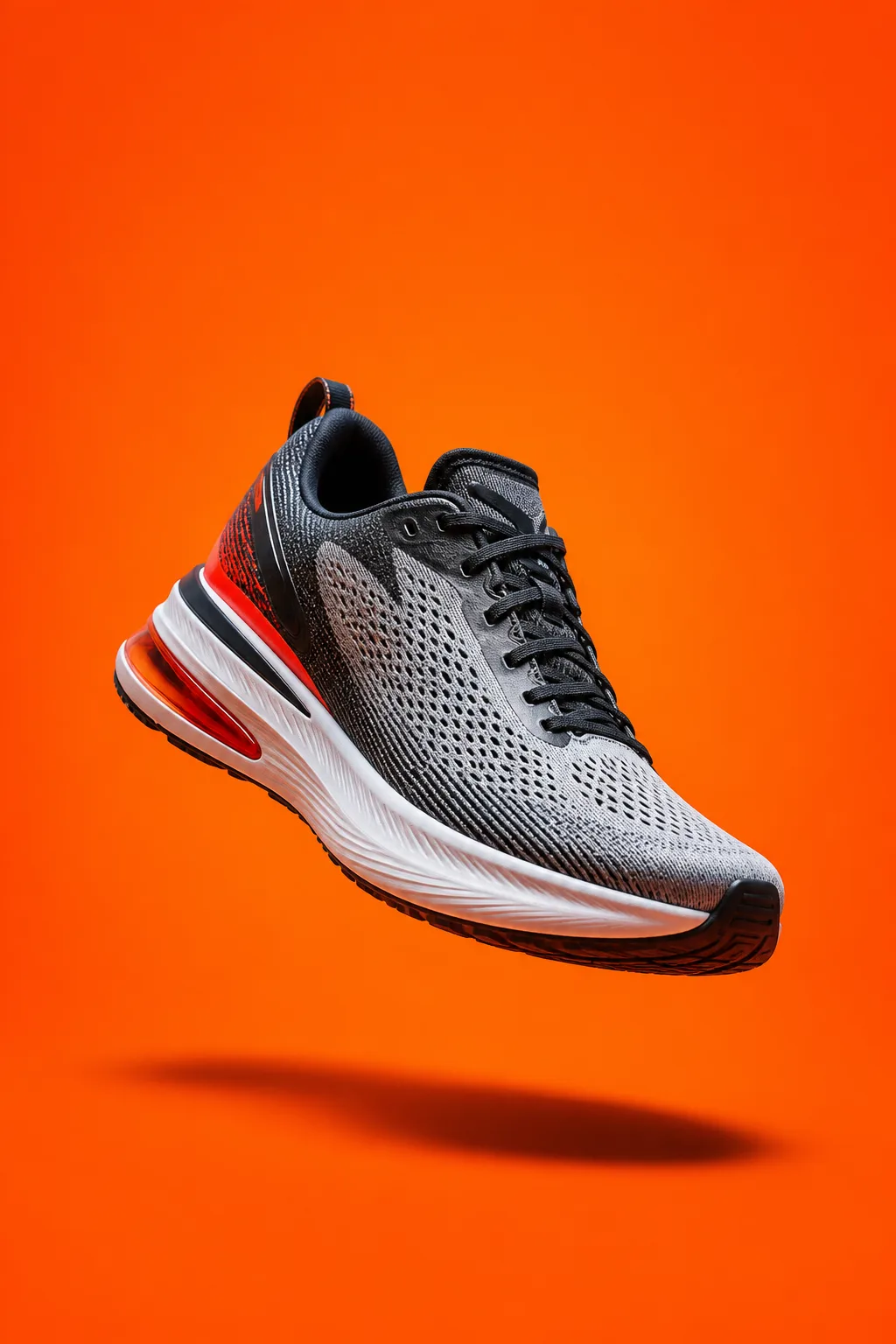
High-Converting Facebook Ad Creative
This versatile prompt generates optimized, visually arresting ad creatives tailored for digital marketing channels like Facebook, Instagram, and TikTok. The subject is centered and hero-lit against your background, with high contrast, crisp shadows, and saturated color designed to pop in a busy feed. The prompt reserves clean negative space for your headline and leaves that area empty of text, logos, and watermarks, delivering a bold, photorealistic 8k asset ready for copy. What you can customize Product / Main Subject — the hero object; the default is a high-performance running shoe hovering mid-air with a dynamic tilt Background Setting — the backdrop, such as a smooth, vibrant neon-orange studio backdrop Lighting Style — the light character, such as hard directional flash lighting Ad Style — five options: Bold Studio Product, Lifestyle In-Use, Splash / Dynamic, Flat-Lay Top-Down, or Luxury Minimal Negative Space Position — four options: Top Third, Left Side, Right Side, or Bottom Third Best for Performance marketing campaigns, social media advertising, and promotional announcements. Digital marketers, media buyers, e-commerce brand owners, and ad agencies can generate A/B testing variations by tweaking the subject or background to find winning combinations without photoshoots or stock images. Tips for the best results Keep it simple: define the focal product or service clearly so it stands out immediately. Use bold, contrasting colors in the lighting and background to stop the scroll. Plan for text overlays. Set the negative space position so there is room for headlines and calls to action. Avoid cluttered environments that distract from the main subject. Do not write contradictory prompts (a "minimalist neon maximalist" scene, for example); they can confuse the Nano Banana Pro engine and produce muddy visuals.
Video
Marketing
Engaging Product Demo B-Roll
Produce engaging, high-retention video B-roll suitable for TikTok, Instagram Reels, and YouTube Shorts. The prompt generates cinematic slow-motion B-roll in which the camera executes one smooth, deliberate movement around a product or action inside an aesthetically pleasing environment. Ultra-high definition, rich color grading, and a commercial aesthetic give you endless footage options for short-form storytelling. What you can customize Product Action / Feature — the subject and its subtle motion; the default is a macro shot of condensation dripping down an ice-cold bottle of artisan soda Camera Movement — three options: Pan Right, Slow Zoom In, or Orbit Around Surrounding Environment — the setting, such as a dimly lit speakeasy bar top Lighting Setup — the light quality and tone, such as a dramatic spotlight with warm golden tones Best for Short-form video advertising, influencer marketing content, and cinematic product teasers. Social media managers, content creators, dropshippers, and video editors can use it to fill gaps in a brand story, highlight luxurious features of a physical product, or generate establishing shots to pair with voiceovers and trending audio. Tips for the best results Focus on action. Define the subtle movement clearly: steam rising, light sweeping across a surface, slow rotation, droplets of water falling. Match the platform. High-contrast, moody lighting suits tech products, while bright, airy lighting suits lifestyle and beauty brands. Let the slow-motion pacing carry the clip, and specify "macro" or "close-up" to emphasize texture and detail. Avoid fast, chaotic movements like "shaky cam" unless you want an amateur vlog style; they reduce the perceived premium quality of the product. Do not overcrowd the scene with moving elements, which can cause rendering complexities and artifacts in the video.