Loading model...
Best ChatGPT Image 2 prompts
167 prompts Video
Productivity
Modern Workspace Ambience for Focus
Generate continuous, relaxing, highly aesthetic video loops of modern workspaces or study environments designed to evoke deep focus and productivity. The prompt renders a cozy desk scene with a large window view, animated by subtle ambient motion that keeps the loop alive without pulling attention. The lo-fi, "study core" aesthetic and highly detailed rendering are built for long viewing sessions. What you can customize Desk Setup Details — the objects on the desk; the default is a mechanical keyboard, an open glowing laptop, and a steaming mug of tea Window View — what lies beyond the glass, such as a Tokyo cityscape during a heavy rainstorm Ambient Motion — the gentle movements in the scene, such as raindrops streaming down the glass and steam rising from the cup Time of Day / Lighting — three options: Cozy Night, Rainy Afternoon, or Golden Sunrise Best for Backgrounds for "Study With Me" or lo-fi hip hop YouTube channels, ambient screens in real-world offices, and the core visual loop for focus and pomodoro timer apps. YouTubers, live streamers, remote workers wanting a virtual body-doubling environment, and developers building productivity or wellness apps will all find it useful. Tips for the best results Atmosphere first. The aesthetic choice (cozy, futuristic, minimalist) dictates the mood, so align it with your audience's preferences. Keep motions subtle: rain falling outside, coffee steam rising gently, or dust motes catching the light add life without distraction. Twilight, golden hour, and rainy afternoon settings are universally recognized as cozy and naturally focus-inducing. Avoid jarring or fast-moving elements like frantic traffic or sudden lighting changes that pull viewers away from their work. Skip fluorescent or harsh lighting; keep tones warm, moody, or neutrally cool for eye comfort over hours of viewing.
227 ViewsTemplate
Image
Productivity
Minimalist Workflow Diagram Visualization
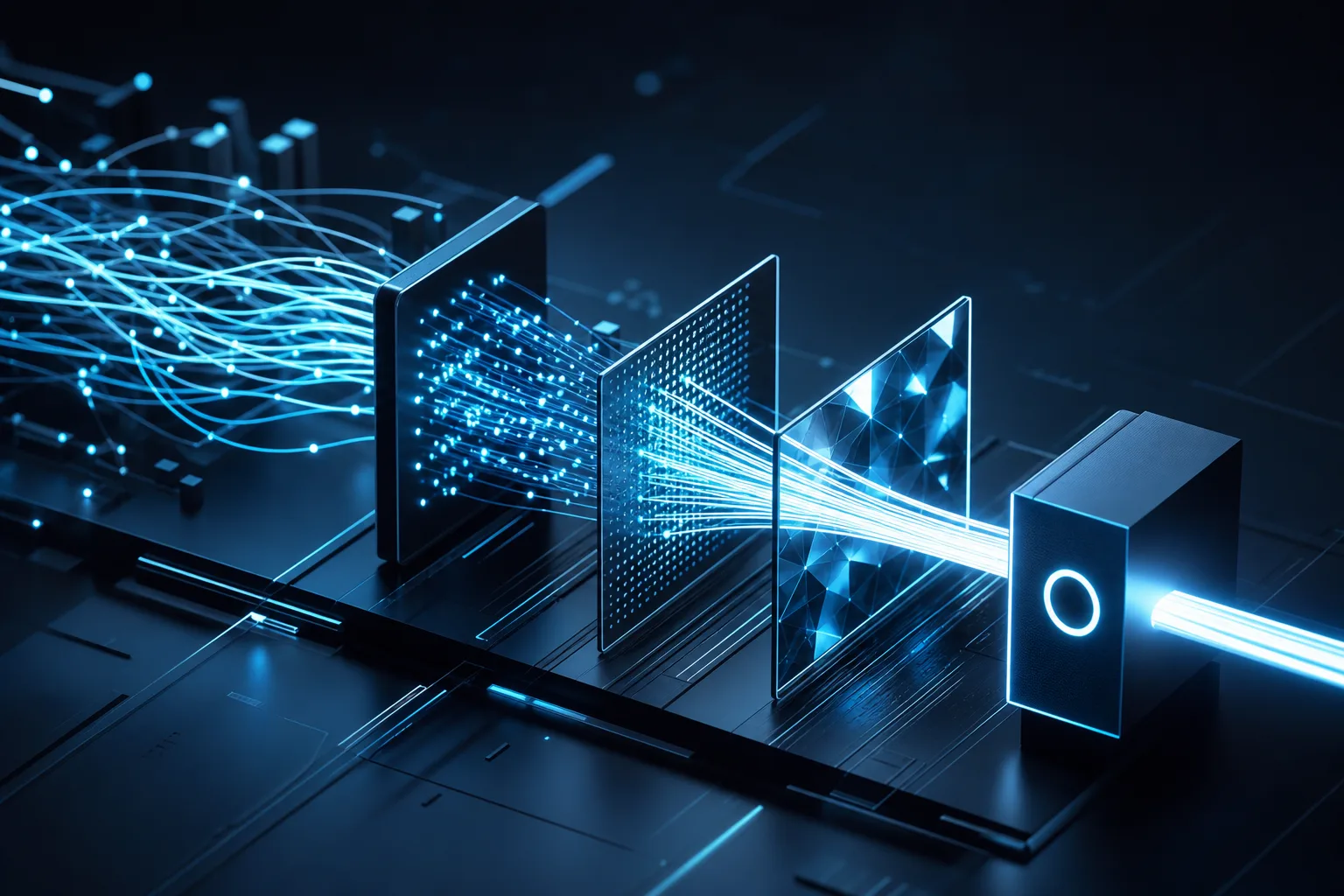
A highly effective and visually stunning tool for generating conceptual visualizations of workflows, data networks, or abstract organizational structures. It turns traditional charts into abstract 3D art: a clean, organized, forward-moving flow built from your visual metaphor, passing through sleek geometric nodes and gates that convey structure and progression. A minimalist palette of glowing elements against a dark background, soft depth of field, and a premium 8k render with no text or watermark complete the corporate tech aesthetic. What you can customize Workflow Concept / Idea — the process being represented, such as data being filtered and optimized into a streamlined process Visual Metaphor — the imagery carrying the flow; the default is glowing fiber-optic threads weaving from scattered strands into a single organized channel Primary Glowing Color — the highlighted hue, such as electric cyan and clean white Render Style — five options: Isometric 3D, Front Flow Diagram, Glass & Neon, Blueprint Wireframe, or Particle Network Best for Slide decks, corporate presentations, landing page hero images, whitepapers, and technical blog headers that need to explain systems, processes, or software architecture. Product managers, technical writers, business consultants, developers, and marketing teams can convey connectivity and workflow without sterile diagramming tools. Tips for the best results Abstract the concept. Glowing nodes connecting, interlocking geometric shapes, crystalline data streams, or cascading dominoes create far more impact than literal flowchart shapes. Inject your company's primary and secondary brand colors into the glowing color field for brand consistency. Keep the background dark, matte, or extremely clean so the visualization pops. Do not ask for literal text labels, arrows, or precise flowchart boxes; AI struggles with text layout and strict schematic logic. Add your own overlays in post-production. Avoid overly complex node structures that look chaotic; aim for clean, intentional lines of movement.
Video
Cinematic & Film
Hyper-Realistic Macro Timelapse
Produce breathtaking macro timelapses of subjects changing over time, such as flowers blooming, ice melting, or rust forming. The prompt renders a subject undergoing a transformation over the course of the clip while the camera slightly pans to the right, in ultra-high definition with perfect lighting and incredible detail. The look is modeled on the BBC Earth nature documentary style, so results feel authentic rather than synthetic. What you can customize Changing Subject — what transforms on screen; the default is a rare vibrant blue orchid slowly blooming in slow motion Background details — the setting behind the subject, such as a pitch black studio background Best for Captivating documentary-style B-roll. It suits nature and science content, educational explainers, product stories built around change (ice, wax, fermentation, corrosion), and calming ambient footage for social feeds. Tips for the best results Name the transformation explicitly in the subject field (blooming, melting, forming, decaying); the change over time is the whole point of the clip. Describe fine surface detail (petal veins, frost crystals, flaking rust) so the macro framing has texture to reveal. A plain, dark background isolates the subject and keeps attention on the transformation; busier backgrounds compete with it. Stick to one subject per clip. The slow right pan is built for a single focal transformation, not a multi-object scene.
Video
Product & Commercial
Slow-Motion Liquid Splash
Create luxurious, high-end slow-mo liquid splashes typically seen in commercials for cosmetics, drinks, or luxury goods. The prompt calls for a commercial-grade slow-motion video of a dynamic splash, lit with studio lighting, sharp highlights and deep, rich colors. The quality tail asks for absolute pristine clarity and a high frame rate Phantom camera look, so motion reads as slow, heavy and glossy rather than choppy. It is a must-have for product video mockups. What you can customize Liquid Type & Color — the substance and its color, which drives the whole palette. The default pairs glossy liquid gold with dark velvet chocolate; milk, wine, neon soda or clear water all change the mood. Object Interaction — what the liquid collides with and where. The default is splashing mid-air against a pristine white background; you can instead have it wrap around a bottle, crash into fruit or hit a black glass surface. Best for Beverage and cosmetics product videos, luxury brand teasers, social ads that need a hero splash moment, and pre-visualization for a real high-speed shoot. It also works as a looping background clip for packaging reveals. Tips for the best results Name a specific finish for the liquid (glossy, velvety, translucent) so the highlights and refraction behave consistently. Keep the interaction to a single clear event; two liquids and two objects in one clip tend to blur into noise. State the background color explicitly in the interaction field, since it sets contrast for the sharp studio highlights. Avoid asking for text or logos on the object; keep the shot clean and composite branding later.
Video
Abstract & Artistic
Surreal Morphing Transition
Utilize AI's greatest strength: blending seemingly unrelated concepts into mind-bending visual morphs. The prompt generates a deeply surreal video in which one subject dynamically and smoothly transforms into another while the camera swirls slightly through the transition. The result is dreamlike, abstract, and masterfully blended, wrapped in whatever aesthetic you name. What you can customize Starting Subject — what the clip opens on, such as a beautifully carved marble statue bust Ending Subject — what it becomes, such as a flock of glowing white doves scattering into the wind Visual Aesthetic — the overall look of the piece, such as a dark baroque painting Best for Abstract art videos, trippy visuals, and music videos. It also suits scene transitions, title reveals, and looping visualizer content where a single continuous transformation carries the whole clip. Tips for the best results Choose start and end subjects with shared shapes or textures, such as a solid form dissolving into many small moving parts, so the morph reads as one continuous motion. Describe the ending subject with movement in mind ("scattering into the wind"); the transition is where the action lives. Keep the visual aesthetic to one clear reference (a painting style, a film look) so both subjects render in the same world. The camera only swirls slightly, so let the transformation itself provide the drama rather than requesting extra camera moves.
Video
Motion & Animation
Cinematic FPV Drone Flight
Generate thrilling FPV drone footage plunging through tight environments. The prompt produces an exhilarating high-speed first-person view flight in which the drone dives and weaves through your chosen setting, rendered with motion blur, smooth 60fps cinematic camera movement, realistic physics, and a highly detailed environment. It reads as real FPV footage rather than a static flyover. What you can customize Environment to Fly Through — the space the drone navigates; the default is a dense neon-lit futuristic city street with flying cars and tall skyscrapers Lighting / Time — the illumination and time of day, such as moody cyberpunk night lighting Best for Action sequences, travel aesthetic videos, and sweeping cinematic establishing shots. It also works for game and film pre-visualization, event openers, and any social clip that needs a burst of speed and spatial immersion. Tips for the best results The environment field matters most. Describe corridors, gaps, and obstacles (streets, canyons, forests, warehouses) so the diving and weaving has something to thread through. Pair the lighting with the setting: night neon, golden hour, or overcast daylight each change the mood of the same flight path. Include scale cues such as skyscrapers, vehicles, or trees; they make the high-speed motion and motion blur feel physical. Keep the environment to a single continuous space so the flight stays coherent from start to finish.
Video
Motion & Animation
Seamless Looping Animated World
Generate perfectly looping videos intended for lo-fi hip hop backgrounds, streamer starting-soon screens, or relaxing meditative visualizers. The prompt asks for a mesmerizing, perfectly seamless looping animation with a relaxing, hypnotic rhythm and a calming atmosphere at 4K resolution. The motion is built around one repeated action set against a fixed landscape, so the clip always yields a hypnotic continuous loop rather than a narrative shot. What you can customize Looping Action — the repeated movement at the center of the scene. The default is a solitary figure walking on a treadmill-like path of floating stones; a swaying lantern, rain on a window or a spinning record all loop well. Landscape — the static world behind the action, such as the default cosmic universe filled with glowing purples and blues, a rainy city rooftop or a quiet forest clearing. Art Style — three options: Lo-Fi Anime, Synthwave Retro (80s) and Minimalist 3D. Best for Lo-fi and chillhop stream backdrops, Twitch and YouTube starting-soon or BRB screens, ambient visualizers for meditation or study playlists, and looping wall displays for cafes and events. Tips for the best results Choose an action that naturally cycles (walking, breathing, rotating) so the start and end frames match. Keep the landscape still and atmospheric; big camera moves or crowds make seamless looping harder. Match the style to the platform: Lo-Fi Anime for study streams, Synthwave Retro for gaming channels. Avoid adding on-screen text or timers in the prompt; overlay those in your streaming software instead.
Image
Fashion & Beauty
High Fashion Editorial
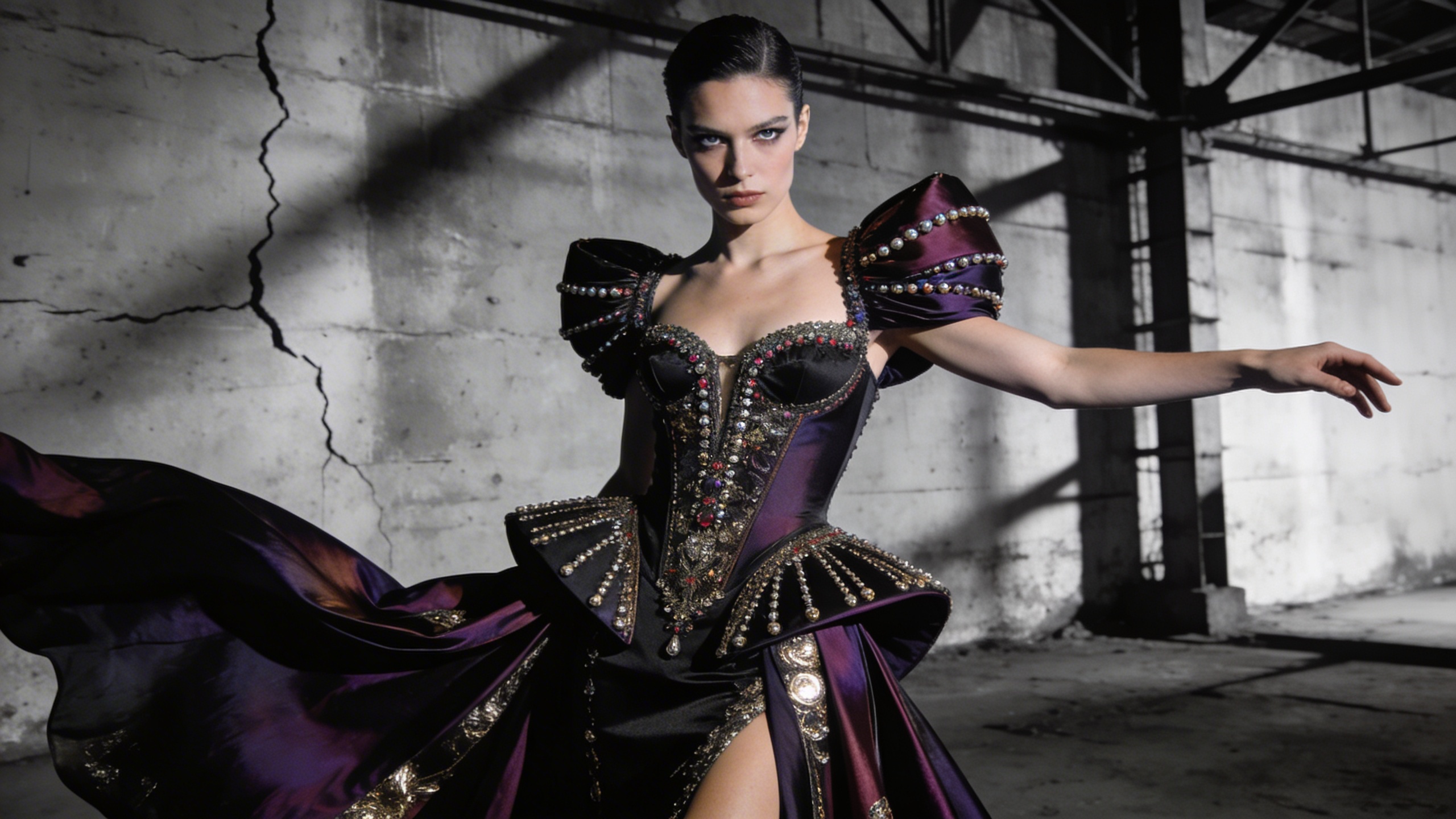
Generate striking, Vogue-level fashion editorial photography. The prompt renders a high fashion magazine editorial shot with a striking pose, dramatic directional lighting and haute couture detail, finished as an incredibly detailed 8k photograph. It is ideal for visualizing haute couture outfits, distinctive model looks and dramatic photography sets before anyone books a studio. What you can customize Model Look / Traits — the face, hair and presence of the model. The default is striking angular features with slicked-back silver hair; try freckles and a buzz cut, or long braids and bold brows. Outfit Style — the garment concept, which carries the editorial. The default is an avant-garde dress made entirely of reflective shattered glass; structured tailoring, feathers or liquid latex all read well. Backdrop — the set behind the model, from the default stark minimalist red studio background to a brutalist stairwell or a wind-swept dune. Best for Fashion lookbook concepts, designer mood boards, magazine cover mockups, styling portfolios and campaign pitches where you need a couture image fast. Tips for the best results Spend the most words on the outfit; material, silhouette and texture are what make the shot feel couture. Pick a backdrop color that contrasts the garment so the directional lighting carves out the shape. Keep the model description to two or three defining traits rather than a full biography. Avoid naming real designers or models; describe the look instead.
Image
Anime & Manga
Ghibli-Style Anime Landscape
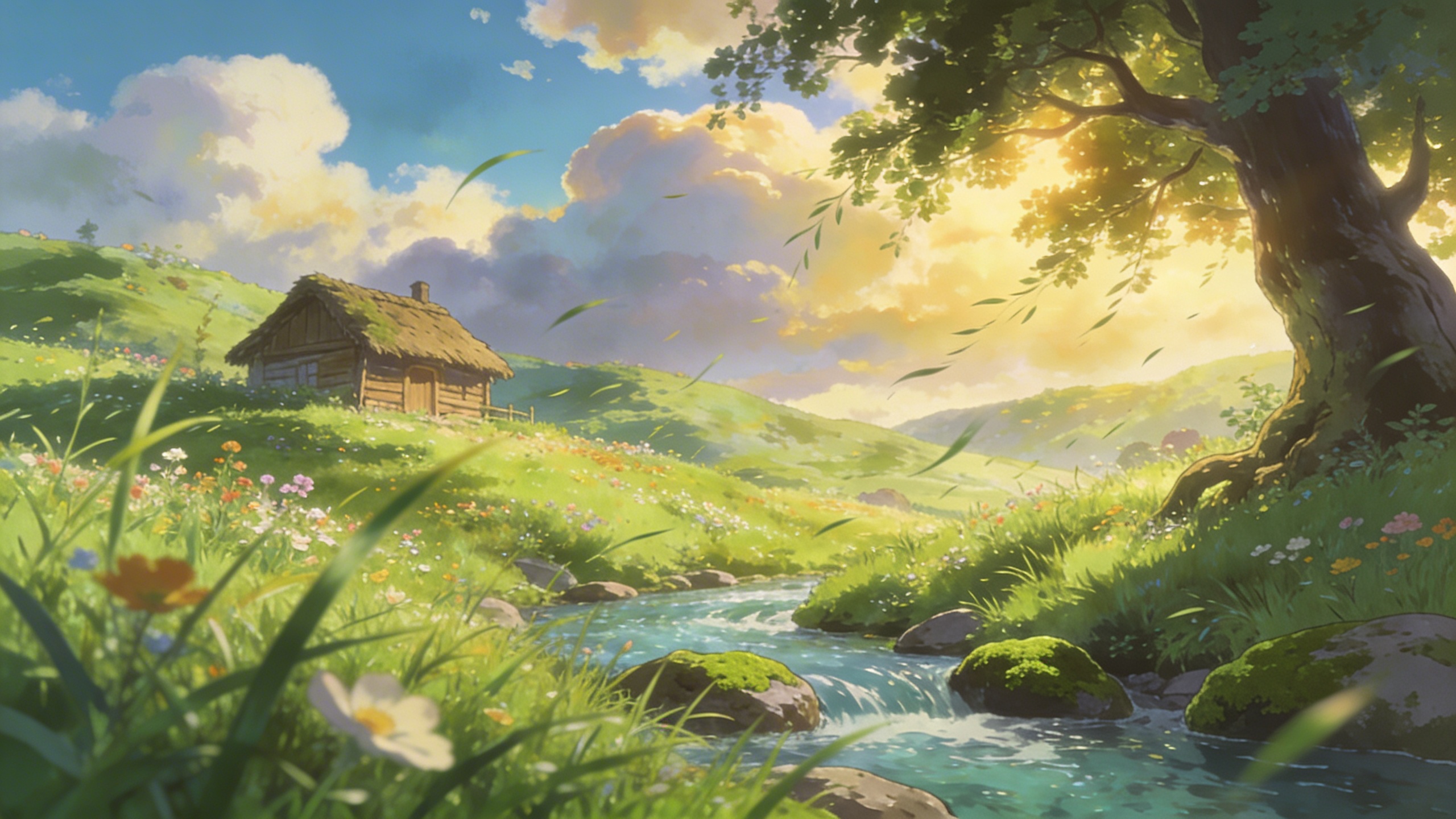
Tap into the nostalgic, painterly beauty of classic anime films. The prompt produces an anime-style landscape inspired by Studio Ghibli: lush green grass, painterly clouds, vibrant colours and wind blowing through the scene. It is framed as peaceful background art with highly detailed cel-shading, so the result feels like a still from a film rather than a character illustration. What you can customize Landscape Features — the subject of the scene. The default is a forgotten overgrown train station covered in vines with wildflowers everywhere; rural roads, seaside towns or hilltop shrines suit the style well. Sky Condition — the sky above it, from the default vibrant blue with towering cumulus clouds to sunset, drizzle or a starry night. Best for Stunning animated-style landscapes with lush greens, fluffy clouds and peaceful atmospheres. Use it for wallpapers, visual novel backgrounds, storyboard establishing shots, prints and nostalgic social content. Tips for the best results Lead the Landscape Features with something man-made and slightly abandoned, such as a station, a bridge or a farmhouse; the contrast with nature is what gives the style its nostalgia. Big cumulus clouds are the signature look. Keep the Sky Condition generous rather than flat or overcast if you want the classic feel. Mention grass, flowers or trees in the features so the wind-blown motion has something visible to move. Avoid characters and text; the prompt is tuned for background art and figures tend to render inconsistently.
Image
Cinematic & Film
Vintage Polaroid Aesthetic
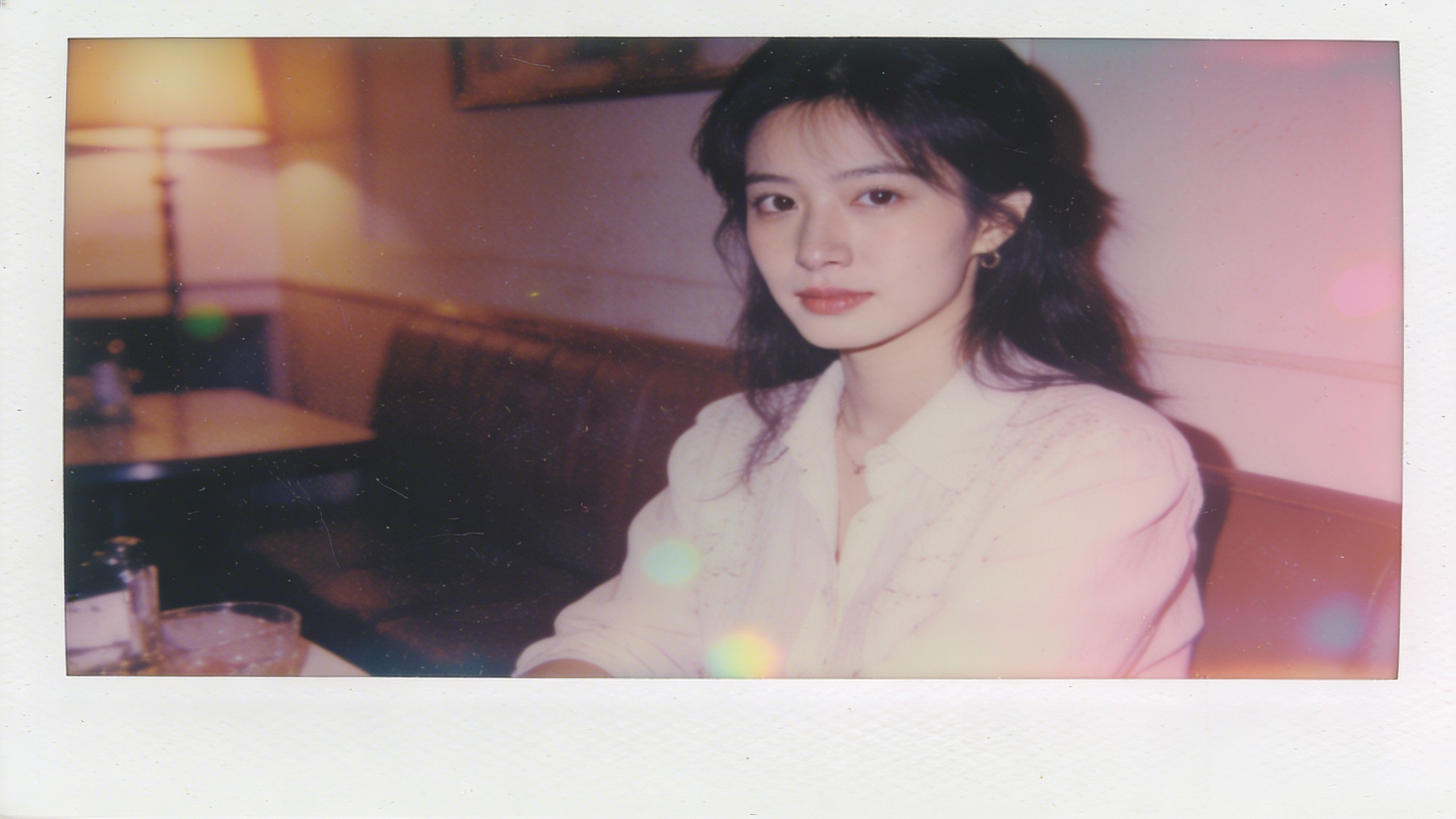
Instantly apply a highly realistic nostalgic 1980s polaroid film aesthetic to any subject and location. The prompt produces a slightly faded vintage polaroid with film grain, light leaks, soft focus and retro 1980s color grading, complete with authentic polaroid borders visible at the edges. The result feels like a found photograph rather than a filtered render. What you can customize Photo Subject — who or what is in the frame. The default is a group of friends laughing on a classic red pickup truck bed; a couple at a diner or a dog on a porch fit the era just as well. Location — where the photo was taken, such as the default dusty desert highway at sunset, a roller rink or a wood-paneled living room. Best for Mood boards, retro marketing campaigns, social media posts and carousels, album and zine artwork, and nostalgic throwback visuals for events. Tips for the best results Pick subjects and props that belong to the 1980s; modern phones or cars break the illusion. Warm, low sun locations amplify the faded color grading and light leaks. Keep the subject simple and candid, since soft focus blurs fine detail. Do not ask for sharp, high-resolution output; the charm is in the grain and imperfection.
Image
Architecture & Interior
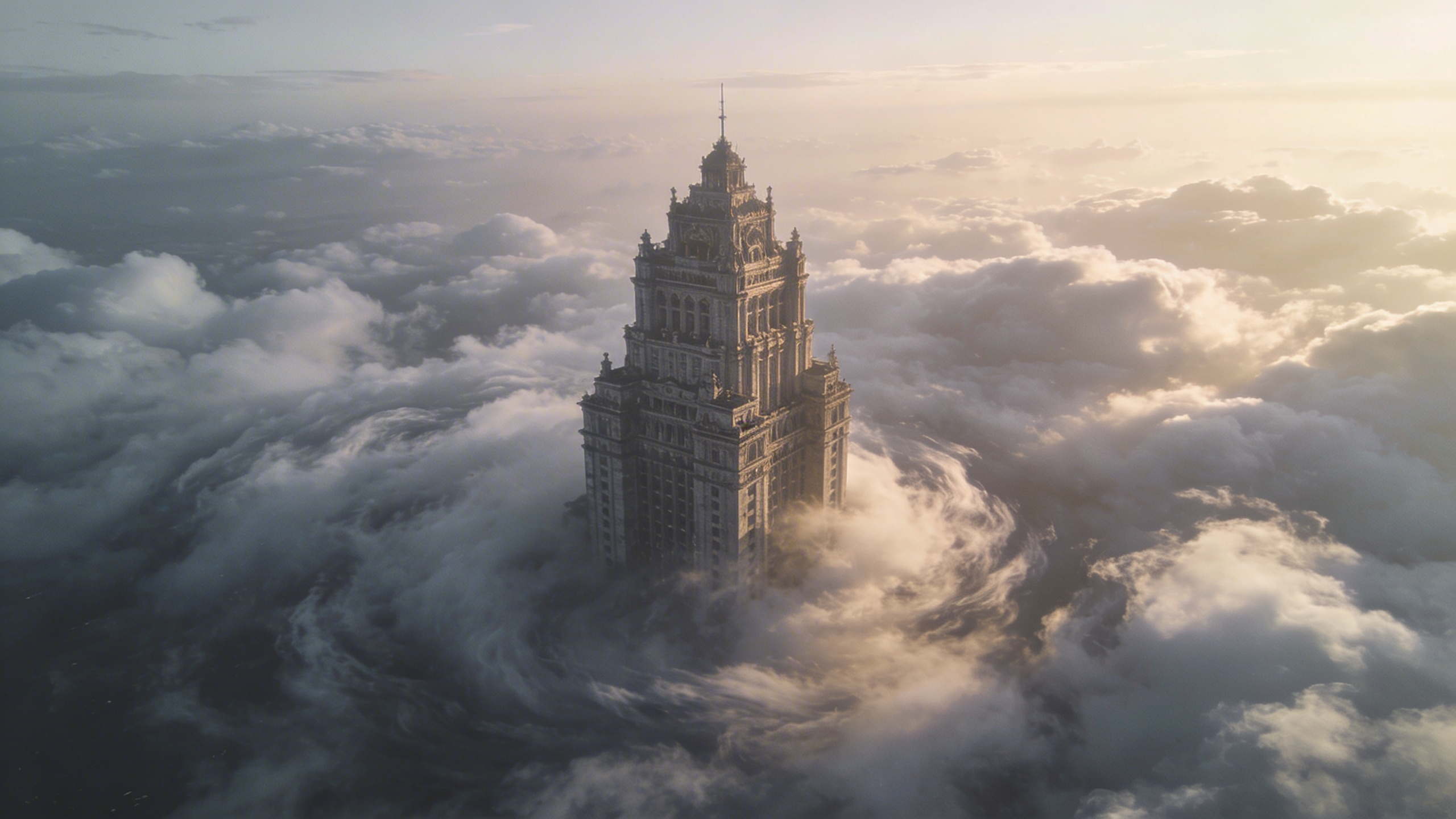
Surreal Cloud Architecture
Create imposing, dreamlike structures piercing through seas of clouds. The prompt is written as surreal architectural photography: a single structure rises majestically out of a dense sea of clouds at colossal scale, with ethereal lighting and a liminal space aesthetic. The result is a highly detailed render that feels both monumental and empty. What you can customize Building Style — the structure itself. The default is a colossal brutalist concrete pyramid; try a glass cathedral, a stepped ziggurat or a lone tower block. Time of Day — the sky and light colour. The default is a vibrant pastel dawn with pink and orange hues; noon, blue hour or a stormy dusk all change the mood. Best for A trending aesthetic that combines liminal spaces with epic architectural scale. Use it for album art, editorial illustration, sci-fi and fantasy concept art, desktop wallpapers and moodboards for large-scale architectural visions. Tips for the best results Give the Building Style a material and a form ("weathered concrete", "pyramid") so the structure has texture against the soft clouds. Describe one structure. Several buildings dilute the sense of scale that makes the image work. Use Time of Day to set the palette; pastel dawns and dusks produce the dreamlike gradients, while flat midday light reads more like a straightforward photograph. Avoid adding people, vehicles or busy detail; the liminal quality depends on stillness and emptiness.
Image
Landscape & Nature
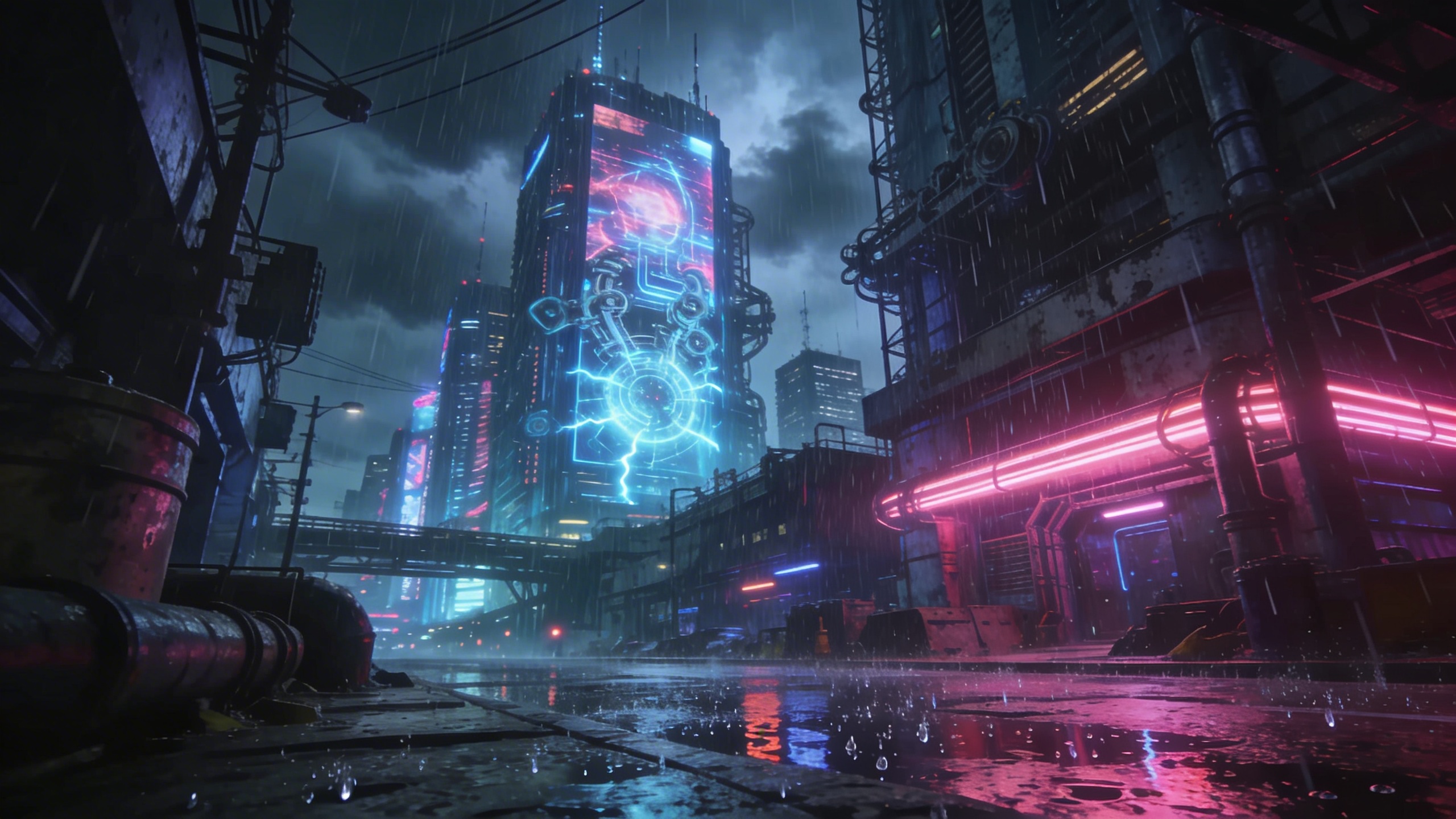
Cyberpunk Cityscape Generator
Create stunning, highly detailed cyberpunk cityscapes with complete control over the theme, lighting colors, and time of day. The prompt renders a city illuminated by neon in your chosen colours and contrasting hues, with heavy rain reflecting off gritty streets. Cinematic composition, hyper-detailed architecture, glowing billboards and a dynamic camera angle are built in. What you can customize City Theme — the defining features of the skyline. The default is towering megastructures and flying cars; try a canal district, a market alley or a rooftop view. Primary Neon Color — the dominant neon palette, such as the default cyan and magenta, red and gold, or green and violet. Time of Day — three options: Midnight, Cyber Dawn or Dusk. This sets the sky and how strongly the neon competes with ambient light. Best for Concept art, backgrounds and sci-fi world-building. It also works for game environment studies, book covers, music visuals and desktop wallpapers. Tips for the best results Name two neon colours at most; the prompt adds contrasting hues on its own, and a longer list turns the palette muddy. Midnight gives the strongest neon-on-wet-asphalt look. Cyber Dawn and Dusk add sky colour that softens the contrast. Use the City Theme to state a vantage point ("street level", "aerial") so the dynamic camera angle has a clear starting position. Avoid asking for clear weather; rain reflections are part of the prompt and removing them flattens the image.