Loading elite prompt experience...
Example Output
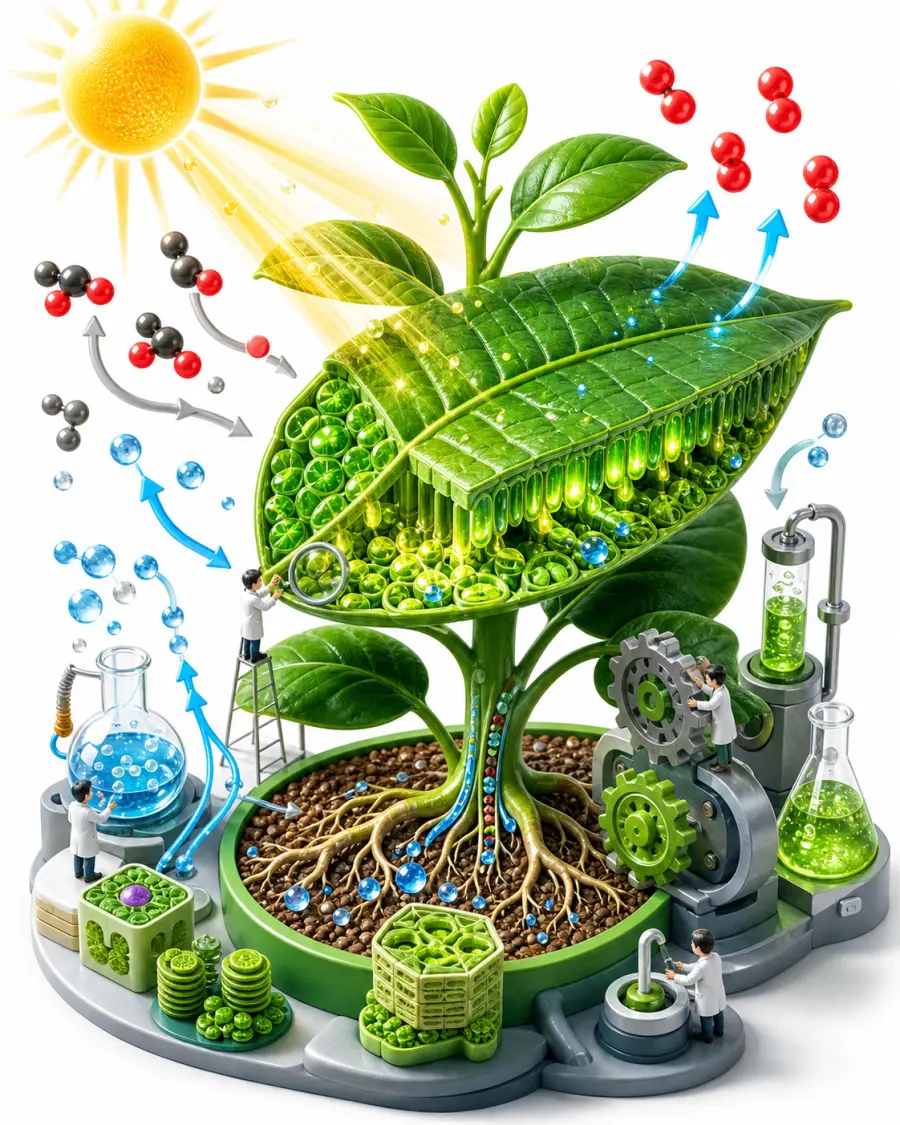 Open in Gallery
Loading elite prompt experience...
A curated stack for turning ideas into production-ready video, ads, and art.
Open in GalleryThis image prompt produces engaging, visually stunning 3D isometric illustrations for educational materials, explainer content, and e-learning.
Isometric art is widely recognized for making complex or abstract concepts easier to digest by presenting them as interconnected miniatures. The prompt composes miniature characters interacting with scaled-up topic elements (books, gears, molecules, beakers or instruments), with small arrows and icons that make the idea readable at a glance, all under bright, even studio lighting on a clean white background at 8k resolution.
Header graphics for online course modules, textbook illustrations, PowerPoint or Keynote slide decks, and infographics explaining scientific, historical, or mathematical concepts. Instructional designers, teachers, Udemy and Skillshare instructors, textbook publishers, and EdTech startups can get custom illustrations without hiring a 3D artist.
Click the "Copy" button above to copy the complete prompt text to your clipboard. This will copy all the text including any placeholders.
If you see placeholders like {{topic}} or {{style}} in the prompt, click "Customize & Use" to open the customization dialog. Fill in your specific values to personalize the prompt for your needs.
Go to gemini.google.com and sign in to your Google account. Make sure you have access to the image generation feature.
In Gemini, look for the "Create image" or image generation option. If available, switch to Gemini Pro or Advanced mode for higher quality outputs.
Paste the copied prompt (Ctrl/Cmd + V) into the AI tool's text input field. click the send/generate button to create your image.
Review the generated image. If it doesn't match your expectations, try regenerating or adjusting the prompt with more specific details. Most AI tools allow multiple generation attempts.
Generate with
prompt auto-copiesAffiliate links · We may earn a commission at no cost to you
Tested by the PromptsRush team
Advertisement


