Loading elite prompt experience...
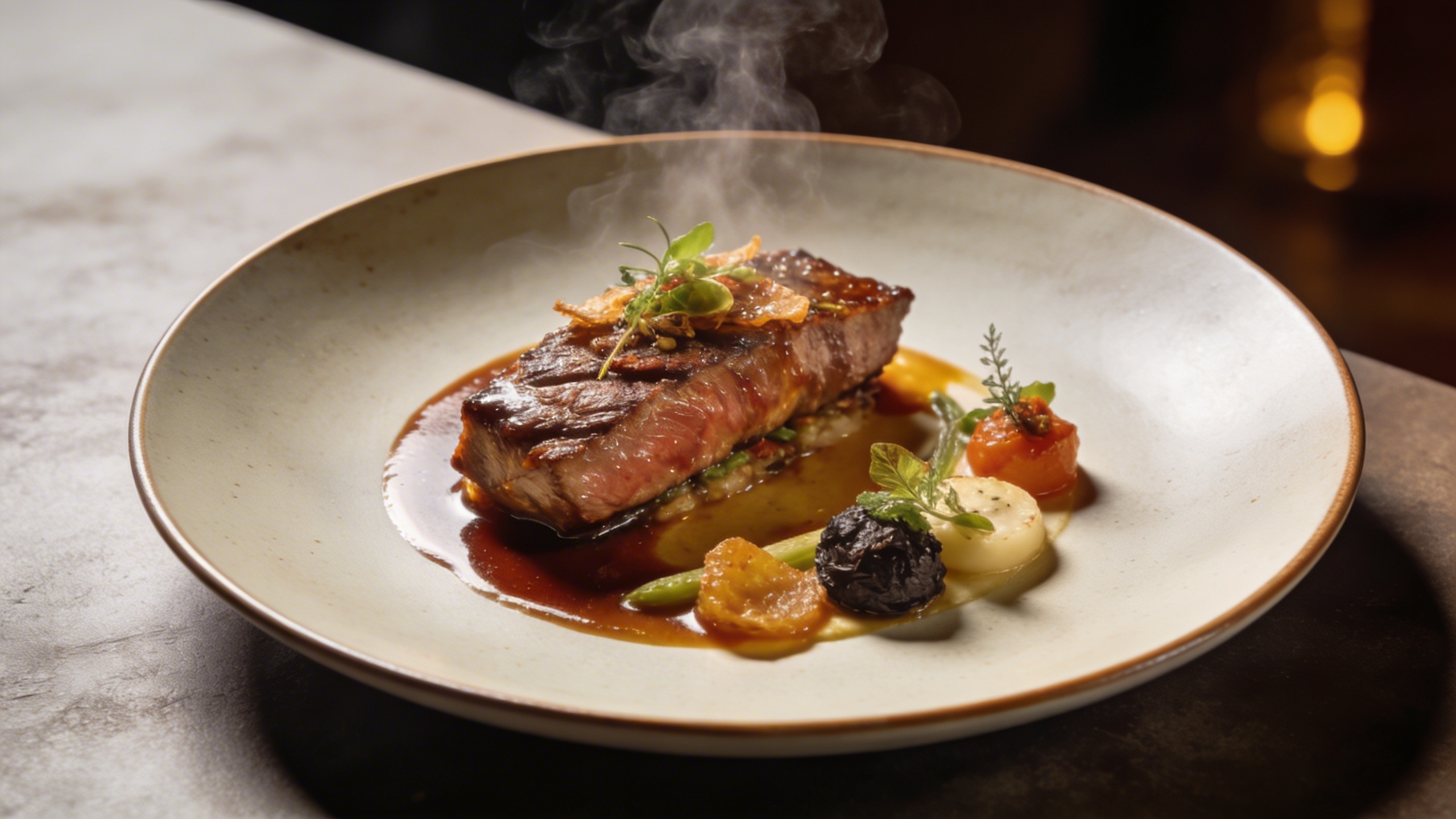
Example Output
 Open in Gallery
Loading elite prompt experience...
A curated stack for turning ideas into production-ready video, ads, and art.
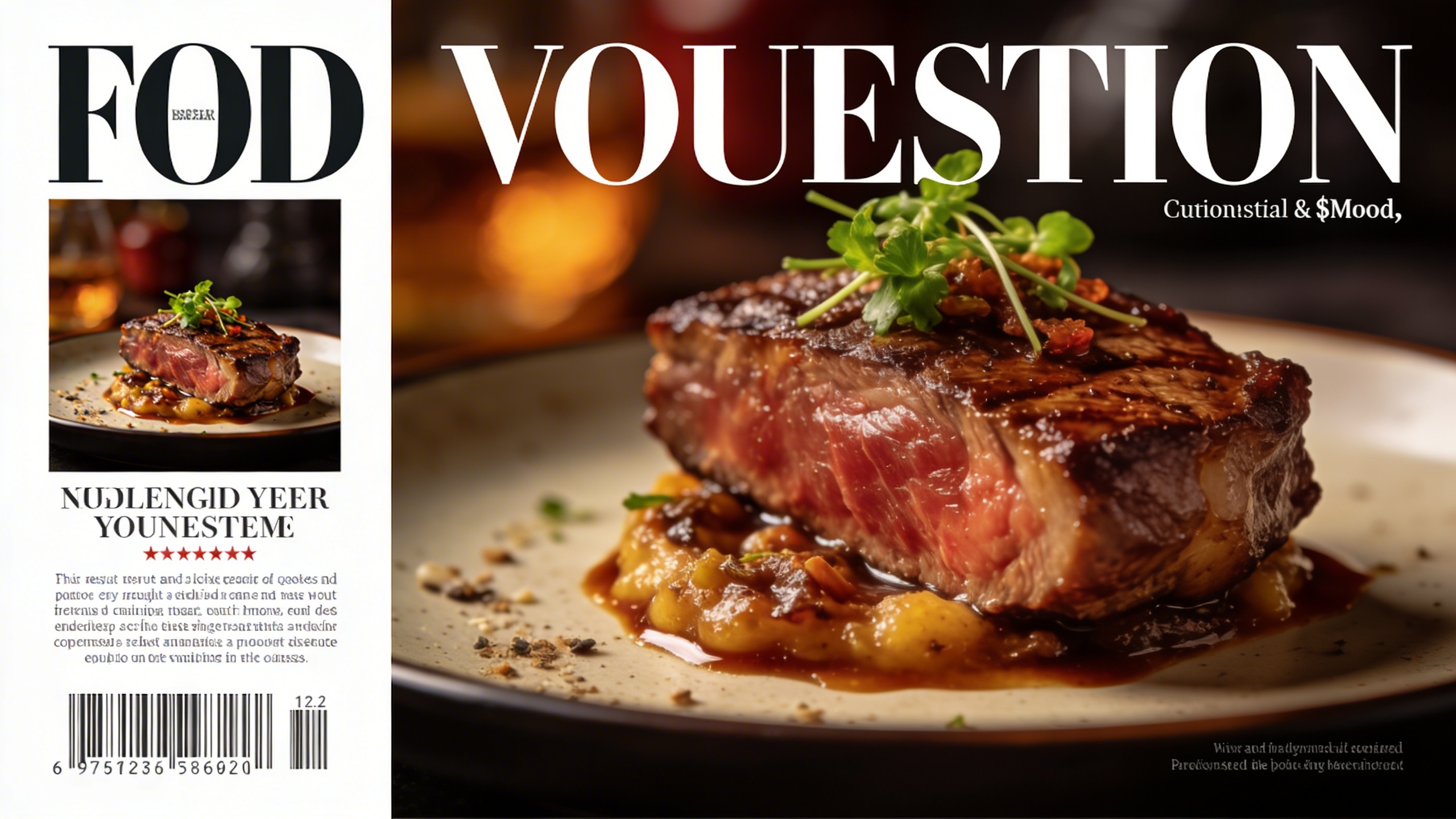
Open in GalleryThis prompt is a gourmet food photography generator, simulating the styling, lighting, and cameras top culinary magazines use for Michelin-star dishes.
It renders your dish in a Michelin-star dining presentation, shot from a flattering 45-degree angle with shallow depth of field, steam gently rising, and rich appetizing textures. The quality tail asks for an 8k, photorealistic culinary magazine aesthetic, so results read as premium commercial food photography rather than casual snapshots.
Designing high-end restaurant menus, premium food blogs, and social media marketing for hospitality groups. It also lets executive chefs and menu designers prototype new plating concepts before anyone enters the kitchen.
Click the "Copy" button above to copy the complete prompt text to your clipboard. This will copy all the text including any placeholders.
If you see placeholders like {{topic}} or {{style}} in the prompt, click "Customize & Use" to open the customization dialog. Fill in your specific values to personalize the prompt for your needs.
Go to gemini.google.com and sign in to your Google account. Make sure you have access to the image generation feature.
In Gemini, look for the "Create image" or image generation option. If available, switch to Gemini Pro or Advanced mode for higher quality outputs.
Paste the copied prompt (Ctrl/Cmd + V) into the AI tool's text input field. click the send/generate button to create your image.
Review the generated image. If it doesn't match your expectations, try regenerating or adjusting the prompt with more specific details. Most AI tools allow multiple generation attempts.
Generate with
prompt auto-copiesAffiliate links · We may earn a commission at no cost to you
Tested by the PromptsRush team
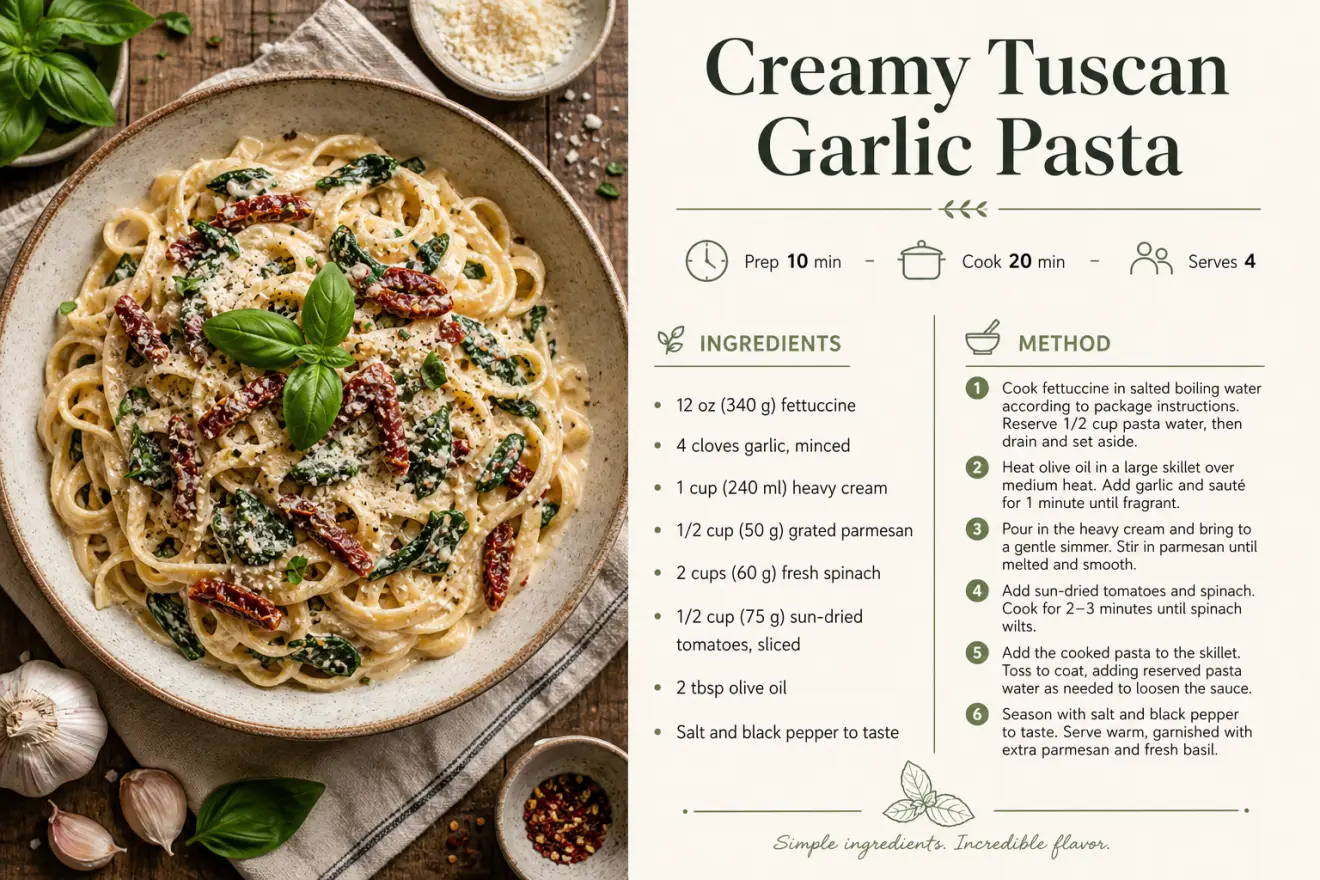
Recipe Card Designer
Advertisement