Loading elite prompt experience...
Example Output
 Open in Gallery
Loading elite prompt experience...
A curated stack for turning ideas into production-ready video, ads, and art.
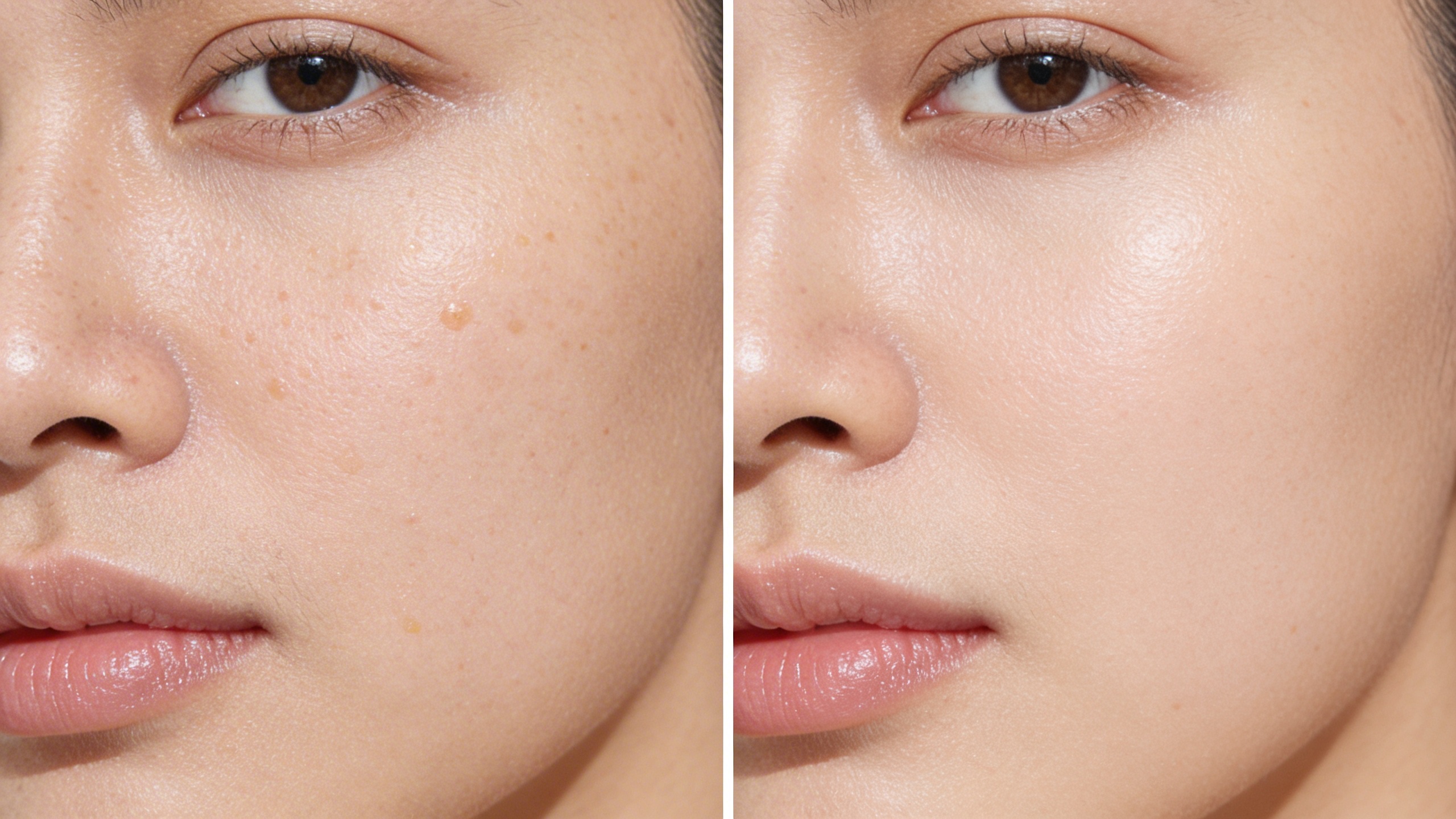
Open in GalleryThis template generates a hyper-realistic skincare comparison visual focused on pore refinement and texture improvement. The composition uses a clean split-screen format to clearly present visible changes while maintaining natural skin authenticity.
The lighting is soft and clinical-neutral to avoid artificial glow or unrealistic perfection. The transformation appears believable, professional, and suitable for dermatology campaigns, skincare ads, and product landing pages.
Defines realistic base skin tone and undertone.
Defines treatment context (serum, cream, procedure).
Click the "Copy" button above to copy the complete prompt text to your clipboard. This will copy all the text including any placeholders.
Optional: "Skin Tone Reference Image" (image), "Brand/Product Reference" (image). Have these files ready before proceeding to the AI tool.
Go to gemini.google.com and sign in to your Google account. Make sure you have access to the image generation feature.
In Gemini, look for the "Create image" or image generation option. If available, switch to Gemini Pro or Advanced mode for higher quality outputs.
Before or along with your prompt, upload the required files. Most AI tools have an attachment/upload button near the prompt input area.
Paste the copied prompt (Ctrl/Cmd + V) into the AI tool's text input field. Make sure your attachments are uploaded, then click the send/generate button to create your image.
Review the generated image. If it doesn't match your expectations, try regenerating or adjusting the prompt with more specific details. Most AI tools allow multiple generation attempts.
Defines realistic base skin tone and undertone.
Defines treatment context (serum, cream, procedure).
Generate with
prompt auto-copiesAffiliate links · We may earn a commission at no cost to you
Tested by the PromptsRush team
Handcrafted Product Concept Prompt
Advertisement