The PromptsRush journal
AI ToolsKling 4.0 vs Wan 3: Which AI Video Model Is Better? (2026)
Kling 4.0 and Alibaba's Wan3.0 both make 30-second AI videos in one pass. We compare specs, reference inputs, audio, API pricing per second and access, then tell you which one fits creators, agencies and developers.
Advertisement
Short version: Kling 4.0 is the better video model when the shot itself is the product: cinematic camera moves, ten keyframes, stereo audio, and tight character control. Wan 3 (officially Wan3.0, from Alibaba) is the better deal when you're building on an API, need to feed it a PDF or a web page, or care about cost per second. Both now make 30-second clips in a single pass, so length no longer decides it.
Both models are real and both are recent. Kuaishou launched Kling 4.0 on 15 October 2026 and opened its API on 28 October. Alibaba put Wan3.0 into public beta on 6 August and made it generally available on 24 August. This post compares them on what the vendors actually publish: specs, inputs, audio, pricing, and access. Where a claim is only the vendor's word, we say so. Back in the spring we compared the previous generation in Gemini Omni vs Seedance 2.0 vs Kling 3.0 vs Wan 2.7. A lot has changed since then.
Kling 4.0 vs Wan 3 at a Glance
| Spec | Kling 4.0 | Wan3.0 (wan3.0-video) |
|---|---|---|
| Maker | Kuaishou (Kling AI) | Alibaba (Wan / Model Studio) |
| Released | 15 Oct 2026 (API 28 Oct) | Beta 6 Aug, GA 24 Aug 2026 |
| Clip length | 3-30 s native | 2-30 s native |
| Resolution today | 720p, 1080p (10-bit 4K "coming soon") | 480P, 720P, 1080P |
| Aspect ratios | Incl. 21:9 and adaptive | Adaptive aspect ratio |
| References | Up to 15 (10 images, 5 videos, 7 subjects) | Images, video, audio, documents, web links |
| Keyframes | Up to 10 | First frame or first + last frame |
| Audio | Stereo, lip sync in 10+ languages | Native audio, audio toggle, reference audio |
| Fast variant | Kling 4.0 Flash (720p, 20 s) | wan3.0-video-prime (same specs, faster) |
| API price, 1080p | $0.235/s (no input video) | $0.20/s list (30% launch discount) |
| Open weights | No | No (Wan 2.1/2.2 are open; 3.0 is not) |
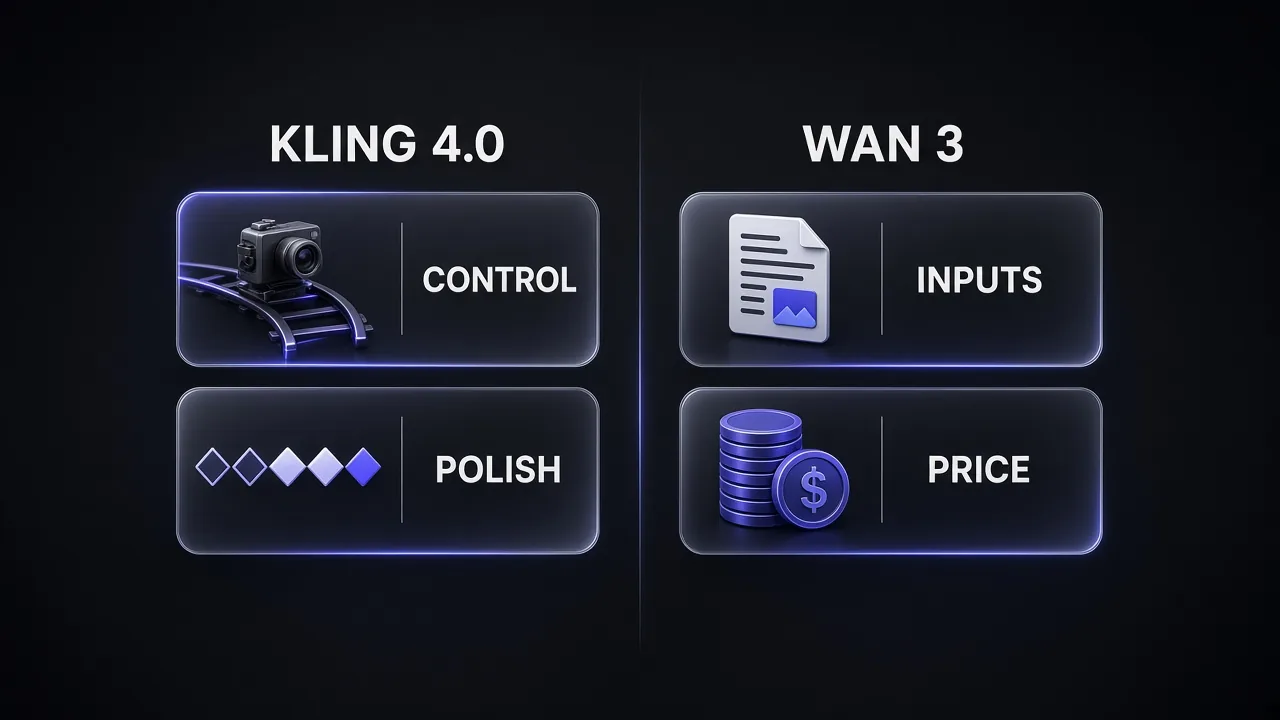
The table already shows the pattern. Kling puts its effort into control and polish. Wan puts its effort into inputs and price.
What Is Kling 4.0?
Kling 4.0 is Kuaishou's new flagship video model. The official launch release sums it up in three words: realism, control and professional quality. In practice that means four things.
Thirty-second single takes
Kling 4.0 generates 3 to 30 seconds in one pass. Kling 3.0 topped out at 15. Long takes matter because stitching short clips is where continuity breaks: a jacket changes colour, a hand grows a finger. Kling also says video extension up to two minutes is coming soon, but it isn't live yet.
Omni Reference and 10 keyframes
One task can take up to 15 reference assets: up to 10 images, 5 videos and 7 subjects. Storyboards, three-view character sheets, wireframes and even depth-map videos all count as references. On top of that you can pin up to 10 keyframes to fix exactly what happens at each beat. If you've been fighting identity drift, our guide to keeping characters consistent in Kling covers the reference habits that carry straight over.
Stereo audio and lip sync
Kling 4.0 adds two-channel stereo sound and lip sync across more than ten languages, including English, German, Japanese, Korean and Spanish. The omni endpoint can also take a voice as a reference, so a character keeps the same voice from shot to shot.
Longer prompts, MCP and CLI
The app accepts prompts up to 8,000 tokens, and the API accepts up to 26,000 English characters. Kling 4.0 also works through MCP and a command-line tool, so an agent like Claude Code can drive it directly. We covered that kind of setup in our AI video stack guide.
Pro tip: 10-bit HDR, 4K and two-minute extension were all announced at launch but are still marked "coming soon" in Kling's API notes. Don't plan a 4K delivery around Kling 4.0 yet.
What Is Wan 3 (Wan3.0)?
Wan3.0 is the newest model in Alibaba's Wan video family, sold through Alibaba Cloud Model Studio under the model ID wan3.0-video. One model handles text-to-video, first-frame and first/last-frame image-to-video, and what Alibaba calls all-in-one reference generation.
Thirty seconds, up from fifteen
Wan 2.7 capped clips at 15 seconds. Wan3.0 runs from 2 to 30 seconds at 30 fps, in 480P, 720P or 1080P. A "smart duration" option suggests a length based on your prompt, and video extension ships alongside.
Documents and web pages as input
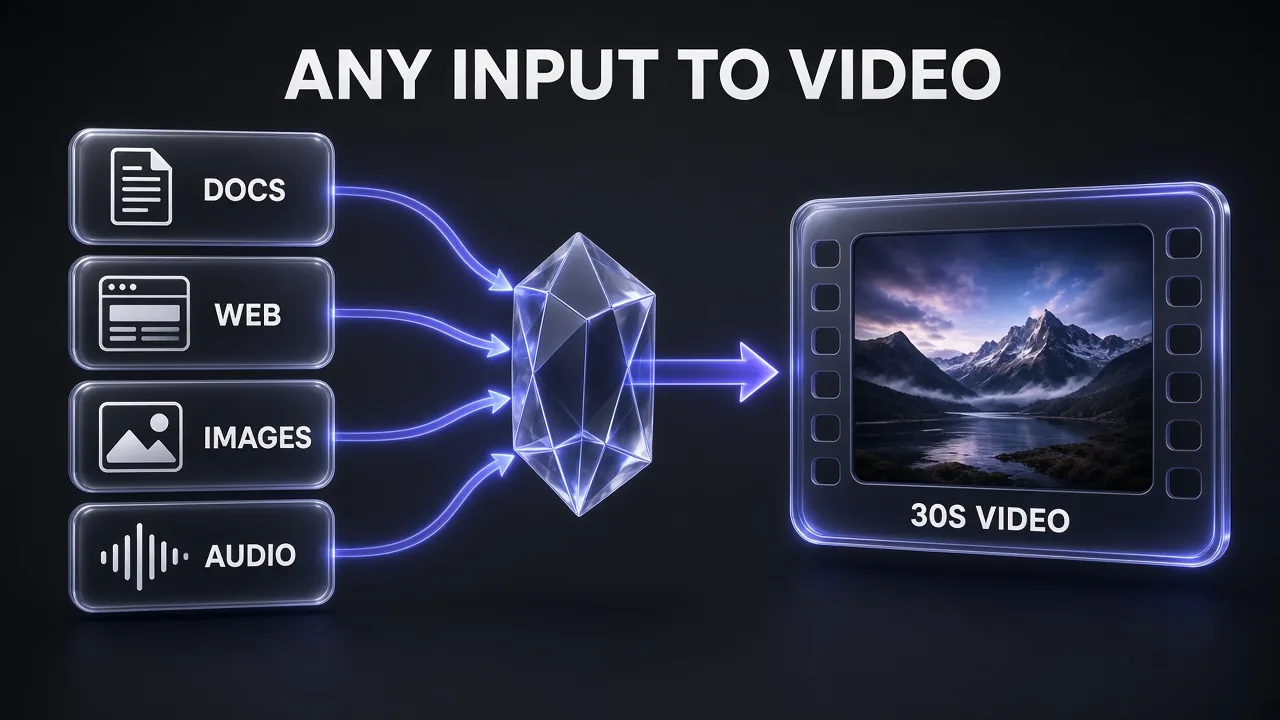
This is Wan's most unusual feature. Besides text, images, video and audio, Wan3.0 accepts DOC, XLS, PPT, PDF, TXT, KEY, Pages, Numbers and Markdown files, plus web links. Alibaba's pitch is that a product deck becomes a launch film, or a spreadsheet becomes animated charts. Kling 4.0 has no equivalent.
Wan3.0-Prime for speed
On 20 August Alibaba added wan3.0-video-prime. It has the same capabilities as the standard model but generates noticeably faster, and it costs more per second.
Where Alibaba says it's still maturing
Alibaba deserves credit for honesty here. Its own GA write-up says audio texture and on-screen text rendering are "still maturing." If your clip depends on legible signs or rich sound design, test that first.
Head-to-Head: Where Each Model Wins
Motion and camera work: Kling
Kling 4.0 was built for intense motion and complex camera moves: push-ins, pull-outs, pans, trucking, tracking and orbit shots. Ten keyframes give you far finer control over a 30-second take than Wan's first/last-frame option. Honest answer: no independent benchmark compares the two yet, so this is based on what each model is designed to do and what you can control, not on a lab score.
Reference inputs: depends on the input
For characters and products in visual references, Kling's 15-asset Omni Reference is the more structured system. For business content that starts as a document, Wan wins because Kling can't read a PDF at all.
Audio: Kling, for now
Stereo output and multilingual lip sync are headline features for Kling. Wan has native audio and accepts reference audio, but Alibaba itself flags audio texture as unfinished. If voice matters a lot, many teams will still add a dedicated voice layer such as ElevenLabs on top of either model.
Resolution: a tie today
Both max out at 1080p on the API right now. Kling has 4K and 10-bit HDR on its roadmap. Wan has the cheaper 480P draft tier, which is useful for testing ideas.
Access and openness: Wan, slightly
Neither model has open weights. The open Wan releases on Hugging Face stop at Wan 2.2, licensed Apache 2.0. Wan3.0 is easier to get at as a developer: one Model Studio API key and 30 free seconds. Kling 4.0 is easier for creators: a polished web app, mobile apps and monthly plans.
What Changed From Kling 3.0 and Wan 2.7
If you already use the older models, the upgrade question matters more than the head-to-head.
| Change | Kling 3.0 → 4.0 | Wan 2.7 → 3.0 |
|---|---|---|
| Max clip length | 15 s → 30 s | 15 s → 30 s |
| Reference inputs | Up to 15 mixed assets, voice reference | Adds documents and web links |
| Control | Up to 10 keyframes | Smart duration, video extension |
| Audio | Stereo, 10+ language lip sync | Audio toggle, reference audio |
| API price at 1080p | $0.168/s (3.0 with audio) → $0.235/s | $0.20/s list for 3.0 |
Kling 4.0 costs about 40% more per second than Kling 3.0 with audio on the API. Kling 3.0 still works and still supports native 4K, so it remains the better pick when you need a 4K master today. For a refresher on how Kling 3.0 held up against Google's model, see our Kling 3.0 vs Veo 3.1 comparison.
On the Wan side, Wan 2.7 remains available, and Alibaba still recommends wan2.7-videoedit for effect and camera-move replication. Wan 2.2 is still the version to download if you want to run Wan on your own GPU.
How to Test Both in an Afternoon
Vendor demos are cherry-picked. Before you commit a budget, run the same brief through both models. These four tests cover where they differ most:
- A 20-30 second scene with three beats. Same prompt, same 1080p setting. Watch for drift in faces, clothing and props in the last ten seconds.
- A character from references. Give both the same three images of one character. On Kling, use Omni Reference; on Wan, use reference-to-video. Compare identity across two separate clips.
- A dialogue shot. One character speaking a line in English and one in another language. Check lip sync and voice quality.
- A document brief (Wan only). Feed Wan a real product deck or landing page. This tells you whether document input saves you work or just makes generic B-roll.
Keep the prompt identical and the settings matched, and score each clip on whether you'd ship it, not on whether it looks impressive. That's the number that matters for your budget.
Pro tip: Log the cost of every test clip. A model that's 20% cheaper per second but needs twice as many retries is the expensive one.
Kling 4.0 vs Wan 3 Pricing
Both charge per generated second on their APIs, so the comparison is clean. Here are the rates on each vendor's own pricing page as of 31 October 2026.
| Model | 480P | 720p | 1080p |
|---|---|---|---|
| Kling 4.0, no input video | - | $0.157/s | $0.235/s |
| Kling 4.0, with input video | - | $0.094/s | $0.141/s |
| wan3.0-video (international, list) | $0.05/s | $0.10/s | $0.20/s |
| wan3.0-video-prime (international) | $0.068/s | $0.14/s | $0.28/s |
Two details change the maths. First, Kling's cheaper "with input video" rate isn't really cheaper: according to Kling's pricing rules, if your input is shorter than your output, you pay for double the output length, and if it's longer, you pay for input plus output. Second, Wan3.0's list prices carry a limited-time 30% discount on Model Studio, plus 30 free seconds valid for 90 days in the Singapore region. Mainland China and some other regions list it lower again, at about $0.165 per second for 1080P.
API cost of one 10-second clip
Text-to-video, no input video, list prices before discounts
- Kling 4.0
- Wan3.0
Source: Kling API pricing page and Alibaba Cloud Model Studio pricing, checked 31 Oct 2026
For a full 30-second 1080p take, that's $7.05 on Kling 4.0 against $6.00 on Wan3.0 at list price, or about $4.20 with Wan's current discount. Over hundreds of clips a month, that gap adds up.
Kling subscriptions for creators
Most creators use Kling through a monthly plan, not the API. Monthly renewal prices are Standard at $8.80 for 660 credits, Pro at $32.56 for 3,000 credits and Premier at $80.96 for 8,000 credits, with first-month discounts. The top Ultra+ tier is $544.99 a month for 57,000 credits. Our full Kling AI pricing breakdown covers every tier and what each credit buys. Wan3.0 has no consumer subscription comparable to Kling's; it's priced as a cloud API.
Pro tip: Draft at Wan's 480P tier ($1.50 for 30 seconds) to lock timing and blocking, then render the final at 1080p on whichever model looks best for that shot.
Which Should You Use? Decision Table
| If you need… | Pick | Why |
|---|---|---|
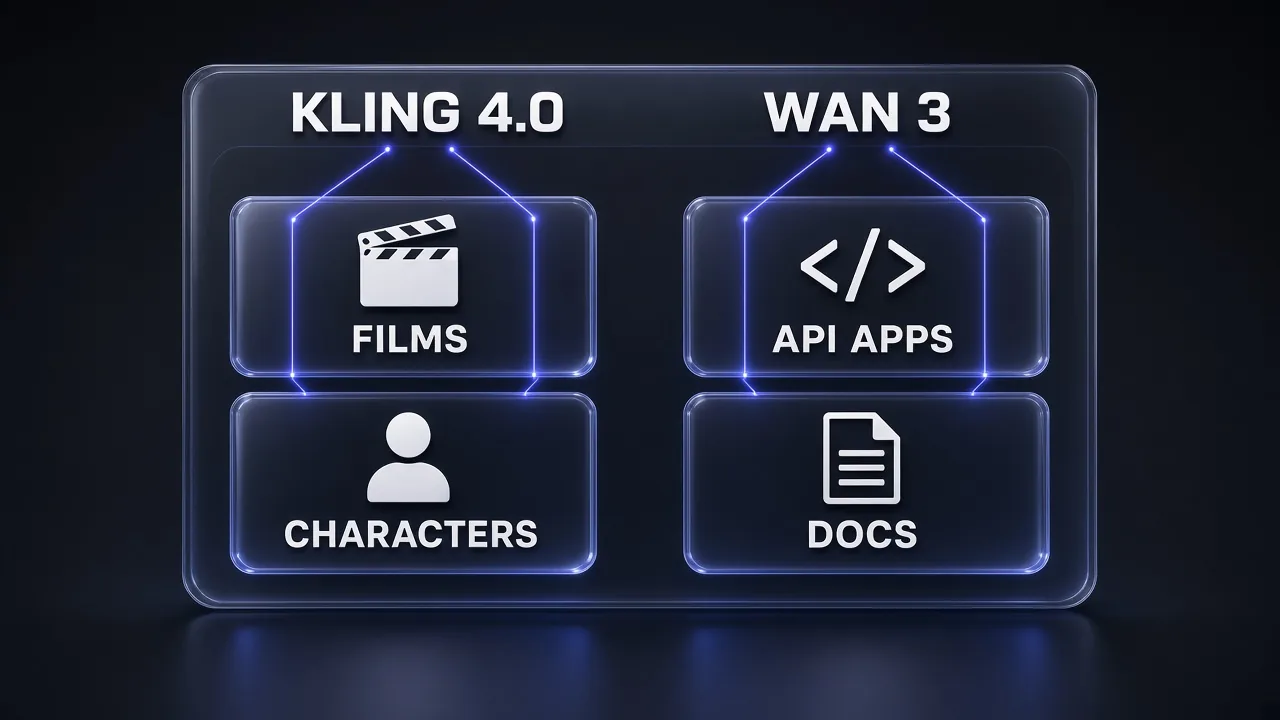
| Cinematic ads and short films | Kling 4.0 | Camera control, 10 keyframes, stereo audio |
| Consistent characters across scenes | Kling 4.0 | 15-asset Omni Reference with subjects |
| Turning a deck, PDF or page into video | Wan3.0 | Only one of the two that reads documents |
| High-volume API generation | Wan3.0 | Lower per-second price, free trial seconds |
| Cheap drafts | Wan3.0 | 480P tier at $0.05/s |
| Fast social clips in an app | Kling 4.0 Flash | Lighter model, up to 720p and 20 s |
| Agent-driven pipelines | Either | Kling has MCP and CLI; Wan has a plain REST API |
| Running the model yourself | Neither | No open weights; use Wan 2.2 locally |
For prompt writing, the same cinematic language works on both. Our 50 cinematic Kling prompts are a good starting set: shot size, lens, light and camera move, written in that order.
Our Verdict
My take: if you're a creator or agency making work that clients will judge frame by frame, start with Kling 4.0. It gives you more control over a 30-second take than any Wan setting does, and its audio is further along. If you're a developer building a product on top of a video model, or your source material is a document rather than a storyboard, start with Wan3.0. It's cheaper per second, has a free trial quota, and is the only one of the two that reads a PDF.
The smart setup for many teams is both: Wan for drafts and document-driven explainers, Kling for hero shots. Then finish in an editor such as Descript for captions, cuts and voice fixes. If you're also weighing creative tools beyond Kling, our Higgsfield vs Magnific comparison covers that side of the stack.
Frequently Asked Questions
9 questions answered