The PromptsRush journal
AI ToolsGPT-6.1 Terra Pricing: API, Batch, Fast Mode & Long-Context Costs
GPT-6.1 Terra costs $1/$5 per million tokens, with $0.05 cache reads, 50% off on Batch and Flex, and 2x for fast mode. Here's every rate, the 272K long-context surcharge, worked cost examples and how Terra compares with Claude and Gemini.
Advertisement
Short version: GPT-6.1 Terra costs $1 per million input tokens and $5 per million output tokens on the OpenAI API. Cached input drops to $0.05 per million, the Batch API and Flex processing halve every rate to $0.50 and $2.50, and fast mode doubles them to $2 and $10. The catch is the long-context line: once a prompt goes past 272K input tokens, the whole request is billed at $2 input and $7.50 output.
That makes Terra the cheapest model in OpenAI's current GPT-6 line-up that still handles serious computer use, visual reasoning and writing. OpenAI says its standard prices are 50% lower than both GPT-5.6 Terra and GPT-6.1 Sol. If you want the bigger picture of how OpenAI's tiers fit together, our AI model decision matrix maps which model suits which job. This post is only about the money. For what Terra can actually do, OpenAI's benchmark claims and when to pick it over Sol or Astra, read our GPT-6.1 Terra explainer.
Sources: OpenAI's GPT-6.1 Terra model page, the OpenAI API pricing page, the launch announcement, and the prompt caching, Batch, Flex and fast mode guides, all checked on November 4, 2026. We haven't run billed Terra workloads ourselves, so every cost example below is our own arithmetic from published rates.
GPT-6.1 Terra Pricing at a Glance
Every published GPT-6.1 Terra rate, in US dollars per million tokens. "Short context" means 272K input tokens or fewer; "long context" means more than 272K.
| Tier | Input | Cached input | 30-min cache write | 12-hour cache write | Output |
|---|---|---|---|---|---|
| Standard | $1.00 | $0.05 | $1.25 | $2.50 | $5.00 |
| Standard, long context | $2.00 | $0.10 | $2.50 | $5.00 | $7.50 |
| Batch or Flex | $0.50 | $0.025 | $0.625 | $1.25 | $2.50 |
| Batch or Flex, long context | $1.00 | $0.05 | $1.25 | $2.50 | $3.75 |
| Fast mode | $2.00 | $0.10 | $2.50 | $5.00 | $10.00 |
| Fast mode, long context | $4.00 | $0.20 | $5.00 | $10.00 | $15.00 |
Two more modifiers sit on top of that table. Regional processing (data residency endpoints) adds 10% for models released on or after March 5, 2026, which includes Terra. And from November 1, 2026, OpenAI also charges a 10% uplift on FedRAMP endpoints.
GPT-6.1 Terra price by tier
US dollars per million tokens
- Input
- Output
Source: OpenAI API pricing page, checked Nov 4, 2026
What You Are Actually Billed For
A Terra request can land in four buckets, and they don't cost the same:
- Uncached input at $1 per million: your prompt, images, tool definitions and conversation history that weren't read from cache.
- Cache writes at $1.25 per million for the default 30-minute lifetime, or $2.50 for a 12-hour lifetime. These are total rates, not a surcharge on top of input.
- Cache reads at $0.05 per million, just 5% of the input rate. OpenAI only gives that 0.05x read rate to GPT-6.1 Sol and Terra; most of its other recent models read cache at 0.1x.
- Output at $5 per million, and that includes reasoning tokens. You never see them in the response, but they are billed as output.
The output line is the one that surprises people. Terra supports reasoning effort from none through low, medium (the default), high, xhigh and max. A simple extraction job at medium effort can easily spend more on hidden reasoning than on the visible answer. If you're unsure how much thinking a task needs, our guide on choosing reasoning effort for real workloads walks through a sensible way to test it.
Pro tip: Run your first 100 production requests atnoneorloweffort and compare quality before you accept the default. On high-volume Terra jobs, effort is usually a bigger cost lever than the per-token price.
The 272K Long-Context Surcharge, Explained
Terra has a 1,050,000-token context window, with up to 922,000 input tokens and 128,000 output tokens. You can use all of it, but not at the headline price. OpenAI's rule is simple: if a prompt has more than 272K input tokens, the entire request is billed at 2x the input and cache rates and 1.5x the output rate.
Here's what that does to one big request. Say you send a 400,000-token document and get 8,000 tokens back:
- One 400K request: 400K input at $2 plus 8K output at $7.50 comes to about $0.86.
- Two 200K requests: each is 200K input at $1 plus 4K output at $5, about $0.22, so $0.44 total.
- The same 400K request with 390K cached: 390K cached at $0.10, 10K fresh input at $2 and 8K output at $7.50 comes to about $0.12.
Splitting halves the bill, and caching beats both, but only if you ask the same document many questions. Before you split, remember that very long prompts also get less reliable as the context fills, which we cover in what context rot is and how to fix it. Retrieval is often both cheaper and better than stuffing 400K tokens into one call.
For comparison, Anthropic doesn't charge a long-context premium on Claude Opus 5.5 or Sonnet 5.5: a 900K-token request is billed at the same per-token rate as a 9K one.
Prompt Caching: Where Terra Gets Really Cheap
Caching is the biggest discount on the price list. On GPT-5.6 and later models, a prefix has to be at least 1,024 tokens long to be cached. After that, every repeat of that prefix costs $0.05 per million instead of $1.
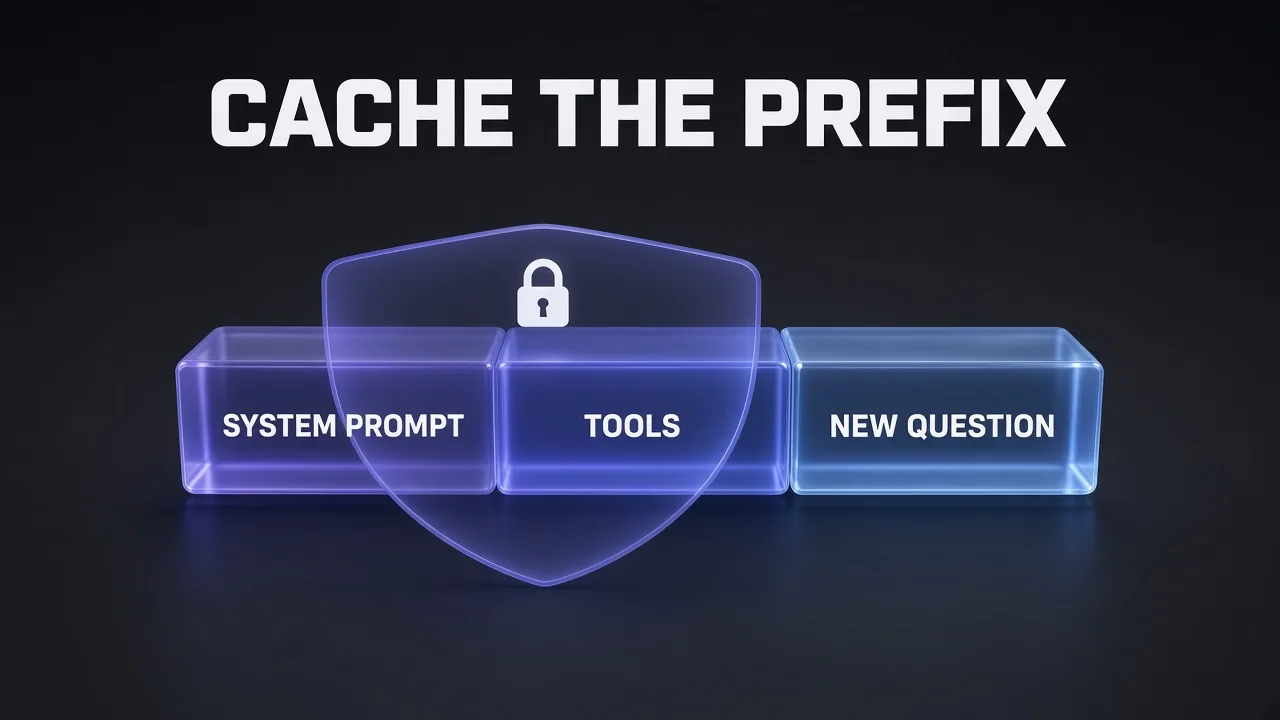
The write is where people lose money. A 30-minute write is 1.25x input, a 12-hour write is 2.5x, and a request can create up to four cache writes. In explicit-only mode, content after your last breakpoint is billed as plain input with no write charge, so put stable material first and the changing question last. Use "12h" only for material you really do reuse across a whole day, since it costs twice as much to write. If you've set up caching on Claude before, our implicit vs explicit caching comparison explains the same trade-offs with different numbers.
Worked example: a support assistant. 100,000 requests a month, each with a 20,000-token shared system prompt and tool list, 1,500 tokens of fresh input and 500 tokens of output.
| Line item | No caching | With caching |
|---|---|---|
| Shared 20K prefix | 2B tokens at $1 = $2,000 | 2B cache reads at $0.05 = $100 |
| Cache writes (assume 1,500 rewrites of the prefix) | none | 30M at $1.25 = $37.50 |
| Fresh input | 150M at $1 = $150 | 150M at $1 = $150 |
| Output | 50M at $5 = $250 | 50M at $5 = $250 |
| Monthly total | $2,400 | $537.50 |
That's about 78% off, and it assumes your traffic is steady enough that the prefix rarely expires. Bursty traffic means more writes and a smaller saving.
Batch vs Flex vs Standard vs Fast Mode
Terra comes in four service tiers. Batch and Flex share one price; the difference is how you call them.
| Tier | Price vs Standard | How you use it | Best for |
|---|---|---|---|
| Standard | 1x ($1 / $5) | Default Responses or Chat Completions call | Most interactive apps |
| Batch | 0.5x ($0.50 / $2.50) | Upload a file of requests; results within 24 hours | Bulk extraction, evals, nightly jobs |
| Flex | 0.5x ($0.50 / $2.50) | Normal call with service_tier: "flex" | Background agents that can wait and retry |
| Fast mode | 2x ($2 / $10) | service_tier: "fast" (or "priority") | User-facing features where latency matters |
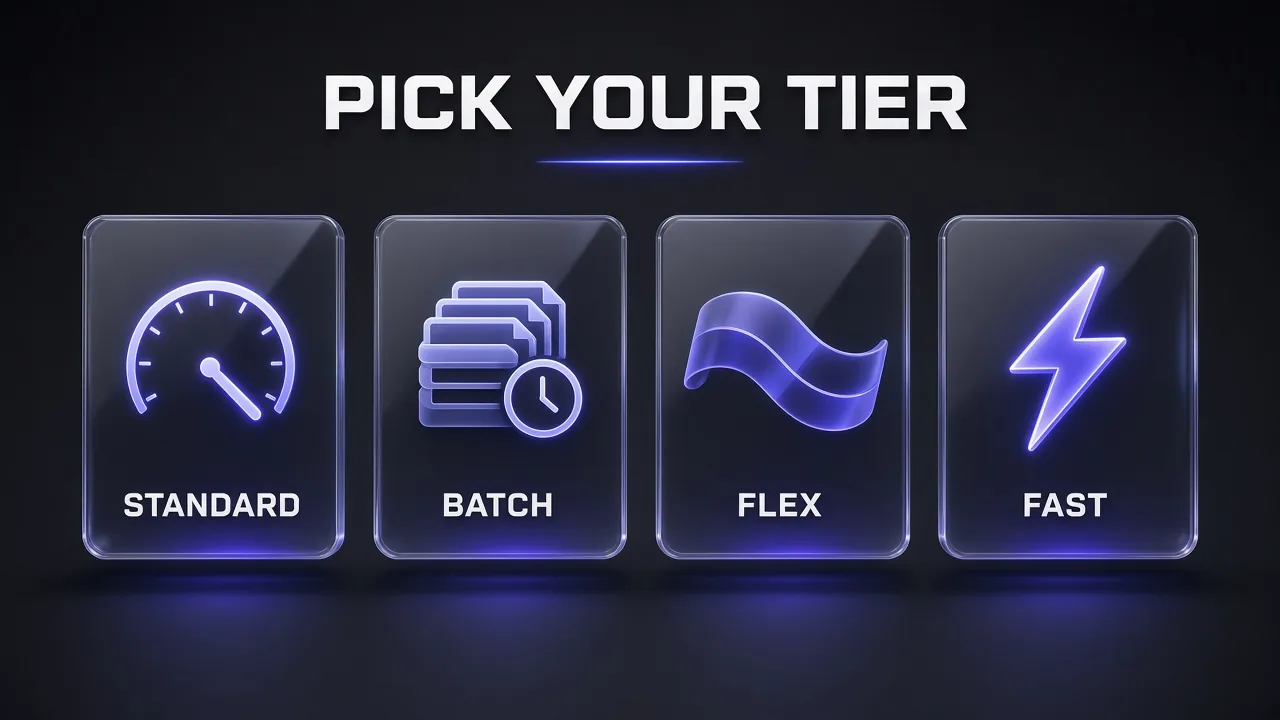
Flex is in beta and can return a 429 Resource Unavailable error when OpenAI is short on capacity. You're not charged when that happens, and OpenAI suggests retrying on Standard when the job can't wait. Fast mode, which OpenAI renamed from priority processing on July 30, 2026, can run up to 2.5x faster than Standard. Unlike GPT-6.1 Sol and GPT-6 Astra, Terra has no Ultrafast tier.
Worked example: invoice extraction. 10,000 invoices a day, each about 3,000 input tokens (image plus instructions) and 400 output tokens including reasoning. That's 30M input and 4M output a day:
- Standard: $30 input plus $20 output, so $50 a day, about $1,500 over 30 days.
- Batch: $25 a day, about $750 over 30 days.
- Fast mode: $100 a day, which only makes sense if someone is waiting on each result.
The number of tokens an invoice image uses depends on its size and detail, so measure a sample of your own files before you trust any per-document estimate, including ours.
What a Computer-Use Task Costs on Terra
Computer use is the job OpenAI built Terra for, and it's also where costs are hardest to predict, because every step resends a screenshot and the history. Here's a rough task: 50 steps, each with 6,000 input tokens of which 5,000 are cached history, plus 300 output tokens.
- Fresh input: 50K tokens, written to cache at $1.25, about $0.06
- Cached input: 250K tokens at $0.05, about $0.01
- Output: 15K tokens at $5, about $0.08
That's roughly $0.15 per task on Standard before any tool fees. Hosted tools add their own charges: web search is $10 per 1,000 calls plus the search content tokens, file search is $2.50 per 1,000 calls, and hosted shell or Code Interpreter containers start at $0.03 per 20-minute session for 1 GB. If you're building the same kind of agent on Anthropic's side, our Claude computer use guide covers the setup and safety limits.
OpenAI's own numbers say that at max effort, Terra is over three times as token-efficient as Claude Opus 5.5 on its Agents' Last Exam benchmark, at a quarter of the price per token, for about 9x lower cost per task. That's a vendor claim on a vendor-chosen benchmark, so treat it as a reason to test, not as a result.
GPT-6.1 Terra vs Other Models on Price
Standard API list prices per million tokens, checked on each vendor's own pricing page on November 4, 2026:
| Model | Input | Output | Cached input | Note |
|---|---|---|---|---|
| GPT-6.1 Terra | $1.00 | $5.00 | $0.05 | 2x / 1.5x above 272K |
| GPT-6 Luna | $0.10 | $0.50 | $0.01 | OpenAI's cheapest GPT-6 tier |
| GPT-6.1 Sol | $2.00 | $10.00 | $0.10 | OpenAI's pick for harder coding |
| GPT-6 Astra | $10.00 | $50.00 | $1.00 | Flagship |
| GPT-5.6 Terra | $2.00 | $12.00 | $0.20 | Previous Terra |
| Claude Haiku 5.5 | $0.10 | $0.50 | $0.01 | Prompts up to 100K tokens |
| Claude Sonnet 5.5 | $2.00 | $10.00 | $0.10 | No long-context premium |
| Claude Opus 5.5 | $4.00 | $20.00 | $0.20 | No long-context premium |
| Gemini 3.8 Flash | $0.75 | $3.75 | $0.075 | Doubles on January 1, 2027 |
| Gemini 4 Argon | $2.00 | $10.00 | $0.10 | Rises to $4 / $20 on December 1, 2026 |
Output price per million tokens
Standard API list prices, US dollars
Source: OpenAI, Anthropic and Google API pricing pages, checked Nov 4, 2026
Honest answer: Terra is not the cheapest model on that list. Gemini 3.8 Flash undercuts it until the end of the year, and Luna and Haiku cost a tenth as much. What Terra offers is a price close to the budget tier with computer use and visual reasoning that OpenAI places much closer to its top models. If you're weighing the Anthropic and Google options in detail, our breakdowns of Claude Opus 5.5 pricing and Gemini 4 Argon pricing run the same kind of numbers.
Terra in ChatGPT and Codex
You don't need the API to use Terra. OpenAI says it's available to Plus, Pro, Enterprise and Edu users in ChatGPT Work and Codex, though not in regular ChatGPT chat. OpenAI also says the same plan allowance covers more tasks with Terra than with GPT-5.6 Terra, and substantially more than with GPT-6.1 Sol or GPT-6 Astra.
Two things to keep straight. First, API usage is billed separately from ChatGPT subscriptions, so a Plus plan doesn't give you Terra API credit. Second, OpenAI's help center says Terra doesn't support UAE inference residency. For what each ChatGPT plan includes, see our ChatGPT pricing guide.
Five Ways to Cut Your Terra Bill
- Turn reasoning effort down first. Reasoning tokens are billed as output at $5 per million. Terra supports
none, which GPT-6.1 Sol and GPT-6 Astra don't. - Cache the stable prefix. System prompt and tools first, the question last, explicit breakpoints, and the 30-minute lifetime unless you really reuse it all day.
- Stay under 272K input tokens. Split, retrieve or summarize before you cross the line, because crossing it reprices the whole request. Our guide to building a RAG pipeline that doesn't invent sources is a good place to start.
- Move anything that can wait to Batch or Flex. Same model, half the price.
- Use fast mode only where users are waiting. It doubles every rate, so don't set it as a project-wide default.
Estimate Your GPT-6.1 Terra Monthly Bill
You are an API cost analyst. Estimate my monthly GPT-6.1 Terra bill using these published rates per million tokens: Standard input $1, cached input $0.05, 30-minute cache write $1.25, output $5 (reasoning tokens count as output). Prompts over 272K input tokens cost 2x input and cache rates and 1.5x output for the whole request. Batch and Flex are 50% off. Fast mode is 2x.

My workload:
- Requests per month: [NUMBER]
- Shared prefix tokens (system prompt and tools): [NUMBER]
- Fresh input tokens per request: [NUMBER]
- Visible output tokens per request: [NUMBER]
- Reasoning effort: [none / low / medium / high]
- Share of traffic that can wait for Batch or Flex: [PERCENT]

Show a table for Standard, Standard with caching, and a Batch/Flex split. State every assumption, especially your reasoning-token estimate and cache hit rate, and list the three changes that would save the most money.
Who Should Pay for GPT-6.1 Terra
- Good fit: high-volume document and image work (invoices, catalog matching, technical drawings), computer-use agents that run many steps, and writing or support assistants with a large cacheable prompt.
- Look at Sol or Astra instead: your hardest coding tasks. OpenAI itself says GPT-6.1 Sol and GPT-6 Astra remain the better choice for the most complex coding work.
- Look at Luna, Haiku or Flash instead: simple classification or short text tasks where a model costing a tenth as much is good enough.
- Be careful: workloads that routinely need more than 272K tokens in one prompt. Claude and Gemini price long context differently, so compare on your real prompt sizes.
My take: for most teams already on GPT-5.6 Terra, switching is an easy saving, since the list price drops on both input and output. Test it on your own images and workflows at the same reasoning effort before you move everything, which is also what OpenAI's migration guide recommends.
Frequently Asked Questions
10 questions answered