Loading elite prompt experience...
Example Output
 Open in Gallery
Loading elite prompt experience...
A curated stack for turning ideas into production-ready video, ads, and art.
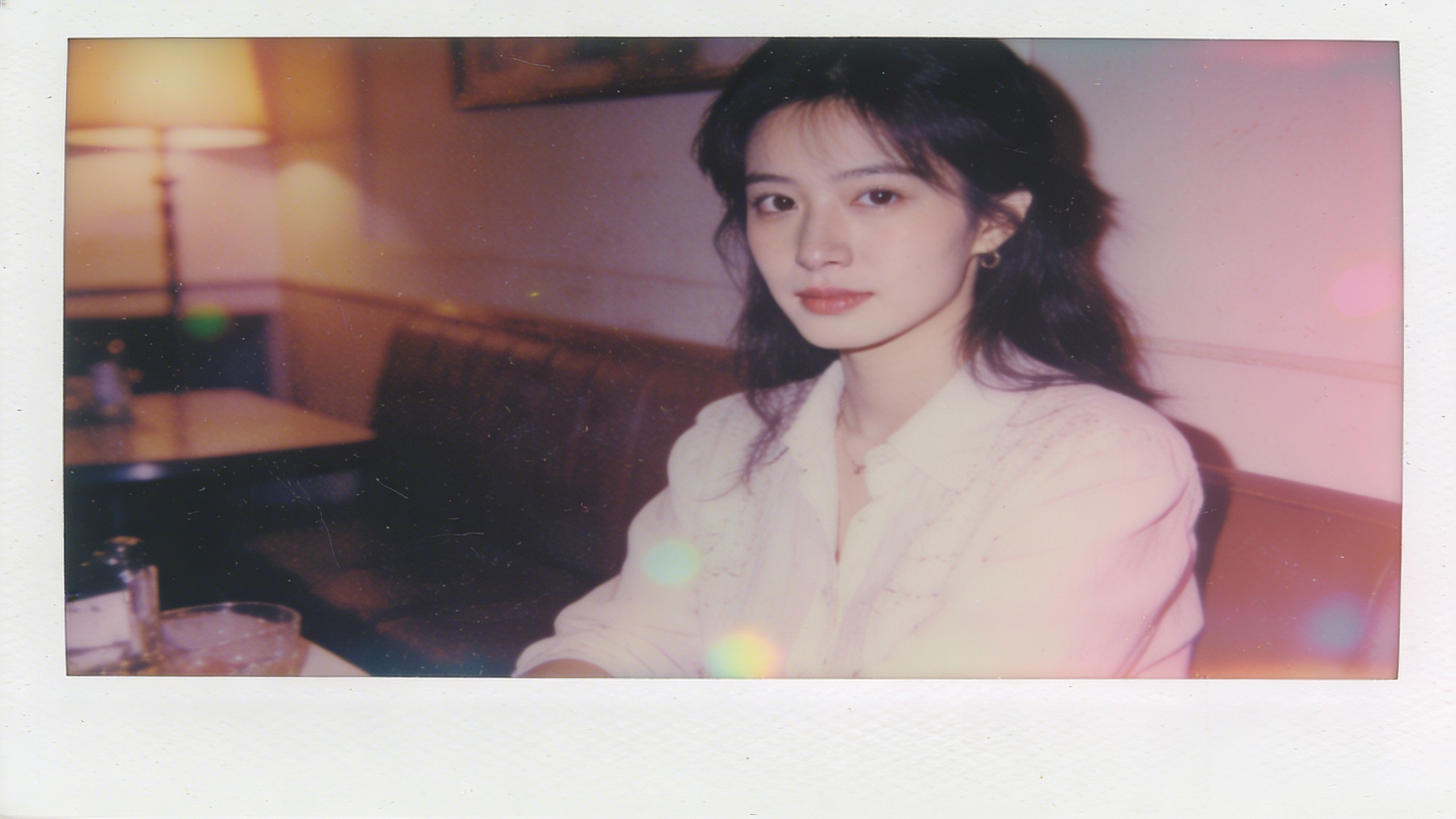
Open in GalleryInstantly apply a highly realistic nostalgic 1980s polaroid film aesthetic to any subject and location.
The prompt produces a slightly faded vintage polaroid with film grain, light leaks, soft focus and retro 1980s color grading, complete with authentic polaroid borders visible at the edges. The result feels like a found photograph rather than a filtered render.
Mood boards, retro marketing campaigns, social media posts and carousels, album and zine artwork, and nostalgic throwback visuals for events.
Click the "Copy" button above to copy the complete prompt text to your clipboard. This will copy all the text including any placeholders.
If you see placeholders like {{topic}} or {{style}} in the prompt, click "Customize & Use" to open the customization dialog. Fill in your specific values to personalize the prompt for your needs.
Go to gemini.google.com and sign in to your Google account. Make sure you have access to the image generation feature.
In Gemini, look for the "Create image" or image generation option. If available, switch to Gemini Pro or Advanced mode for higher quality outputs.
Paste the copied prompt (Ctrl/Cmd + V) into the AI tool's text input field. click the send/generate button to create your image.
Review the generated image. If it doesn't match your expectations, try regenerating or adjusting the prompt with more specific details. Most AI tools allow multiple generation attempts.
Generate with
prompt auto-copiesAffiliate links · We may earn a commission at no cost to you
Tested by the PromptsRush team
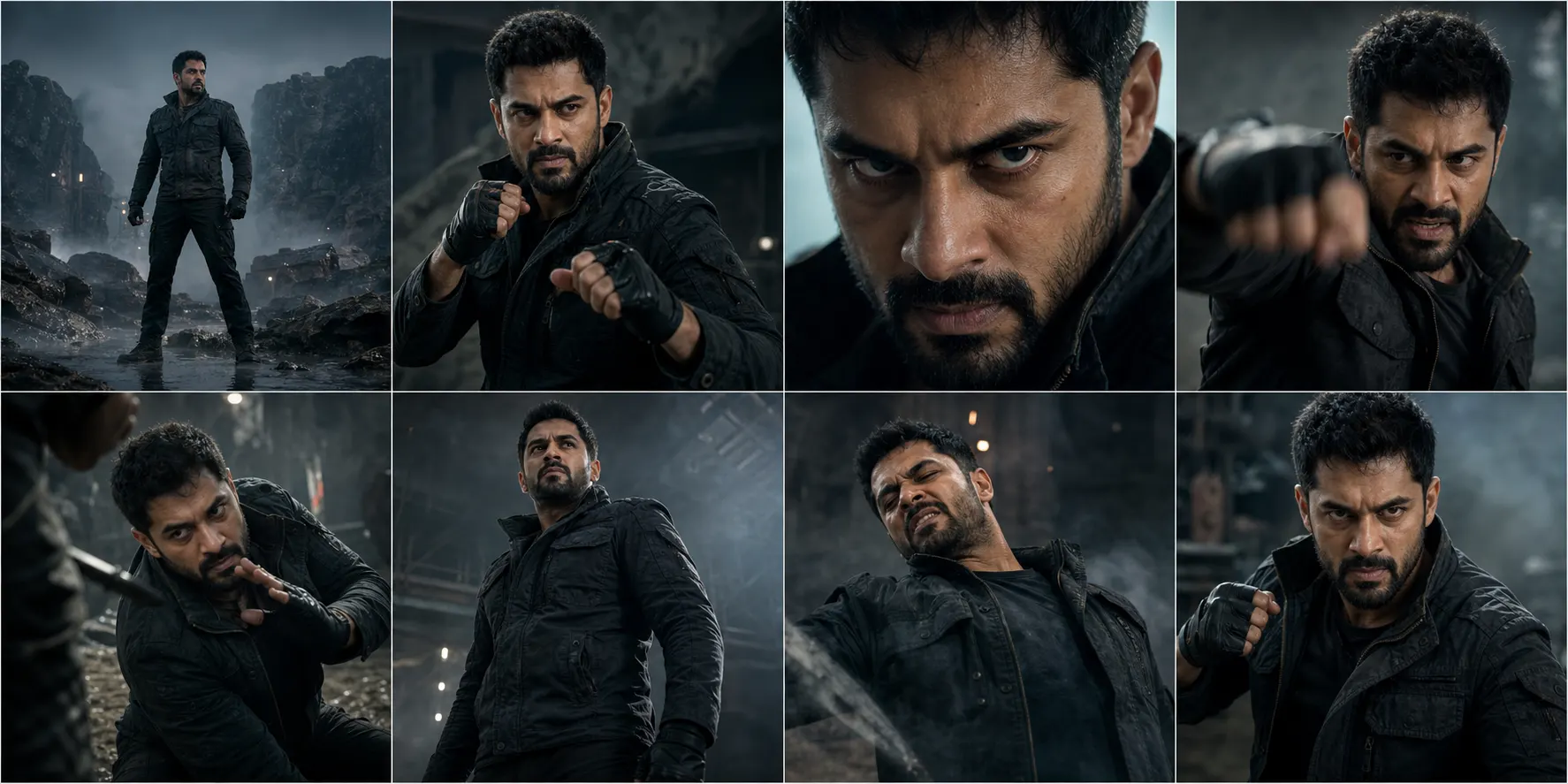
Cinematic Character Variations
Advertisement