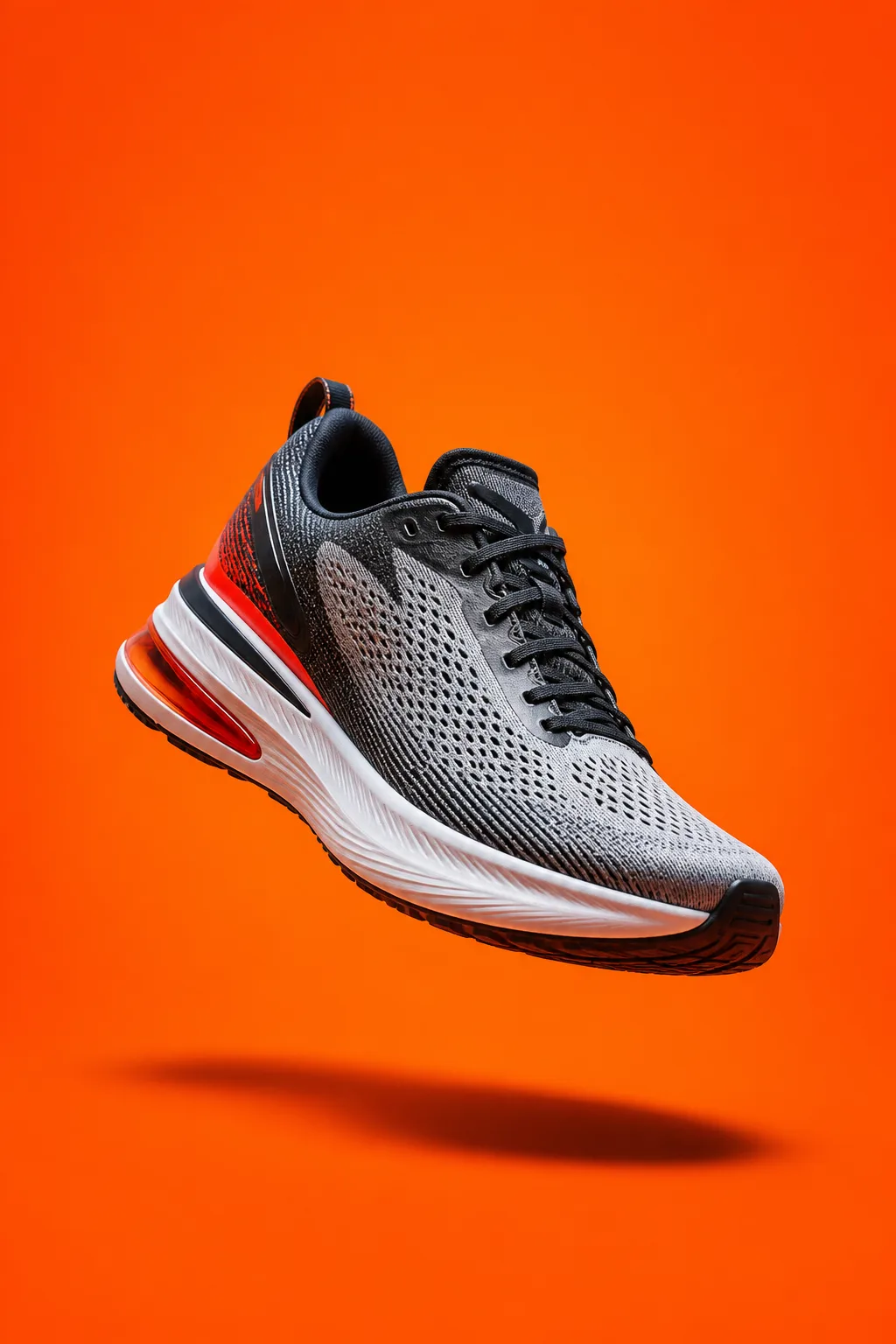
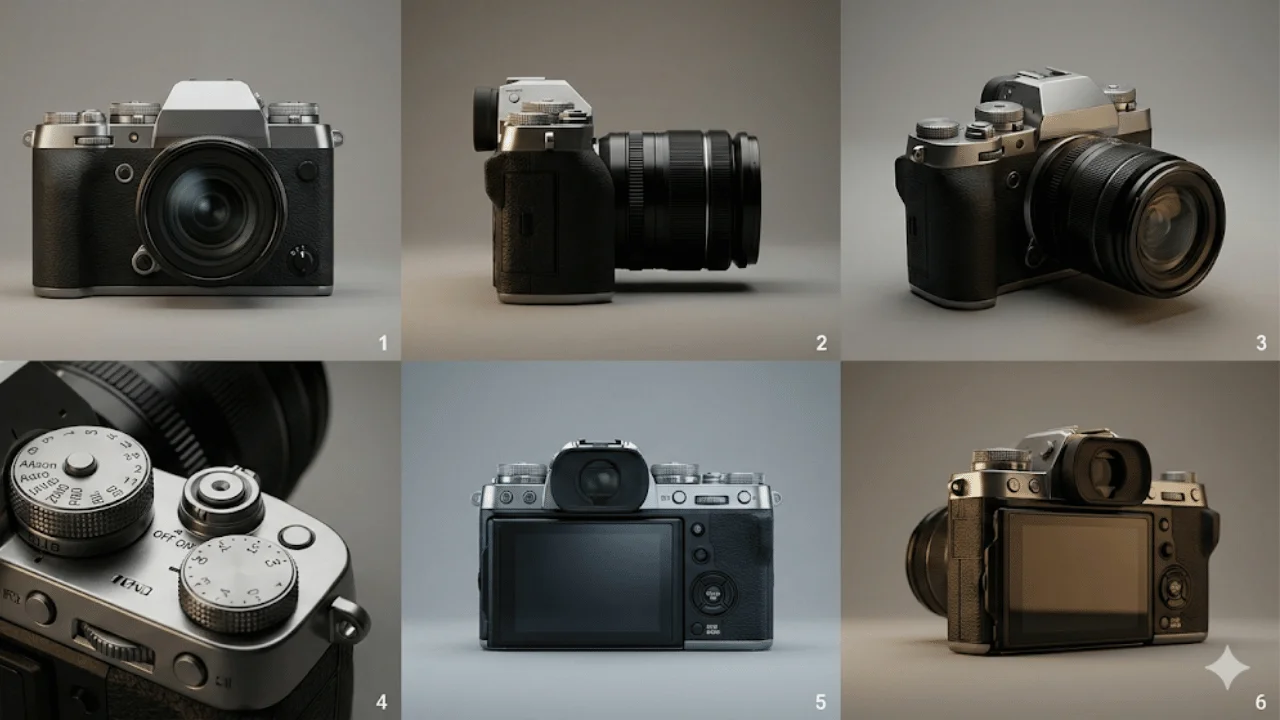
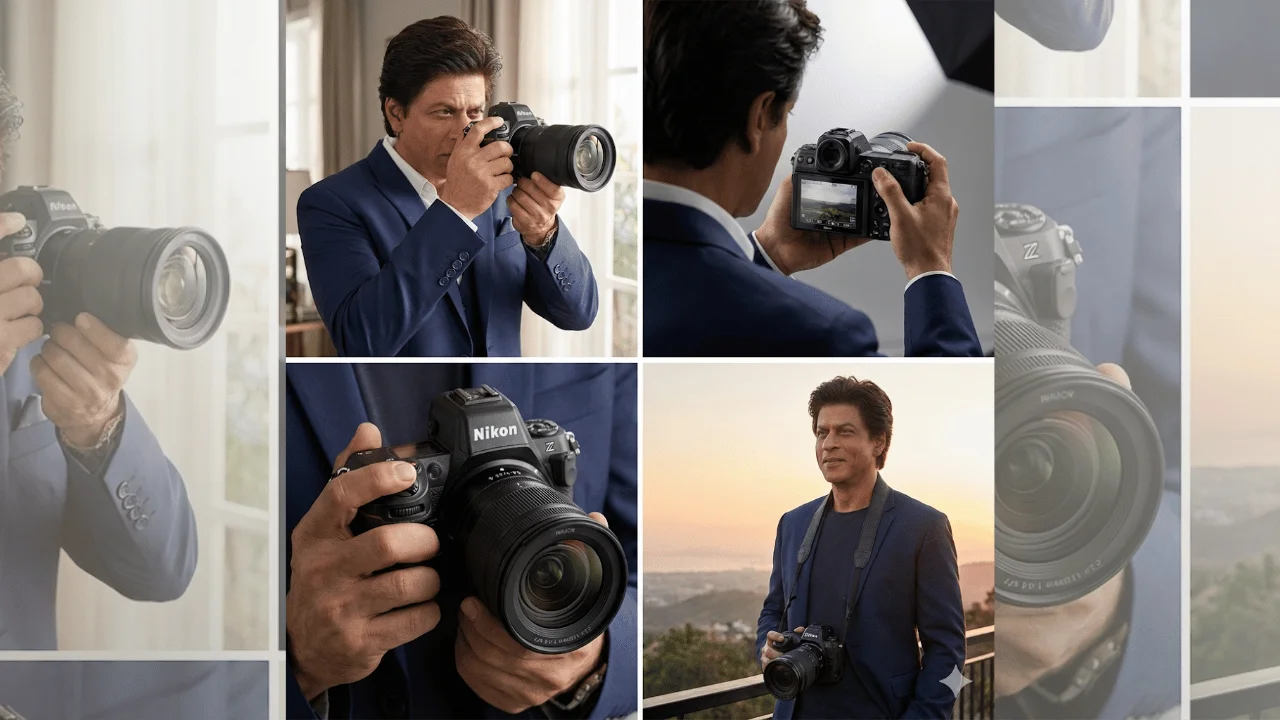
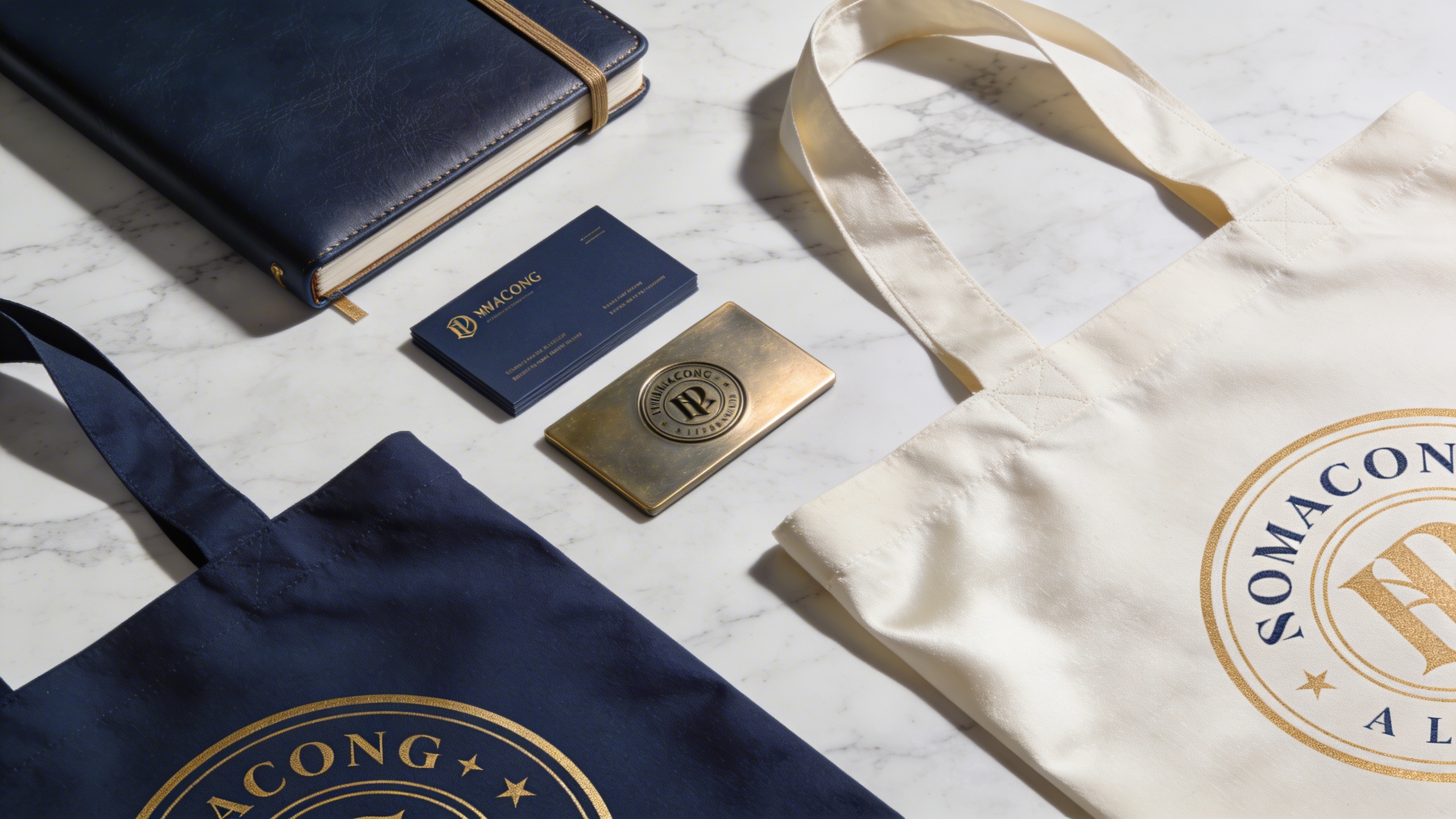
Produce engaging, high-retention video B-roll suitable for TikTok, Instagram Reels, and YouTube Shorts.
The prompt generates cinematic slow-motion B-roll in which the camera executes one smooth, deliberate movement around a product or action inside an aesthetically pleasing environment. Ultra-high definition, rich color grading, and a commercial aesthetic give you endless footage options for short-form storytelling.
What you can customize
Product Action / Feature — the subject and its subtle motion; the default is a macro shot of condensation dripping down an ice-cold bottle of artisan soda
Camera Movement — three options: Pan Right, Slow Zoom In, or Orbit Around
Surrounding Environment — the setting, such as a dimly lit speakeasy bar top
Lighting Setup — the light quality and tone, such as a dramatic spotlight with warm golden tones
Best for
Short-form video advertising, influencer marketing content, and cinematic product teasers. Social media managers, content creators, dropshippers, and video editors can use it to fill gaps in a brand story, highlight luxurious features of a physical product, or generate establishing shots to pair with voiceovers and trending audio.
Tips for the best results
Focus on action. Define the subtle movement clearly: steam rising, light sweeping across a surface, slow rotation, droplets of water falling.
Match the platform. High-contrast, moody lighting suits tech products, while bright, airy lighting suits lifestyle and beauty brands.
Let the slow-motion pacing carry the clip, and specify "macro" or "close-up" to emphasize texture and detail.
Avoid fast, chaotic movements like "shaky cam" unless you want an amateur vlog style; they reduce the perceived premium quality of the product.
Do not overcrowd the scene with moving elements, which can cause rendering complexities and artifacts in the video.
Related Tags
#B-Roll#Product Video#Marketing#Social Media
Video PromptCustomizable Template
1
Copy the Prompt
Click the "Copy" button above to copy the complete prompt text to your clipboard. This will copy all the text including any placeholders.
The prompt will be copied exactly as shown
2
Customize the Variables
If you see placeholders like {{topic}} or {{style}} in the prompt, click "Customize & Use" to open the customization dialog. Fill in your specific values to personalize the prompt for your needs.
Replace all placeholders with your specific content
Be descriptive for better AI results
You can copy the customized version after filling in values
3
Open your preferred AI video tool
Open your preferred AI video generation tool (like Runway, Pika, or similar) and navigate to their video generation feature.
Create an account if you don't have one
Check if you have generation credits available
4
Paste & Generate
Paste the copied prompt (Ctrl/Cmd + V) into the AI tool's text input field. click the send/generate button to create your video.
Double-check the prompt for any unfilled placeholders
Generation may take a few seconds to a few minutes
5
Review & Refine
Review the generated video. If it doesn't match your expectations, try regenerating or adjusting the prompt with more specific details. Most AI tools allow multiple generation attempts.
Add more descriptive details if results are too generic
Specify style, mood, or composition for better control
Try different variations to find the best result
Save outputs you like immediately
Advanced Pro Tips
Save prompts that work well for you by adding them to your Wishlist.
Experiment with different AI tools — each produces radically different compositions and intrinsic visual styles.
Be extremely specific with lighting, camera angles, and color grading for high-fidelity yields.
Prompt5 fields
Cinematic slow-motion B-roll video showcasing {{product_action}}. The camera executes a smooth, deliberate {{camera_movement}}. The environment is {{environment}}. The lighting is {{lighting}}. Ultra-high definition, rich color grading, commercial aesthetic, extreme detail.