The PromptsRush journal
TutorialsHow to Write Better design.md Files
A good design.md turns Claude, Cursor, or v0 into an on-brand teammate. What to put in one, the rules that make it work, and a copy-paste template.
Advertisement
A design.md is the most underrated file in AI-assisted building. Hand a good one to Claude, Cursor, or v0 and the output stops looking like a generic template and starts looking like your product.
Most design.md files are too vague to do that. They say "modern and clean" and hope the model guesses the rest. A great one removes the guessing entirely.
Here is what actually belongs in a design.md, the rules that separate a useful one from a decorative one, and a template you can copy today.
What is a design.md file?
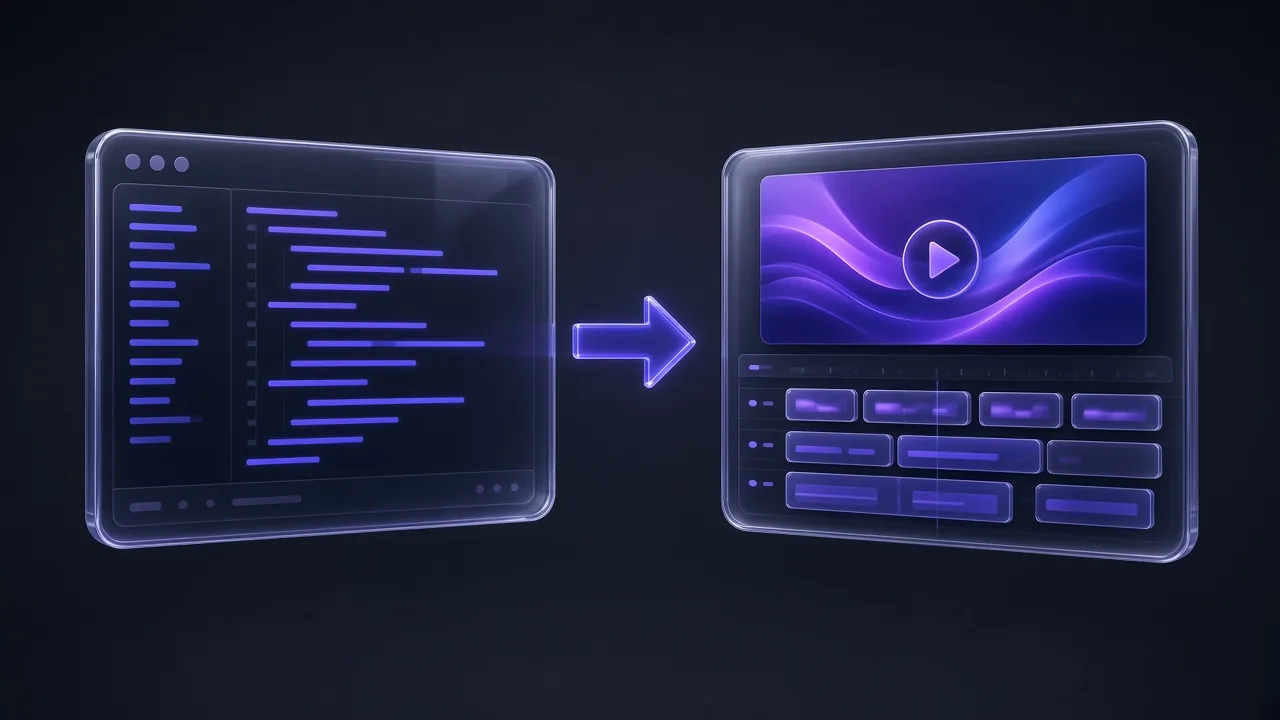
A design.md is a plain-text brief that describes your design system in a form an AI can read: the colors, fonts, spacing, radii, shadows, component rules, and the do/don't guardrails that define your look. It is markdown, so it lives next to your code and travels with your repo.
Unlike a Figma file, a design.md is not pixels — it is instructions. That is exactly why models use it well: they apply tokens and rules far more reliably than they infer taste from a screenshot. For the design-tool angle, see Claude Design vs Figma.
Why AI tools need a design.md
An AI coding tool with no design brief defaults to its training average: shadcn defaults, generic blue, Inter, rounded corners everywhere. Fine for a prototype, forgettable for a brand. The model is not lacking skill; it is lacking specifics.
A design.md supplies the specifics. "Primary is hsl(243 75% 59%), radius is 12px, never pure black on white" is unambiguous. The model has nothing to guess, so every screen it generates is consistent with the last. That consistency is the entire point of a design system, and a design.md is how you hand one to a machine.
The anatomy of a great design.md
Six sections cover almost everything an AI needs. Keep each one tight — bullets and tokens beat prose.
1. A short brand brief
Three sentences on personality: what it feels like, what to favor, what to avoid. "Calm fintech, not a toy. Favor whitespace and restraint over decoration." This anchors every judgment call the model makes when your tokens do not cover a specific case.
2. Color tokens
List every semantic color with an exact value — background, foreground, primary, accent, muted, border, destructive — for light, and for dark if you support it. Use one format (HSL or hex) consistently. Name them by role, not by hue, so the model maps them onto the UI correctly.
3. Typography
Name the font families (sans, serif, mono), the type scale, and the weight and tracking for headings versus body. If you fix only one thing, fix the scale — random font sizes are the fastest way to make AI output look amateur.
4. Spacing, radius, and shadows
Give a base spacing unit (4px is standard), a single corner radius, and one or two shadow values. These three numbers do more for visual cohesion than any color choice.
5. Component specs
Spell out your few core components — button, card, input — with height, radius, border, and padding. The model reuses these everywhere, so nailing three components propagates to the whole interface.
6. Do's and don'ts
A short list of guardrails the tokens cannot express. "Use one accent color." "Never more than two font families." "No pure black on pure white." These catch the mistakes models make most often.
7 rules for writing a better design.md
- Be specific or be ignored. "Modern" means nothing. "16px body, 1.6 line-height, Inter" means something. Replace every adjective with a value.
- Use tokens, not descriptions. A model can apply
primary: hsl(243 75% 59%)perfectly. "A nice purple" it cannot. - Name colors by role. "primary", "muted-foreground", and "border" map to the UI. "purple-2" does not.
- Pin the type scale. List the exact sizes. Free-floating font sizes are the number-one tell of AI-generated UI.
- Keep it short. One screen of tokens beats five pages of prose. The model reads all of it — give it signal, not padding.
- Add do/don'ts for taste calls. Tokens cover the what; guardrails cover the judgment tokens cannot encode.
- Show one full example. One completely specified component teaches the model your level of detail for everything else.
Pro tip: If you can copy a value out of your design.md and paste it straight into CSS, it is specific enough. If you would have to interpret it first, so does the AI — and it will interpret differently every time.
A copy-paste design.md template
Start from this, swap the values for yours, and delete what you do not use. It is deliberately terse — that is the point.
# Design System: Aurora

## Brand
Calm, modern, trustworthy. A fintech dashboard, not a toy.
Favor whitespace, soft shadows, and restraint over decoration.

## Colors (light)
- background: hsl(0 0% 100%)
- foreground: hsl(222 47% 11%)
- primary: hsl(243 75% 59%)
- primary-foreground: hsl(0 0% 100%)
- accent: hsl(243 75% 96%)
- muted: hsl(210 40% 96%)
- muted-foreground: hsl(215 16% 47%)
- border: hsl(214 32% 91%)
- destructive: hsl(0 72% 51%)

## Typography
- Sans: Inter
- Mono: JetBrains Mono
- Scale (px): 12 / 14 / 16 / 20 / 24 / 32 / 48
- Headings: 700 weight, -0.02em tracking
- Body: 16px, 1.6 line-height

## Spacing and shape
- Base unit: 4px
- Radius: 12px
- Shadow sm: 0 1px 2px rgba(0,0,0,0.06)
- Shadow md: 0 8px 24px rgba(0,0,0,0.08)

## Components
- Button: height 44px, radius 12px, primary bg, semibold label
- Card: radius 16px, 1px border, shadow md, 24px padding
- Input: height 44px, 1px border, focus ring in primary

## Do
- Use one accent color and let it carry emphasis
- Keep body text at 16px or larger

## Don't
- Do not mix more than two font families
- Do not use pure black on pure white
Common design.md mistakes
- Adjectives instead of values. "Clean, modern, premium" tells the model nothing it can apply.
- Asking for dark mode you never defined. If you want both themes, specify both token sets.
- Too many fonts. Three or more families and every screen fights itself.
- Colors with no roles. A palette without semantic names forces the model to guess placement.
- Writing a novel. Five pages of brand philosophy bury the handful of numbers that actually matter.
Generate a design.md in seconds
You do not have to write one from scratch. The Designs marketplace renders complete design systems live from their tokens — pick one you like, then copy its shadcn or Tailwind variables, or download a ready-made design.md to brief your AI. It is the fastest way to go from "I want it to look like that" to a file you can paste into Cursor.
Want to publish your own? Submit a design and it becomes a downloadable design.md for everyone.
Test your design.md before you trust it
One quick check: open a fresh AI session, paste the design.md, and ask it to build a pricing page. If the result is on-brand without further nudging, the file is doing its job. If you keep correcting colors or spacing, those are the tokens to tighten. Iterate the file, not the output — a fix in the design.md pays off on every screen after it.
The verdict
A design.md is how you give an AI taste it can actually act on. Keep it specific, token-first, and short. Six sections — brand, color, type, spacing, components, guardrails — plus a few do/don'ts will take you most of the way. The teams shipping the best AI-built UI are not using better models; they are handing them better briefs.
Keep going
From here, learn the foundations in the Design Systems track, see working prompts in How to Use Claude Design, or understand the bigger picture in AI Skills vs AI Agents. Then browse the Designs marketplace to grab a design.md you can ship with today.
Frequently Asked Questions
8 questions answered