The PromptsRush journal
AI ToolsBest MCPs for Generating Images Using Claude
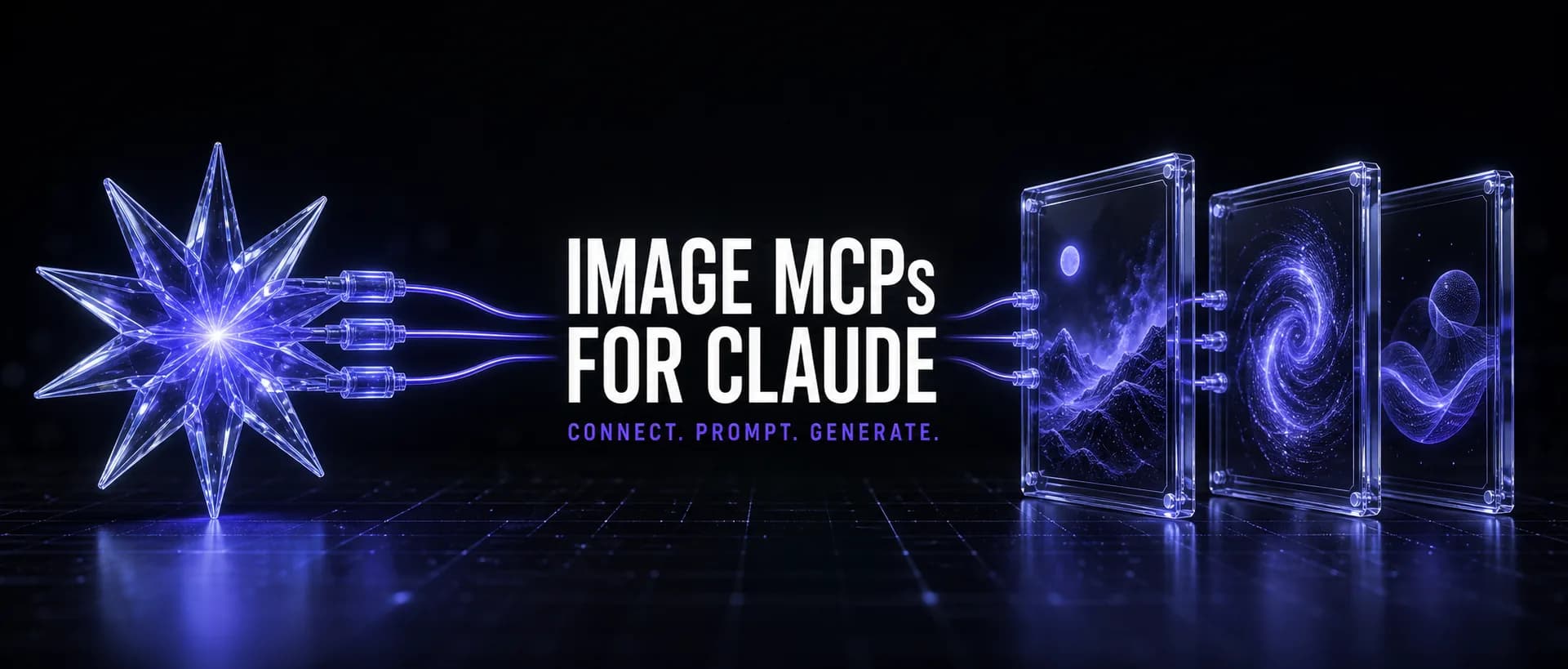
Connect Claude to an image model and it stops describing pictures and starts making them. The MCP servers worth installing — Higgsfield, fal.ai, Replicate, Canva — and which fits your work.
Advertisement
Claude cannot generate images on its own. Give it an MCP server and it can — not by handing you a prompt to paste somewhere else, but by generating the image, looking at the result, and regenerating it when the text came out wrong. That loop is the entire point, and it is the difference between an assistant that describes pictures and one that produces them.
The catch is that "image MCP" covers two genuinely different things, and picking the wrong category wastes an afternoon. Some servers are pixel generators — text in, rendered image out, thirty models to choose from. Others are design generators — they lay out a poster or a thumbnail using your brand kit and typography. Canva is the second kind. Higgsfield is the first. If you install one expecting the other, nothing works the way you assumed.
This guide covers the servers worth connecting in 2026, what each is actually for, the setup, and the workflows that only become possible once the model is inside the conversation. We run several of these daily — the parameter-level detail below comes from the connected tools, not from their marketing pages.
What an Image MCP Actually Does
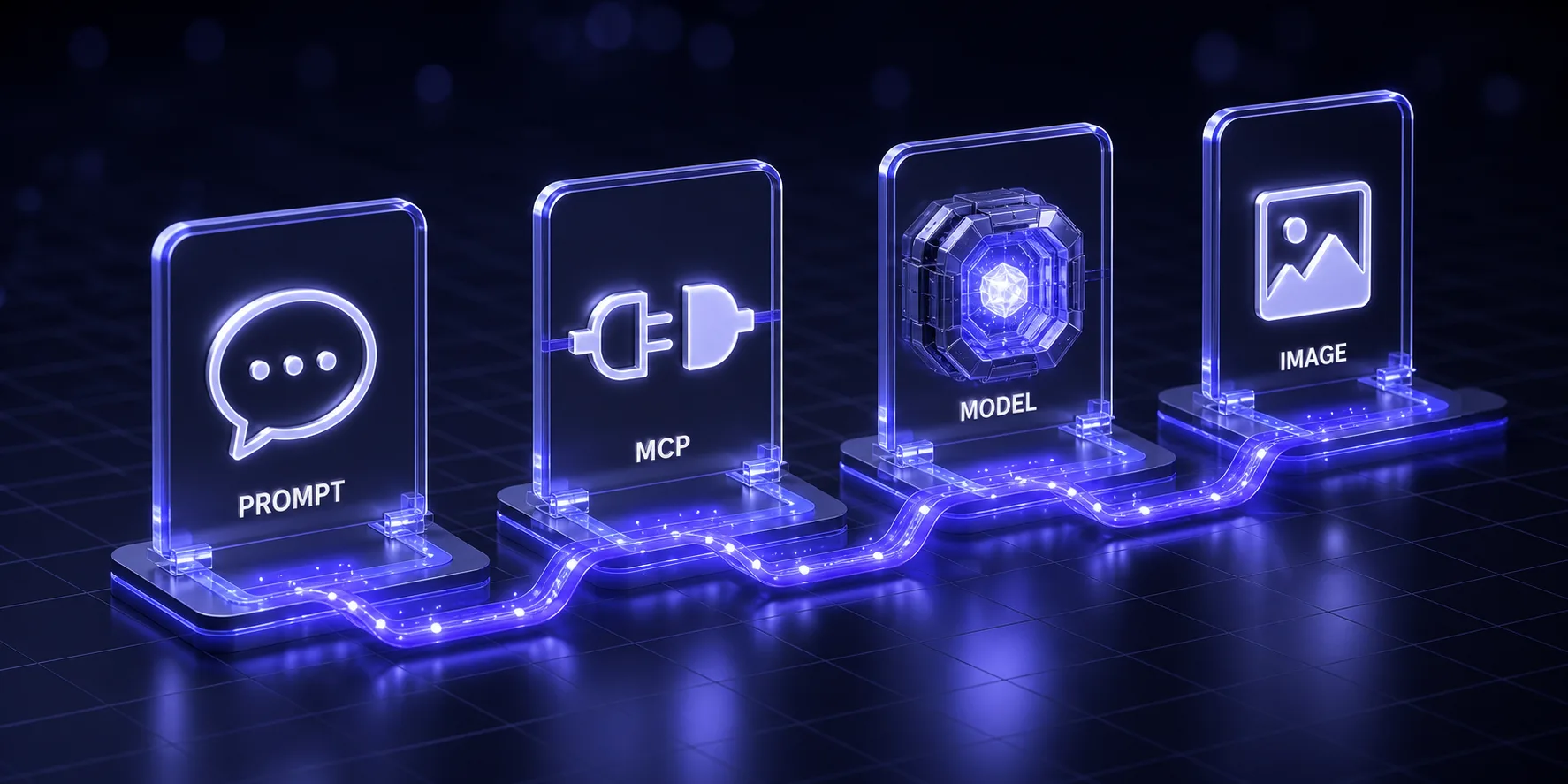
The Model Context Protocol is a standard way to hand Claude a set of tools it can call. An image MCP exposes tools like generate_image, upscale_image, and remove_background. You ask in plain language; Claude picks the tool, fills the parameters, and calls it. The image comes back into the conversation.
Three things become possible that were not before:
- Iteration without context loss. "Same image, but move the logo left and make the background darker" works, because Claude still has the original prompt, the parameters, and the result in front of it.
- Chaining. Generate, upscale to 4K, cut the background out, hand back a transparent PNG — one request, three tool calls, no downloading and re-uploading between steps.
- Batching with judgment. "Generate hero images for these twelve blog posts, same visual style, headline text from each title." Claude keeps the style constant and varies only what should vary.
What it does not do is make you a prompt engineer for free. The model still needs a good prompt — and if you want images that look like a brand rather than stock AI output, our guide on writing a design.md applies to visuals just as much as to code.
The Servers at a Glance
| MCP | Type | Best for | Auth | Cost model |
|---|---|---|---|---|
| Higgsfield | Pixel generation + editing | Creative work, characters, ads, image + video in one server | Connector, no API key | Credits |
| fal.ai | Pixel generation | Developers who want FLUX and fast inference | FAL_KEY | Pay per call |
| Replicate | Pixel generation | Model breadth and experimentation | REPLICATE_API_TOKEN | Pay per call |
| Canva | Design generation | On-brand posters, thumbnails, social posts, docs | Connector, no API key | Canva plan |
| Imagine | Pixel generation | Trying this out for free | Connector | ~100 credits/day free |
| OpenArt | Pixel generation | Midjourney/Flux-style workflows | Account | Subscription |
They coexist. MCP servers run side by side in Claude without conflict, so the realistic setup is two or three: one pixel generator, one design tool, and whatever your team already pays for.
Higgsfield MCP — The Most Capable Creative Server

Higgsfield launched its MCP on April 30, 2026, and it is the most complete creative server available: 30+ models spanning image and video — Soul, Cinema Studio, Flux, Seedream, Nano Banana Pro, Kling, Minimax Hailuo, Veo — behind one connection, with no API key to manage.
What makes it genuinely different from a thin API wrapper is that generation and editing live in the same server. Alongside generate_image you get upscale_image (2K/4K), outpaint_image for expanding a crop, remove_background for cutouts, and motion_control if you take the image into video. Claude can run that whole chain without you touching a file.
The parameters that matter
A few details from the actual tool definition that will save you a wasted hour:
- Model selection is required, and the right default depends on the job:
marketing_studio_imagefor commercial, product, and ad creative;soul_2for portraits, fashion, UGC, and editorial;nano_banana_prowhen you need 4K, rendered text, or diagrams;soul_castfor a text-only character. If you are unsure,models_explorewithaction: "recommend"picks one from your goal. - Preflight the cost. Passing
get_cost: truereturns the credit cost without generating. On a batch job, check one before running forty. - Reference images go in by ID, not URL. Upload through
media_uploadormedia_import_urlfirst, then pass the returned media ID inmedias. Passing anhttps://link directly fails — this trips up almost everyone once. - Reusable characters. Train a "Soul" on 5–20 photos (about ten minutes) and reuse that identity across every future generation with
soul_2plus the soul ID. This is the feature to reach for if you need one consistent face across a campaign. - Count is capped at 4 per call — send separate calls for more.
Cost is credit-based, with top-up packs running roughly 20–22 credits per dollar and expiring 90 days after purchase. Full breakdown in our Higgsfield pricing analysis, including the plan tiers and where the credit math stops making sense.
Use it when: your work is creative rather than utilitarian — ads, characters, editorial imagery, or anything that continues into video. Skip it when: you generate a handful of images a month and would rather not manage a credit balance.
fal.ai MCP — The Developer's Pick
fal.ai is the server to install if you think in API calls. It focuses on fast inference over FLUX models, with text-to-image, image-to-image, batch processing, and text-to-video. Setup is a single command:
claude mcp add fal-ai -e FAL_KEY=your-fal-api-key -- npx -y fal-ai-mcp
Get the key from the fal.ai dashboard after signing up. Billing is per call rather than per credit pack, which is the right model if your usage is spiky — you pay for what you render and nothing expires.
The trade-off is that several community implementations exist with differing tool surfaces, so read the specific repo you install rather than assuming the tool names. Use it when: you want FLUX specifically, predictable per-call pricing, and no subscription. Skip it when: you would rather not manage an API key at all.
Replicate MCP — Maximum Model Breadth
Replicate hosts effectively every open image model worth trying, and its MCP servers expose that catalog to Claude. Setup mirrors fal.ai: create a token on the API tokens page, then add the server with REPLICATE_API_TOKEN in the environment and restart your client.
This is the experimenter's choice. If you want to compare a new model against Flux the week it drops, Replicate will have it before the polished connectors do. The cost is that quality varies by model and you are the one evaluating it. Use it when: breadth and novelty matter more than a curated experience.
Canva MCP — Design, Not Pixels
This is the one people misfile, so it is worth being precise: Canva's MCP does not do raw text-to-image. It generates designs — you pick a design_type from a fixed list (poster, instagram_post, youtube_thumbnail, flyer, infographic, logo, presentation, report, and others) and it produces laid-out, typeset candidates.
What makes that valuable is the brand layer. Pass a brand_kit_id and the output uses your actual colors, fonts, and logo — the thing raw generators cannot do reliably no matter how you prompt them. The flow is: generate candidates, pick one, save it with create-design-from-candidate, then export-design to get the file. You can also resize an existing design for another platform, merge designs, or edit one already in your account.
Use it when: you need something with text on it that must look on-brand — thumbnails, social posts, one-pagers. Skip it when: you want a photographic or illustrative image; that is a pixel generator's job. The strongest setup pairs them: generate the artwork in Higgsfield or fal.ai, then place it into a Canva layout.
Imagine MCP — The Free Way In
If you have not used an image MCP before, start here. Imagine offers roughly 100 credits a day at no cost and without a card, which is the most generous free tier in this category and plenty to learn the workflow. Connect it, run twenty generations, and you will know within an evening whether this belongs in your stack — and what you actually need from a paid server.
How to Connect One
Two paths, depending on the server.
Connector-based servers (Higgsfield, Canva) authenticate through an OAuth flow in your Claude settings. Open the connectors panel, find the server, authorize it, done. No keys, no config files, and it works in the Claude apps as well as Claude Code.
Key-based servers (fal.ai, Replicate) need a config entry. In Claude Code, one command does it:
claude mcp add <name> -e API_KEY_NAME=your-key -- npx -y <package>
For Claude Desktop, add the server to claude_desktop_config.json (on macOS: ~/Library/Application Support/Claude/) with the same command and environment variable, then restart the app fully — not just the window. The tools icon appearing is how you know it registered.
Pro tip: Install one server at a time and generate a test image before adding the next. When three servers all expose a tool called generate_image, a failure is much harder to attribute.
Workflows That Only Work Inside Claude
Single generations are the boring case. These are the requests worth having an MCP for:
The chained asset. One request, several tools:
Generate a product hero image: [DESCRIBE THE PRODUCT AND SCENE], 3:2, dark editorial style.
Then upscale the result to 4K and remove the background so I have a transparent PNG.
Preflight the credit cost before generating and tell me the total.
The consistent set. Where batching plus judgment beats a for-loop:
Generate featured images for these [N] articles: [PASTE TITLES].
Hold the style identical across all of them — [DESCRIBE THE LOOK, PALETTE, AND COMPOSITION] — and vary only the subject matter and the headline text.
Generate them one at a time, show me each result, and stop if any comes back off-style so we can fix the prompt before continuing.
The self-correcting render. The loop that makes this worth doing at all:
Generate this image: [DESCRIPTION WITH RENDERED TEXT].
Then look at what came back and check it against the brief: is the text spelled correctly, is the composition wide enough to crop, and does the palette match [YOUR COLORS]?
If any check fails, adjust the prompt and regenerate rather than reporting success. Tell me what you changed and why.
That third one is the pattern most people miss. Claude can see the image it just made, so ask it to verify before handing it over — the same review discipline from our Claude Opus 5 prompt sheet, applied to pixels.
Which One Should You Install?
| If you... | Install |
|---|---|
| Want to try this tonight for free | Imagine |
| Make ads, characters, or editorial imagery | Higgsfield |
| Need one consistent face across a campaign | Higgsfield (train a Soul) |
| Want FLUX with per-call pricing | fal.ai |
| Chase new models as they release | Replicate |
| Need on-brand thumbnails, posts, one-pagers | Canva |
| Also generate video from the same images | Higgsfield |
| Publish a blog and need consistent hero images | A pixel generator + a style recipe you reuse |
For most people the honest answer is two: Higgsfield or fal.ai for the pixels, Canva for anything with text on it.
The Alternative Nobody Mentions
An MCP is not the only way to get images out of a Claude session. A CLI tool the agent can call with Bash does the same job with less setup and no connector — it just generates to a file path instead of into the conversation. We use exactly that to produce the images on this site: a terminal image generator driven by the agent, converted to WebP, uploaded.
The trade-off is real in both directions. MCP gives Claude the image back so it can evaluate and iterate; a CLI is simpler, scriptable, and often cheaper because it rides an existing subscription. If you already pay for a plan with image generation, start there — our guide to free AI image generation in the terminal covers that path.
Pitfalls Worth Knowing First
- Credits expire. Higgsfield top-up credits are void after 90 days. Buy for the quarter you are in, not the year.
- Reference images need uploading first. On Higgsfield, pass media IDs rather than URLs — the single most common first-time error.
- Model choice matters more than prompt length. A gorgeous prompt sent to the wrong model produces a mediocre image. Ask the server to recommend a model before blaming your wording.
- Text rendering is model-specific. If your image needs legible words, pick the model built for it (
nano_banana_proon Higgsfield) rather than hoping. - Cost visibility is opt-in. Preflight with a cost check on anything batched, or you will find out afterward.
- Restart properly. Config-based servers need a full application restart, not a new window.
The Verdict
Install Imagine if you are curious and want to spend nothing. Install Higgsfield if images are part of how you work — it has the deepest model catalog, the editing tools in the same place, reusable character identity, and a path into video, and the credit system is the price of that. Install fal.ai if you would rather hold an API key than a credit balance. Add Canva alongside whichever you choose, because on-brand layout is a different problem from pixel generation and no amount of prompting solves it.
The bigger shift is not which server wins. It is that image generation stops being a separate tab you context-switch into, and becomes something you ask for mid-conversation and iterate on until it is right.
Keep Reading
More on the image stack: Higgsfield pricing explained, Higgsfield vs OpenArt, the OpenArt review, Nano Banana 2 photography prompts, and free image generation in the terminal. Or browse all guides and prompts on PromptsRush.
Frequently Asked Questions
9 questions answered