Social MediaPodcast Thumbnail Portrait
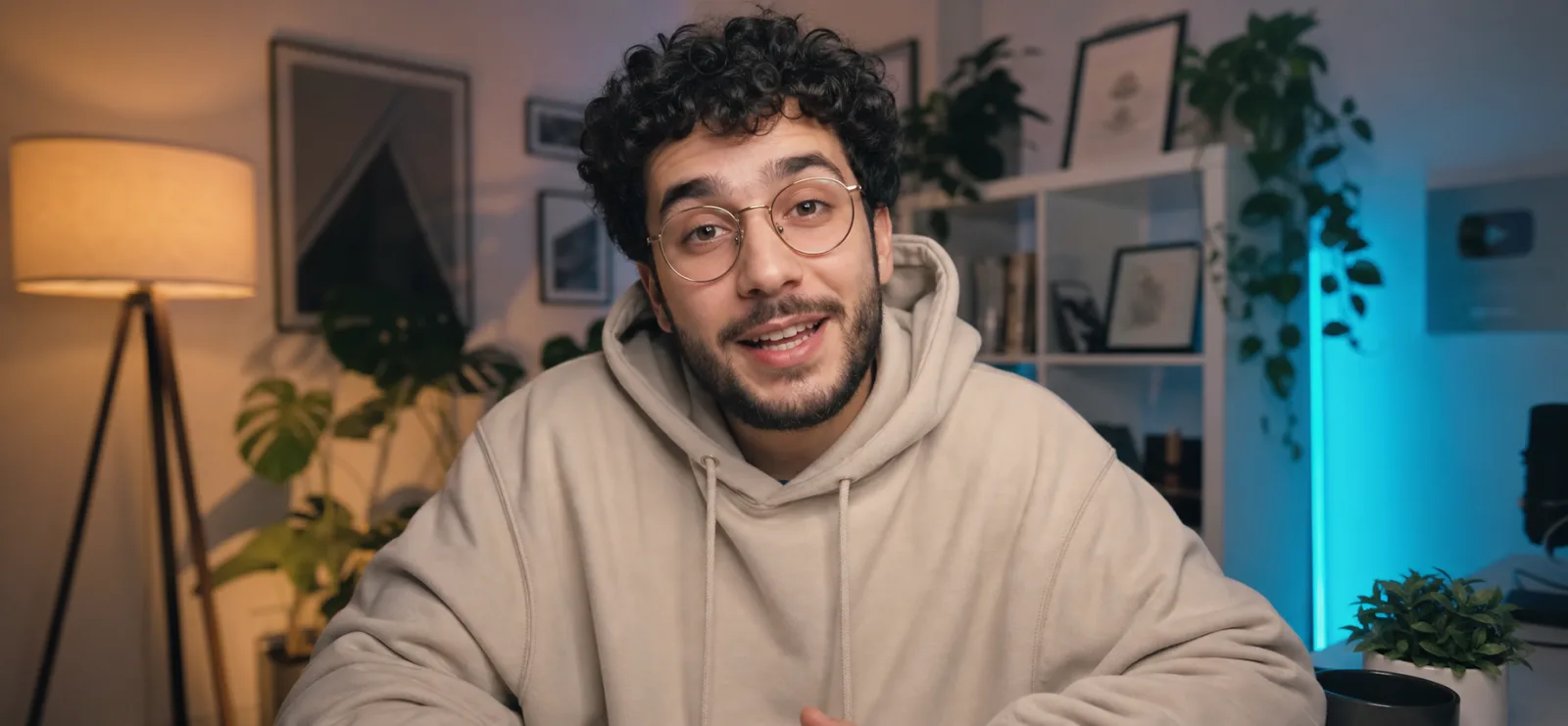
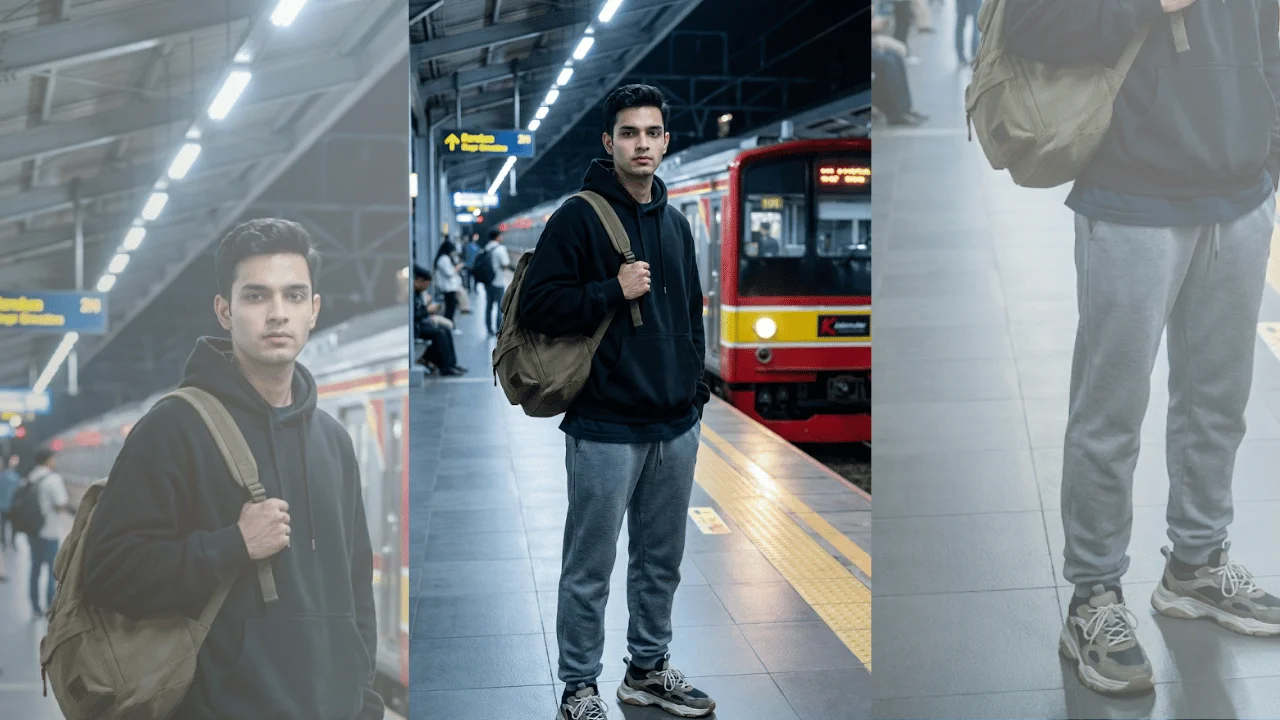
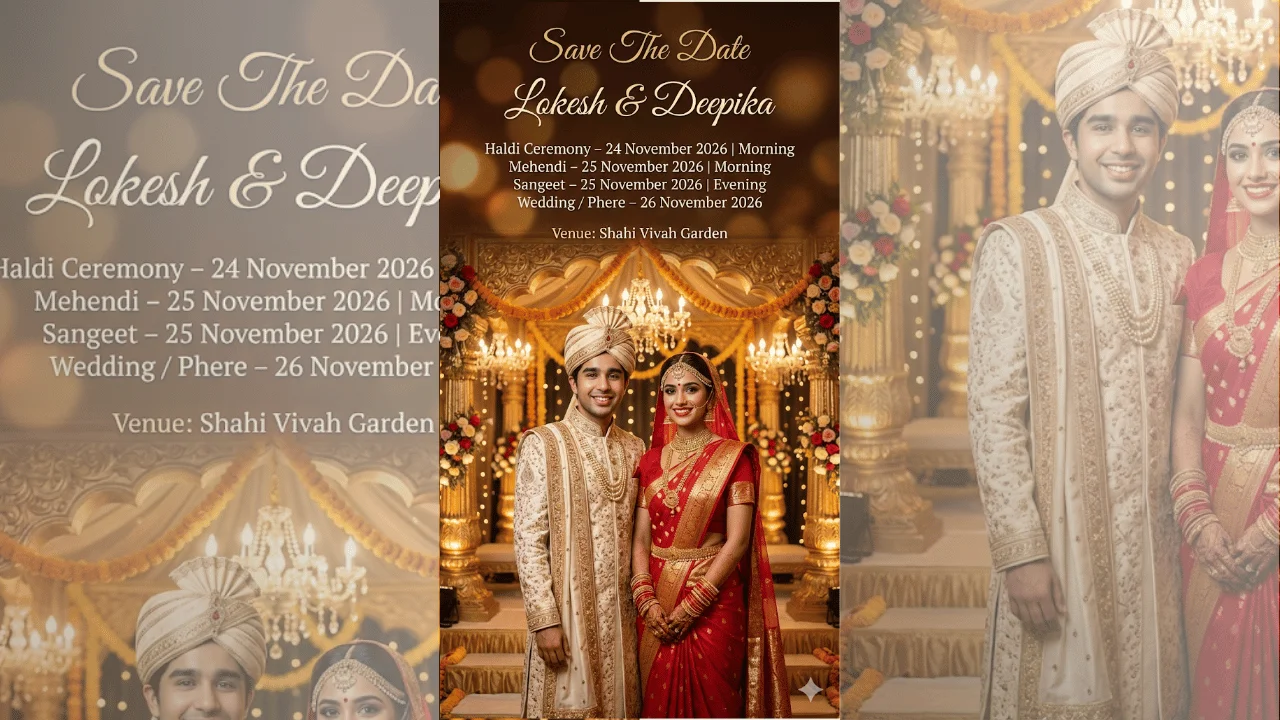
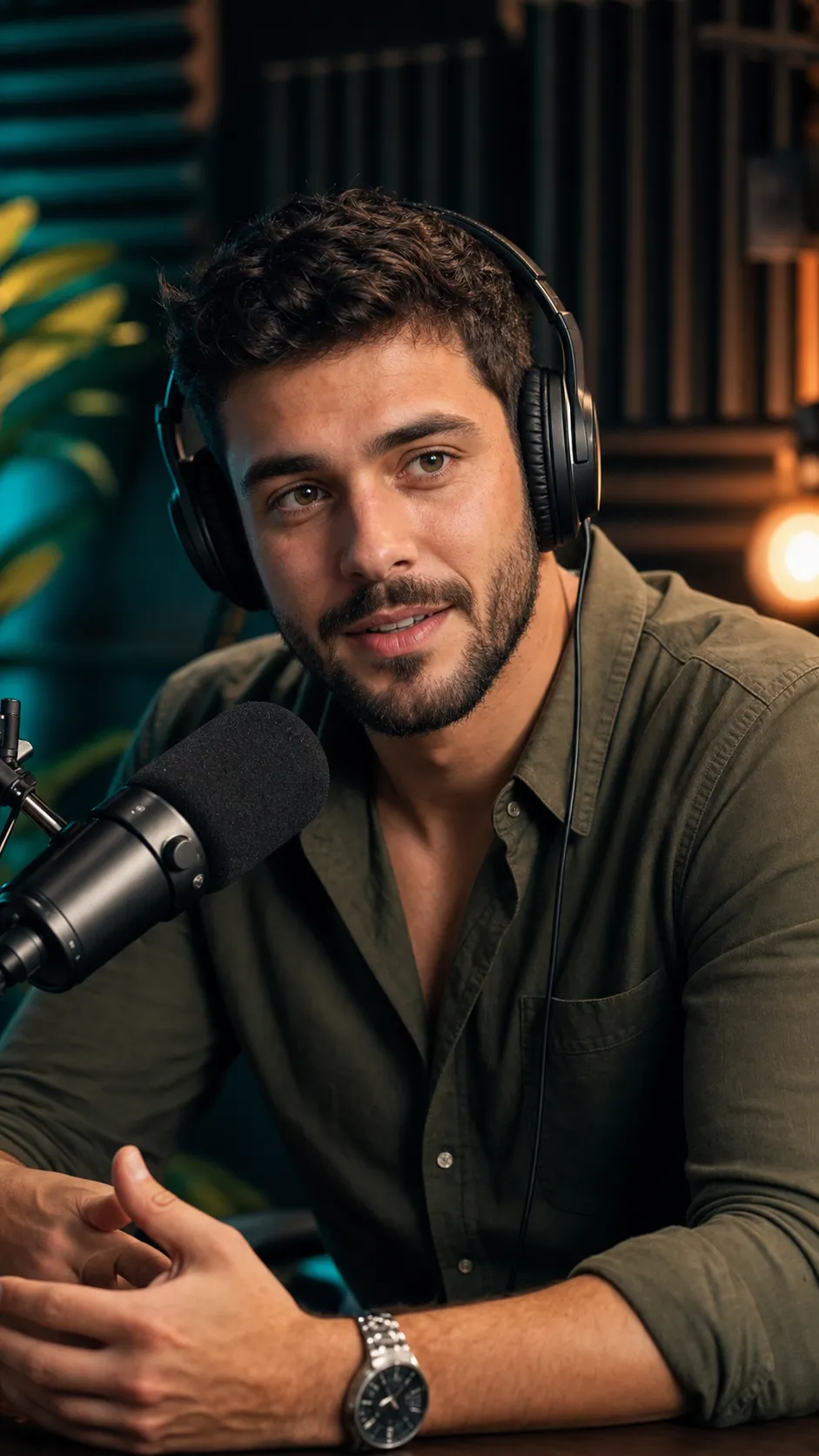
This template repurposes an existing image of a person into a high-quality YouTube podcast thumbnail portrait. The focus is an exceptionally crisp, expressive face that reads instantly at small sizes, paired with a relaxed, natural podcast posture. The subject appears seated and leaning slightly forward as if mid-conversation, with an engaged, approachable expression, rendered in a vertical 9:16 frame with medium-close head-and-upper-torso framing. The image stays brand-safe with no text, watermark, or UI elements, so creators can add titles or graphics externally later. What you can customize Subject (used if no photo is attached) — a text description of the person, used only when no source image is supplied Podcast Setup — 4 options for props and staging: Mic + Headphones, Mic Only, Clean Portrait (no props), or Two-Mic Interview Studio Background — 5 softly blurred settings, including Moody Teal & Warm Studio, Warm Cozy Set, Neon Modern Studio, and Bookshelf Backdrop Source Image — an optional photo that defines the person's facial identity and likeness, preserved strictly with no changes to structure, skin tone, or expression style Best for Podcast episode thumbnails, YouTube channel visuals, Reels and Shorts covers, and creator branding where facial clarity, authenticity, and clean composition are essential. Tips for the best results Upload a sharp, front-facing source photo; the prompt prioritizes the face above everything else, and a blurry input limits the final detail. Choose Clean Portrait (no props) when you plan to add your own microphone graphics or text overlays afterwards. Match the background to your channel palette, since each option carries its own lighting color, from warm amber to teal or neon accents. Keep the subject description short and physical (hair, beard, shirt) rather than describing a scene; setup and background are handled by their own controls. The output is vertical 9:16, so crop or reframe if you need a landscape YouTube thumbnail.