Loading elite prompt experience...
Example Output
 Open in Gallery
Loading elite prompt experience...
A curated stack for turning ideas into production-ready video, ads, and art.
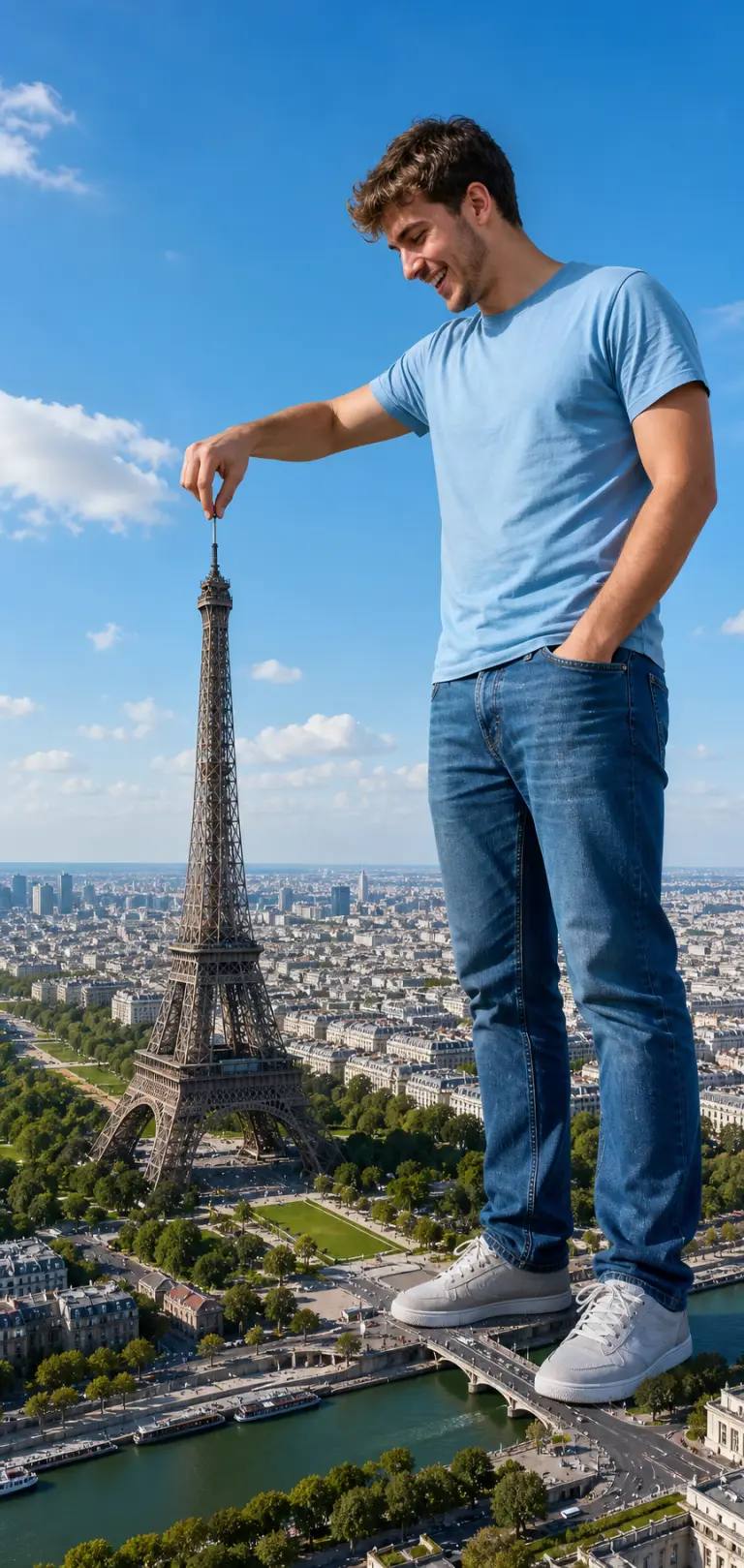
Open in GalleryA giant tourist forced-perspective prompt that drops anyone into a playful scale-illusion photo, towering over a landmark and pinching it like a toy.
The template builds the viral "giant selfie" composite: your subject stands enormous in the foreground while a real city sprawls in miniature below, with matched sunlight and shadows so the forced perspective reads as one seamless shot rather than a paste-up. Because it works from an attached reference photo, the giant keeps your subject's real face and likeness. Output is a tall vertical, full-length composition with the giant on the right and the aerial cityscape sweeping away on the left.
Creators, travel accounts and anyone who wants a scroll-stopping, funny personal-brand image for Instagram, Reels covers, birthday posts or "wish you were here" travel gags, without touching Photoshop.
Upload a clear full-length or three-quarter photo of the person — used as the giant, so the face and likeness are preserved.
Click the "Copy" button above to copy the complete prompt text to your clipboard. This will copy all the text including any placeholders.
If you see placeholders like {{topic}} or {{style}} in the prompt, click "Customize & Use" to open the customization dialog. Fill in your specific values to personalize the prompt for your needs.
Optional: "Reference Photo" (image). Have these files ready before proceeding to the AI tool.
Go to gemini.google.com and sign in to your Google account. Make sure you have access to the image generation feature.
In Gemini, look for the "Create image" or image generation option. If available, switch to Gemini Pro or Advanced mode for higher quality outputs.
Before or along with your prompt, upload the required files. Most AI tools have an attachment/upload button near the prompt input area.
Paste the copied prompt (Ctrl/Cmd + V) into the AI tool's text input field. Make sure your attachments are uploaded, then click the send/generate button to create your image.
Review the generated image. If it doesn't match your expectations, try regenerating or adjusting the prompt with more specific details. Most AI tools allow multiple generation attempts.
Upload a clear full-length or three-quarter photo of the person — used as the giant, so the face and likeness are preserved.
Generate with
prompt auto-copiesAffiliate links · We may earn a commission at no cost to you
Tested by the PromptsRush team
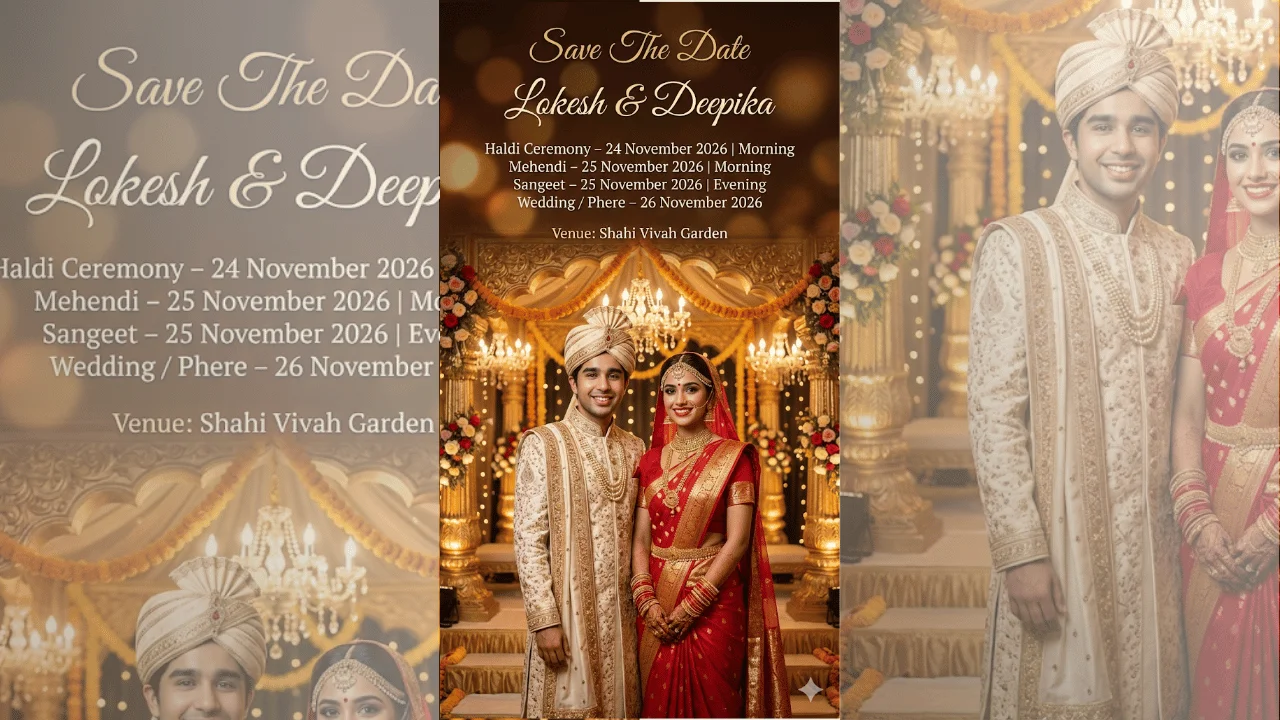
Indian Wedding Save The Date Poster
Advertisement