Loading elite prompt experience...
Example Output
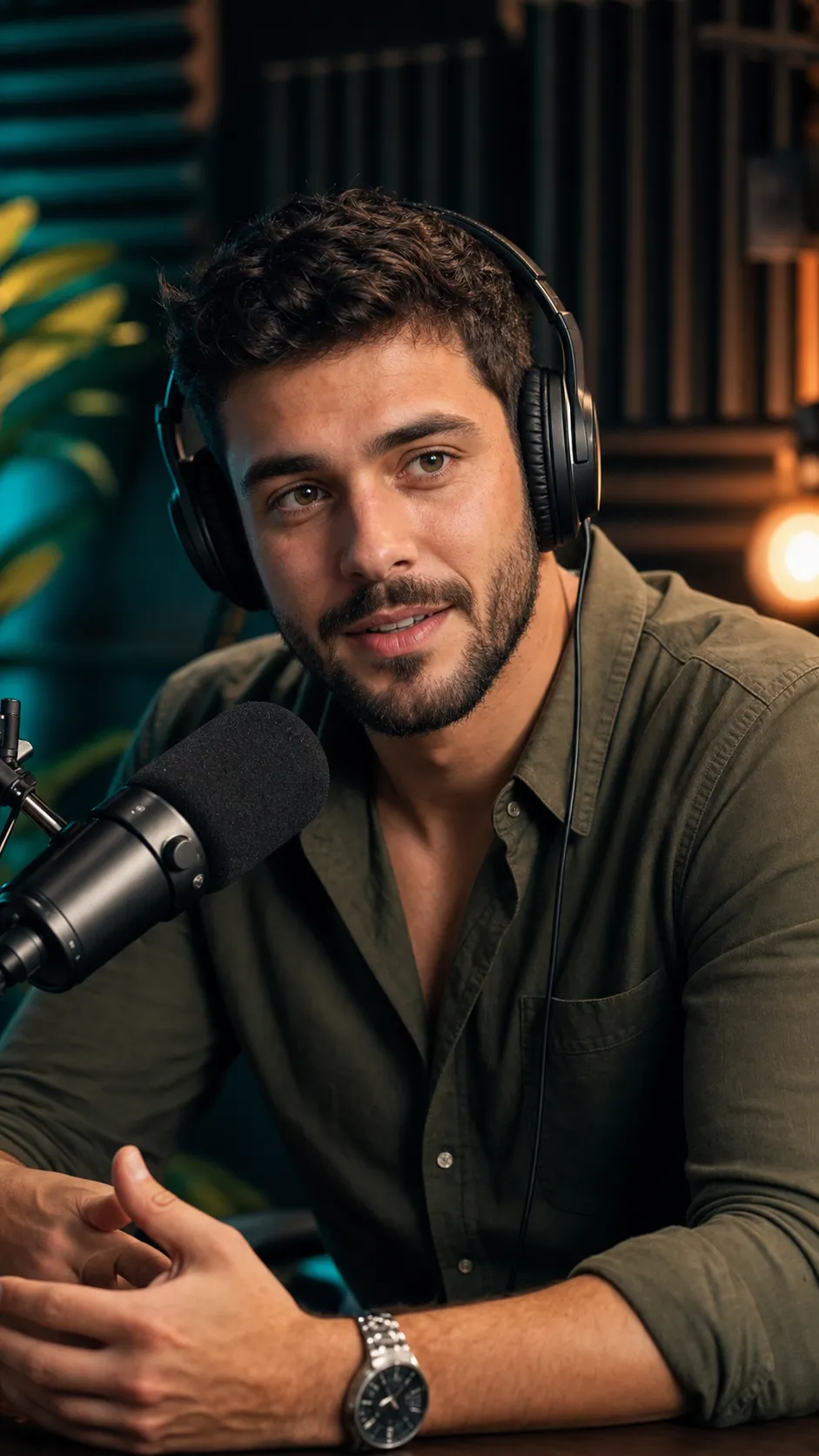 Open in Gallery
Loading elite prompt experience...
A curated stack for turning ideas into production-ready video, ads, and art.
Open in GalleryThis template repurposes an existing image of a person into a high-quality YouTube podcast thumbnail portrait.
The focus is an exceptionally crisp, expressive face that reads instantly at small sizes, paired with a relaxed, natural podcast posture. The subject appears seated and leaning slightly forward as if mid-conversation, with an engaged, approachable expression, rendered in a vertical 9:16 frame with medium-close head-and-upper-torso framing. The image stays brand-safe with no text, watermark, or UI elements, so creators can add titles or graphics externally later.
Podcast episode thumbnails, YouTube channel visuals, Reels and Shorts covers, and creator branding where facial clarity, authenticity, and clean composition are essential.
Original image defining the person’s facial identity and likeness.
Click the "Copy" button above to copy the complete prompt text to your clipboard. This will copy all the text including any placeholders.
If you see placeholders like {{topic}} or {{style}} in the prompt, click "Customize & Use" to open the customization dialog. Fill in your specific values to personalize the prompt for your needs.
Optional: "Source Image" (image). Have these files ready before proceeding to the AI tool.
Go to gemini.google.com and sign in to your Google account. Make sure you have access to the image generation feature.
In Gemini, look for the "Create image" or image generation option. If available, switch to Gemini Pro or Advanced mode for higher quality outputs.
Before or along with your prompt, upload the required files. Most AI tools have an attachment/upload button near the prompt input area.
Paste the copied prompt (Ctrl/Cmd + V) into the AI tool's text input field. Make sure your attachments are uploaded, then click the send/generate button to create your image.
Review the generated image. If it doesn't match your expectations, try regenerating or adjusting the prompt with more specific details. Most AI tools allow multiple generation attempts.
Original image defining the person’s facial identity and likeness.
Generate with
prompt auto-copiesAffiliate links · We may earn a commission at no cost to you
Tested by the PromptsRush team
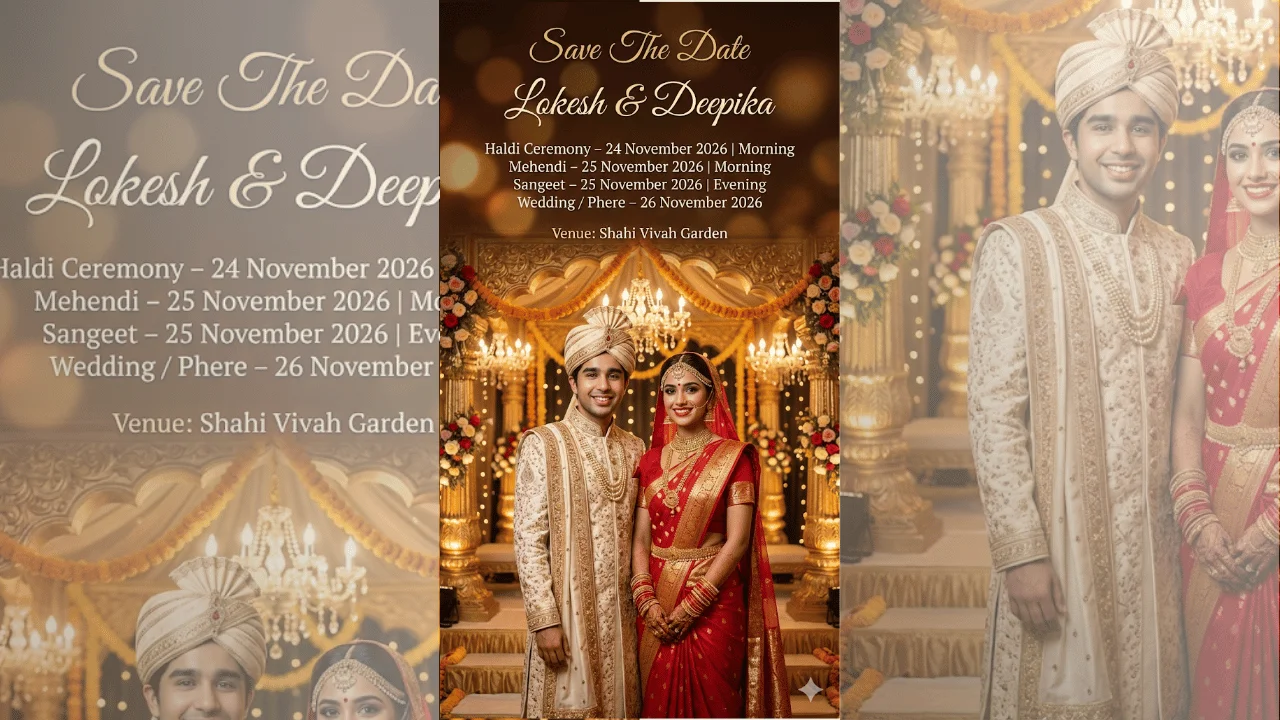
Indian Wedding Save The Date Poster
Advertisement