Loading elite prompt experience...
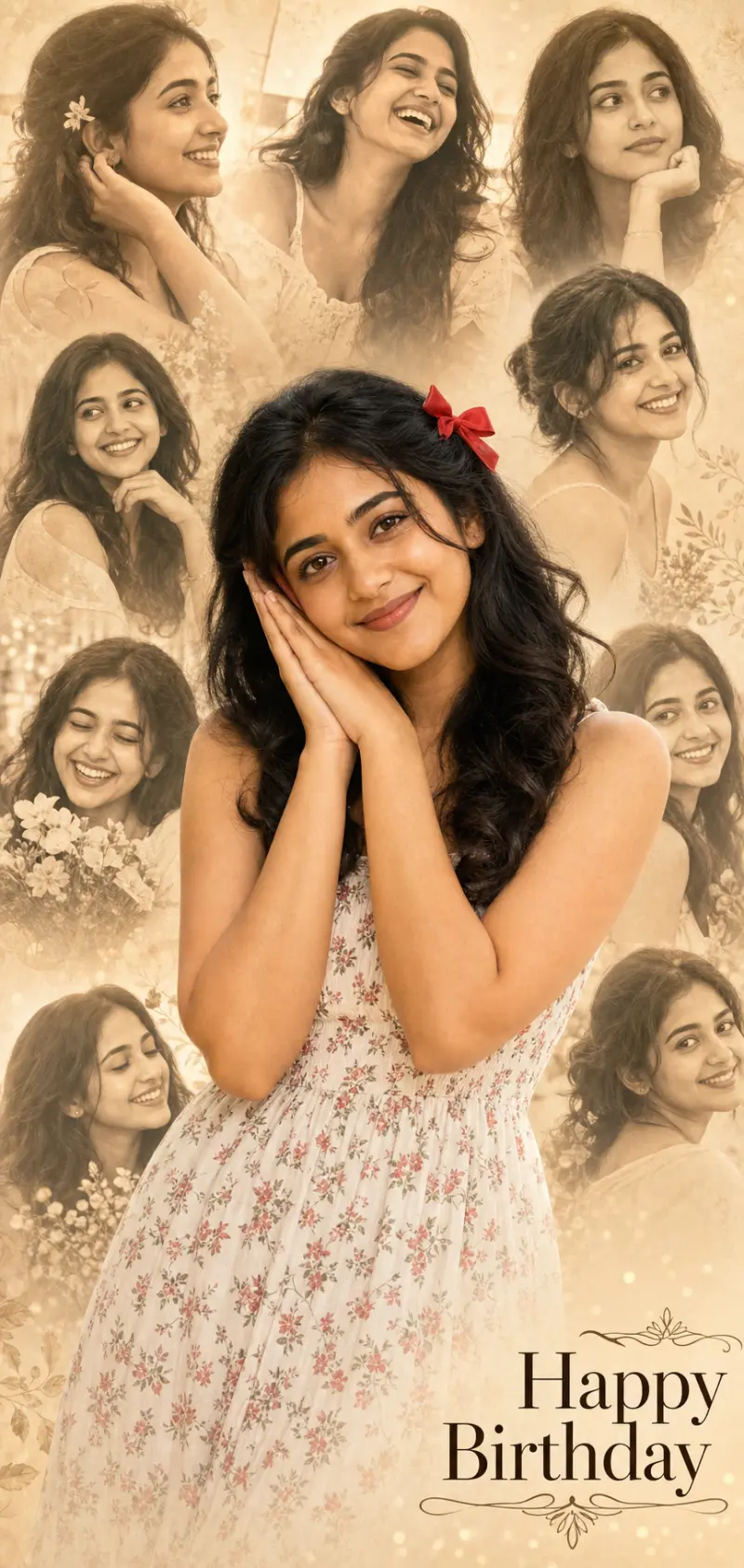
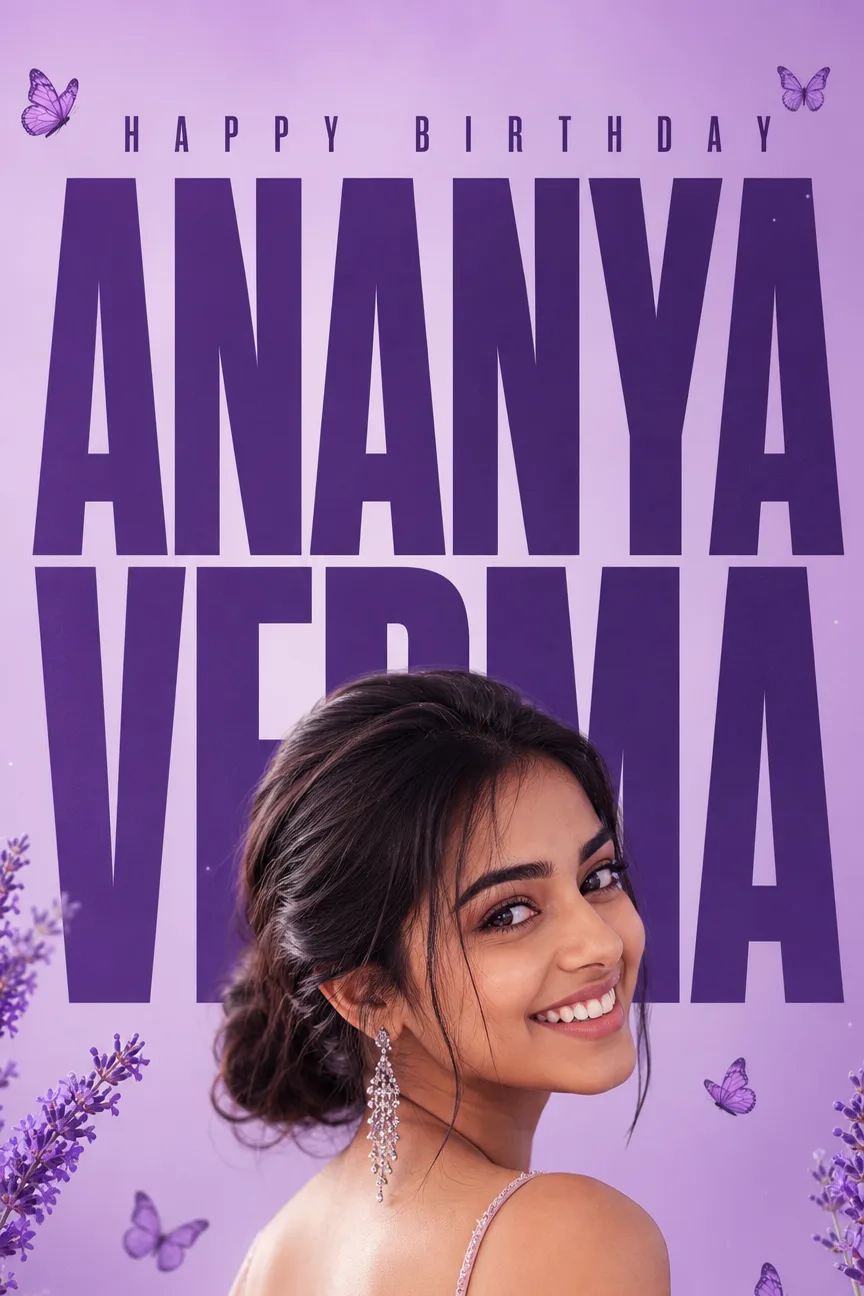
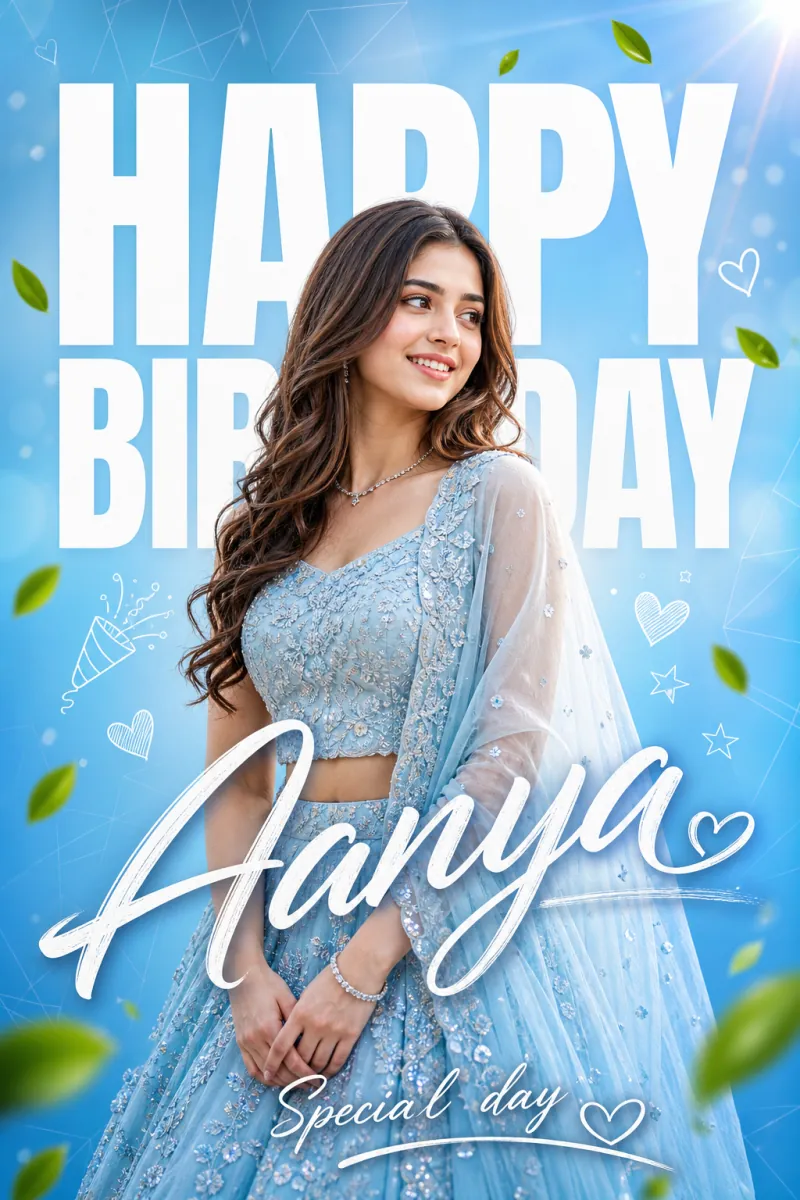
Example Output
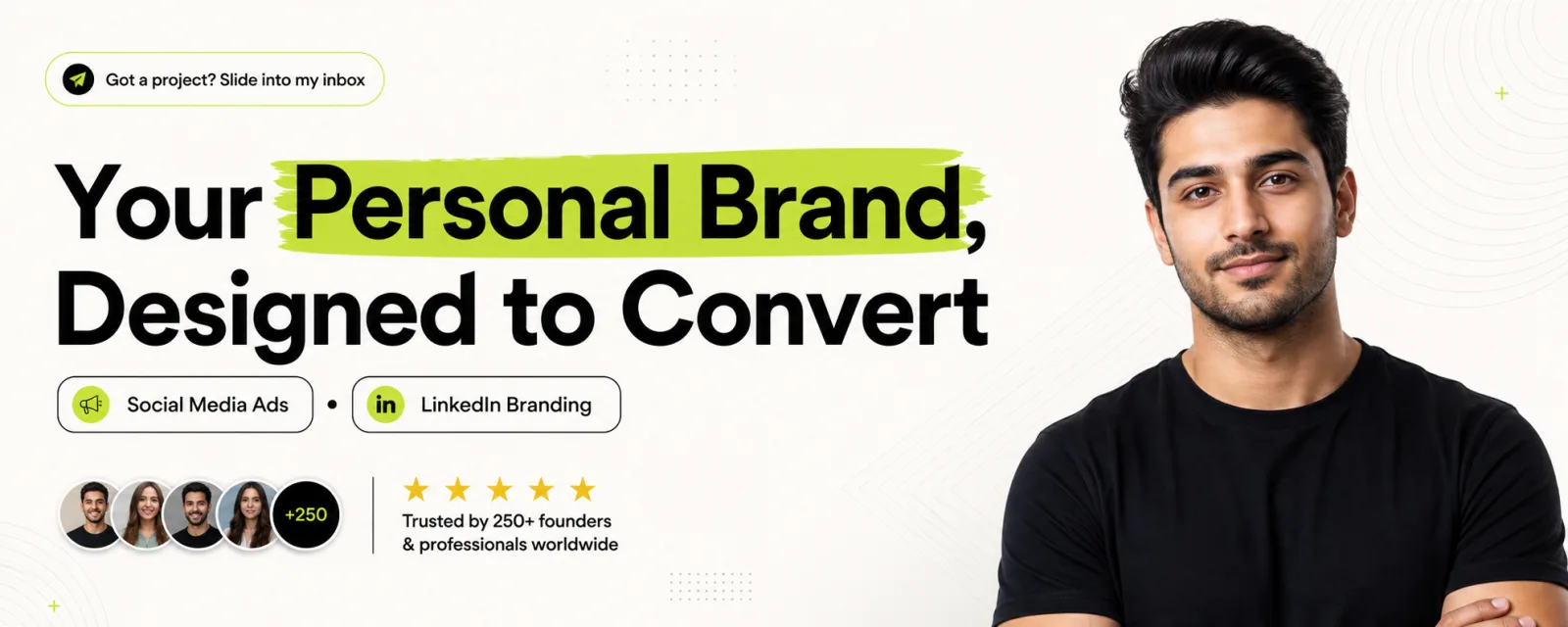 Open in Gallery
Loading elite prompt experience...
A curated stack for turning ideas into production-ready video, ads, and art.
Open in GalleryA LinkedIn banner AI prompt that turns your photo into a premium profile cover — bold headline, highlight accents, social proof, and five design styles.
The template composes a full agency-grade banner around your Reference Photo: you appear as a clean studio-lit cutout on the right, while the left two-thirds carries an oversized headline with marker-highlighted key words. Slim service tags with icons, a call-to-action badge, and a five-star social-proof strip with avatar circles complete the layout at the true 1584×396 banner size.
The design deliberately keeps critical text away from the bottom-left corner, where LinkedIn overlays your circular profile photo. Balanced negative space and pixel-perfect alignment are written into the prompt, so the banner looks professionally designed rather than templated.
Coaches, consultants, freelancers, founders, job seekers, and creators who want a LinkedIn or X/Twitter header that looks designed by an agency. It doubles as a personal-branding cover for any wide profile format.
A clear headshot or half-body photo with good lighting — the person is placed as a professional cutout on the right side of the banner.
Click the "Copy" button above to copy the complete prompt text to your clipboard. This will copy all the text including any placeholders.
If you see placeholders like {{topic}} or {{style}} in the prompt, click "Customize & Use" to open the customization dialog. Fill in your specific values to personalize the prompt for your needs.
This prompt requires 1 attachment: "Reference Photo" (image). Have these files ready before proceeding to the AI tool.
Go to gemini.google.com and sign in to your Google account. Make sure you have access to the image generation feature.
In Gemini, look for the "Create image" or image generation option. If available, switch to Gemini Pro or Advanced mode for higher quality outputs.
Before or along with your prompt, upload the required files. Required: Reference Photo. Most AI tools have an attachment/upload button near the prompt input area.
Paste the copied prompt (Ctrl/Cmd + V) into the AI tool's text input field. Make sure your attachments are uploaded, then click the send/generate button to create your image.
Review the generated image. If it doesn't match your expectations, try regenerating or adjusting the prompt with more specific details. Most AI tools allow multiple generation attempts.
A clear headshot or half-body photo with good lighting — the person is placed as a professional cutout on the right side of the banner.
Generate with
prompt auto-copiesAffiliate links · We may earn a commission at no cost to you
Tested by the PromptsRush team
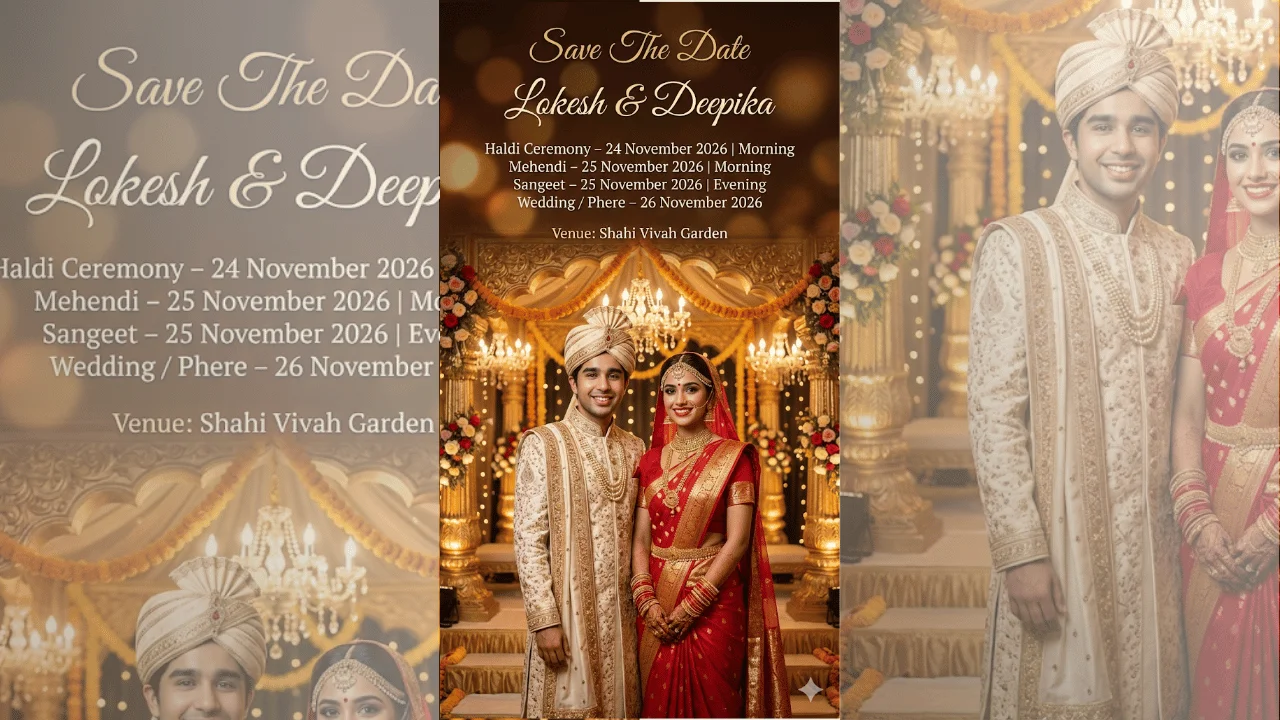
Indian Wedding Save The Date Poster
Advertisement