Loading elite prompt experience...
Example Output
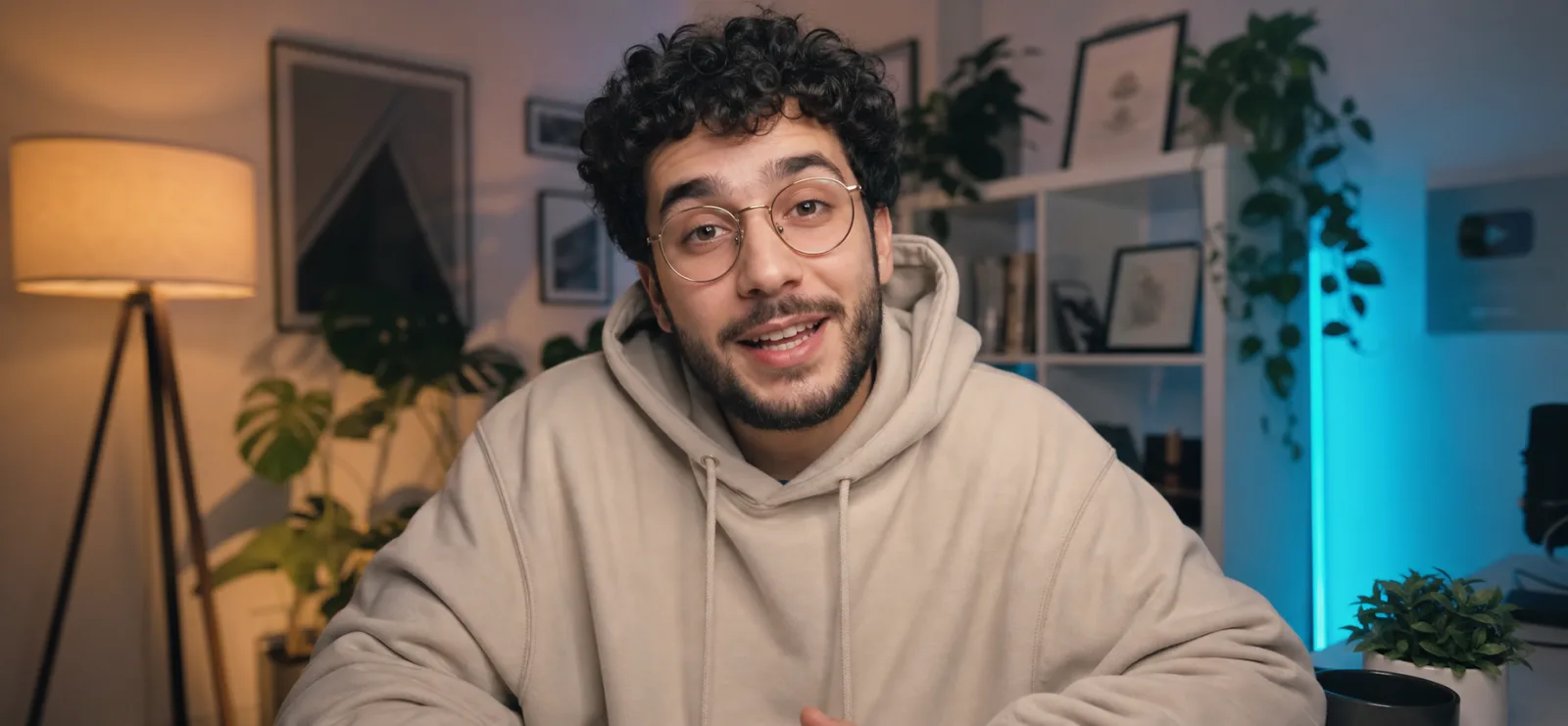 Open in Gallery
Loading elite prompt experience...
A curated stack for turning ideas into production-ready video, ads, and art.
Open in GalleryA YouTube talking head prompt that generates a cinematic creator shot — mid-sentence on camera in a cozy, softly lit home studio.
The template frames the classic creator-economy look: an engaging subject leaning into the lens as if explaining something they love, set against a dreamy blurred backdrop of warm lamps, leafy plants, white shelving and a teal LED accent glow. The result reads instantly as a premium YouTube video still, with the shallow depth of field, eye-level framing and soft key lighting of a channel that takes production seriously.
The prompt also carries an expression variable that controls the exact mid-sentence energy, plus a 35mm f/1.8 cinema-camera look with sharp focus on the eyes.
YouTubers, course creators, podcasters and marketers who need channel art, video thumbnails, website hero images, course landing pages or ad creative showing a person mid-conversation with the camera — without setting up lights and rolling footage for a single frame.
Optional: upload a clear chest-up photo of yourself and the creator in the frame will resemble you.
Click the "Copy" button above to copy the complete prompt text to your clipboard. This will copy all the text including any placeholders.
If you see placeholders like {{topic}} or {{style}} in the prompt, click "Customize & Use" to open the customization dialog. Fill in your specific values to personalize the prompt for your needs.
Optional: "Creator Photo" (image). Have these files ready before proceeding to the AI tool.
Go to gemini.google.com and sign in to your Google account. Make sure you have access to the image generation feature.
In Gemini, look for the "Create image" or image generation option. If available, switch to Gemini Pro or Advanced mode for higher quality outputs.
Before or along with your prompt, upload the required files. Most AI tools have an attachment/upload button near the prompt input area.
Paste the copied prompt (Ctrl/Cmd + V) into the AI tool's text input field. Make sure your attachments are uploaded, then click the send/generate button to create your image.
Review the generated image. If it doesn't match your expectations, try regenerating or adjusting the prompt with more specific details. Most AI tools allow multiple generation attempts.
Optional: upload a clear chest-up photo of yourself and the creator in the frame will resemble you.
Generate with
prompt auto-copiesAffiliate links · We may earn a commission at no cost to you
Tested by the PromptsRush team
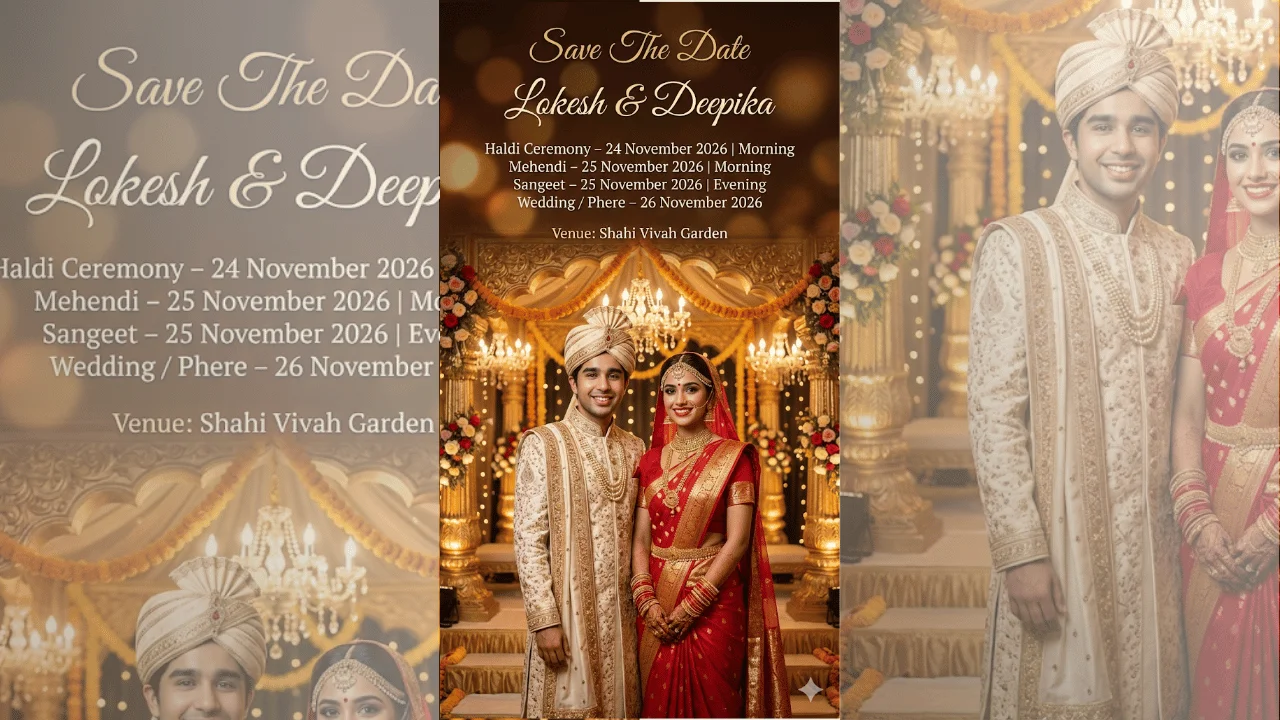
Indian Wedding Save The Date Poster
Advertisement