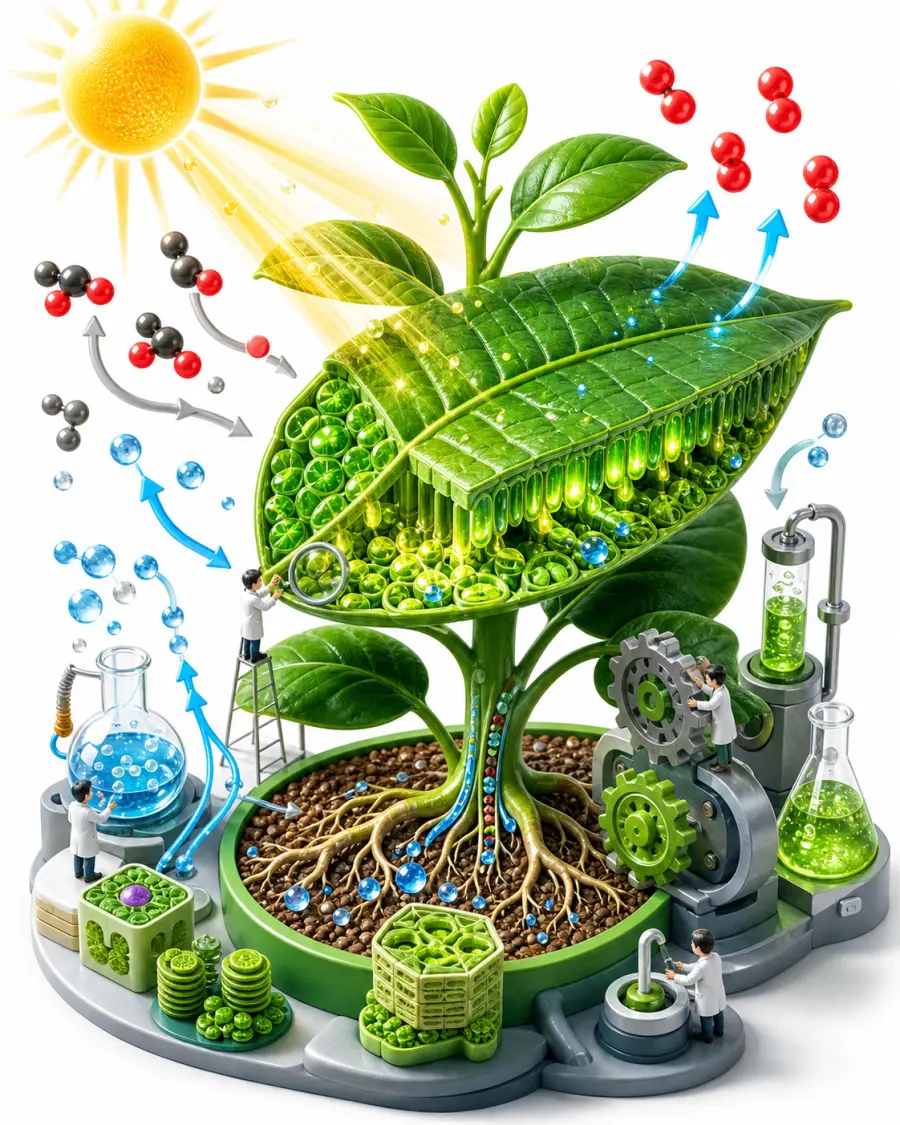
A cutaway diagram prompt that turns any photo into a clean, textbook-style cross-section revealing a believable labeled interior.
Upload a picture of almost anything — a fruit, a camera, an engine, a building, an animal — and the template rebuilds it as an educational science graphic: the subject's distinctive features preserved, a plausible layered interior exposed, and thin leader lines pointing to short callouts. Clarity is the whole point, so the style favors accuracy and flat even lighting over dramatic art direction.
What you can customize
- Cutaway Type — half cross-section, quarter wedge cut, peeled layers, exploded view, or transparent ghosted
- Detail Level — simple (4-6 callouts), standard (7-9), or detailed (10-14), matched to your audience
- Label Style — clean sans leader lines, serif textbook, a numbered key, or handwritten field notes
- Diagram Style — textbook science, museum exhibit, technical blueprint, vintage encyclopedia, or modern 3D render
- Color Style — full natural color, muted scientific, monochrome line art, or blueprint cyan
- Background — clean white, soft grey, blueprint blue, or aged paper
- Subject — a written description used when no image is attached
Best for
Lesson visuals and worksheets, science communication and course content, museum and exhibit panels, explainer articles, and product or engineering teams needing an internal view without commissioning an illustrator.
Tips for the best results
- Upload a clear photo of a single subject against a simple background so its silhouette reads cleanly.
- Match the detail level to the audience — fewer callouts for younger learners, more for technical readers.
- Keep every label to a few words so the type stays crisp.
- Avoid cluttered photos with several competing objects.
- Treat the interior as a plausible illustration, not a verified reference: the model reconstructs internals from general knowledge, so check labels and structures against a real source before teaching or publishing.