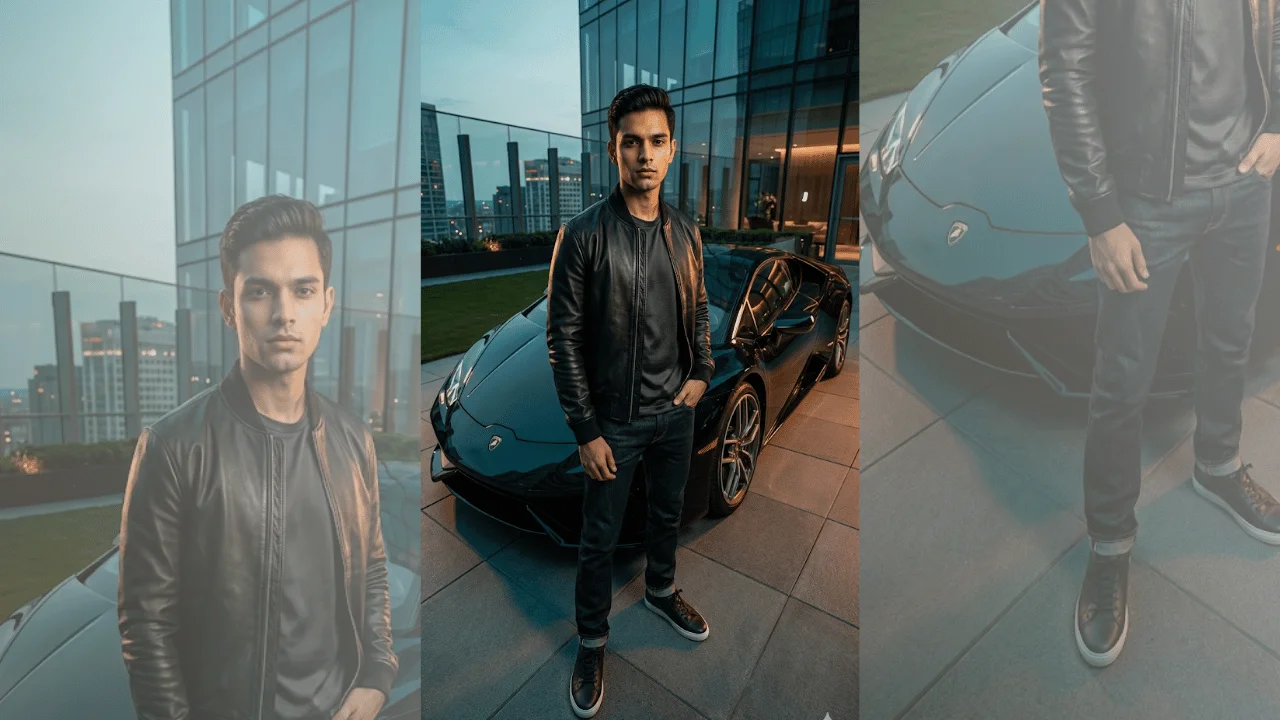
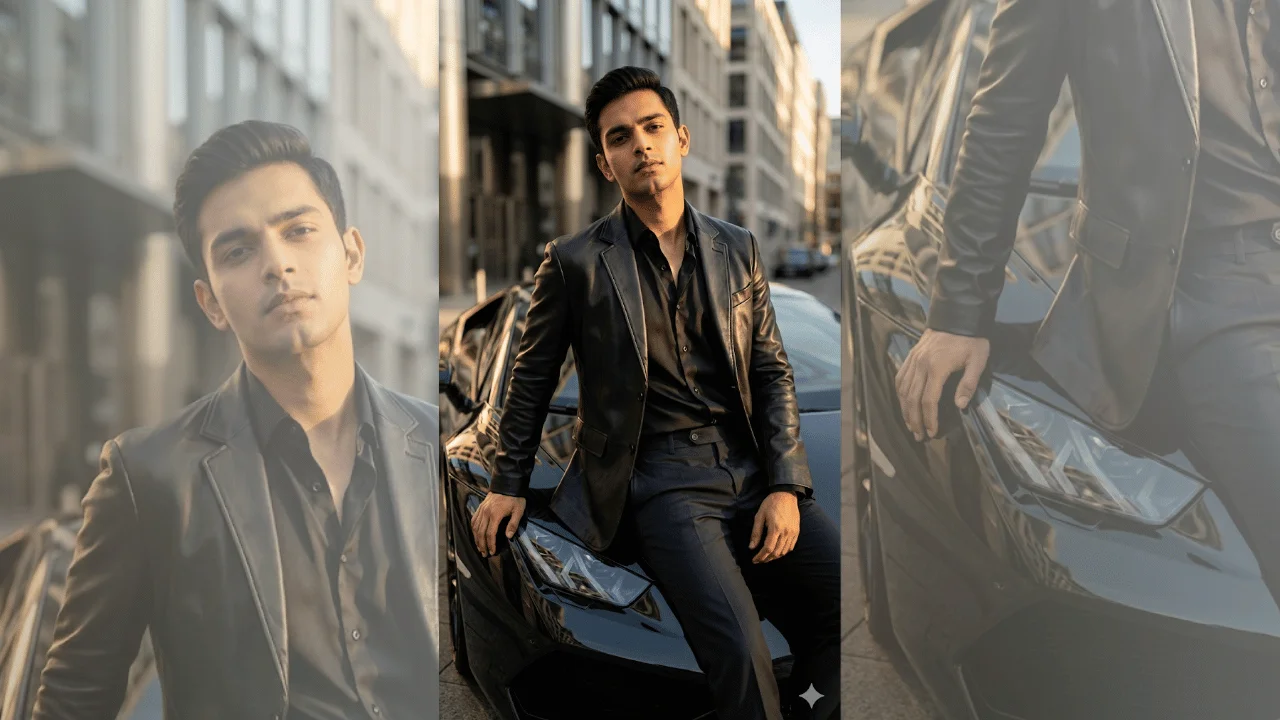
A hairstyle AI prompt that builds a side-by-side comparison grid from one portrait, so you can see which cut actually suits your face.
Every panel shows the same person with a different haircut, labelled underneath in short clean type, on a minimal neutral background. It is visual-first by design — short labels only, no paragraphs — so the whole comparison reads at a glance on a phone.
Why the comparison stays fair
The prompt locks identical framing, lighting, expression and clothing across every panel and holds the natural hair color constant, so only the cut changes. A comparison stops being a comparison the moment the pose or the light shifts between tiles.
What you can customize
- Hairstyles to Compare — a free text field: list the cuts you want in panel order, from fades and buzz cuts to bobs, layers, curtain bangs or braids
- Layout — a four-up grid, a side-by-side pair, a row of three, or a six-up sheet
- Verdict Style — a BEST MATCH badge on the strongest panel, ranked numbers, a suits-versus-avoid split, or no ranking at all
- Background — warm ivory, studio grey, soft beige, or charcoal with the labels reversed out in light type
Best for
Deciding before a salon appointment, stylist and barber consultations, client decks for hair and image consultants, personal-shopping services, and salon social content.
Tips for the best results
- Upload a clear, front-facing photo with the whole face visible and hair pulled away from the cheeks — the model has to rebuild the hairline in every panel.
- Keep each style name short; long names are where the rendered labels start to garble.
- Run it in a model with strong text handling and regenerate if a word comes out wrong.
- Compare four styles at a time — a six-up sheet packs the faces smaller and makes fine differences harder to judge.