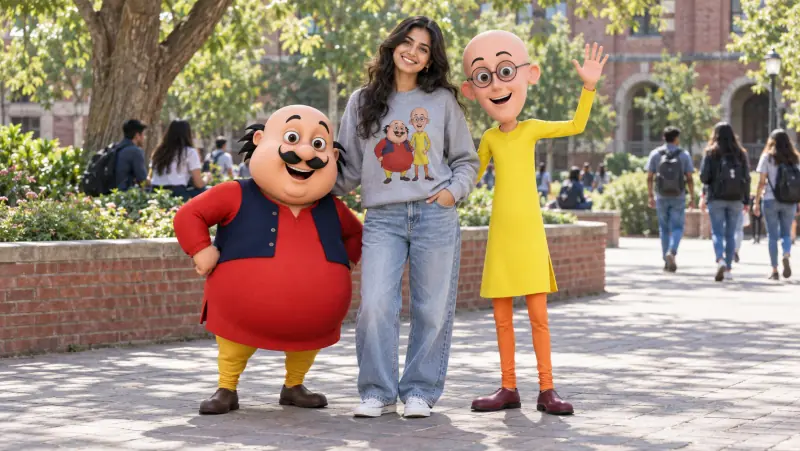
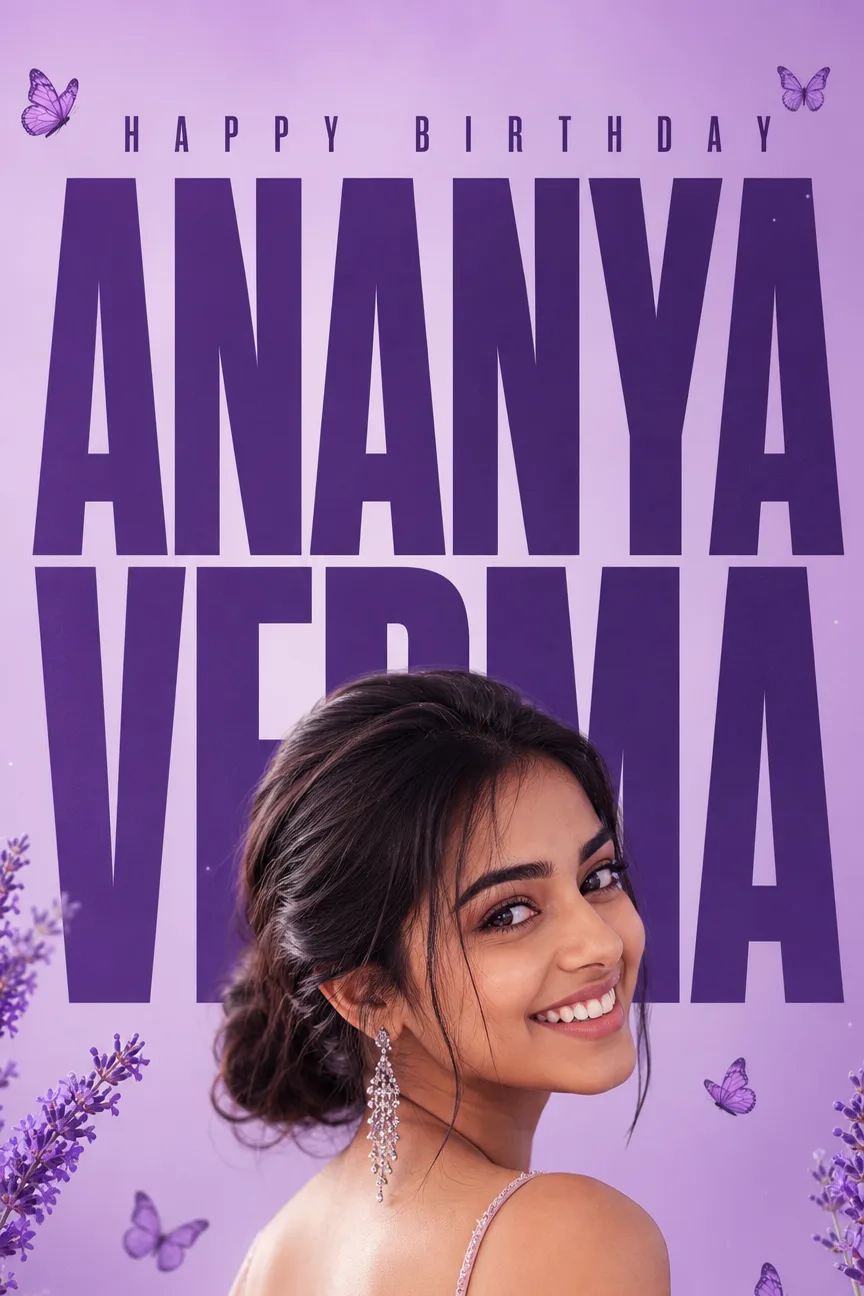
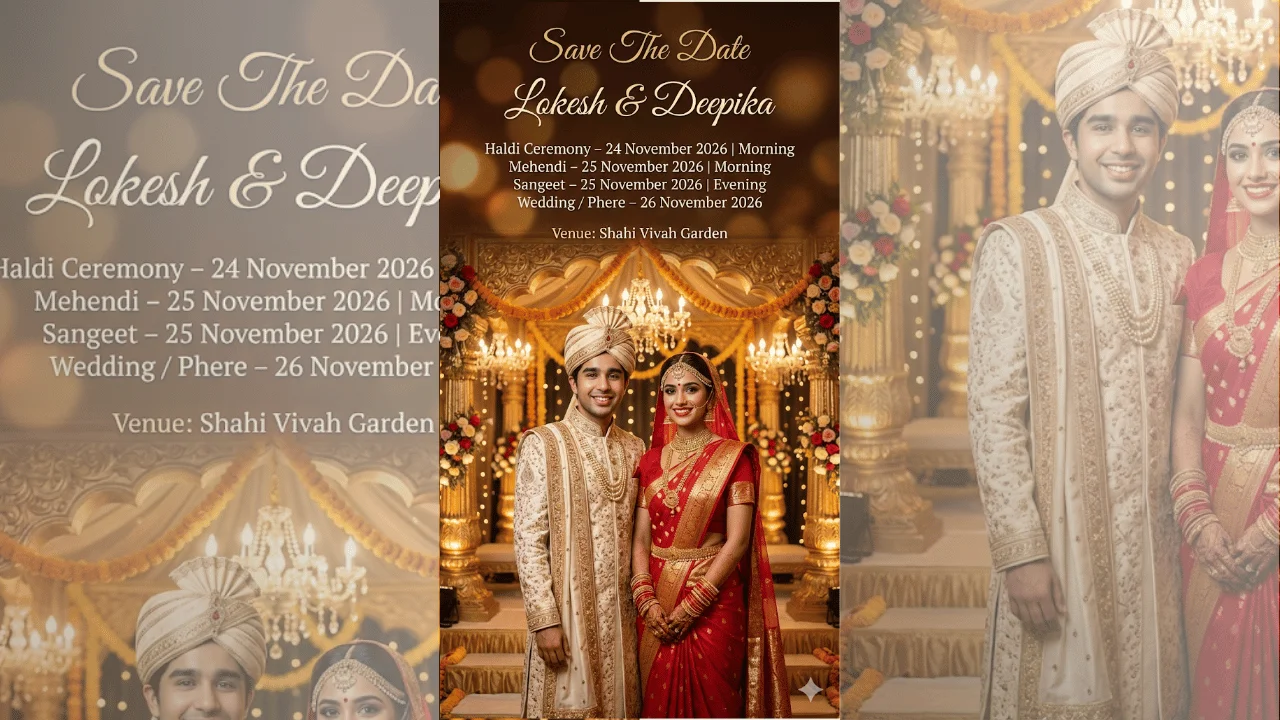
A cheerful, photorealistic photograph of the person from the attached photo hanging out with the beloved Indian cartoon duo Motu and Patlu, brought to life in the real world. Treat the attached photo as a strict identity source — the exact face, skin tone, facial features and hair preserved with zero deviation.
**MOTU (keep exactly on-model):** a short, very round and chubby cartoon man, about chest-high to an adult, with a big bald head, small tufts of black hair above the ears, large round eyes, a thick black curled mustache and a wide happy grin, wearing a long red kurta under a dark navy sleeveless vest, mustard-yellow churidar pants and brown shoes.
**PATLU (keep exactly on-model):** a tall, very thin cartoon man with a bald oval head and no hair, big round black-rimmed glasses, a friendly open-mouthed smile, a long bright yellow kurta, orange churidar leggings and dark maroon shoes.
**THE POSE:** {{pose_interaction}}
**MOTU & PATLU REACTION:** {{character_reaction}}
**YOUR OUTFIT:** {{my_outfit}}
**LOCATION:** {{location_scene}}
**CHARACTER RENDER:** {{cartoon_render}}
**PHOTO LOOK:** {{photo_look}}
**EXTRA DETAILS:** {{extra_details}}
All three share one believable scene — consistent light direction, matching color temperature and soft contact shadows beneath every figure, with the background gently out of focus. Motu and Patlu never swap outfits, hair, glasses or body shapes. 8k resolution, ultra-detailed. No text, lettering or logos anywhere in the image, except lettering the outfit above explicitly asks for, which must be spelled exactly.