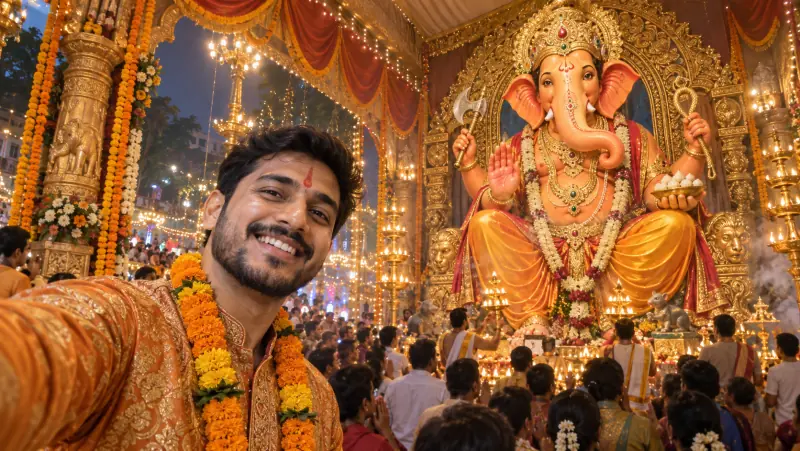
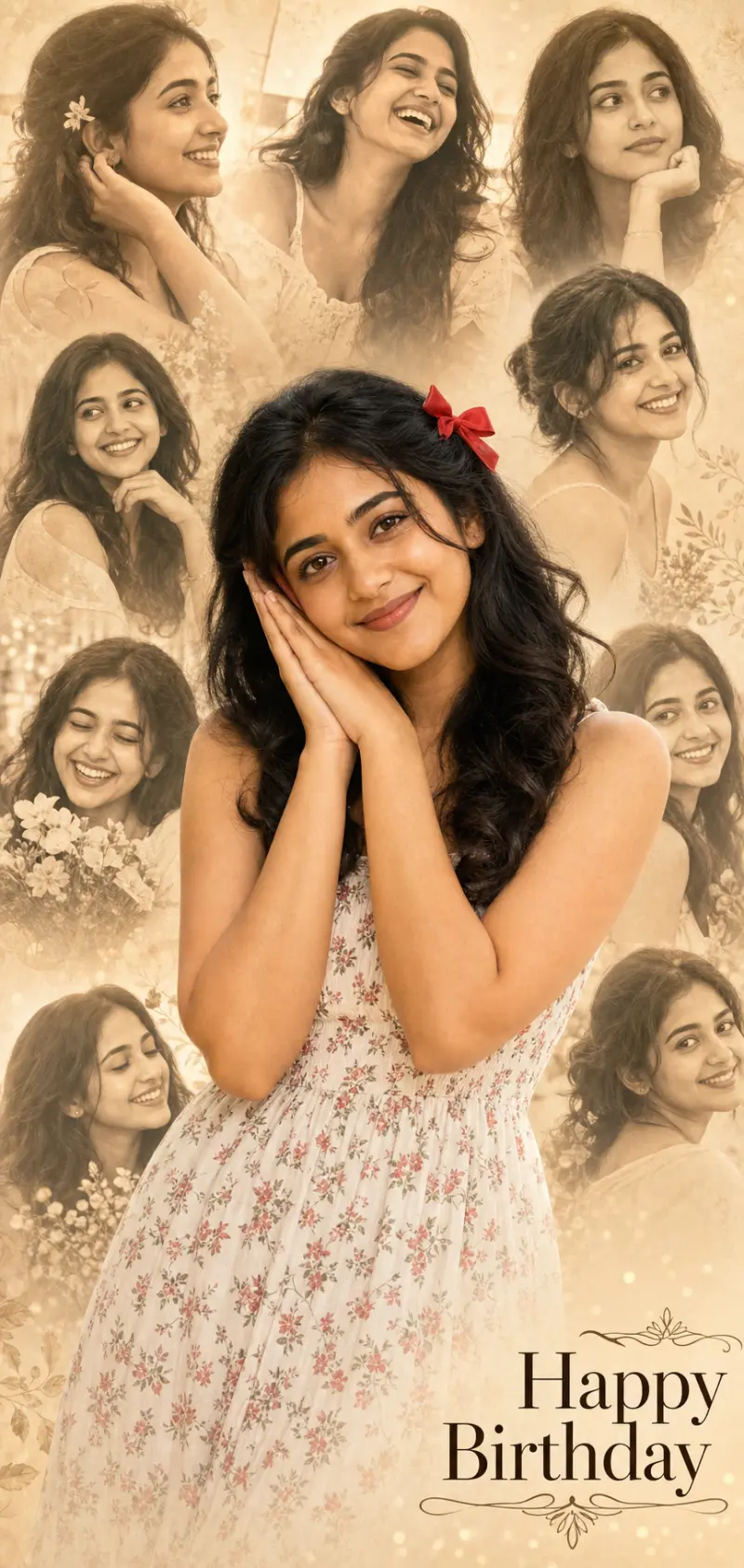
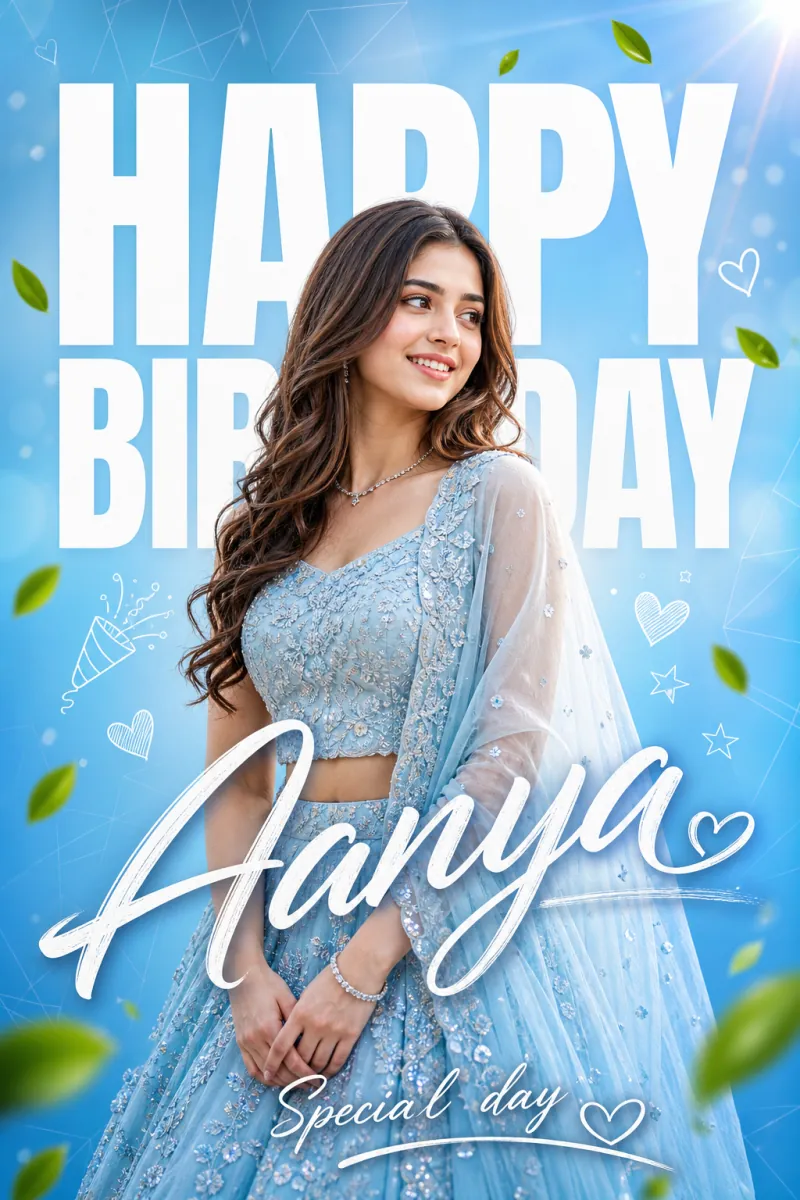
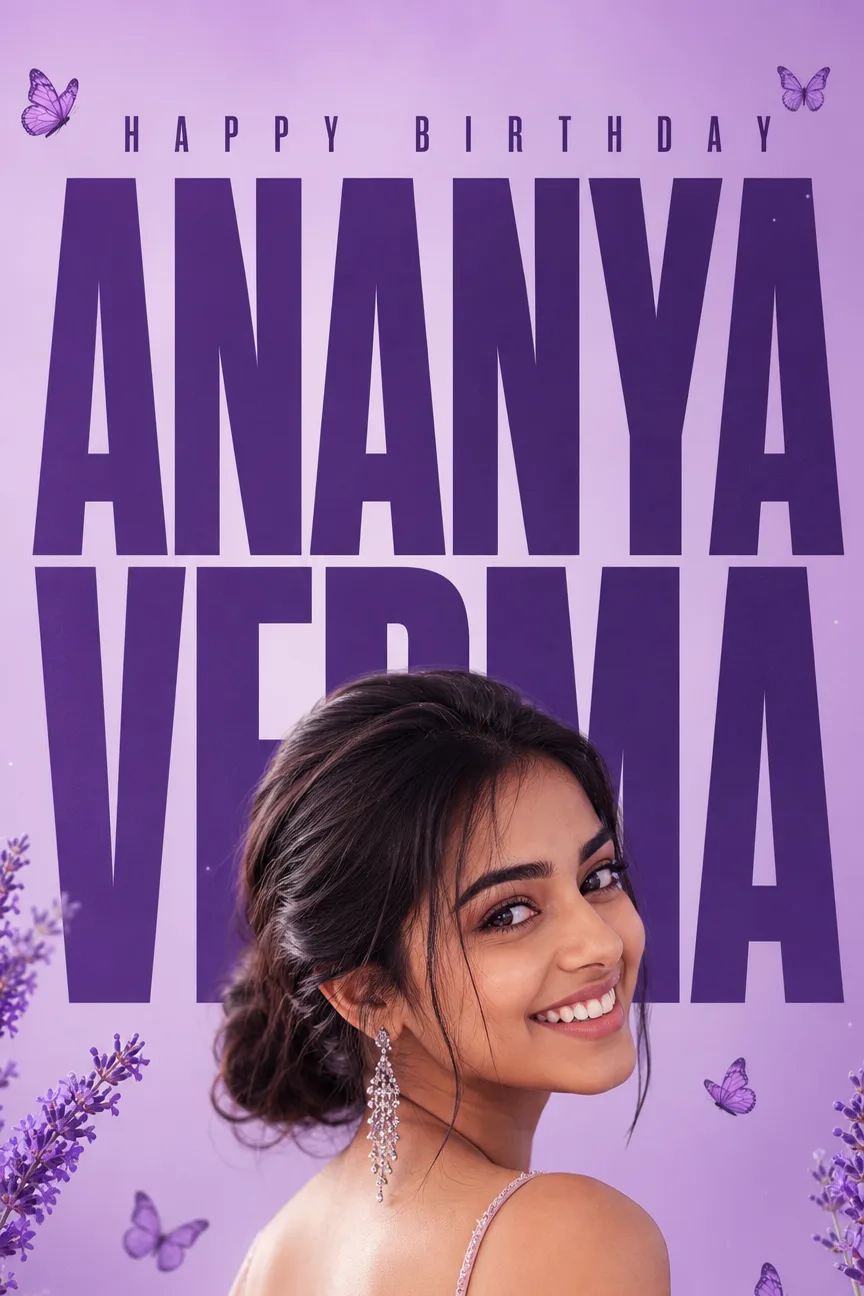
A Ganpati selfie AI prompt that places you in front of a colossal Lord Ganesha murti at a public pandal, with your exact face and festive glow.
Upload one photo and it builds the selfie everyone wants from pandal visits: you large and smiling in the foreground, a towering Bappa rising behind, and the lights, drums and marigolds of the celebration all around. It works just as well for anyone who could not make it to the pandal this year.
Why you and Bappa both stay recognizable
Your photo is treated as a strict identity source, so your face, skin tone and hair are preserved while the outfit and scene are rebuilt. The fixed framing puts you in the left foreground and the murti on the right with open space between you, so neither covers the other, and the phone is never shown.
What you can customize
- Selfie Moment — joyful arm-out selfie, one-hand namaste, pointing up at Bappa, gulal celebration, dhol dance, modak moment, or serene tilak portrait
- Festive Outfit — saffron and gold festive wear, nauvari saree, kurta with pheta, dhol-tasha troupe uniform, pastel ethnic, or keep your own outfit
- Murti Behind You — royal seated king, gold ornament splendor, eco shadu clay, dancing Ganesha, standing protector, or white marble
- Pandal Setting — grand street pandal, temple replica, floral mandap, visarjan procession, housing-society pandal, or village chowk
- Festive Moment — evening aarti, night lights, gulal celebration, morning sunlight, monsoon drizzle, or golden hour
- Photo Look — modern phone selfie, portrait-mode bokeh, night flash, cinematic warm grade, vivid HDR, or soft film
- Extra Details — a tilak, a garland, fairy lights, or anything else to add
Best for
Instagram posts and stories, WhatsApp status and display pictures, festival wishes to family and friends, and sharing a pandal moment with relatives who live far away.
Tips for the best results
- Use a clear, well-lit, front-facing solo photo without sunglasses, hats or heavy filters.
- Pick Keep My Outfit to wear what you have on in the photo.
- With Portrait Mode Bokeh the murti softens but stays recognizable; choose Modern Phone Selfie for a fully sharp background.
- Only upload photos of people who are happy to be featured.
- The image is text-free, so add a Ganpati Bappa Morya greeting in any editor afterward.