Loading elite prompt experience...
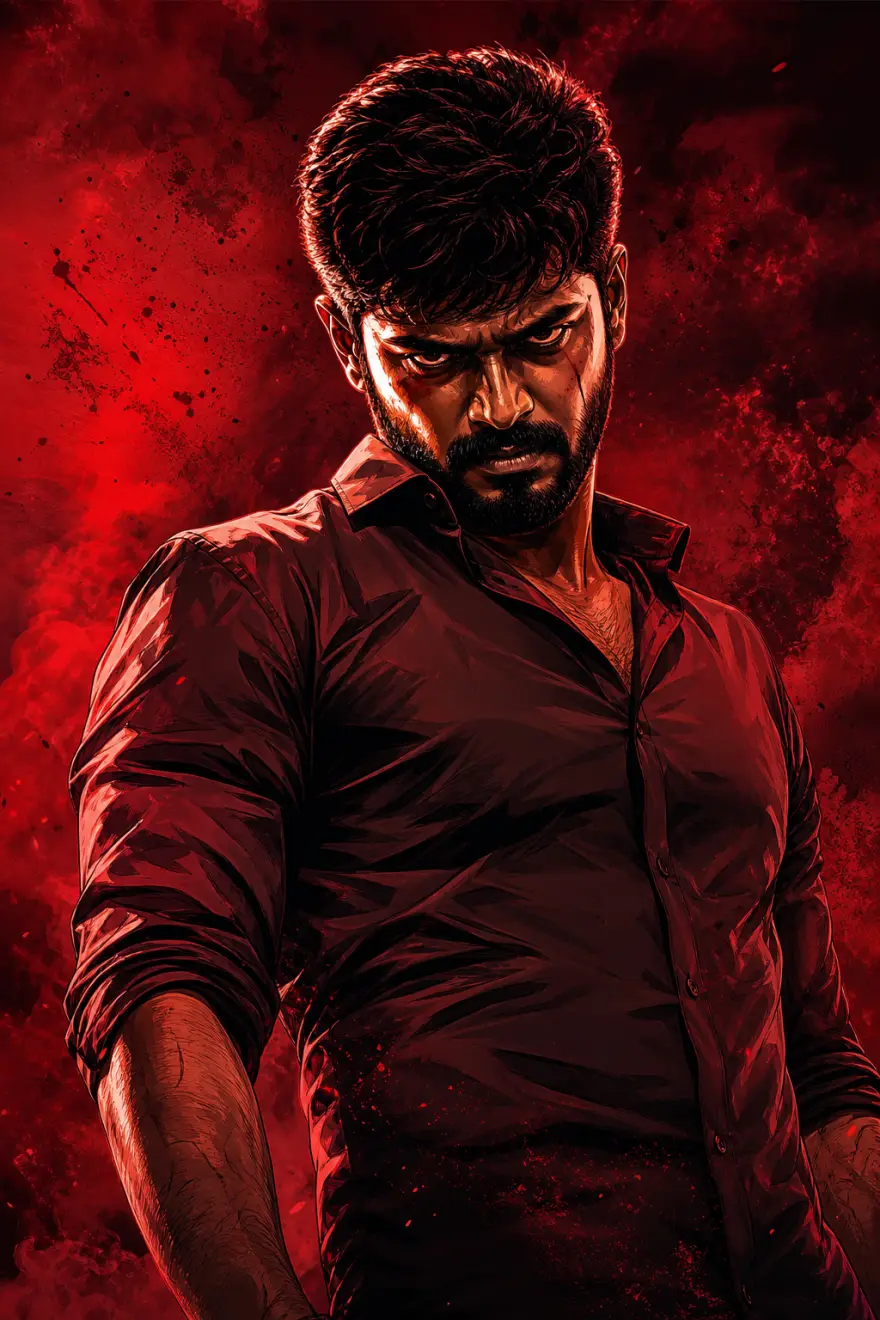
Example Output
 Open in Gallery
Loading elite prompt experience...
A curated stack for turning ideas into production-ready video, ads, and art.
Open in GalleryThis prompt template transforms a reference photo into a bold, cinematic Tamil gangster movie poster. It blends high-contrast digital illustration with a deep-red, gritty aesthetic to create a powerful character-driven visual.
Inspired by modern South Indian action cinema, this style focuses on dramatic tension and graphic intensity.
Color Palette: Dominated by deep crimsons, charcoal blacks, and high-contrast warm highlights.
Art Style: A hybrid of hyper-realistic digital painting and sharp, comic-book-inspired shading.
Atmosphere: Gritty, smoke-filled, or textured backgrounds that add weight and "attitude" to the subject.
The template is engineered for absolute fidelity. While the environment and lighting change, the following remain locked and identical to your reference:
Face & Expression: Precise facial features and the original mood/gaze.
Anatomy: Exact hairstyle, skin tone, and body pose.
Zero AI Warp: Enhances the aesthetic without altering the person's core identity.
Movie-Style Posters: Create professional-grade promotional art.
Personal Branding: High-impact profile visuals for creators and influencers.
Digital Fan Art: Elevate standard portraits into "Larger Than Life" cinematic characters.
Defines exact facial identity, pose, clothing, and expression.
Click the "Copy" button above to copy the complete prompt text to your clipboard. This will copy all the text including any placeholders.
Optional: "Reference Photo" (image). Have these files ready before proceeding to the AI tool.
Go to gemini.google.com and sign in to your Google account. Make sure you have access to the image generation feature.
In Gemini, look for the "Create image" or image generation option. If available, switch to Gemini Pro or Advanced mode for higher quality outputs.
Before or along with your prompt, upload the required files. Most AI tools have an attachment/upload button near the prompt input area.
Paste the copied prompt (Ctrl/Cmd + V) into the AI tool's text input field. Make sure your attachments are uploaded, then click the send/generate button to create your image.
Review the generated image. If it doesn't match your expectations, try regenerating or adjusting the prompt with more specific details. Most AI tools allow multiple generation attempts.
Defines exact facial identity, pose, clothing, and expression.
Generate with
prompt auto-copiesAffiliate links · We may earn a commission at no cost to you
Tested by the PromptsRush team
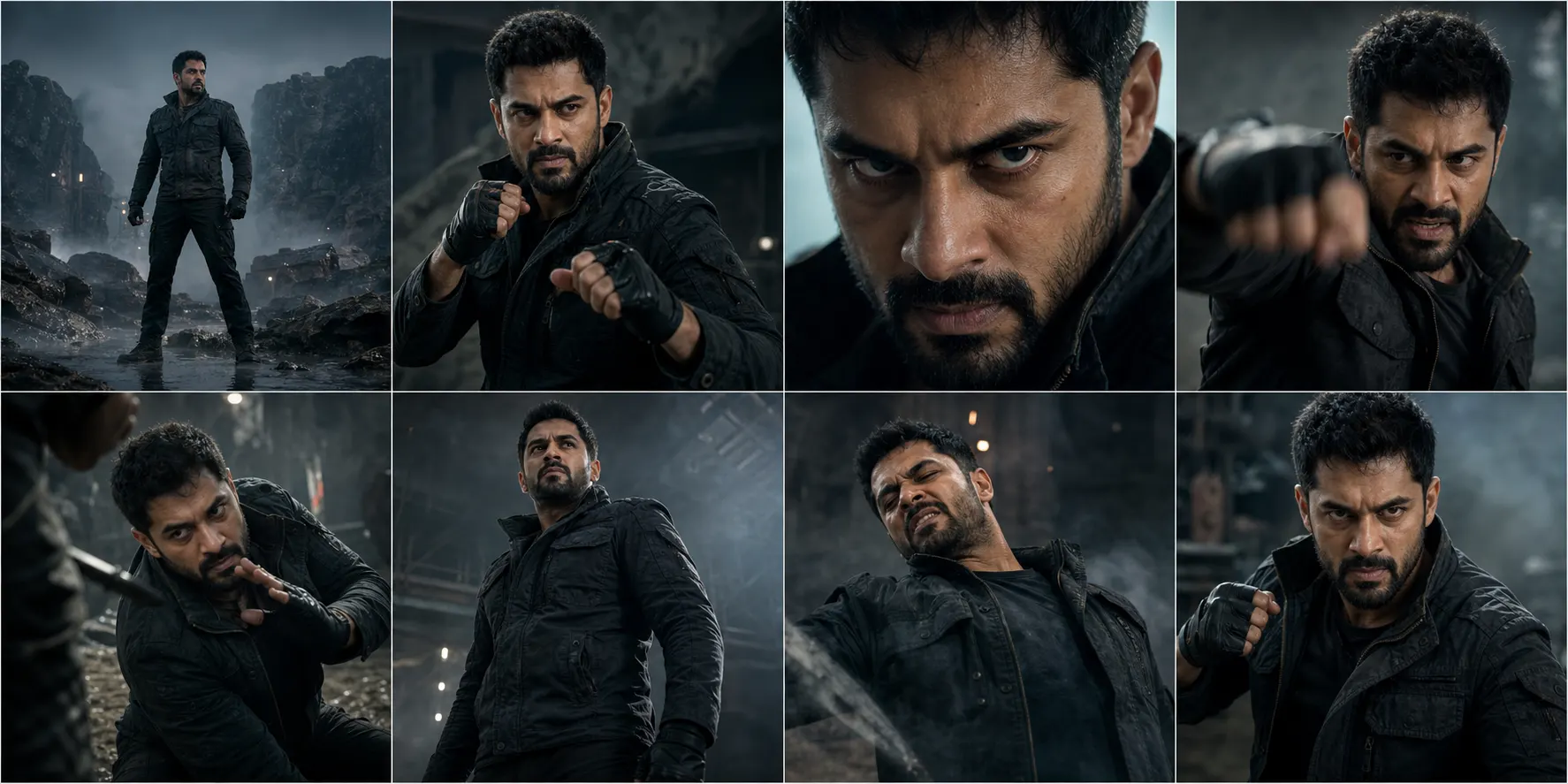
Cinematic 8-Shot Character Action Sequence
Advertisement