Loading elite prompt experience...
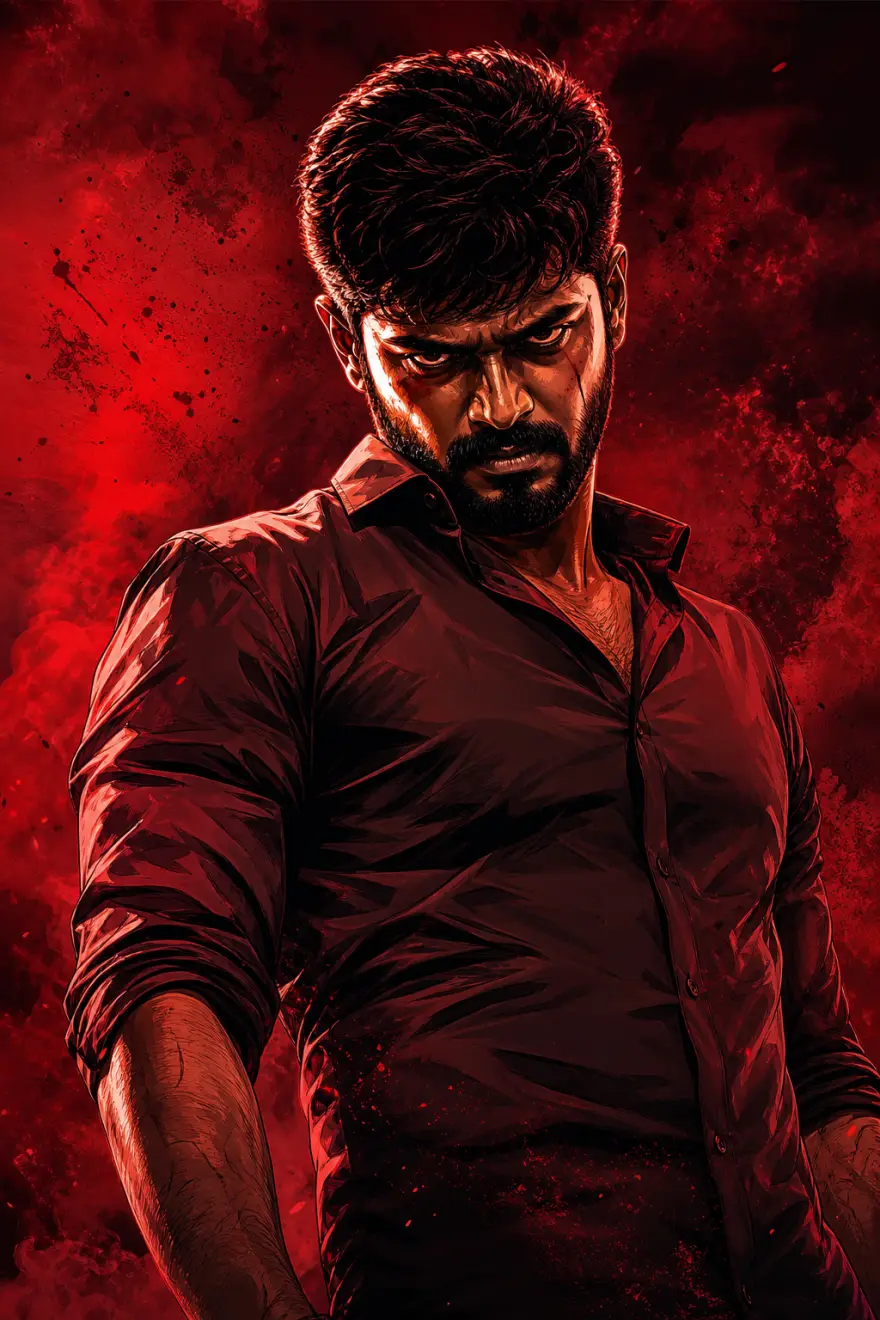
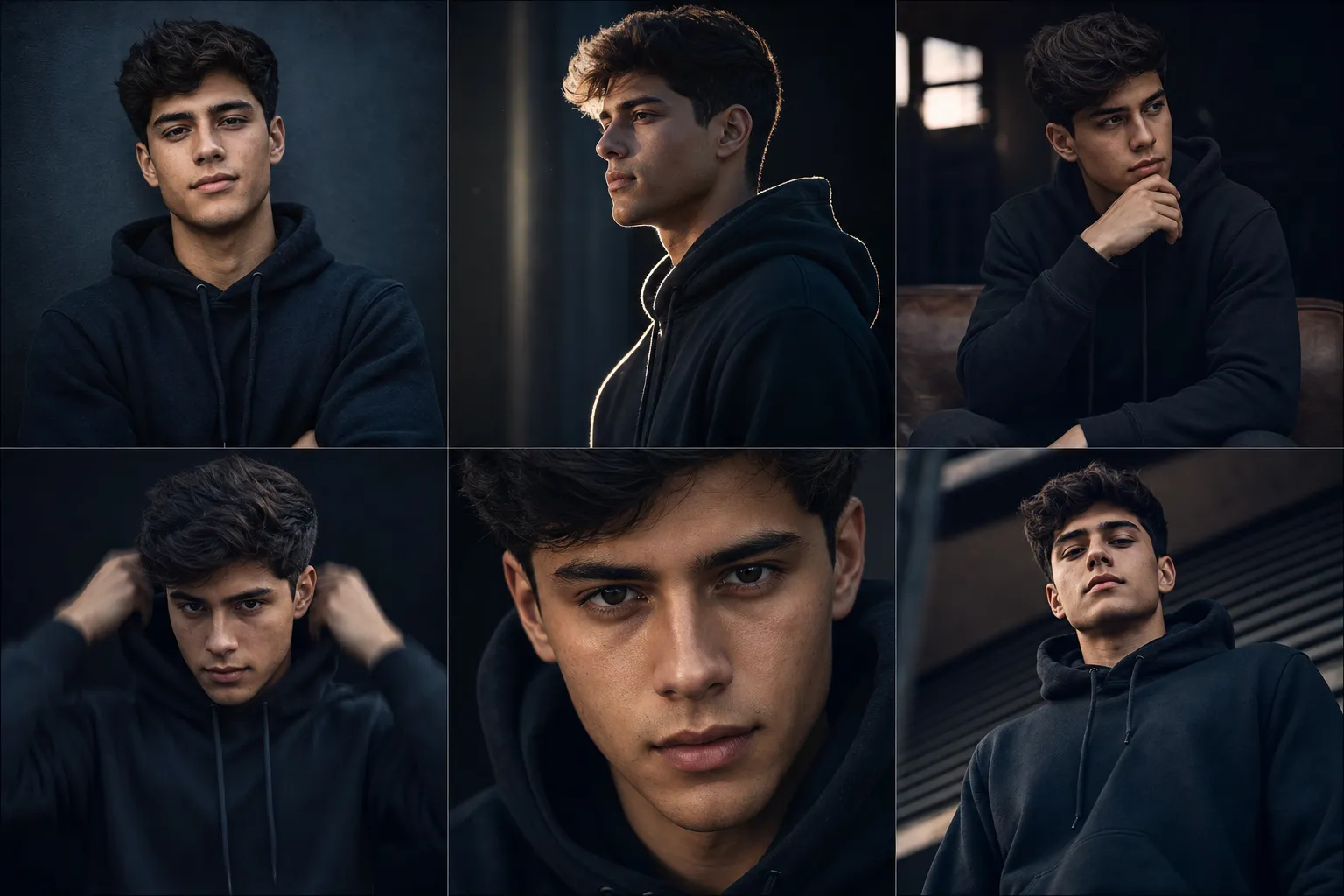
Example Output
 Open in Gallery
Loading elite prompt experience...
A curated stack for turning ideas into production-ready video, ads, and art.
Open in GalleryThis template generates multiple highly creative, cinematic image variations using one consistent character identity derived from a single reference image.
It is built for creators, influencers, and personal brands who need diverse visual content without losing recognizability. Each variation explores a different pose, angle, and emotional tone while maintaining strict continuity of face, hairstyle, clothing, and proportions. The result feels like a professional photoshoot with multiple setups, with cinematic lighting, dramatic shadows, and shallow depth of field rather than a set of unrelated images.
The prompt enforces an absolute identity lock: same face, facial structure, skin tone, hairstyle, and body proportions in every frame, with no beautification drift or redesign. It then renders six defined setups, including a front pose, a three-quarter profile with rim light, a seated introspective pose, a subtle action pose with motion blur on the body only, a tight close-up, and a low-angle stance.
Profile picture sets, branding visuals, content libraries, video thumbnails, and character portfolios where consistency and polish are critical.
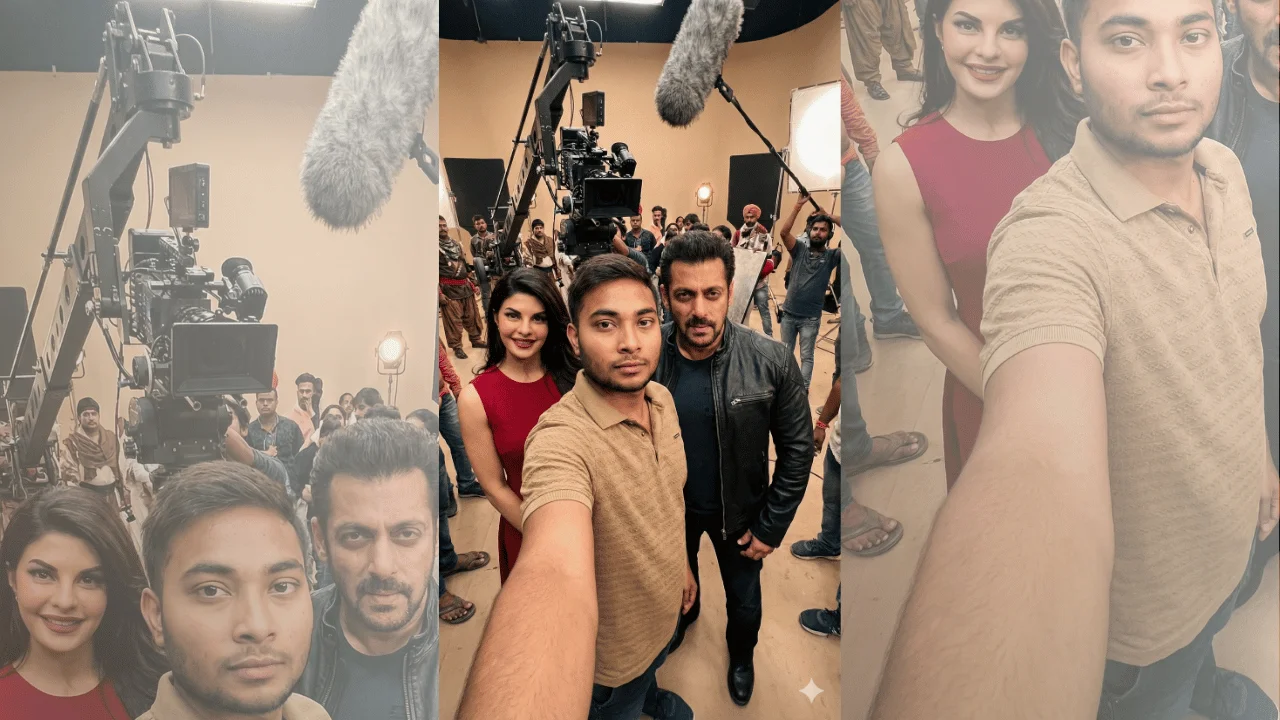
Clear face-visible photo defining the character’s identity, hairstyle, clothing, and proportions.
Click the "Copy" button above to copy the complete prompt text to your clipboard. This will copy all the text including any placeholders.
If you see placeholders like {{topic}} or {{style}} in the prompt, click "Customize & Use" to open the customization dialog. Fill in your specific values to personalize the prompt for your needs.
Optional: "Character Reference Image" (image). Have these files ready before proceeding to the AI tool.
Go to gemini.google.com and sign in to your Google account. Make sure you have access to the image generation feature.
In Gemini, look for the "Create image" or image generation option. If available, switch to Gemini Pro or Advanced mode for higher quality outputs.
Before or along with your prompt, upload the required files. Most AI tools have an attachment/upload button near the prompt input area.
Paste the copied prompt (Ctrl/Cmd + V) into the AI tool's text input field. Make sure your attachments are uploaded, then click the send/generate button to create your image.
Review the generated image. If it doesn't match your expectations, try regenerating or adjusting the prompt with more specific details. Most AI tools allow multiple generation attempts.
Clear face-visible photo defining the character’s identity, hairstyle, clothing, and proportions.
Generate with
prompt auto-copiesAffiliate links · We may earn a commission at no cost to you
Tested by the PromptsRush team
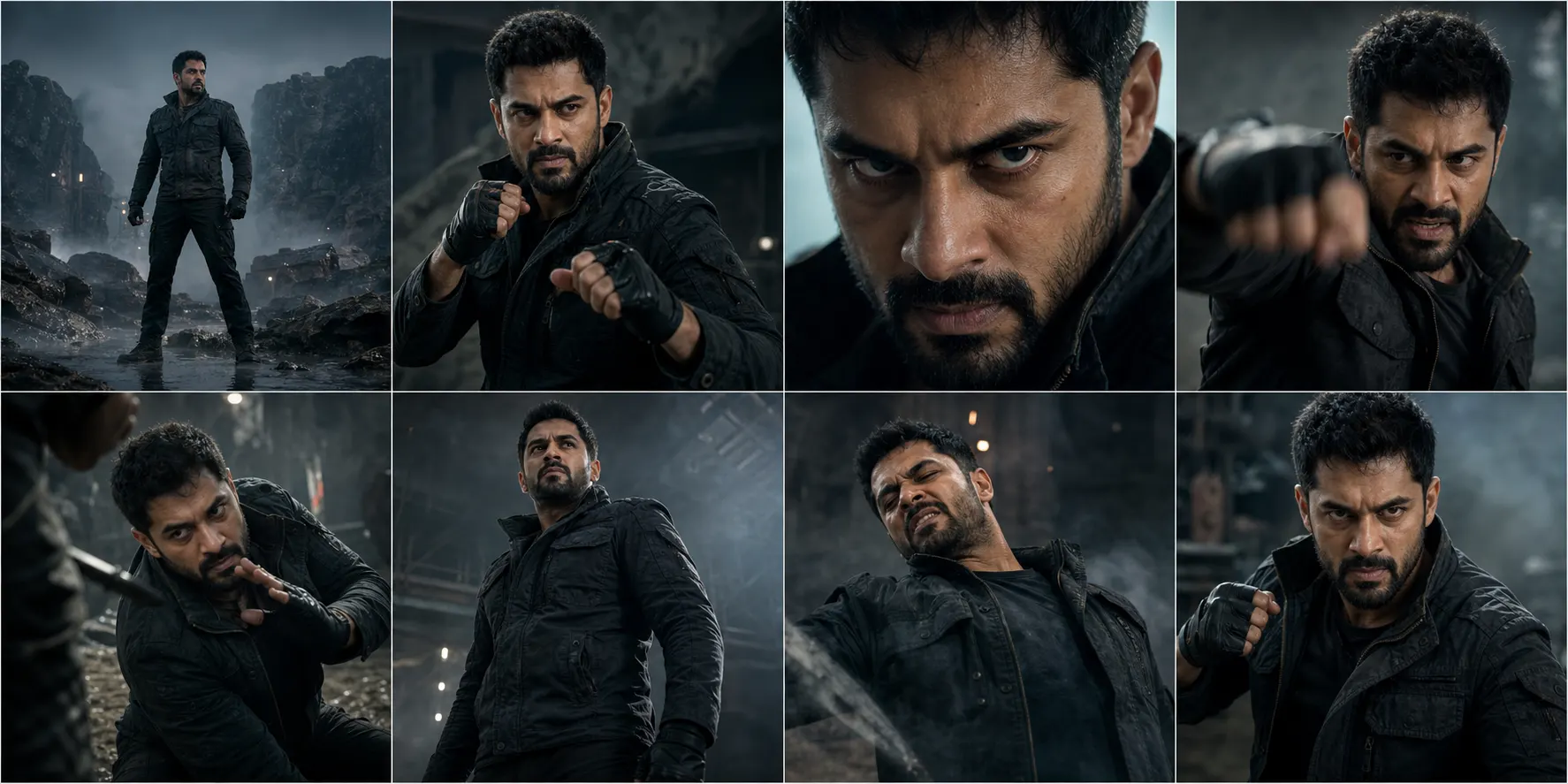
Cinematic 8-Shot Character Action Sequence
Advertisement