Cinematic & FilmCinematic BTS Self-Portrait with Film Actor
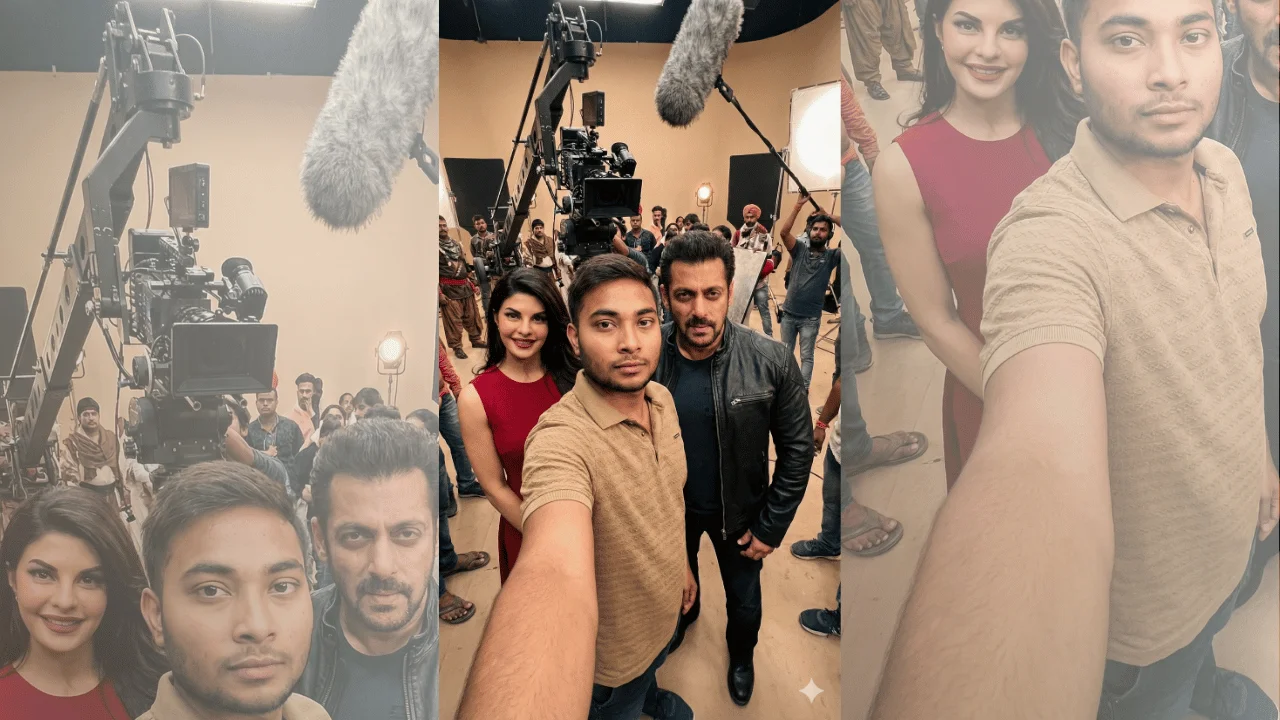
This template creates a hyper-realistic, cinematic behind-the-scenes self-portrait using an uploaded selfie as the primary subject. It places you inside a real movie set alongside a named actor in their exact on-screen look from a specific film. The output prioritizes one-to-one facial identity matching, professional film-set lighting and live-action realism, so the image reads as a movie still captured mid-production, never a phone screenshot or casual selfie. What you can customize Reference Selfie — the upload that defines your facial structure, proportions, skin tone and natural features; only lighting and color grading are adjusted to fit the scene Movie Name — sets the film whose set design, architecture, props and surroundings build the environment Actor Name — the performer who appears beside or just behind you, clearly visible in frame Character Name — locks the actor to that role's age appearance, hairstyle, grooming, costume, footwear and body language, with no modern drift Best for Cinematic fan moments, immersive film experiences, and realistic visual storytelling where authenticity, physical accuracy and production-grade realism are essential. The scene includes visible crew elements — cinema camera on tripod or crane, boom mic, light stands, reflectors, extras in the background — so it feels like a real production in progress. Tips for the best results Use a sharp, well-lit selfie that shows your face clearly; the prompt forbids beautification, so natural asymmetry and skin texture carry over as-is. Name the movie, actor and character precisely so costume, grooming and set design match the film rather than an "inspired by" version. Expect arm's-length selfie framing with a wide-angle lens look and softly blurred background; your face sits near center frame. The prompt excludes phones, visible cameras in hand, UI, borders, text and watermarks — do not request them.