Loading elite prompt experience...
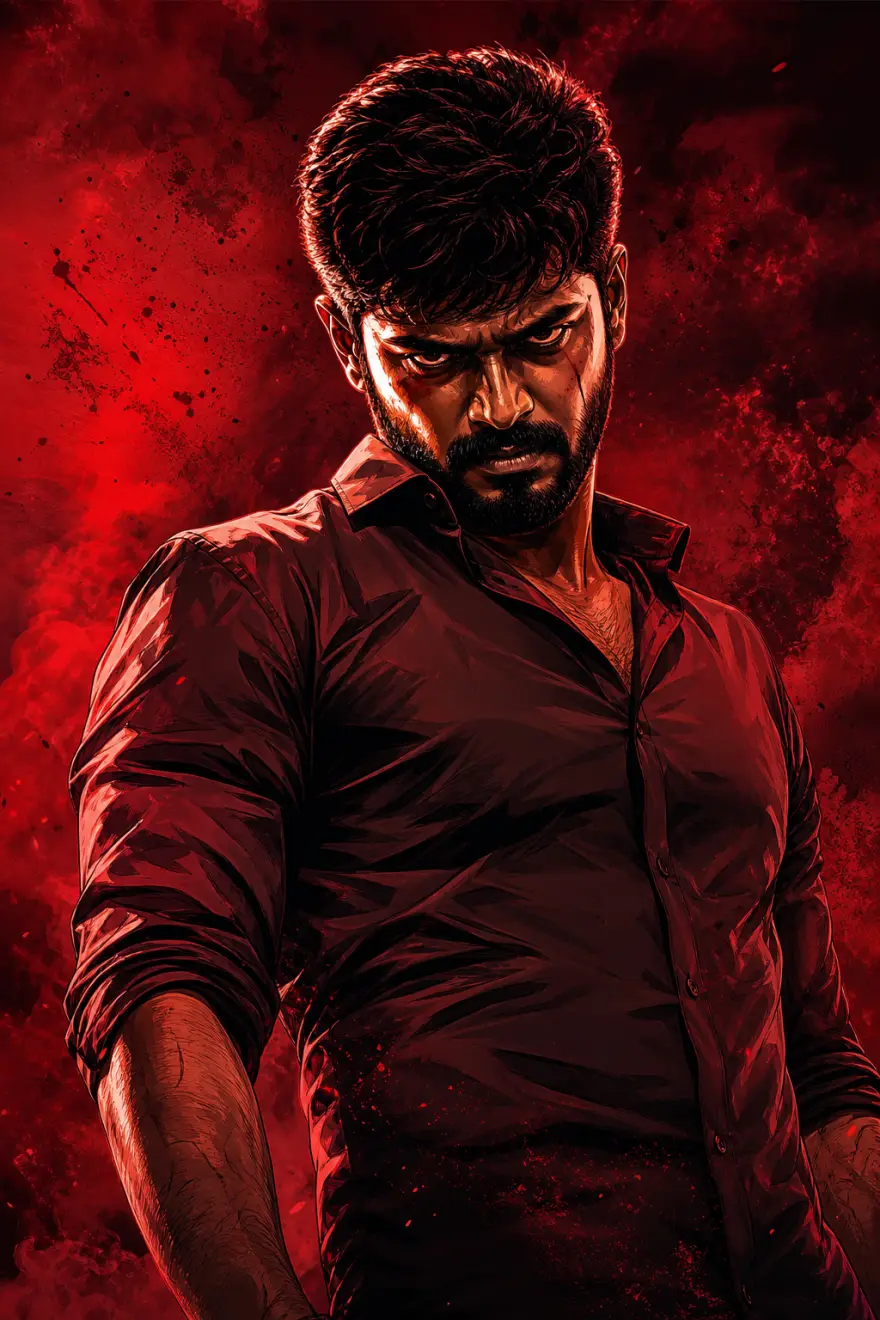
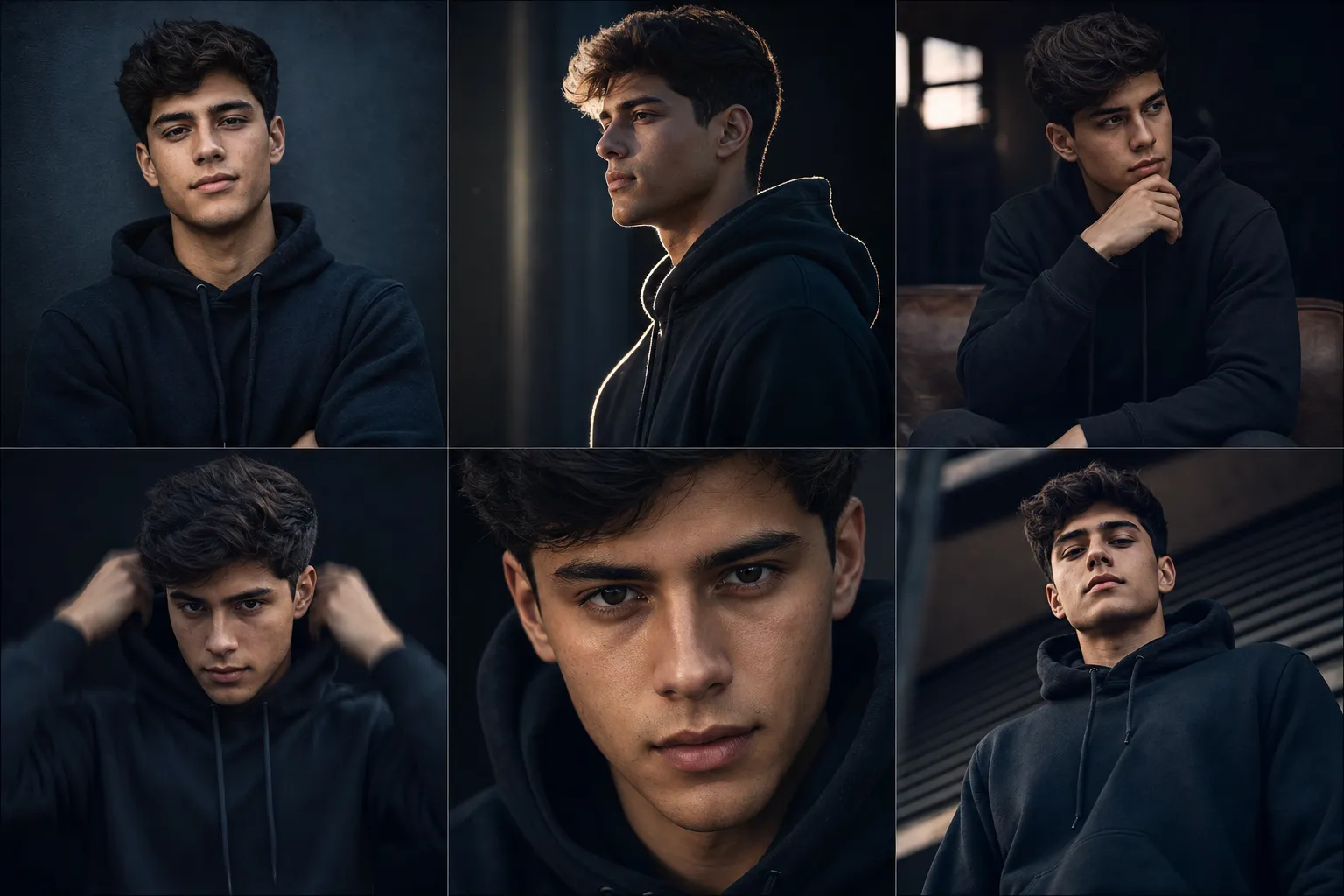
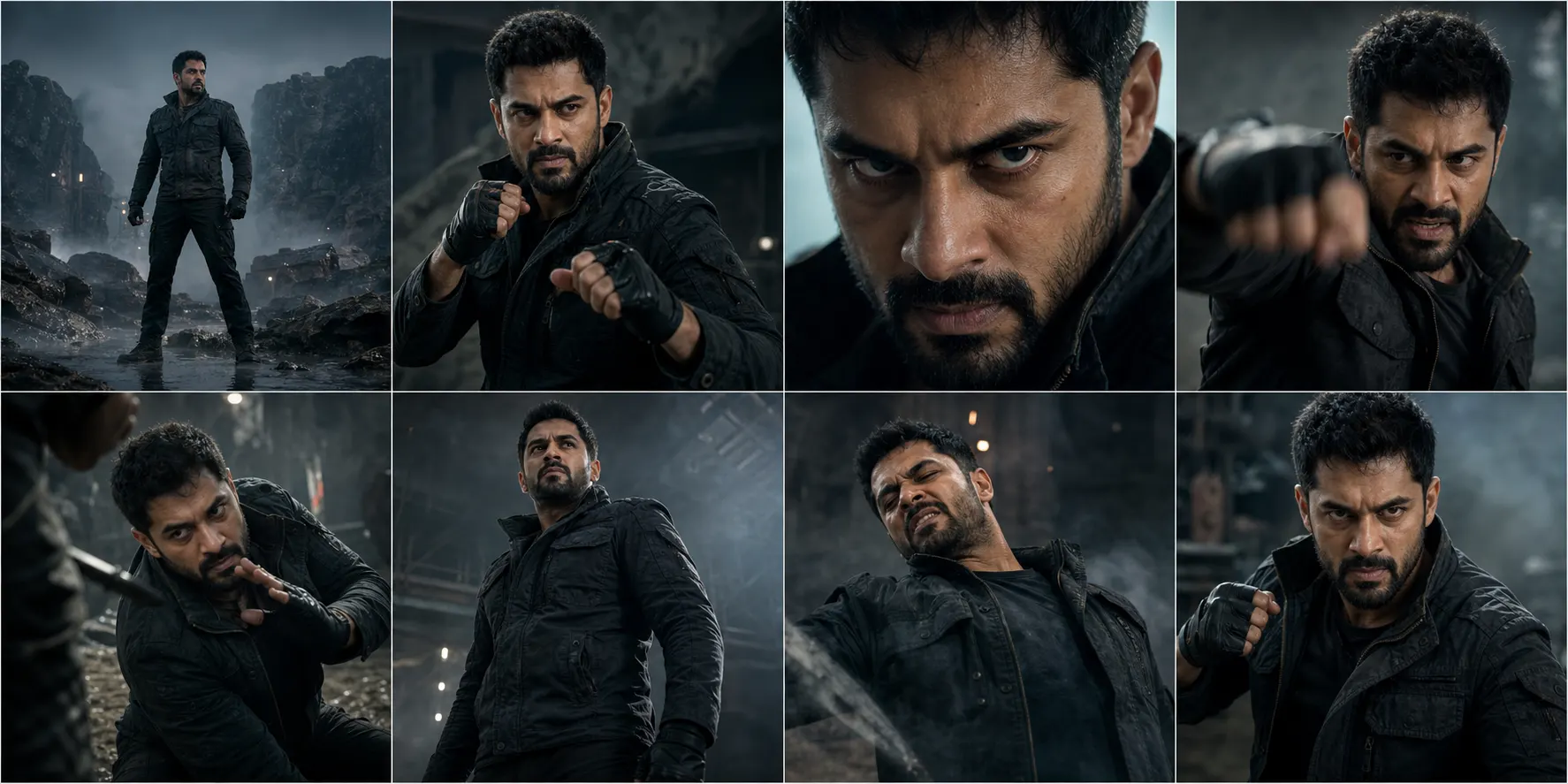
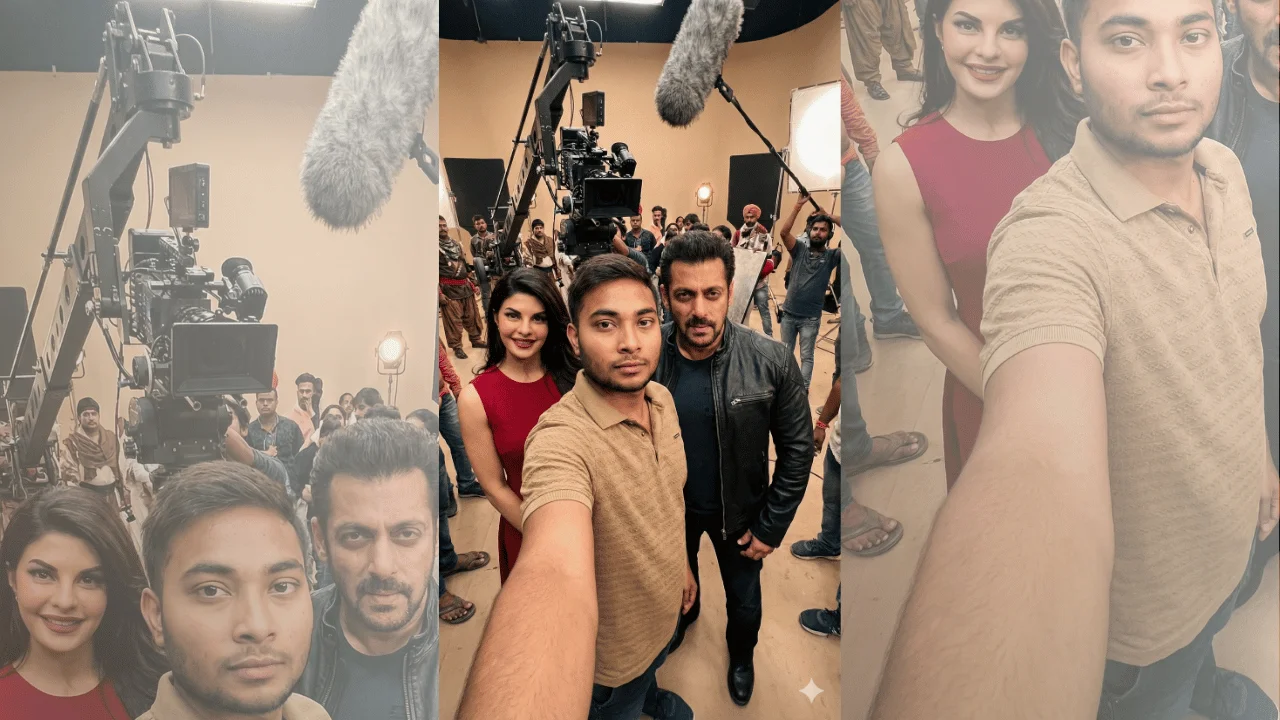
Example Output
 Open in Gallery
Loading elite prompt experience...
A curated stack for turning ideas into production-ready video, ads, and art.
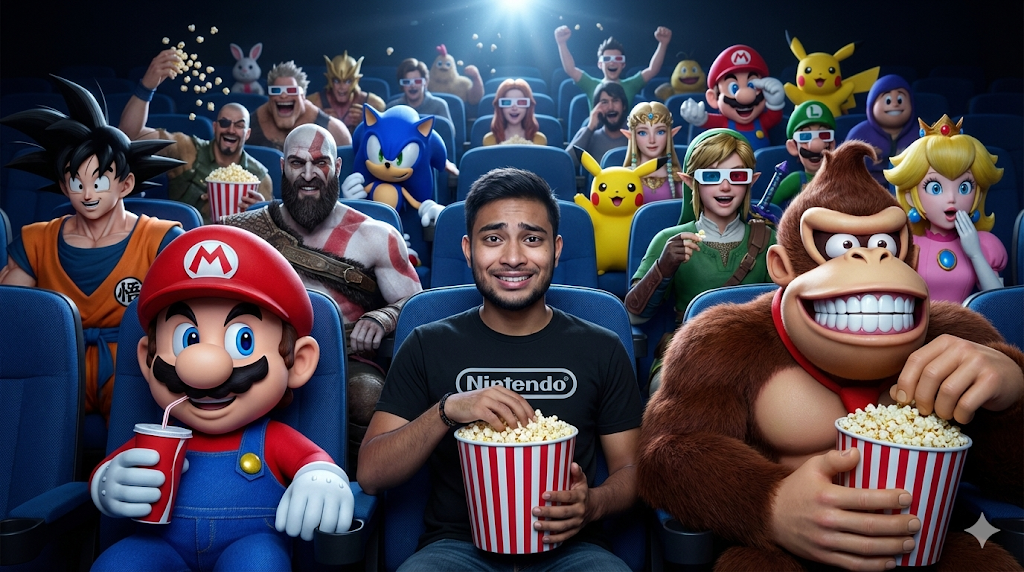
Open in GalleryThis template creates a hyper-realistic cinematic scene inside a dark movie theater, blending live-action realism with iconic video-game characters in a joyful, exaggerated crossover moment.
The main human subject remains fully realistic and identity-locked, while the surrounding characters amplify humor, contrast, and spectacle. Lighting, depth, and facial expressions are carefully controlled so the scene feels cinematic—not cartoonish—despite the playful chaos.
Ideal for viral visuals, pop-culture mashups, gaming content, thumbnails, or cinematic fan art.
Defines exact facial identity, clothing realism, and proportions.
Ensures accurate blue seating, lighting angles, and cinema scale.
Click the "Copy" button above to copy the complete prompt text to your clipboard. This will copy all the text including any placeholders.
Optional: "Main Subject Reference Image" (image), "Theater Interior Reference" (image). Have these files ready before proceeding to the AI tool.
Go to gemini.google.com and sign in to your Google account. Make sure you have access to the image generation feature.
In Gemini, look for the "Create image" or image generation option. If available, switch to Gemini Pro or Advanced mode for higher quality outputs.
Before or along with your prompt, upload the required files. Most AI tools have an attachment/upload button near the prompt input area.
Paste the copied prompt (Ctrl/Cmd + V) into the AI tool's text input field. Make sure your attachments are uploaded, then click the send/generate button to create your image.
Review the generated image. If it doesn't match your expectations, try regenerating or adjusting the prompt with more specific details. Most AI tools allow multiple generation attempts.
Defines exact facial identity, clothing realism, and proportions.
Ensures accurate blue seating, lighting angles, and cinema scale.
Generate with
prompt auto-copiesAffiliate links · We may earn a commission at no cost to you
Tested by the PromptsRush team
Cinematic Character Variations
Advertisement