Loading elite prompt experience...
Example Output
 Open in Gallery
Loading elite prompt experience...
A curated stack for turning ideas into production-ready video, ads, and art.
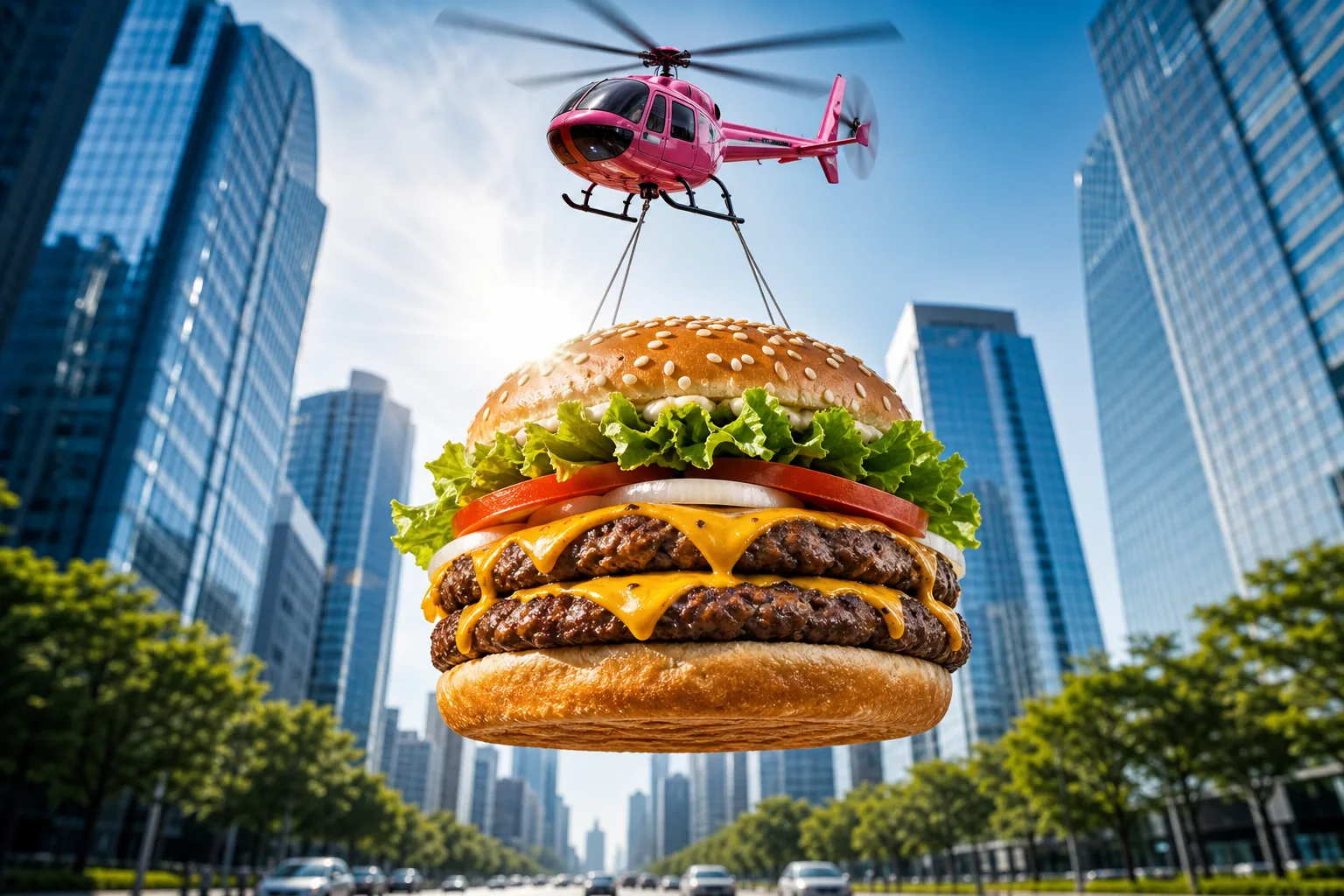
Open in GalleryA food advertising prompt that airlifts a giant photorealistic burger — or any dish you describe — through the sky for scroll-stopping commercial shots.
The template stages your hero food as an epic airborne delivery: suspended on cables beneath a glossy toy-like helicopter, framed from a dramatic low angle against a bright blue sky, with a sunburst lens flare and a softly blurred avenue of glass skyscrapers below. The result reads like a big-budget fast-food campaign frame — vibrant, crisp and instantly thumb-stopping.
Restaurants, food trucks, delivery apps and creative agencies producing social ads, billboards, menu screens and app-launch banners. Render wide for banners or square for feed posts.
Click the "Copy" button above to copy the complete prompt text to your clipboard. This will copy all the text including any placeholders.
If you see placeholders like {{topic}} or {{style}} in the prompt, click "Customize & Use" to open the customization dialog. Fill in your specific values to personalize the prompt for your needs.
Go to gemini.google.com and sign in to your Google account. Make sure you have access to the image generation feature.
In Gemini, look for the "Create image" or image generation option. If available, switch to Gemini Pro or Advanced mode for higher quality outputs.
Paste the copied prompt (Ctrl/Cmd + V) into the AI tool's text input field. click the send/generate button to create your image.
Review the generated image. If it doesn't match your expectations, try regenerating or adjusting the prompt with more specific details. Most AI tools allow multiple generation attempts.
Generate with
prompt auto-copiesAffiliate links · We may earn a commission at no cost to you
Tested by the PromptsRush team
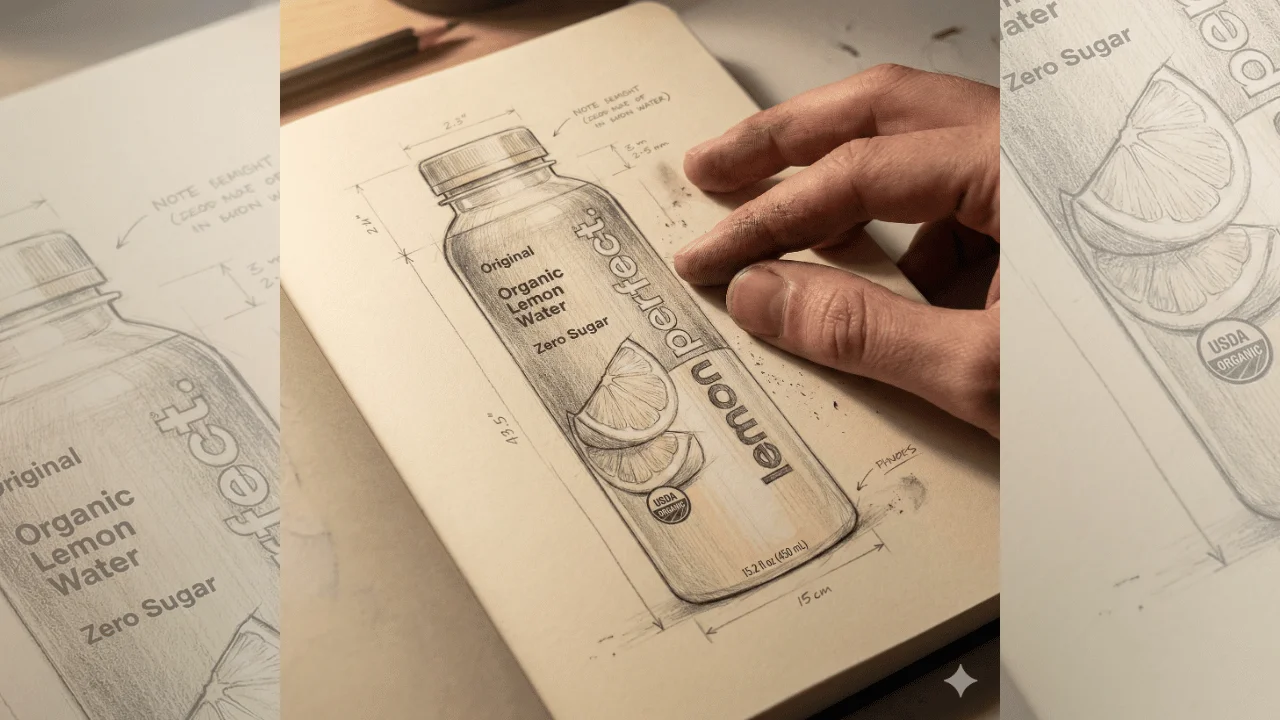
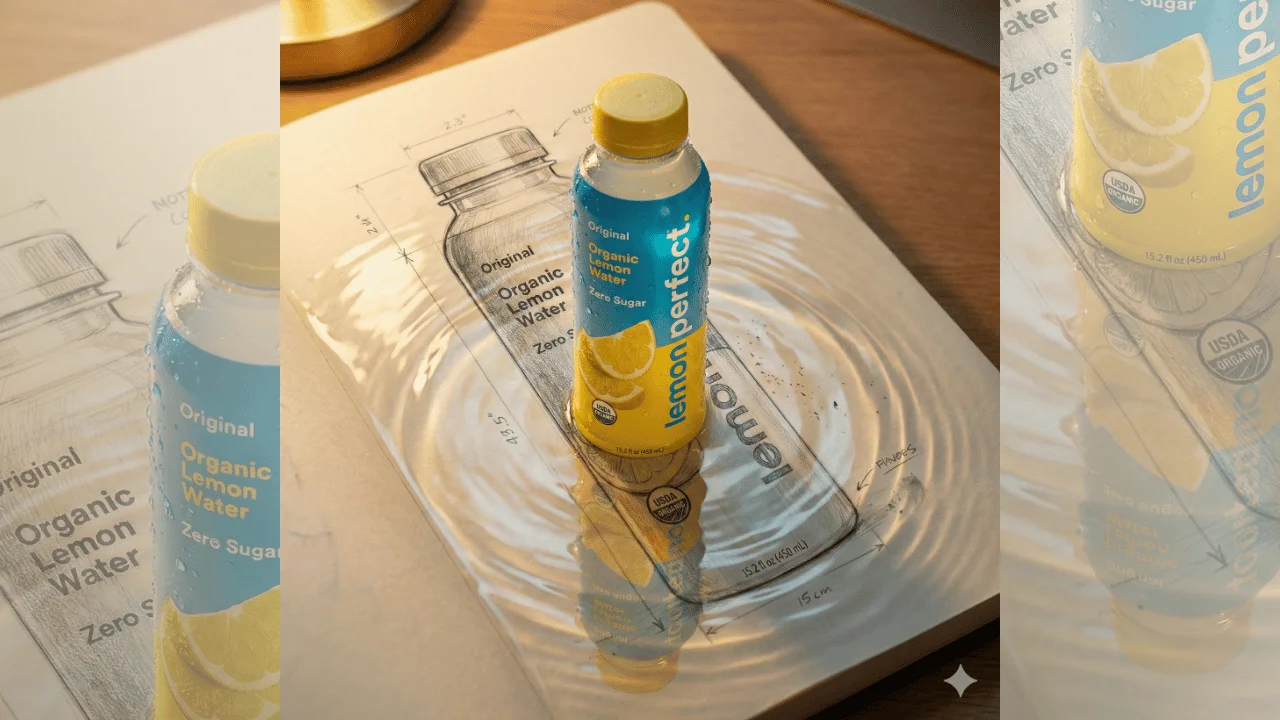
Handcrafted Product Concept Prompt
Advertisement