Loading model...
Best Flux prompts
5 prompts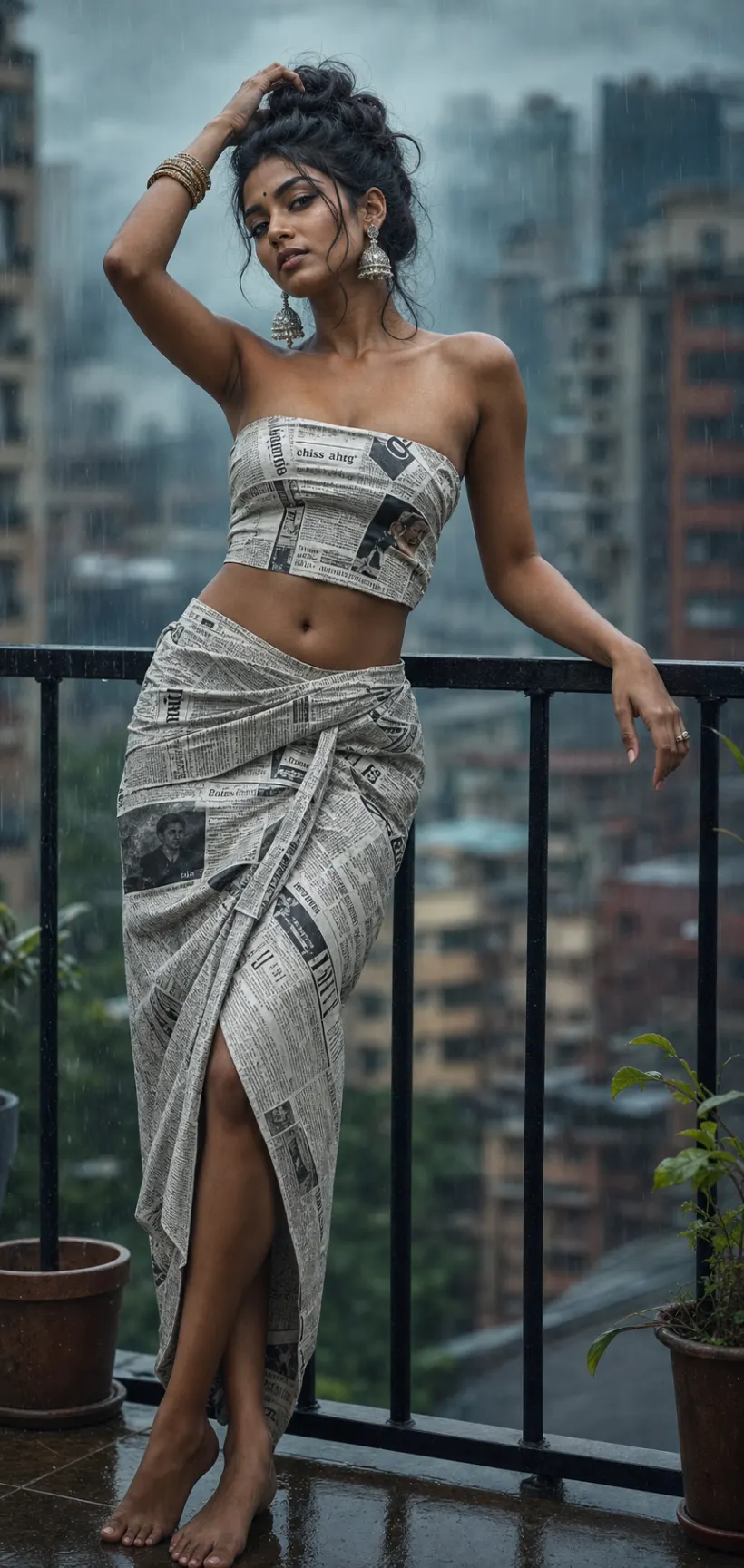
Image
Fashion & Beauty
Newspaper Outfit Fashion Editorial
A fashion editorial prompt that turns a simple concept — an outfit crafted from printed material — into a striking, magazine-worthy portrait. The template builds the viral wearable newsprint look: a confident model in a fitted strapless bandeau top and wrapped midi skirt made entirely of a printed material, shot like a designer editorial on an 85mm lens at f/1.8 with moody light, a blurred background and a refined cinematic color grade. The material is the creative variable, and pose, setting and lighting adjust around it. What you can customize Model Description — hair, styling, jewellery and skin tone anchor the render. Outfit Material — five prints: Newspaper Print, Vintage Maps, Comic Book Pages, Botanical Print or Denim Patchwork. Pose — five gestures: Hand to Hair, Leaning on Railing, Over-the-Shoulder Glance, Hands on Hips or Walking Motion. Setting — five locations: Rainy City Balcony, Concrete Rooftop, Minimal Studio, Old Town Alley or Golden Hour Terrace. Lighting — a global lighting variable sets the light and grade; the moody rainy-balcony default gives the teal cinematic look of the trend. Model Photo — optional upload of a clear front-facing photo to carry a real likeness into the editorial. Best for Fashion creators, stylists, model portfolios and brands who want art-directed concept portraits for Instagram, lookbooks, mood boards and poster art, without a studio or a real garment. Tips for the best results Describe the model clearly, and attach a photo if you want a specific likeness. Choose a material whose print reads well at a distance; newspaper columns and maps show beautifully, while tiny patterns turn to mush. Match the setting and lighting so the mood is coherent. Keep styling elegant and the pose to one clear graceful gesture. Avoid cluttered backgrounds that compete with the printed outfit, and skip revealing or explicit styling requests; the template is tuned for tasteful, sophisticated high fashion.
130 ViewsTemplate
Image
Anime & Manga
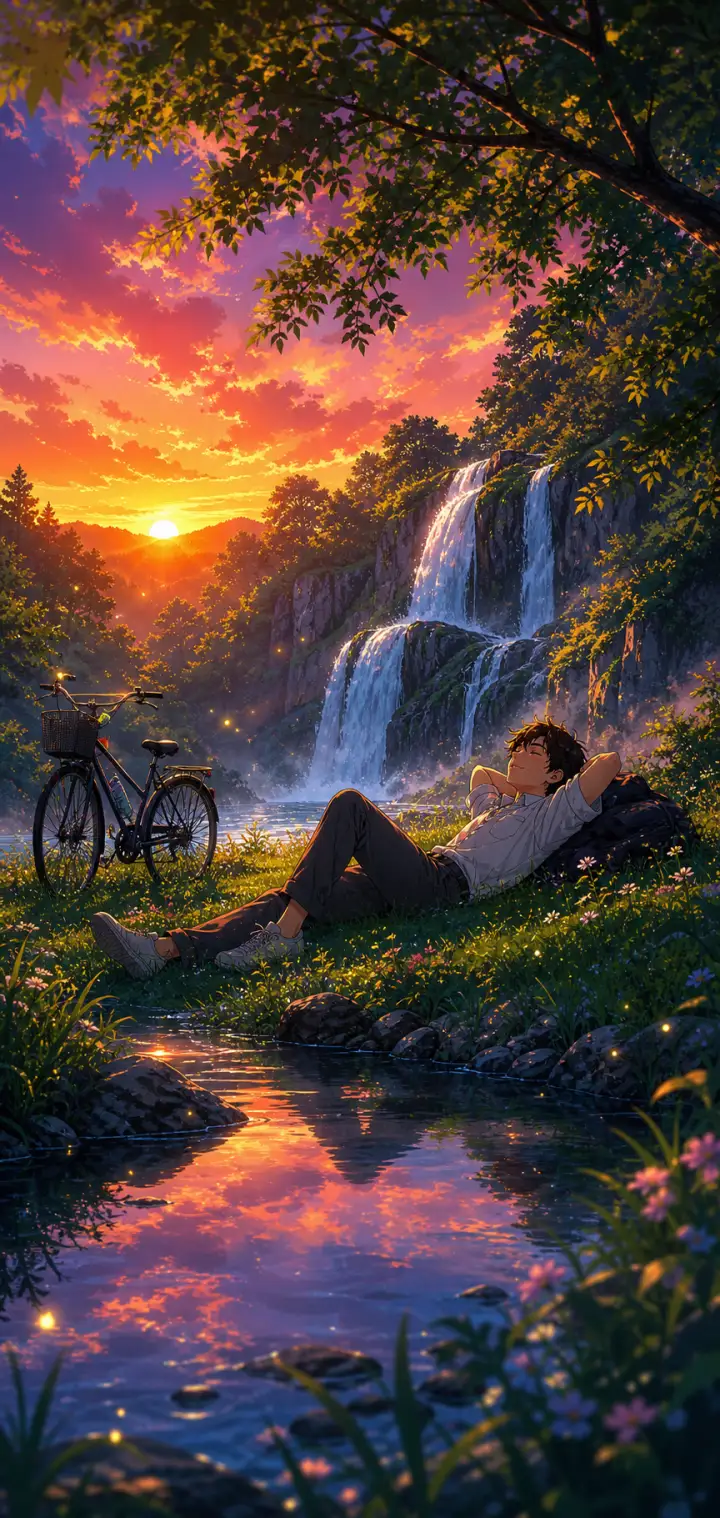
Lofi Anime Relaxing Nature Scene
A lofi anime prompt that paints cozy, relaxing nature wallpapers — a peaceful figure unwinding in a lush, glowing landscape in soft, saturated anime color. The template locks in that chill lo-fi aesthetic while letting you rebuild everything inside it: the character and how they rest, the natural setting, the sky and its light, and the little foreground details. The same dreamy calm re-renders as a waterfall at sunset, a beach at golden hour, a rainy forest or a lakeside cabin evening. Every output comes out as a tall, phone-wallpaper-ready illustration with the figure placed in the lower-middle of the frame so the landscape leads. What you can customize Character & Pose — describe one relaxed figure and their resting pose; the default is a young man lying back on the grass with a backpack pillow and a bicycle nearby Nature Setting — five options: Waterfall & Forest, Beach & Ocean, Grassy Hilltop, Rainy Forest and Lakeside Cabin Sky & Light — five skies that set the whole palette, from Vivid Purple-Orange Sunset and Warm Golden Hour to Soft Overcast Rain, Starry Twilight and Pastel Morning Foreground & Atmosphere — the near details, such as a reflective stream with mossy rocks; wildflowers, dewdrops and floating light motes are added automatically Art Style — Soft Lo-fi Chill, Makoto Shinkai Cinematic, Studio Ghibli Warm or Vivid Modern Anime Best for Anyone chasing the "relax and breathe" anime mood — lofi music and study-with-me backdrops, phone and desktop wallpapers, stream overlays, playlist covers and profile banners — where the point is a serene scene you could disappear into. Tips for the best results Keep the character to one relaxed figure in a clear restful pose (lying back, sitting against a tree, watching the water); the style is about calm, not action. Let the setting and sky carry the detail, and match them so the light agrees — a purple-orange sunset over a waterfall, warm gold over a beach. Use the art-style selector to shift the feel from soft lo-fi to Ghibli warmth to crisp modern anime. Avoid busy action poses, crowds of characters or close-up faces; this is a mood-and-scenery style, not a portrait style. Avoid clashing light between sky and ground — one warm dominant light source keeps the scene cohesive and cozy.
Image
Anime & Manga
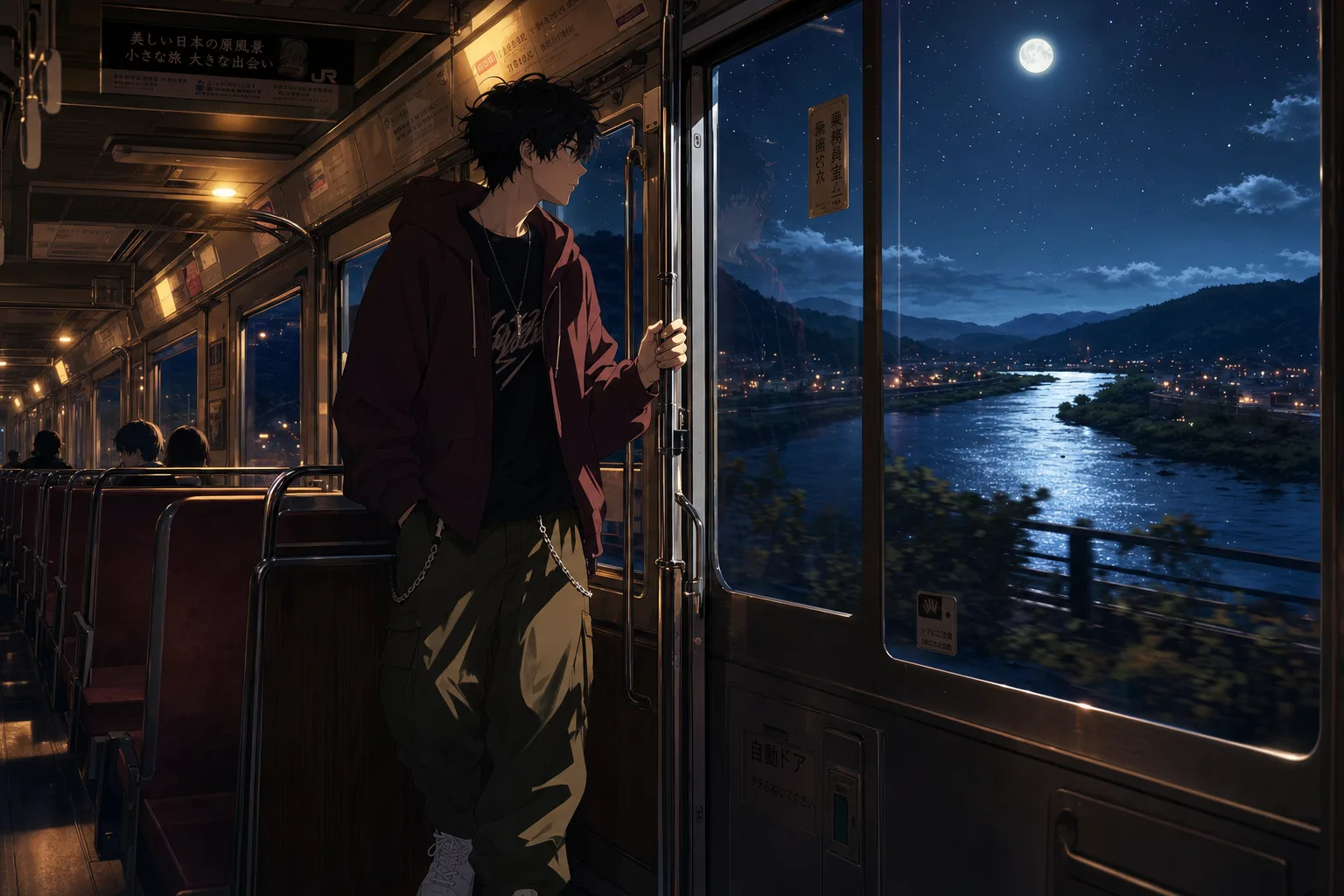
Lofi Anime Night Train Prompt
A lofi anime wallpaper prompt that paints a quiet night-journey scene — customize the character, the ride, the window view, and the mood. The template recreates the beloved melancholic-anime aesthetic of a lone traveler framed against a glowing window: warm cabin light inside, a cinematic world drifting past outside, and soft reflections on the glass tying the two together. The character sits off-center in a cinematic composition with crisp clean line art and painterly shading, finished at anime-film-still quality. What you can customize Character — describe your traveler head to toe; outfit details carry the style, and the default is a messy-haired boy in an oversized maroon hoodie with chained cargo pants The Ride — four options: Night Train, City Bus, Subway Car or Night Ferry, each with its own posture and cabin light Window View — five scenes: Starry River Valley, Rainy Neon City, Winter Snowfall, Golden Sunset Fields or Moonlit Ocean Mood — Melancholic, Peaceful, Hopeful, Lonely or Romantic; each shifts expression and atmosphere Best for Anime fans and creators making phone and desktop wallpapers, lofi music channel art and video loop backgrounds, Spotify playlist covers, and moody social posts. Tips for the best results Midjourney and Nano Banana Pro both render the clean line art and painterly lighting beautifully. Generate tall for wallpapers, or wide for desktop art and video thumbnails. Keep the character description to one person; the composition is framed for a solo traveler. Do not request photorealism — the charm is the anime-film shading. Avoid busy daytime scenes; the format lives on the contrast between warm interior light and the world outside the glass.
Image
Anime & Manga
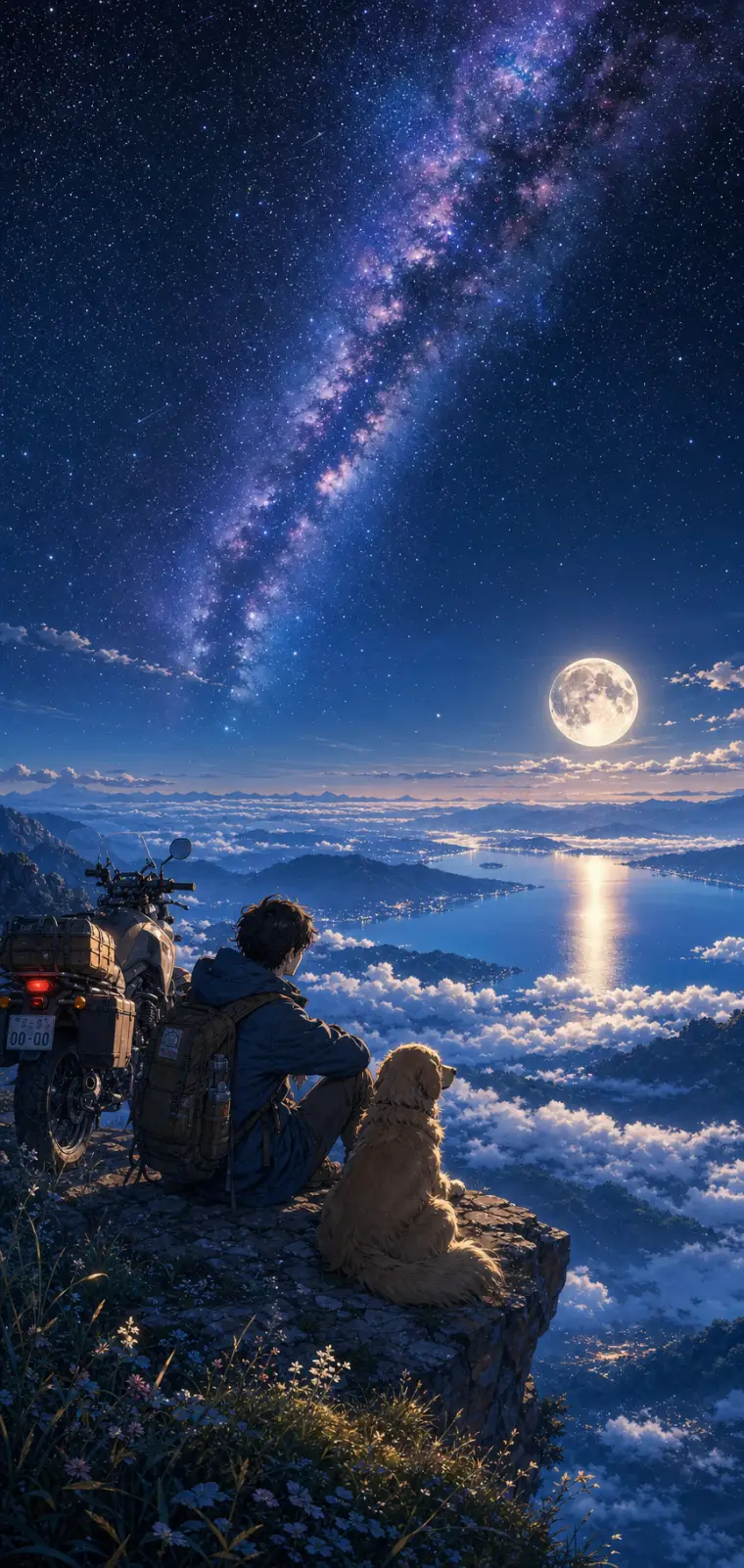
Anime Night Sky Scenery Wallpaper
An anime scenery prompt that paints lush, cinematic wallpaper art in the Makoto Shinkai tradition — hyper-detailed skies, glowing light, saturated color. The template keeps that signature painterly anime style locked in while letting you rebuild the whole scene around it: the character and their companion, the vantage point they gaze from, the sky above them, and the little foreground details. The same dreamy aesthetic re-renders as a starry mountaintop, a sunset coastline, an aurora over snow or a neon city overlook. Every output lands as a tall phone-wallpaper-ready illustration, with the sky filling the upper two-thirds and distant silhouettes fading into haze. What you can customize Character & Companion — the figure in the lower third of the frame; the default is a lone traveler with a golden retriever and an adventure motorcycle Setting / Vantage — five viewpoints: Sea of Clouds, Ocean Coastline, Snowy Peaks, City Overlook and Grassy Hilltop Sky & Atmosphere — five skies that set the palette: Starry Milky Way & Full Moon, Golden Sunset, Aurora Borealis, Pastel Dawn and Stormy Twilight Foreground Details — the near-ground touches, such as wildflowers and pebbles catching the light on a rocky ledge Art Style — Makoto Shinkai Cinematic, Studio Ghibli Soft, Lo-fi Anime Chill or Vivid Modern Anime Best for Anime wallpapers, lo-fi playlist and video backdrops, Discord or profile banners, and key-visual concept art — creators, streamers and fans of the "lonely traveler under a huge sky" mood that dominates anime scenery feeds. Tips for the best results Keep the character to a simple silhouette-friendly setup — one or two figures and maybe a companion or vehicle — since the style shines when the tiny character is dwarfed by an enormous sky. The sky field is where to spend your detail. Match the sky and setting so their light agrees: a full-moon night over a sea of clouds, a golden sunset over the ocean. Avoid many detailed characters or close-up faces; this is a scenery style, not a portrait style. Avoid busy competing focal points and contradictory lighting between sky and ground — one dominant light source keeps the scene coherent.
Image
Product & Commercial
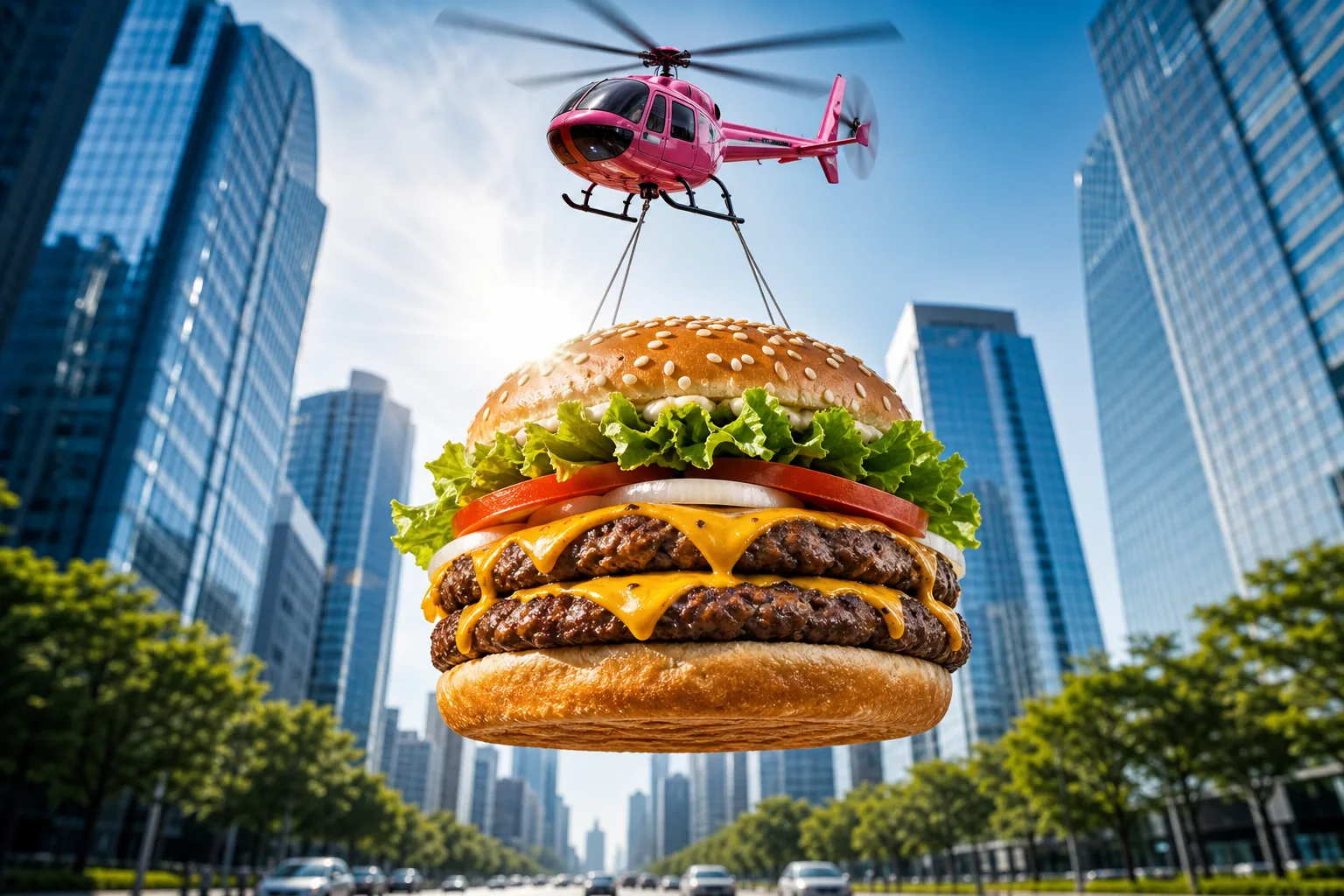
Epic Flying Food Ad Prompt
A food advertising prompt that airlifts a giant photorealistic burger — or any dish you describe — through the sky for scroll-stopping commercial shots. The template stages your hero food as an epic airborne delivery: suspended on cables beneath a glossy toy-like helicopter, framed from a dramatic low angle against a bright blue sky, with a sunburst lens flare and a softly blurred avenue of glass skyscrapers below. The result reads like a big-budget fast-food campaign frame — vibrant, crisp and instantly thumb-stopping. What you can customize Hero Food — describe the dish layer by layer; the default is a double cheeseburger with a toasted sesame bun, lettuce, tomato, onion rings, two charbroiled patties and dripping cheddar. Aerial Carrier — four options: Pink Toy Helicopter with motion-blurred rotors, Cargo Drone, Retro Blimp or Hot Air Balloon. Backdrop — three scenes: a symmetrical City Avenue, a sunny Coastal Boardwalk or a Desert Highway with red-rock mesas and heat shimmer. Best for Restaurants, food trucks, delivery apps and creative agencies producing social ads, billboards, menu screens and app-launch banners. Render wide for banners or square for feed posts. Tips for the best results Match the default's level of ingredient detail in the Hero Food field — it produces the most appetizing results. Keep the low-angle sunburst composition intact; it is what sells the scale. Nano Banana Pro, Midjourney and Flux all resolve the food textures and metallic carrier finishes beautifully. Avoid stacking different dishes into one frame — one hero product per shot keeps the ad readable — and avoid adding brand names or text inside the image. Avoid muted palettes; the saturated commercial color grade is part of the format's punch.