Loading elite prompt experience...
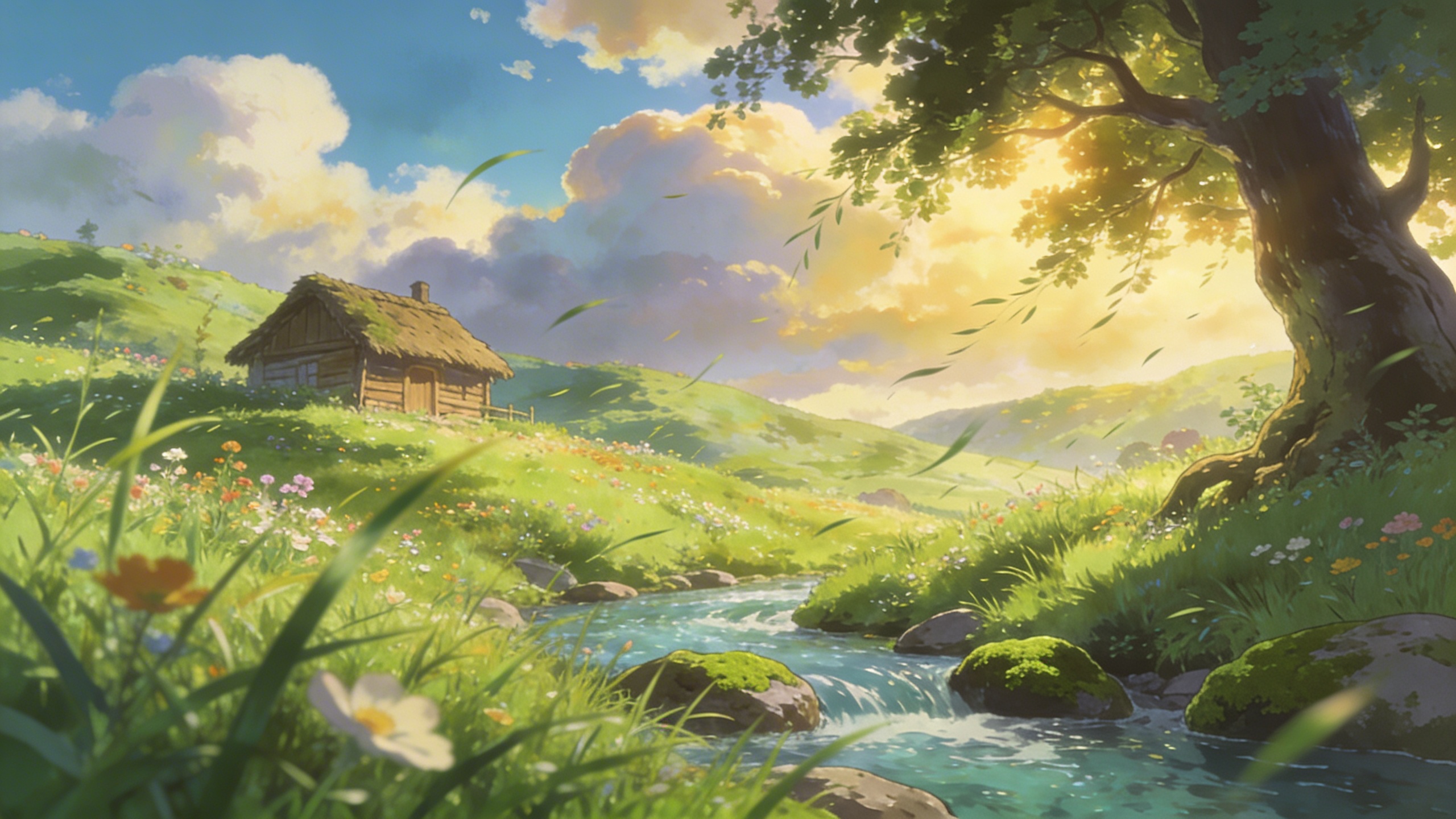
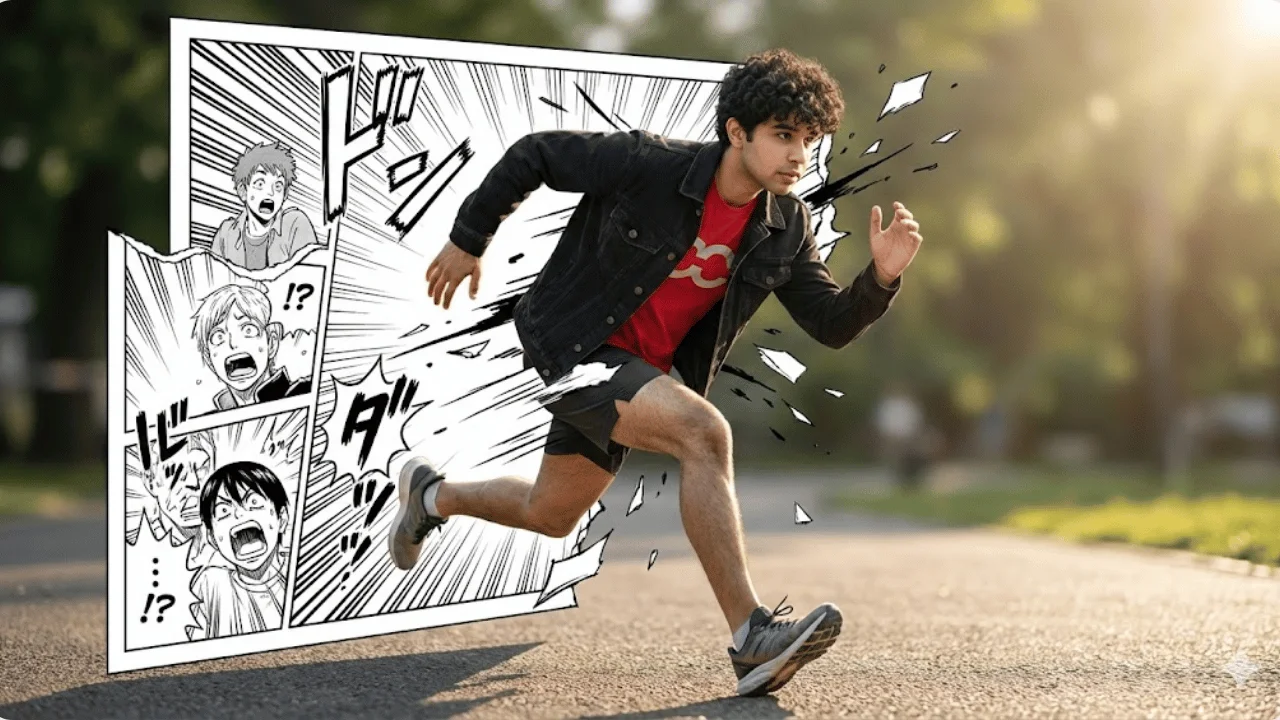
Example Output
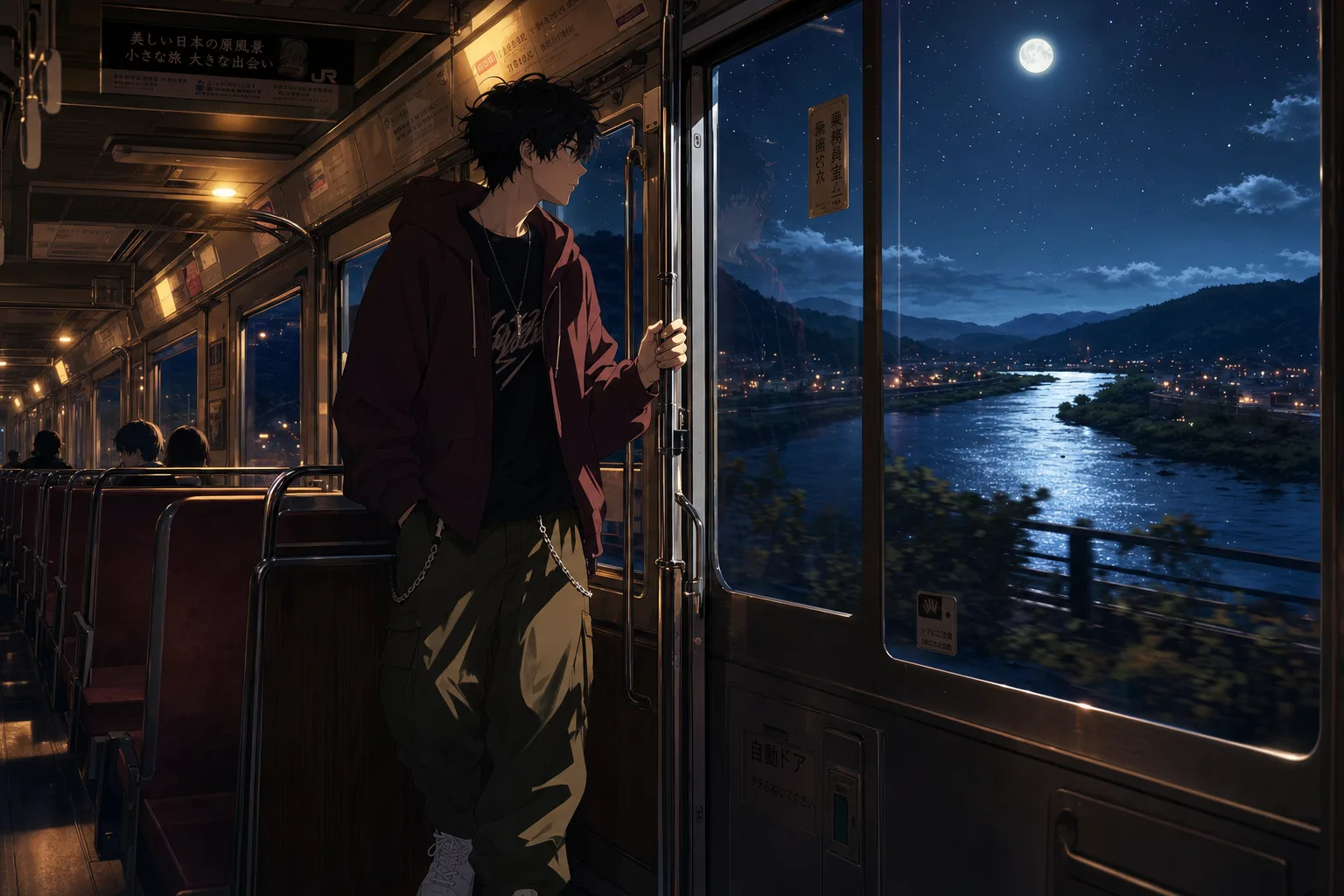 Open in Gallery
Loading elite prompt experience...
A curated stack for turning ideas into production-ready video, ads, and art.
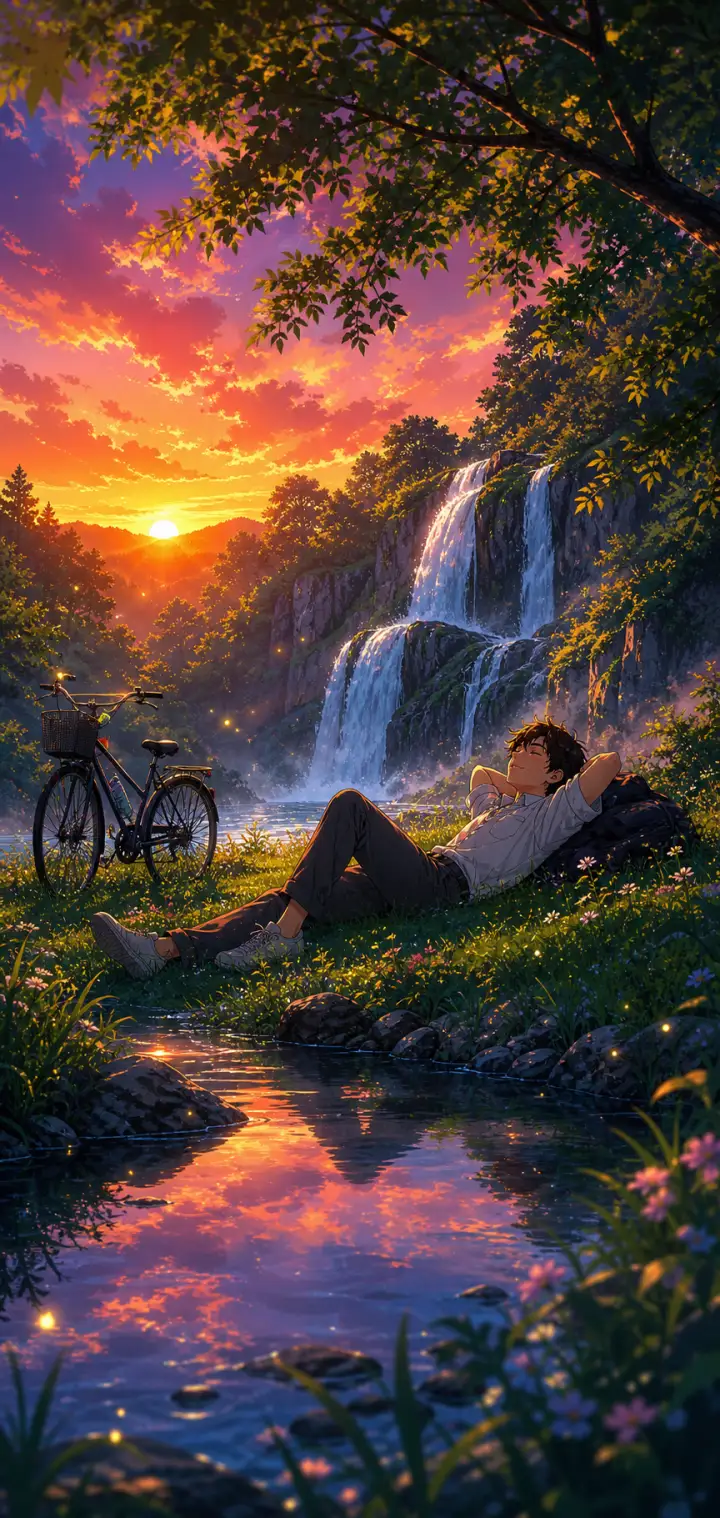
Open in GalleryA lofi anime wallpaper prompt that paints a quiet night-journey scene — customize the character, the ride, the window view, and the mood.
The template recreates the beloved melancholic-anime aesthetic of a lone traveler framed against a glowing window: warm cabin light inside, a cinematic world drifting past outside, and soft reflections on the glass tying the two together. The character sits off-center in a cinematic composition with crisp clean line art and painterly shading, finished at anime-film-still quality.
Anime fans and creators making phone and desktop wallpapers, lofi music channel art and video loop backgrounds, Spotify playlist covers, and moody social posts.
Click the "Copy" button above to copy the complete prompt text to your clipboard. This will copy all the text including any placeholders.
If you see placeholders like {{topic}} or {{style}} in the prompt, click "Customize & Use" to open the customization dialog. Fill in your specific values to personalize the prompt for your needs.
Go to gemini.google.com and sign in to your Google account. Make sure you have access to the image generation feature.
In Gemini, look for the "Create image" or image generation option. If available, switch to Gemini Pro or Advanced mode for higher quality outputs.
Paste the copied prompt (Ctrl/Cmd + V) into the AI tool's text input field. click the send/generate button to create your image.
Review the generated image. If it doesn't match your expectations, try regenerating or adjusting the prompt with more specific details. Most AI tools allow multiple generation attempts.
Generate with
prompt auto-copiesAffiliate links · We may earn a commission at no cost to you
Tested by the PromptsRush team
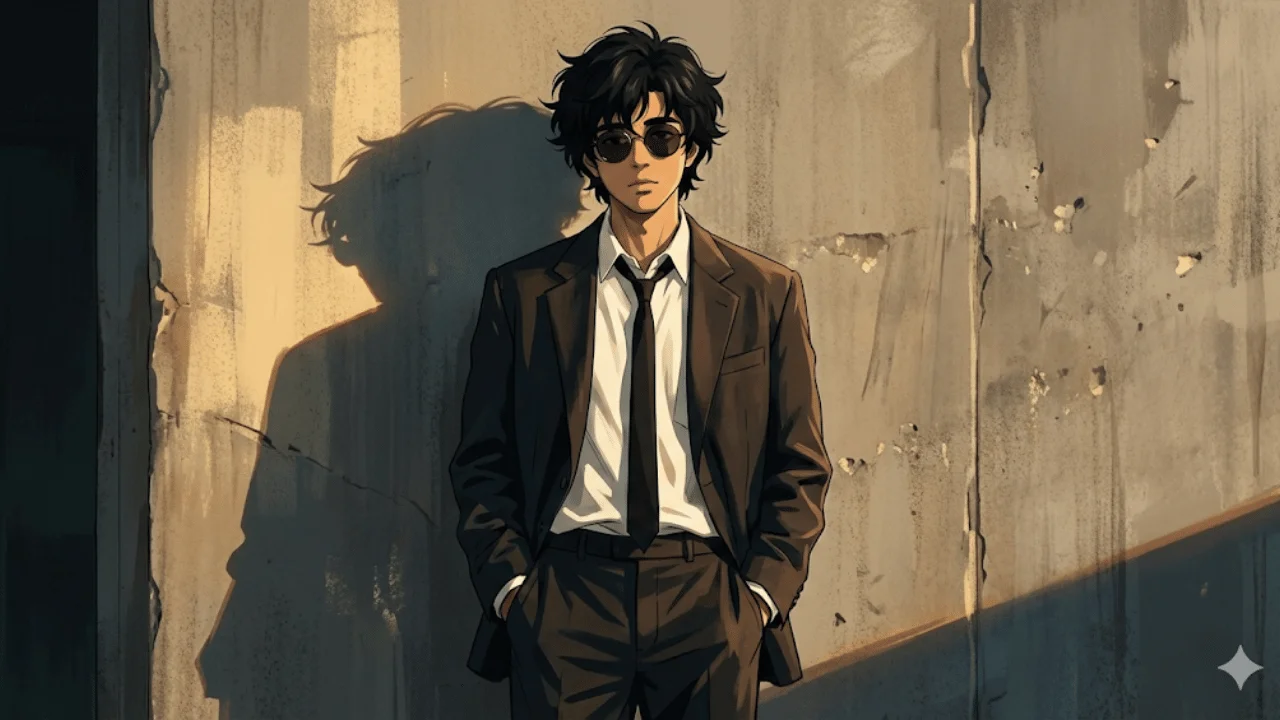
Cinematic Anime-Noir Portrait
Advertisement