Loading elite prompt experience...
Example Output
 Open in Gallery
Loading elite prompt experience...
A curated stack for turning ideas into production-ready video, ads, and art.
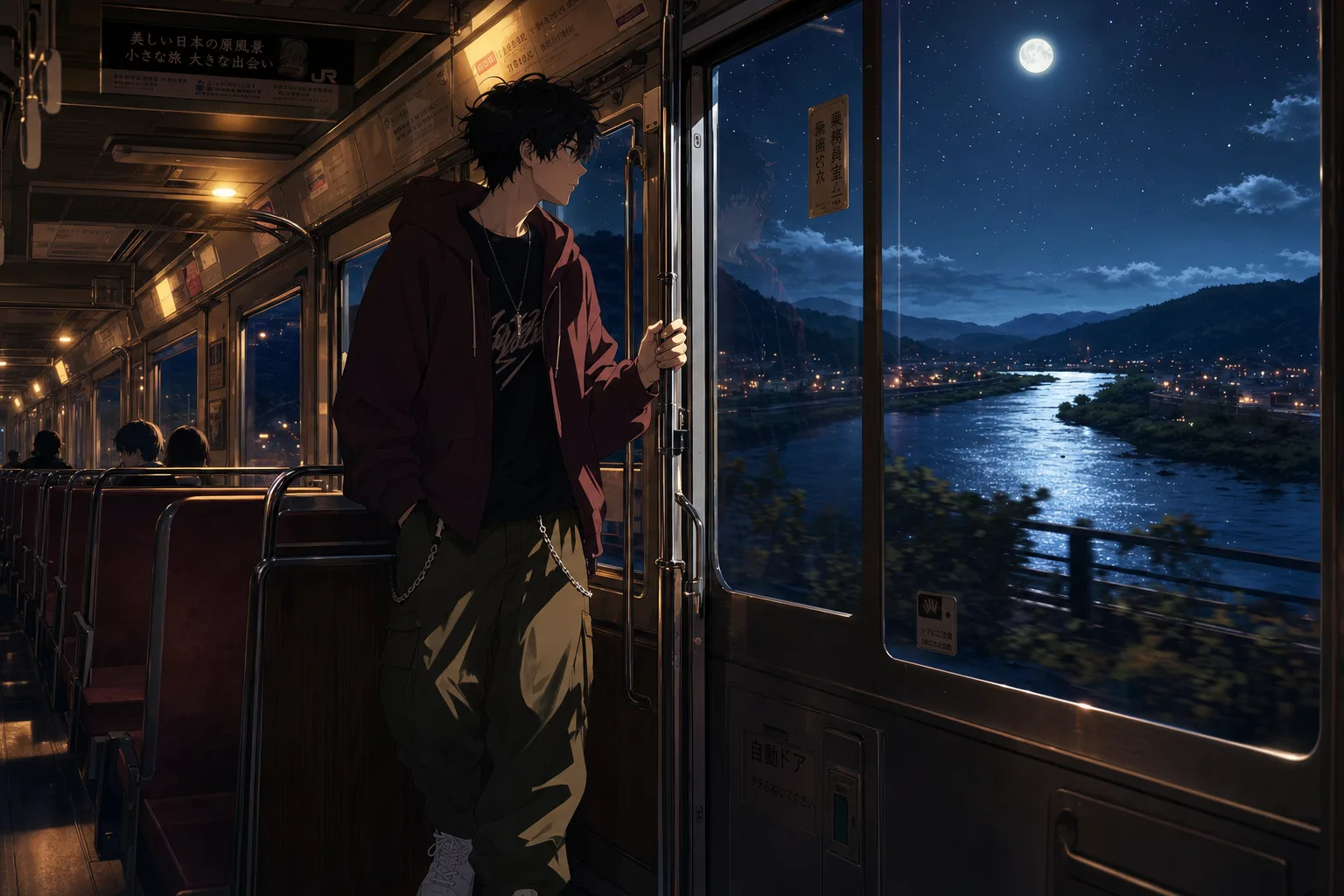
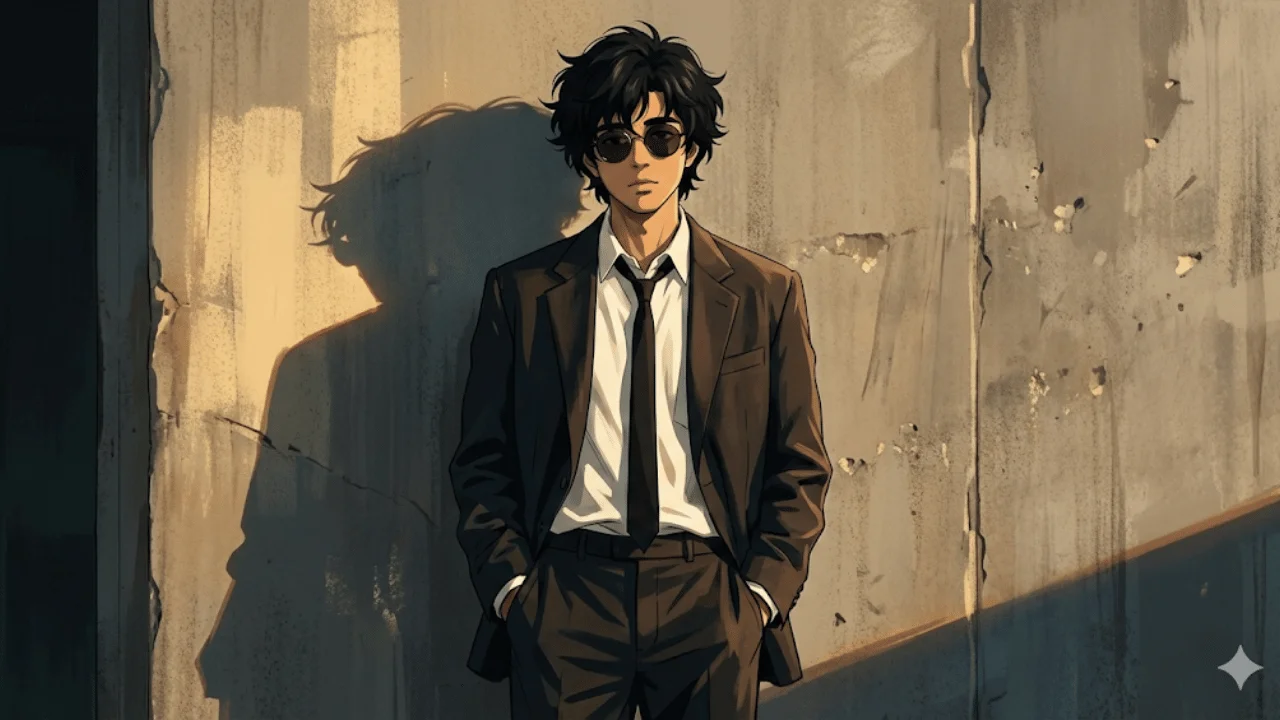
Open in GalleryThis template transforms an uploaded photo into a cinematic anime-noir style illustration with a grounded, stylish, and emotionally restrained tone.
The subject becomes a cool, detached figure in a modern noir outfit, standing casually against a worn concrete wall with hands in pockets. Warm golden-hour side light carves a long dramatic silhouette while clean line control and painterly shading keep facial structure recognizable. The result feels like a still frame from an animated neo-noir film rather than a stylized caricature.
Profile art, character concepts, cinematic posters, or personal branding visuals where atmosphere, attitude and visual discipline matter more than exaggeration or fantasy elements.
Description: The photo used to define the subject’s facial structure, proportions, and overall identity.
Click the "Copy" button above to copy the complete prompt text to your clipboard. This will copy all the text including any placeholders.
Optional: "Subject Photo" (image). Have these files ready before proceeding to the AI tool.
Go to gemini.google.com and sign in to your Google account. Make sure you have access to the image generation feature.
In Gemini, look for the "Create image" or image generation option. If available, switch to Gemini Pro or Advanced mode for higher quality outputs.
Before or along with your prompt, upload the required files. Most AI tools have an attachment/upload button near the prompt input area.
Paste the copied prompt (Ctrl/Cmd + V) into the AI tool's text input field. Make sure your attachments are uploaded, then click the send/generate button to create your image.
Review the generated image. If it doesn't match your expectations, try regenerating or adjusting the prompt with more specific details. Most AI tools allow multiple generation attempts.
Description: The photo used to define the subject’s facial structure, proportions, and overall identity.
Generate with
prompt auto-copiesAffiliate links · We may earn a commission at no cost to you
Tested by the PromptsRush team
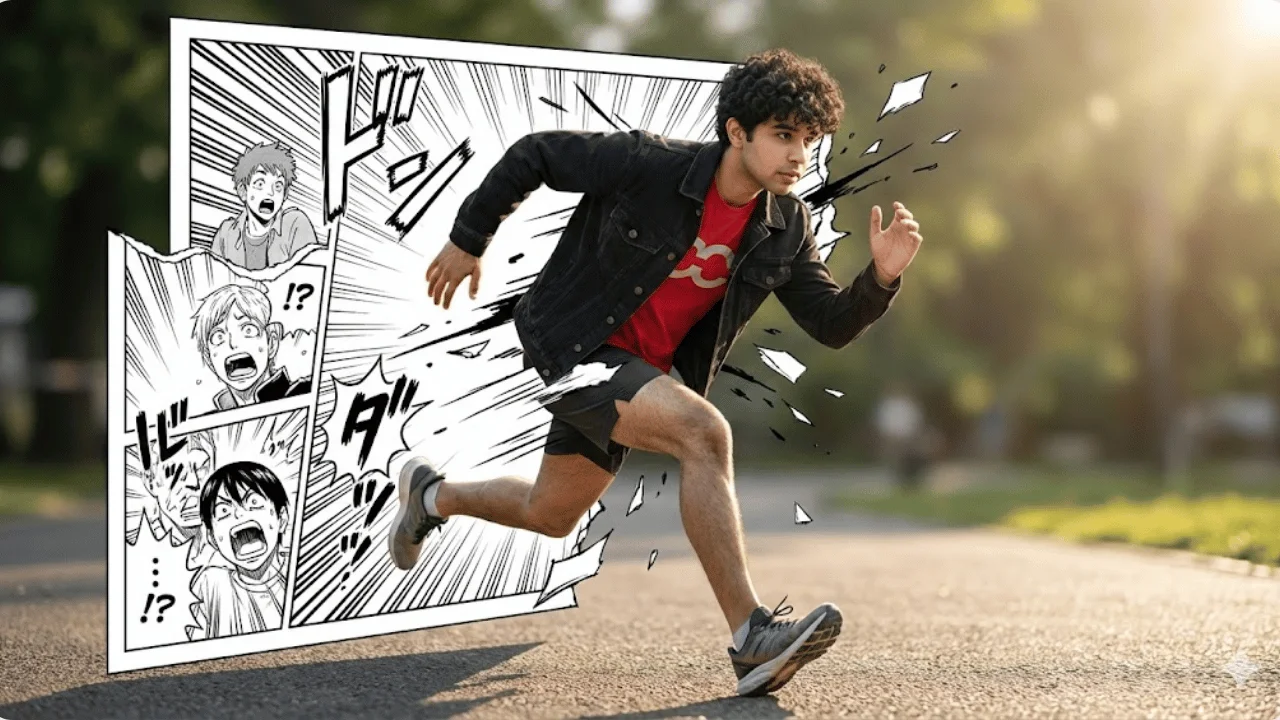
Manga Breakout Portrait
Advertisement