Loading model...
Best Nano Banana Pro prompts
153 prompts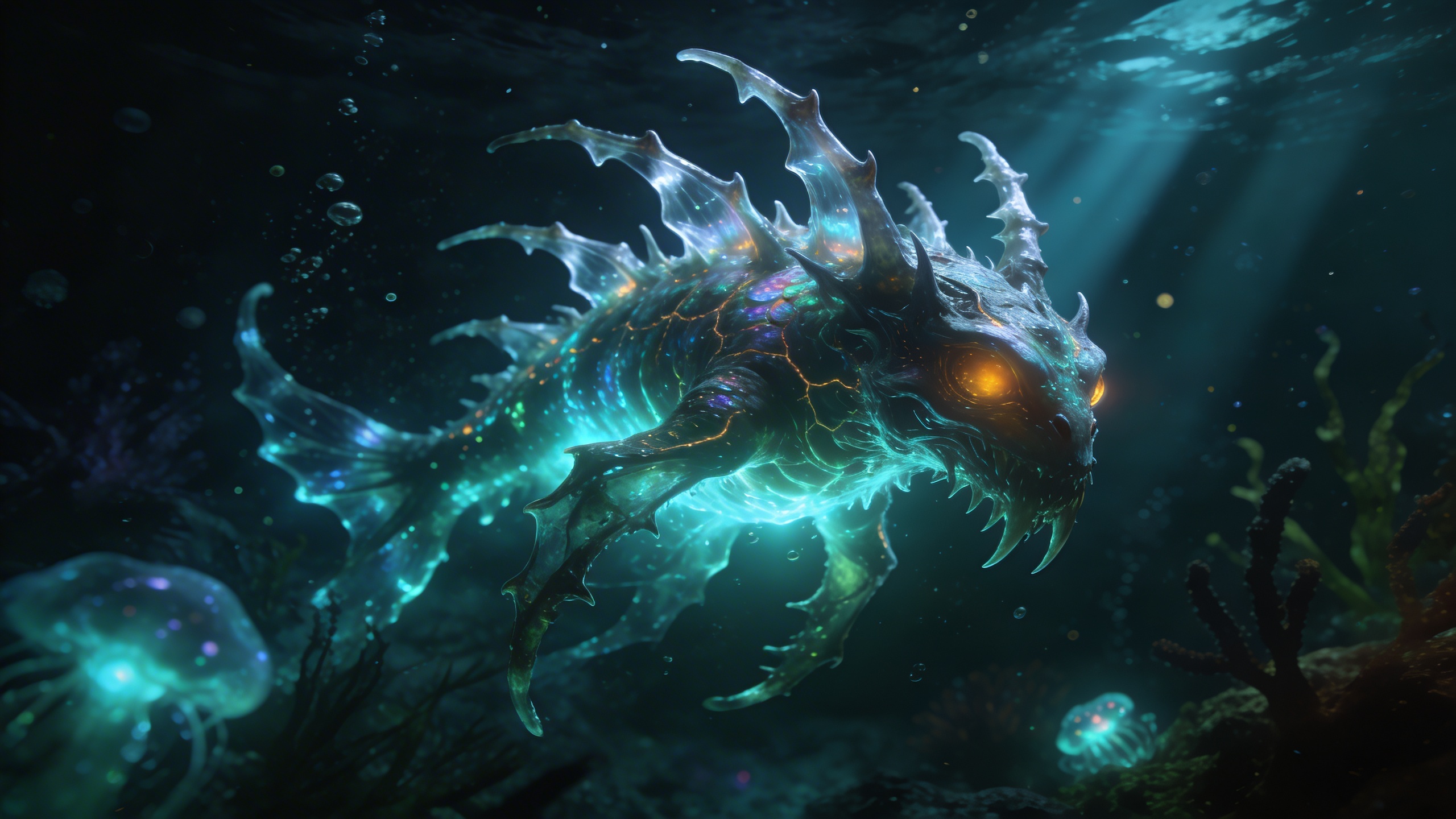
Image
Fantasy & Sci-Fi
Bioluminescent Deep Sea
Explore the terrifying and beautiful depths of the ocean with this bioluminescent creature generator. The prompt stages an alien deep-sea environment around a beautifully terrifying creature whose glow illuminates the dark, murky water. Floating particles, volumetric light rays and a hyper-realistic 8k finish give it a National Geographic underwater photography feel. What you can customize Creature Type — the anatomy and scale of the animal. The default is a translucent jellyfish-like leviathan with sweeping tentacles; anglerfish hybrids, eel-like serpents or colonial siphonophores all suit the setting. Glow Color — the bioluminescent hue, defaulting to neon cyan and electric purple. Amber, acid green or pale pink change the temperature of the whole scene. Best for Creature design and concept art, sci-fi and horror world-building, immersive aquatic wallpapers, aquarium and museum exhibit visuals, and game environment references. Tips for the best results Describe where the light comes from on the creature (tentacle tips, a lure, ribs) so the glow shapes its body. Use one or two glow colors; more than that flattens the darkness the prompt relies on. Add a scale cue such as a diver or submersible if you want the leviathan to feel enormous. Avoid bright surface water or daylight; the composition depends on murk and volumetric rays.
224 ViewsTemplate
Image
Architecture & Interior
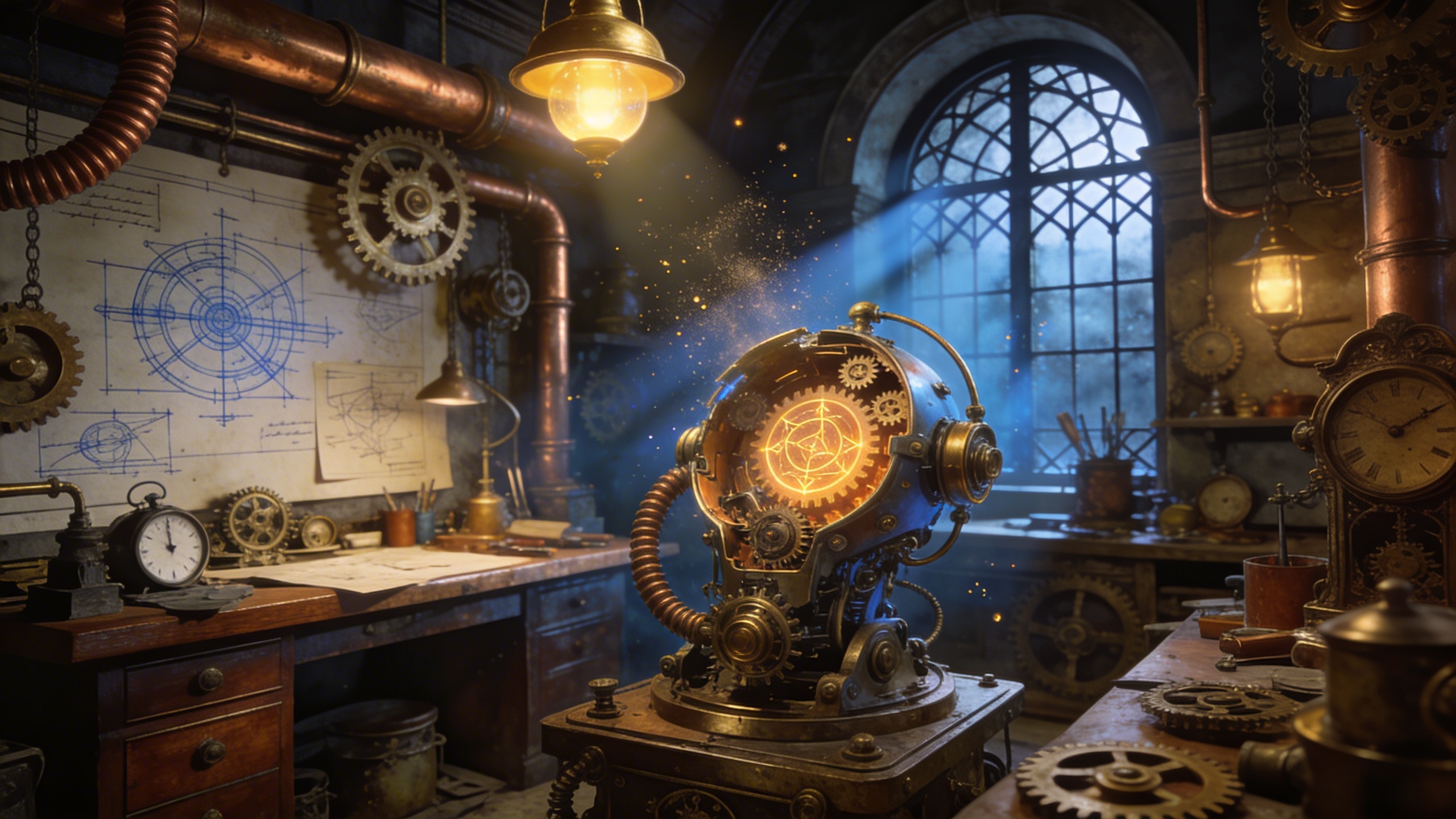
Steampunk Inventor's Workshop
Design intricate, cluttered, and fascinating steampunk interiors. The prompt renders the interior of a steampunk inventor's workshop: brass gears, copper pipes, blueprints pinned to the walls and Victorian architecture, with volumetric dust particles hanging in the light. It is written as hyper-detailed fantasy concept art, so the result reads as a finished environment painting rather than a photograph. What you can customize Workshop Focus — the centrepiece of the room. The default is a massive half-built brass mechanical owl on a large wooden workbench; swap in any contraption, machine or character you want the eye to land on. Lighting — how the room is illuminated. The default is warm sunlight streaming through a dirty gothic arched window; gas lamps, furnace glow or cold moonlight each change the mood entirely. Best for Fantasy world-building, game backgrounds and architectural concept art. It also suits book illustration, tabletop campaign handouts and mood boards for steampunk-themed sets or events. Tips for the best results The Workshop Focus carries the image. Describe one clear object with material and scale ("half-built", "brass", "massive") rather than listing several inventions. Lighting drives the atmosphere; name a source and a quality, such as "amber gaslight from a single lamp", so the volumetric dust has something to catch. Avoid asking for a tidy room. The prompt is built around clutter, and fighting it produces a weaker, generic interior. Keep the focus and lighting consistent with each other; a delicate clockwork bird under harsh industrial floodlights will look mismatched.
Image
Portrait & Character
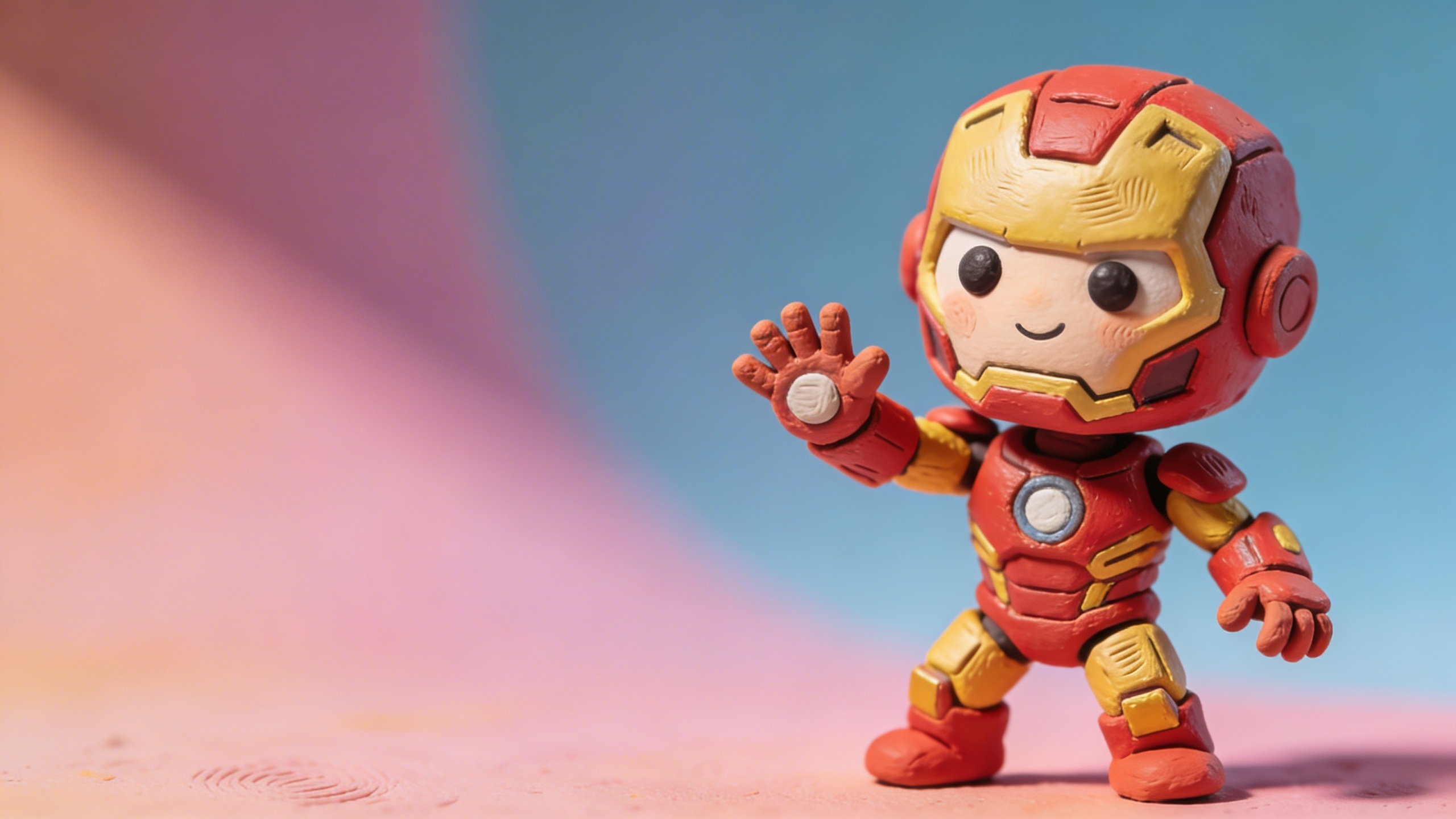
Claymation Character Creator
Bring your character ideas to life in a charming stop-motion claymation style. The prompt produces a lovable 3D claymation character with a hand-sculpted clay texture and visible thumbprints, in a stop-motion animation style. Studio lighting with soft shadows, vibrant colors and a solid pastel background keep the figure isolated and easy to cut out. What you can customize Character Description — who the character is, their species, expression and props. The default is a grumpy but cute little frog wizard holding a glowing staff; a sleepy cat barista or a nervous robot chef work just as well. Outfit — what they wear, which adds most of the color. The default is a starry purple robe and an oversized pointy hat. Best for Avatars and profile pictures, children's book illustrations, playful branding and mascots, sticker packs, and character sheets for a stop-motion or animated project. Tips for the best results Give the character one clear emotion and one prop; that combination sells personality in clay. Keep the outfit to two or three colors so the pastel background still reads cleanly behind it. Describe size cues such as chubby, tiny or lanky, since claymation exaggerates proportions well. Avoid fine details like small text or thin jewelry, which do not survive the chunky clay texture.
Image
Product & Commercial
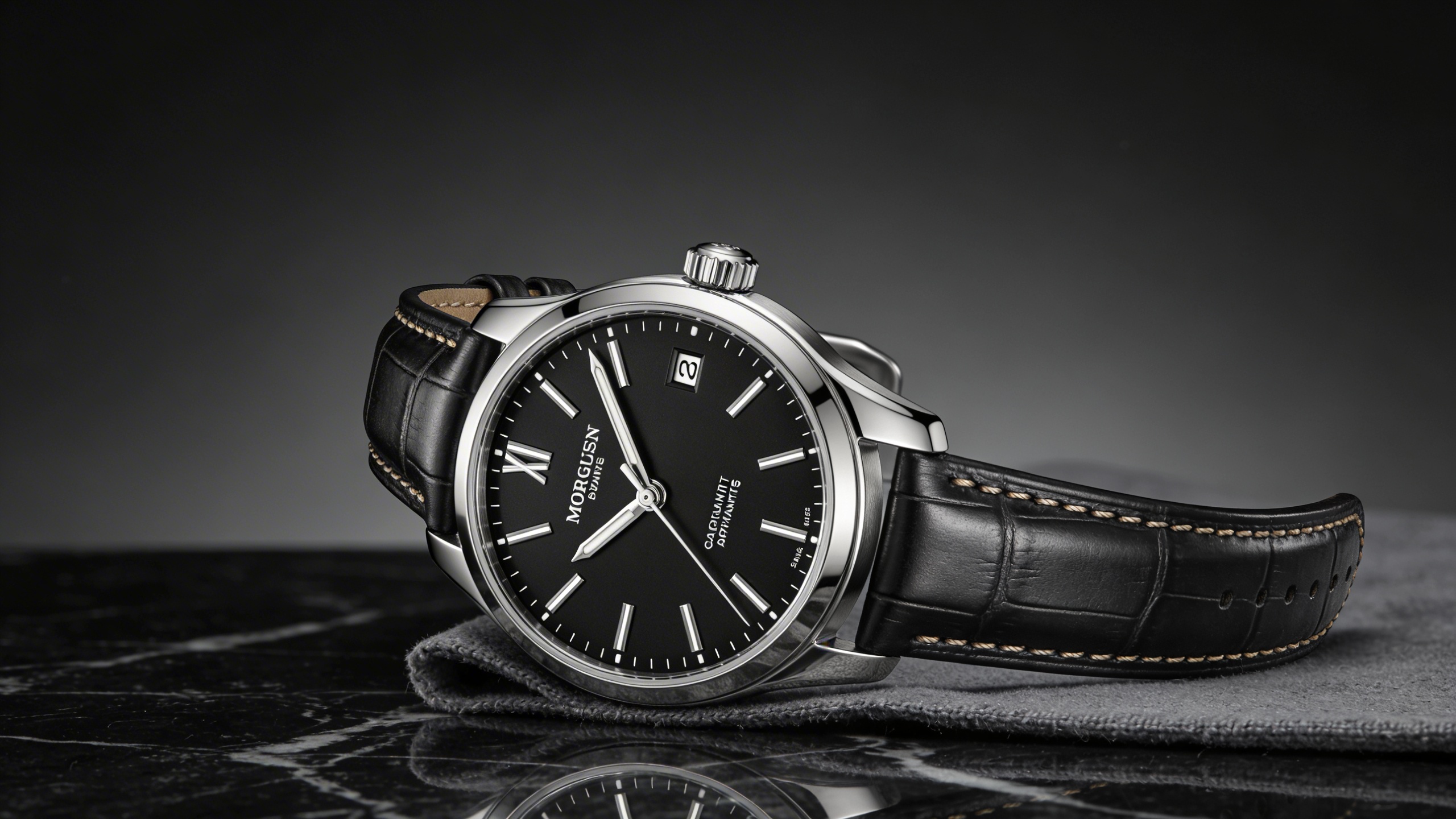
Ultra-Sleek Product Mockup
Generate pristine, commercial-grade product photography mockups. The prompt produces a high-end commercial product shot with studio lighting, sharp focus, glossy reflections and an elegant, minimalist composition, rendered photorealistically at 8k. It is perfect for visualizing industrial design, cosmetics packaging or tech gadgets in sleek environments before a physical sample exists. What you can customize Product Description — the object, its materials and finish. The default is a minimalist matte-black perfume bottle with gold accents; a brushed-aluminum speaker or a frosted glass serum dropper work just as well. Background Setting — the surface and environment. The default places the product on a dark marble pedestal with shallow water ripples; pale concrete, silk or a sunlit windowsill change the mood entirely. Best for E-commerce hero images, packaging and industrial design pitches, crowdfunding pages, ad creative for cosmetics and gadgets, and portfolio mockups for product designers. Tips for the best results Name the material and finish precisely (matte, glossy, brushed, frosted); reflections depend on it. Keep the setting to one surface and one atmospheric element so the product stays the hero. Describe accents like caps, labels and trim by color and material rather than by brand. Avoid requesting legible label text; add typography in post for accuracy.
Image
Food & Culinary
Macro Food Photography
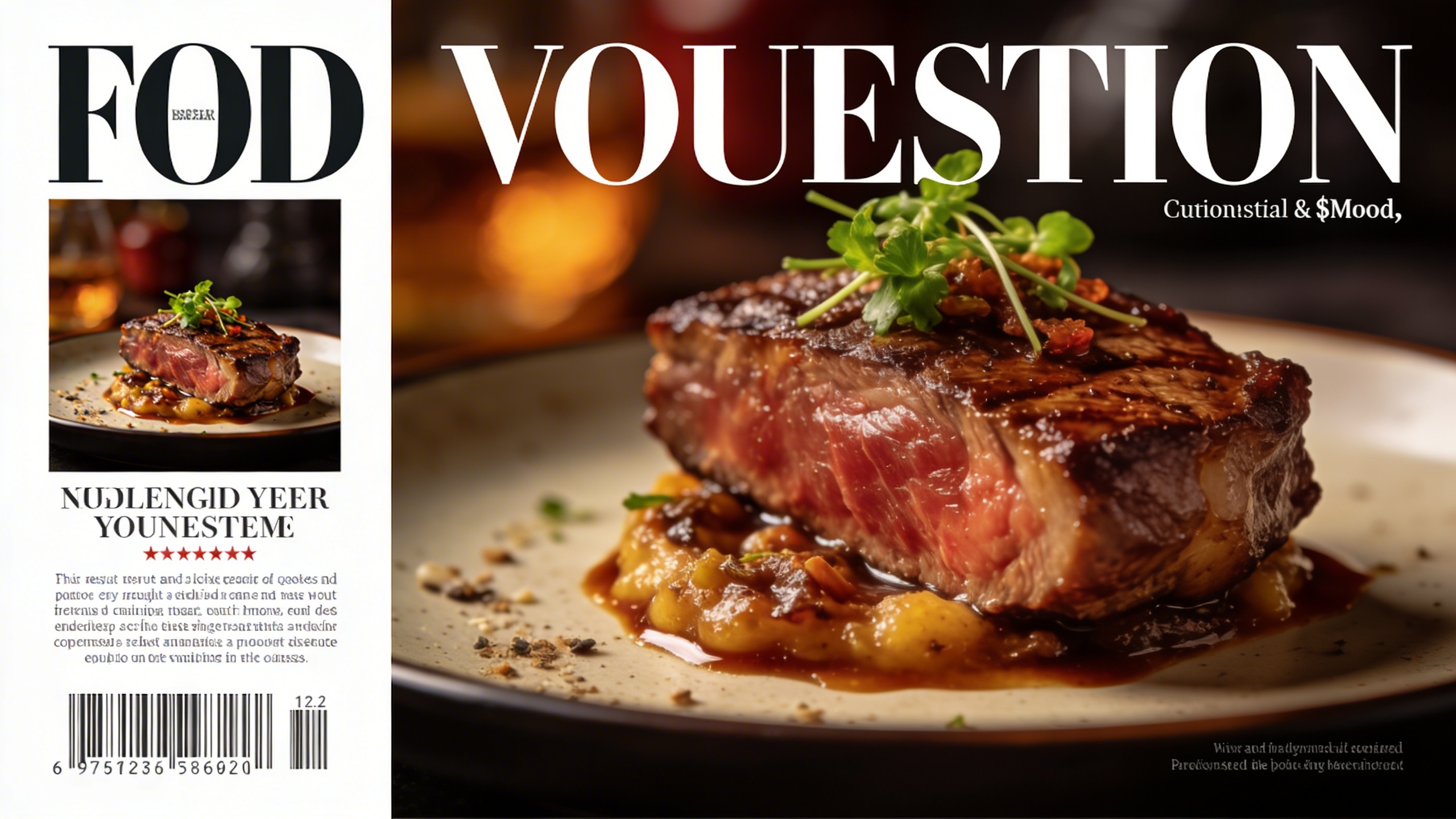
Produce irresistible, high-resolution food photography. The prompt produces a macro shot of a beautifully plated dish with extremely sharp focus on the food, a soft bokeh background and highly detailed textures, styled like a culinary magazine cover. Garnish and mood are controlled separately, so the same dish can be shot several ways. What you can customize Dish Name / Description — what is on the plate. The default is a decadent multi-layered chocolate truffle cake with a gooey centre; savoury dishes, drinks and desserts all work. Garnish / Toppings — the finishing details, such as the default dusting of gold leaf and fresh raspberries. Mood / Aesthetic — three options: Dark and Moody, Bright and Airy, or Rustic. This sets the overall lighting and styling of the shot. Best for Menu design, culinary blogs and showcasing delicious meals with stunning depth of field. It also suits restaurant social feeds, recipe cards, delivery-app listings and packaging mockups. Tips for the best results Describe texture in the dish field ("gooey centre", "crisp crust", "glossy glaze"); macro photography lives on surface detail. Match the mood to the dish: Dark and Moody flatters chocolate and roasted meats, Bright and Airy suits salads and pastries, Rustic works for breads and stews. Keep the garnish to one or two elements so the sharp focus stays on the food rather than a cluttered plate. Avoid describing the full table setting; the shallow depth of field will blur it anyway and it competes with the hero dish.
Image
Abstract & Artistic
Origami Paper Craft Scene
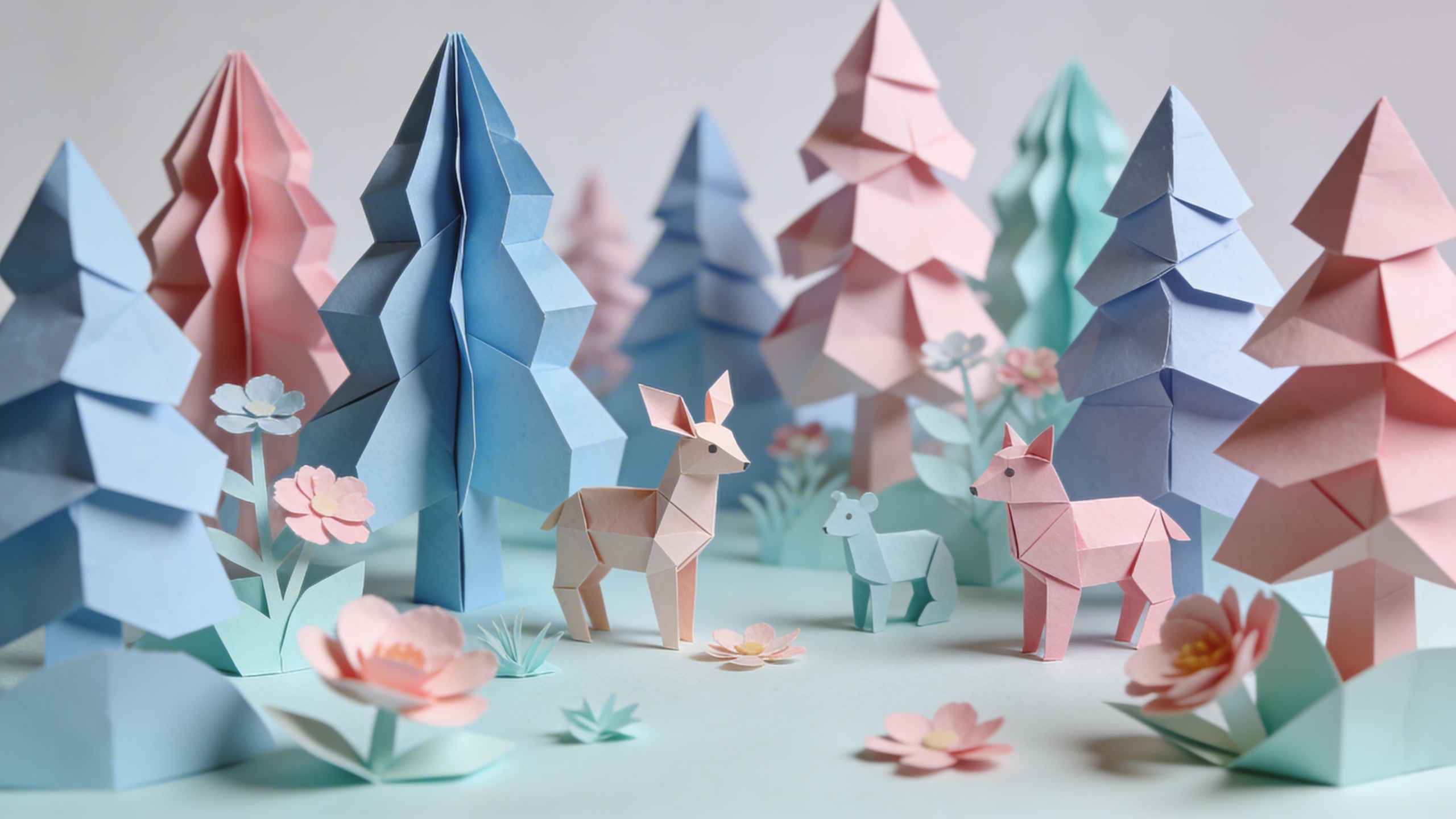
Turn any scene into an incredibly intricate, layered 3D paper craft illustration. The prompt renders a scene built entirely from origami and layered paper, with soft studio lighting that highlights the texture and edges of the paper. The style is realistic 3D paper art, characterized by charming paper textures, soft shadows and whimsical designs. What you can customize Paper Scene Subject — what the diorama depicts. The default is a paper-folded dragon flying over a stylized paper mountain range; a city skyline, an underwater reef or a farm at harvest all translate well into layers. Dominant Color Palette — the two or three paper colors that rule the scene, defaulting to mint green and pale coral. Best for Greeting cards and invitations, children's book spreads, packaging and window-display concepts, explainer video stills and brand illustrations that need a handmade feel. Tips for the best results Think in layers when writing the subject: foreground, midground and background elements give the cut-paper depth. Limit the palette to two or three related tones so the shadows, not the colors, define the shapes. Choose subjects with strong silhouettes; animals, mountains and buildings fold better than faces. Avoid photorealistic textures like fur or water; ask for them as paper waves or paper fur instead.
Image
Productivity
AI Resume Builder Prompt
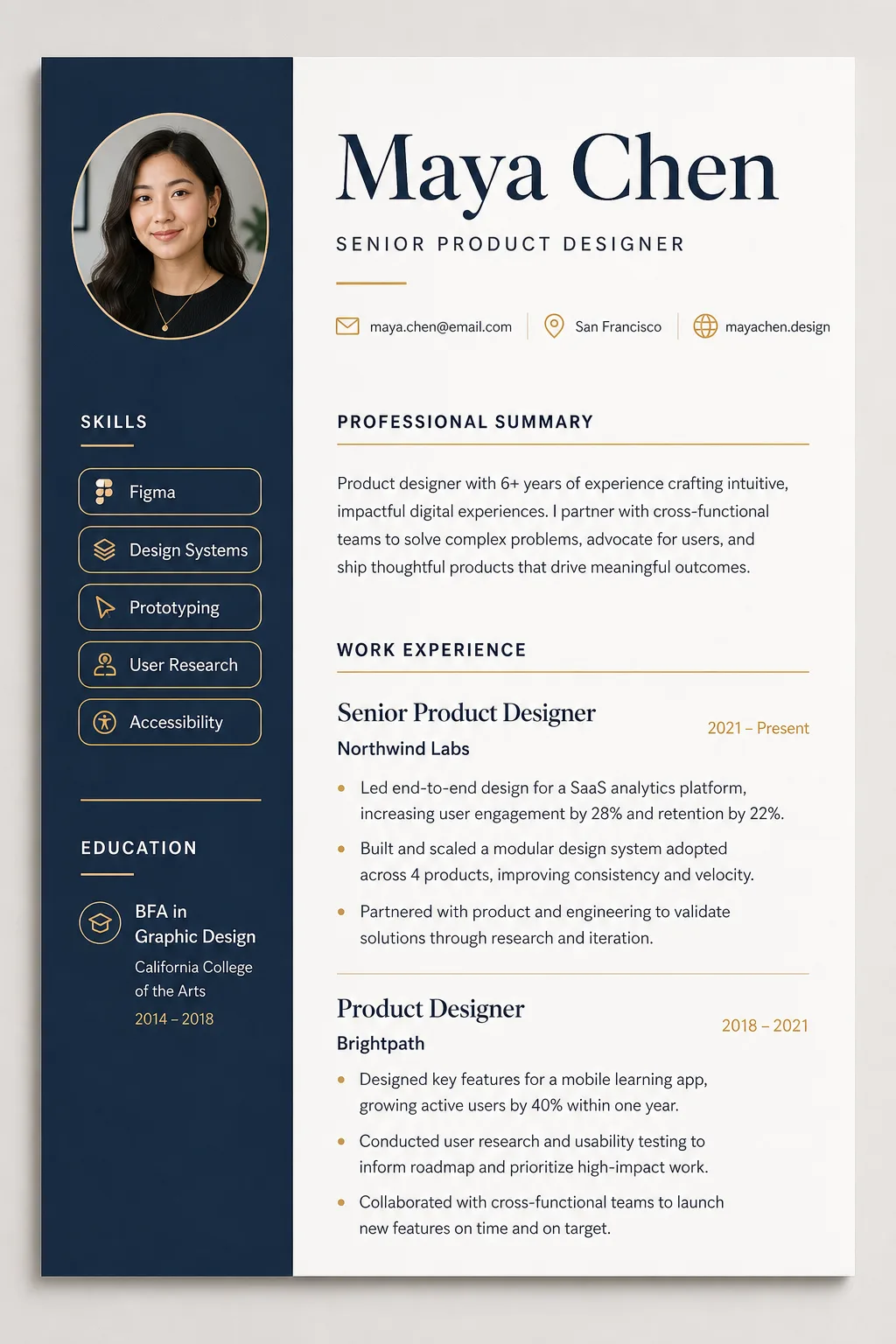
An AI resume builder prompt that turns your career details into a designer-quality CV mockup — clean typography, real layout craft, print-ready polish. Instead of a generic document layout, the template renders your resume as a premium design-studio mockup: a one-page document shown flat-on with subtle paper depth and a soft studio shadow on a warm-gray backdrop. Expect an elegant serif name treatment, a structured grid with generous white space, skills as clean rounded tags, hairline section rules and an optional circular headshot in the header. What you can customize Full Name — set large in the heading typeface at the top. Professional Title — placed beneath the name in a lighter weight. Contact Line — a slim row with minimalist line icons; three or four items separated by dots. Professional Summary — two sentences work best. Work Experience — one role per block: title, company, dates, then bullet points. Education & Certifications — degrees and credentials, one per line. Skills — comma-separated, rendered as tags; 5–8 works best. Layout Style — four options: Two-Column Modern, Single-Column Minimalist, Executive Classic or Creative Portfolio. Color Theme — four palettes: Navy & Amber, Forest & Cream, Monochrome Ink or Charcoal Dark. Headshot Photo — optional upload, integrated as a circular portrait framed to match the theme. Best for Job seekers who want a CV that looks art-directed, and designers, career coaches and template sellers who need resume mockups for portfolios, LinkedIn carousels, Etsy listings or client previews without laying out a document by hand. Tips for the best results Give each field one job. Keep the contact line to three or four items and the summary to two sentences. In Work Experience, put title, company and dates on the first line of each role, then two or three metric-driven bullets; concrete numbers ("lifted activation 23%") render as convincing resume copy. If you attach a headshot, a well-lit chest-up photo on a simple background integrates most cleanly. Avoid pasting more than one page of content (the layout compresses and text degrades), and avoid extremely long job titles or company names that break the grid. Do not expect pixel-perfect spelling on every small line; regenerate once if a detail line renders soft.
Image
Product & Commercial
Water Reflection Reveal
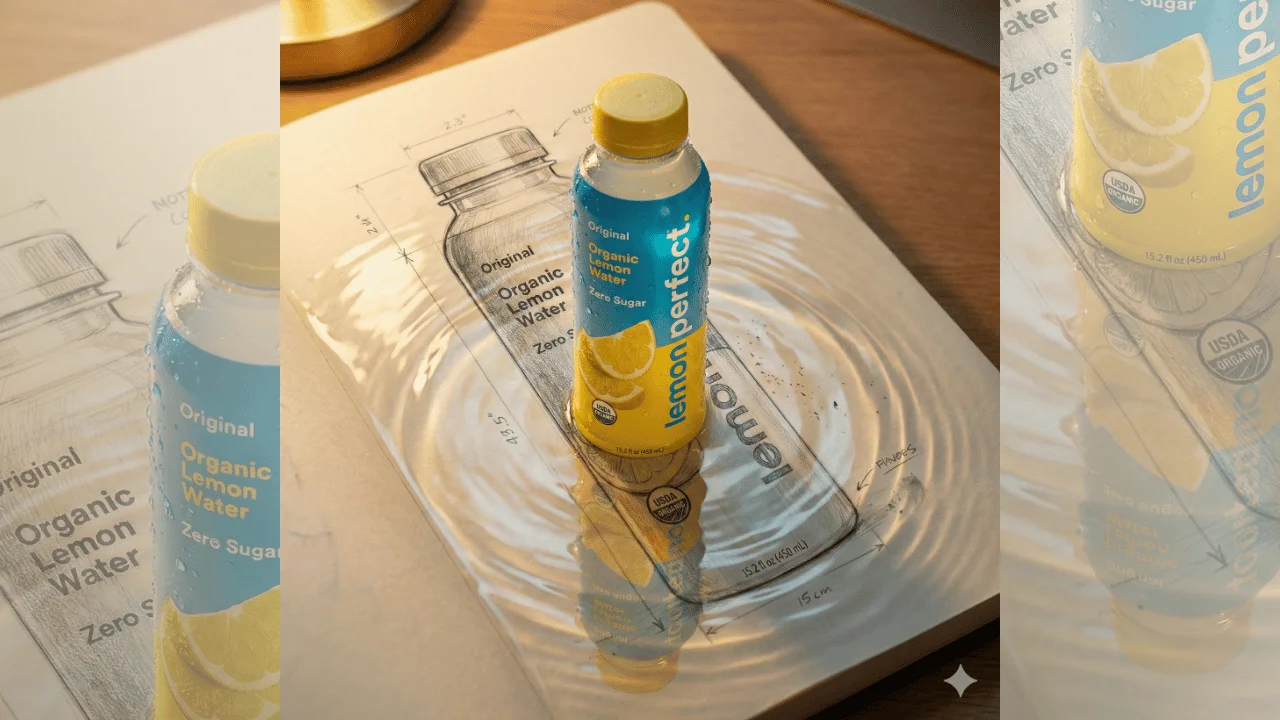
This template creates a hyper-realistic cinematic product shot where the uploaded product stands upright on a sketchbook page covered with a thin layer of water. The water acts as a reflective surface, producing a clear mirrored image and warm golden highlights.The scene blends realism and subtle magic — appearing like a refined transformation moment while remaining grounded in believable physics, lighting, and surface detail. Designed for premium brand visuals, product launches, and artistic commercial campaigns.
293 Views
Image
Product & Commercial
Handcrafted Product Concept Prompt
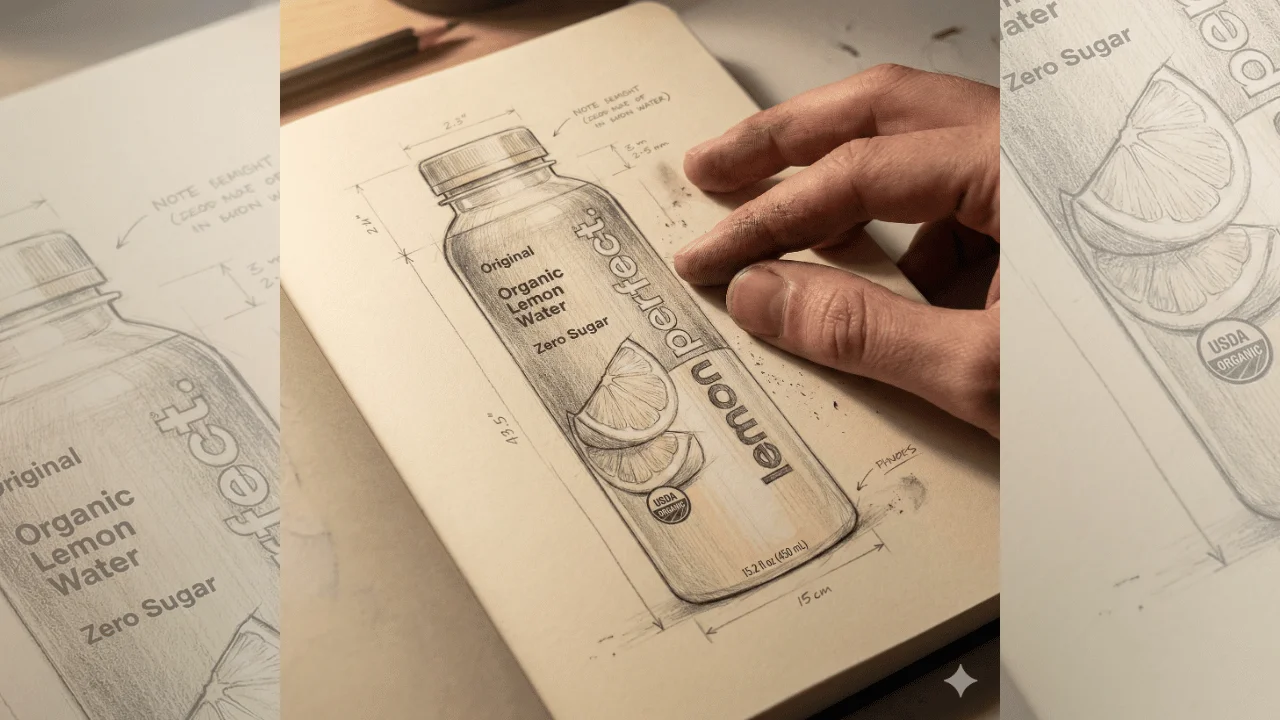
This template transforms the uploaded product into a hyper-detailed, realistic pencil concept sketch as if it were hand-drawn inside a designer’s sketchbook. The focus is on authentic graphite texture, visible strokes, paper grain, and natural lighting interaction.The result should feel like a premium industrial design concept captured in a cinematic macro photograph — artistic, tactile, and handcrafted.Perfect for product teasers, branding presentations, design showcases, and creative campaigns.
629 Views
Image
Social Media
Gen Z Night Platform Portrait – Urban Street Cinematic
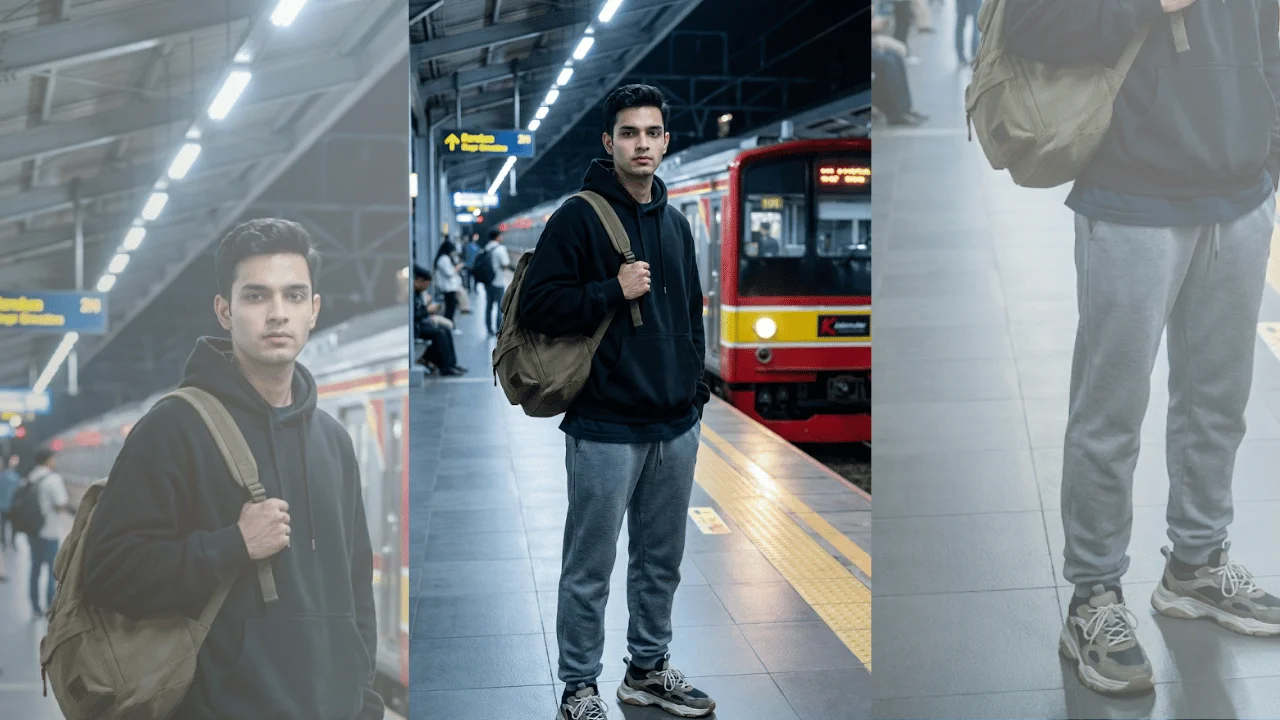
This template creates a high-quality cinematic urban portrait featuring a Gen Z aesthetic in a realistic nighttime train station setting. It blends modern streetwear styling with moody transport infrastructure to create a cool, grounded, and socially relevant visual.The subject’s identity is strictly preserved using the uploaded reference image, while the environment and wardrobe styling enhance the urban narrative. The train platform setting, subtle night lighting, and layered fashion details make the image feel like a professional lifestyle campaign or album-cover-style portrait.Ideal for youth branding, streetwear visuals, social media content, or modern urban storytelling.
Image
Cinematic & Film
Bollywood Grace Poster – Red & White Elegance
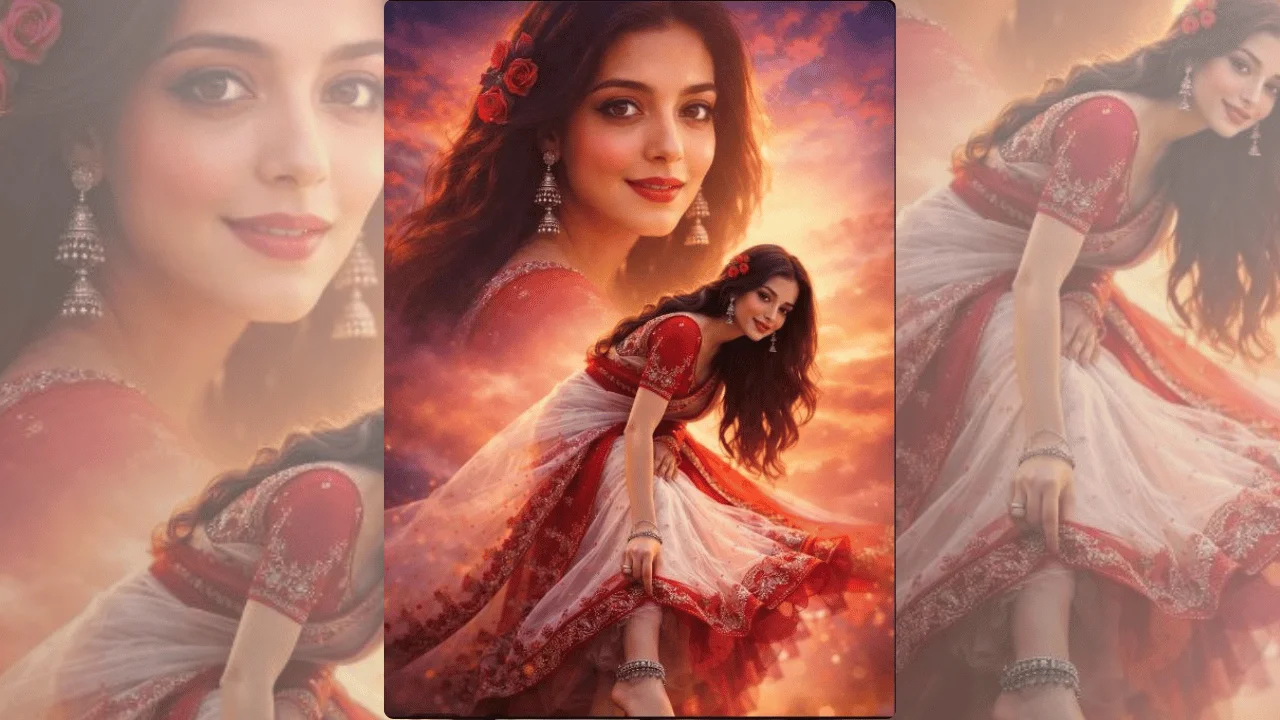
This template generates an ultra-realistic cinematic Bollywood-style poster featuring a graceful Indian woman in a poised, feminine stance. The focus is on elegance, movement, and traditional detailing—blending soft sensuality with refined cultural aesthetics.The composition emphasizes natural posture, delicate hand gestures, flowing fabric, and jewelry details, while maintaining a premium cinematic look. A slightly low camera angle and shallow depth of field create drama and hero-like presence without exaggeration. The result feels like a high-budget Bollywood promotional still—rich in color, texture, and emotional presence.Ideal for cinematic posters, fashion editorials, cultural visuals, and premium social media artwork.
Image
Fashion & Beauty
Golden Halo Editorial Portrait – Modern Icon
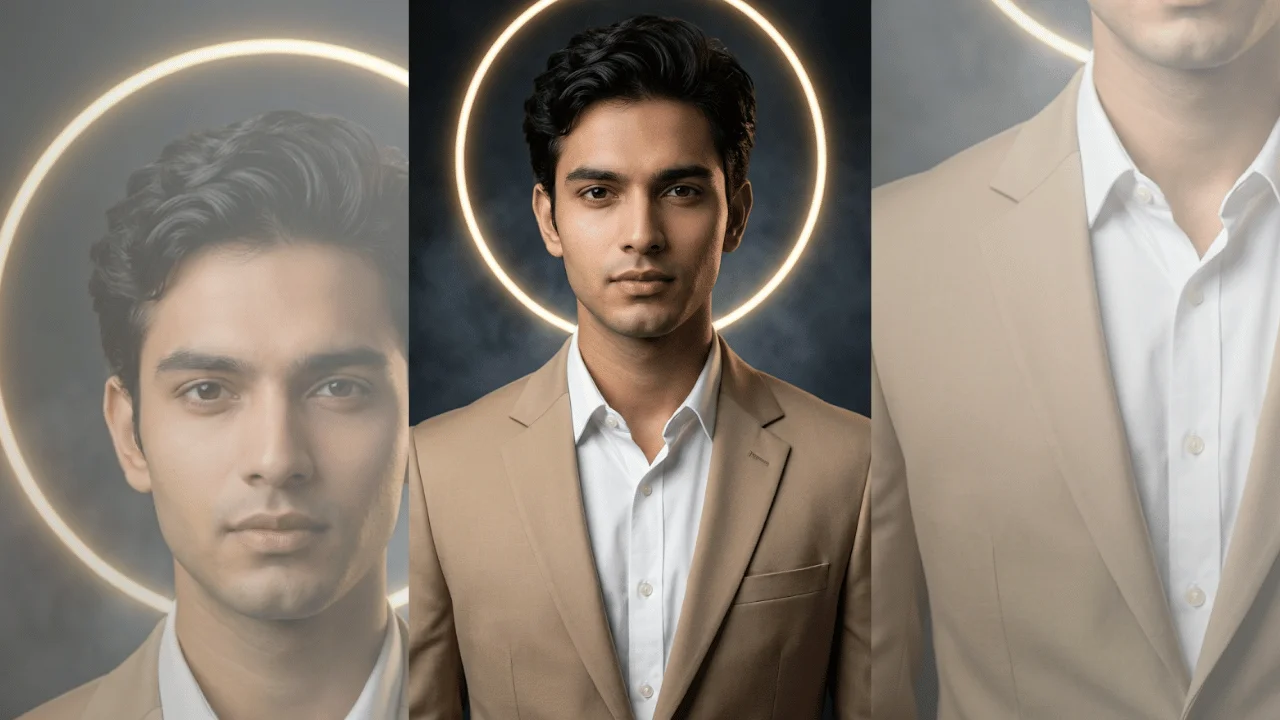
This template creates a high-definition cinematic studio portrait with a modern luxury aesthetic. It is designed for creators who want a polished, iconic look that blends classic menswear with contemporary visual symbolism.The glowing golden ring functions as a halo-like design element, adding visual authority and elegance without drifting into fantasy. Combined with controlled studio lighting, subtle atmosphere, and sharp facial detail, the image feels suitable for fashion editorials, personal branding, posters, album art, and premium profile visuals.
247 Views