Loading elite prompt experience...
Example Output
 Open in Gallery
Loading elite prompt experience...
A curated stack for turning ideas into production-ready video, ads, and art.
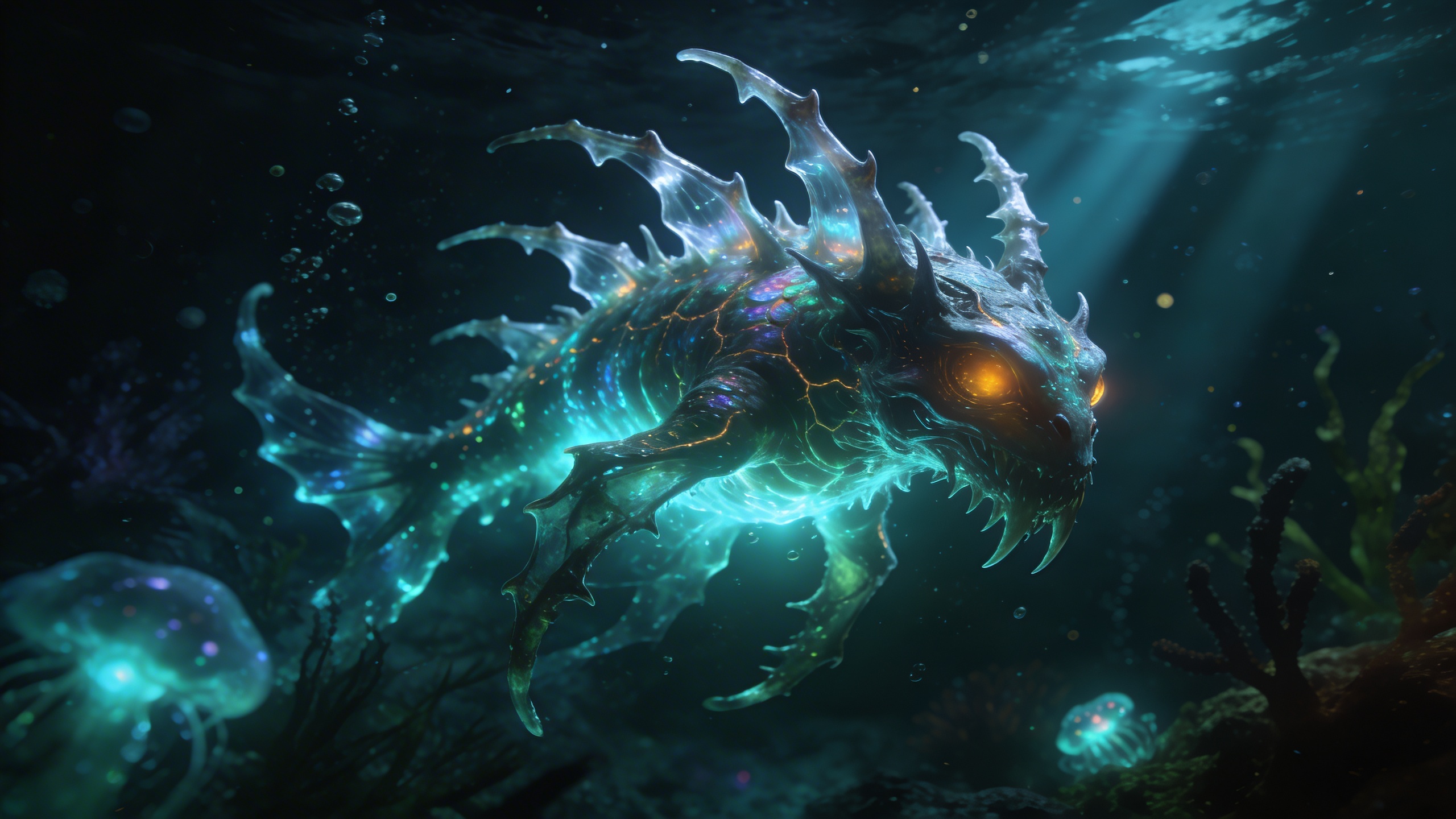
Open in GalleryExplore the terrifying and beautiful depths of the ocean with this bioluminescent creature generator.
The prompt stages an alien deep-sea environment around a beautifully terrifying creature whose glow illuminates the dark, murky water. Floating particles, volumetric light rays and a hyper-realistic 8k finish give it a National Geographic underwater photography feel.
Creature design and concept art, sci-fi and horror world-building, immersive aquatic wallpapers, aquarium and museum exhibit visuals, and game environment references.
Click the "Copy" button above to copy the complete prompt text to your clipboard. This will copy all the text including any placeholders.
If you see placeholders like {{topic}} or {{style}} in the prompt, click "Customize & Use" to open the customization dialog. Fill in your specific values to personalize the prompt for your needs.
Go to gemini.google.com and sign in to your Google account. Make sure you have access to the image generation feature.
In Gemini, look for the "Create image" or image generation option. If available, switch to Gemini Pro or Advanced mode for higher quality outputs.
Paste the copied prompt (Ctrl/Cmd + V) into the AI tool's text input field. click the send/generate button to create your image.
Review the generated image. If it doesn't match your expectations, try regenerating or adjusting the prompt with more specific details. Most AI tools allow multiple generation attempts.
Generate with
prompt auto-copiesAffiliate links · We may earn a commission at no cost to you
Tested by the PromptsRush team
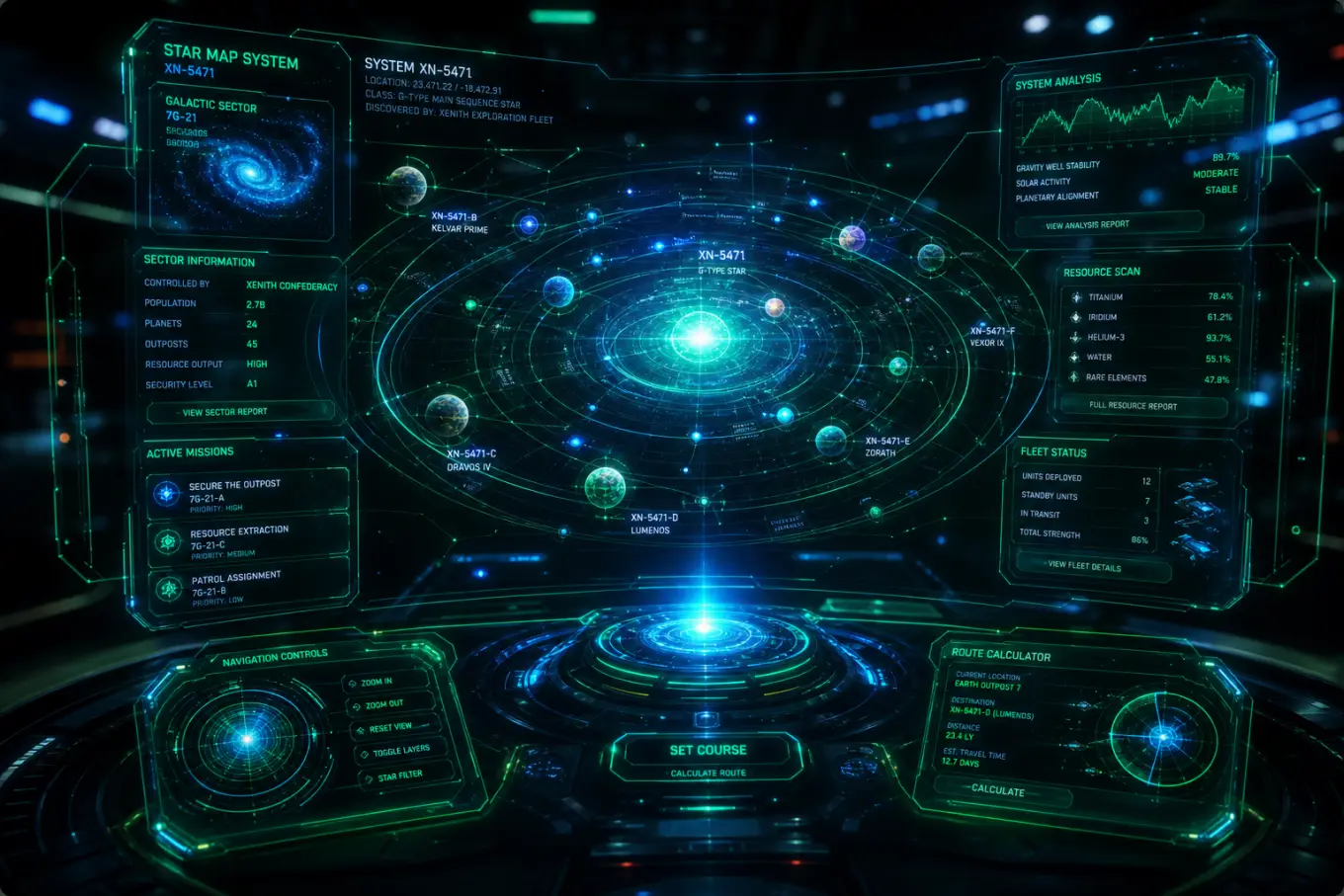
Holographic Tech UI
Advertisement