Loading elite prompt experience...
Example Output
 Open in Gallery
Loading elite prompt experience...
A curated stack for turning ideas into production-ready video, ads, and art.
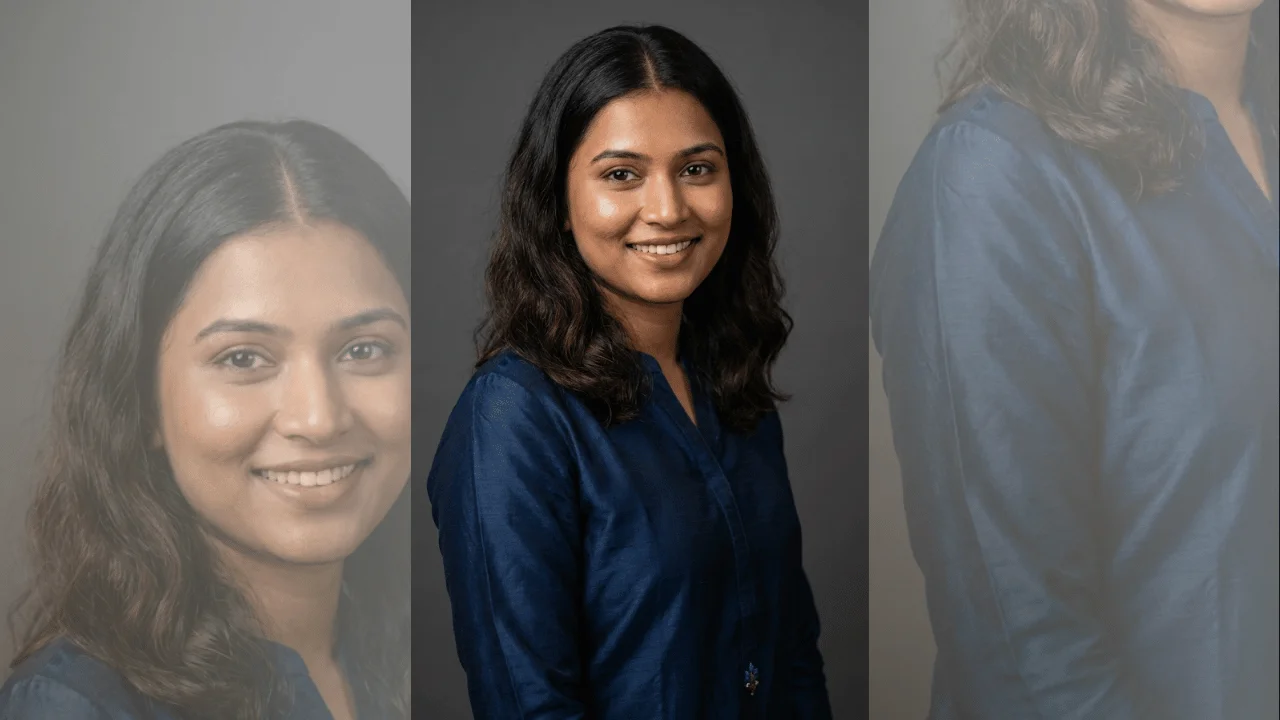
Open in GalleryThis template generates a stylish, studio-quality avatar portrait of an Indian woman, ideal for AI avatars, social media profiles, reels thumbnails, and personal branding. It is designed to deliver a polished, modern look with natural beauty, balanced facial features, and premium lighting.
The composition is carefully controlled: upper-body framing, direct eye contact, and a plain studio background ensure consistency and visual clarity across generations. Realistic skin texture, sharp facial focus, and soft depth of field help create a high-end avatar aesthetic without blur or artificial distortion.
The prompt integrates your existing dynamic variables—expression, hair style, and skin tone—directly into the generation logic, while adding only minimal new fields for age, outfit, and color. This makes the template flexible enough for multiple use cases while remaining stable for large-scale production.
Click the "Copy" button above to copy the complete prompt text to your clipboard. This will copy all the text including any placeholders.
If you see placeholders like {{topic}} or {{style}} in the prompt, click "Customize & Use" to open the customization dialog. Fill in your specific values to personalize the prompt for your needs.
Go to gemini.google.com and sign in to your Google account. Make sure you have access to the image generation feature.
In Gemini, look for the "Create image" or image generation option. If available, switch to Gemini Pro or Advanced mode for higher quality outputs.
Paste the copied prompt (Ctrl/Cmd + V) into the AI tool's text input field. click the send/generate button to create your image.
Review the generated image. If it doesn't match your expectations, try regenerating or adjusting the prompt with more specific details. Most AI tools allow multiple generation attempts.
Generate with
prompt auto-copiesAffiliate links · We may earn a commission at no cost to you
Tested by the PromptsRush team
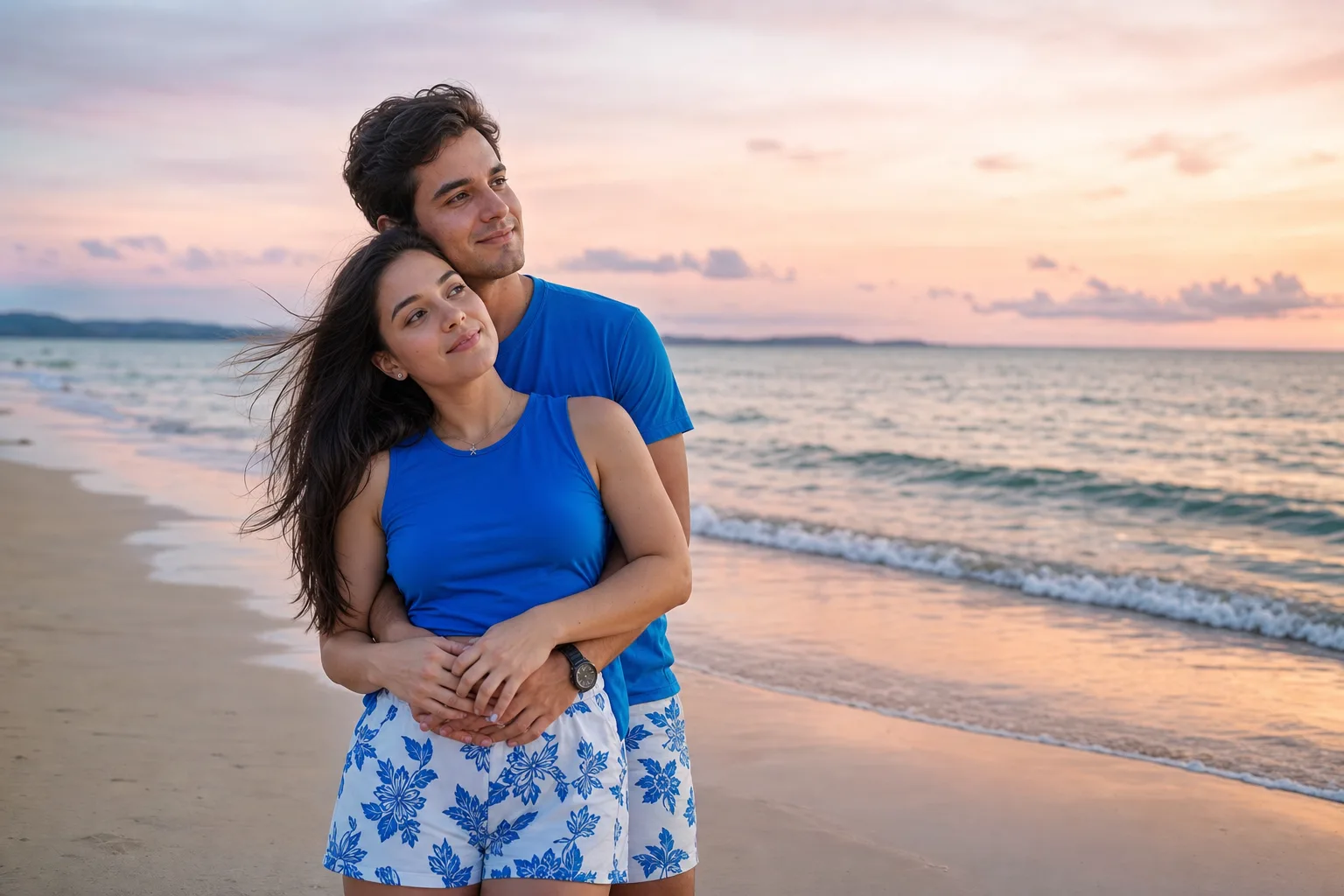
Beach Couple Photoshoot AI Prompt
Advertisement