Loading elite prompt experience...
Example Output
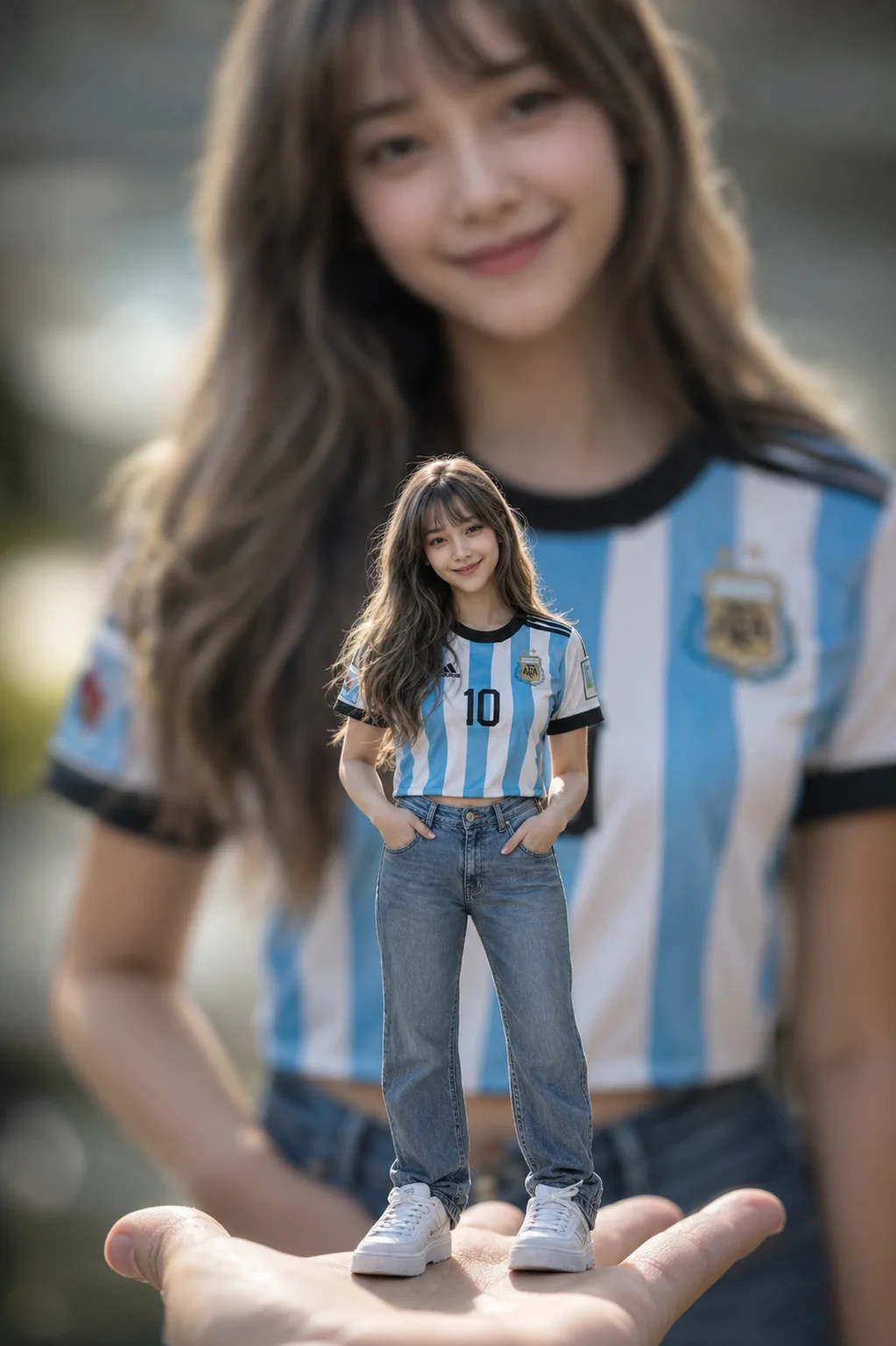 Open in Gallery
Loading elite prompt experience...
A curated stack for turning ideas into production-ready video, ads, and art.
Open in GalleryA miniature forced perspective AI prompt — a tiny you standing on a palm or desk, giant blurred self behind, from one reference photo.
The template builds the viral scale illusion with the photography that sells it: the miniature figure rendered full-body in tack-sharp focus at 85mm f/1.4, everything around it melting into creamy bokeh, HDR fabric detail down to denim folds and skin pores. Your identity is preserved at miniature scale, and in the signature variant a giant, softly blurred version of you in the identical outfit fills the background.
Scroll-stopping Instagram posts and reels covers, fan-jersey matchday content, birthday edits, and playful profile pictures.
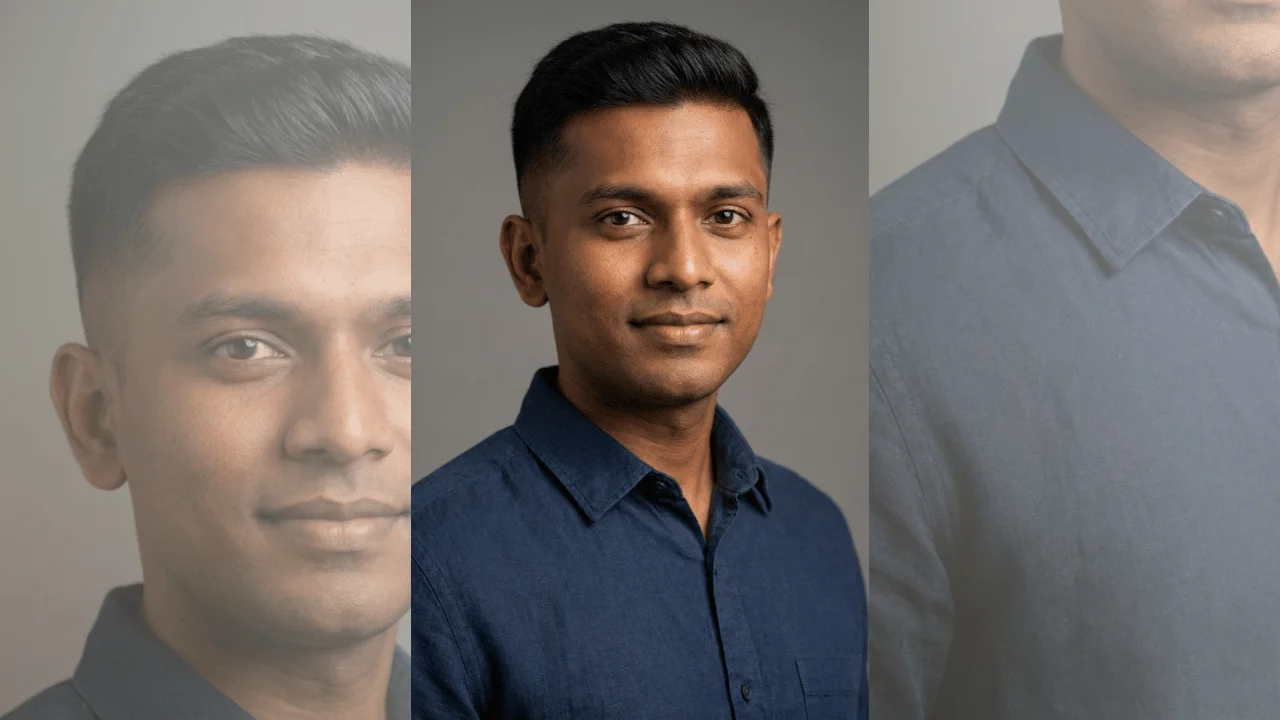
A clear full-body or half-body photo — the face and hairstyle are preserved on the miniature figure (and on the giant background self, when selected).
Click the "Copy" button above to copy the complete prompt text to your clipboard. This will copy all the text including any placeholders.
If you see placeholders like {{topic}} or {{style}} in the prompt, click "Customize & Use" to open the customization dialog. Fill in your specific values to personalize the prompt for your needs.
This prompt requires 1 attachment: "Reference Photo" (image). Have these files ready before proceeding to the AI tool.
Go to gemini.google.com and sign in to your Google account. Make sure you have access to the image generation feature.
In Gemini, look for the "Create image" or image generation option. If available, switch to Gemini Pro or Advanced mode for higher quality outputs.
Before or along with your prompt, upload the required files. Required: Reference Photo. Most AI tools have an attachment/upload button near the prompt input area.
Paste the copied prompt (Ctrl/Cmd + V) into the AI tool's text input field. Make sure your attachments are uploaded, then click the send/generate button to create your image.
Review the generated image. If it doesn't match your expectations, try regenerating or adjusting the prompt with more specific details. Most AI tools allow multiple generation attempts.
A clear full-body or half-body photo — the face and hairstyle are preserved on the miniature figure (and on the giant background self, when selected).
Generate with
prompt auto-copiesAffiliate links · We may earn a commission at no cost to you
Tested by the PromptsRush team
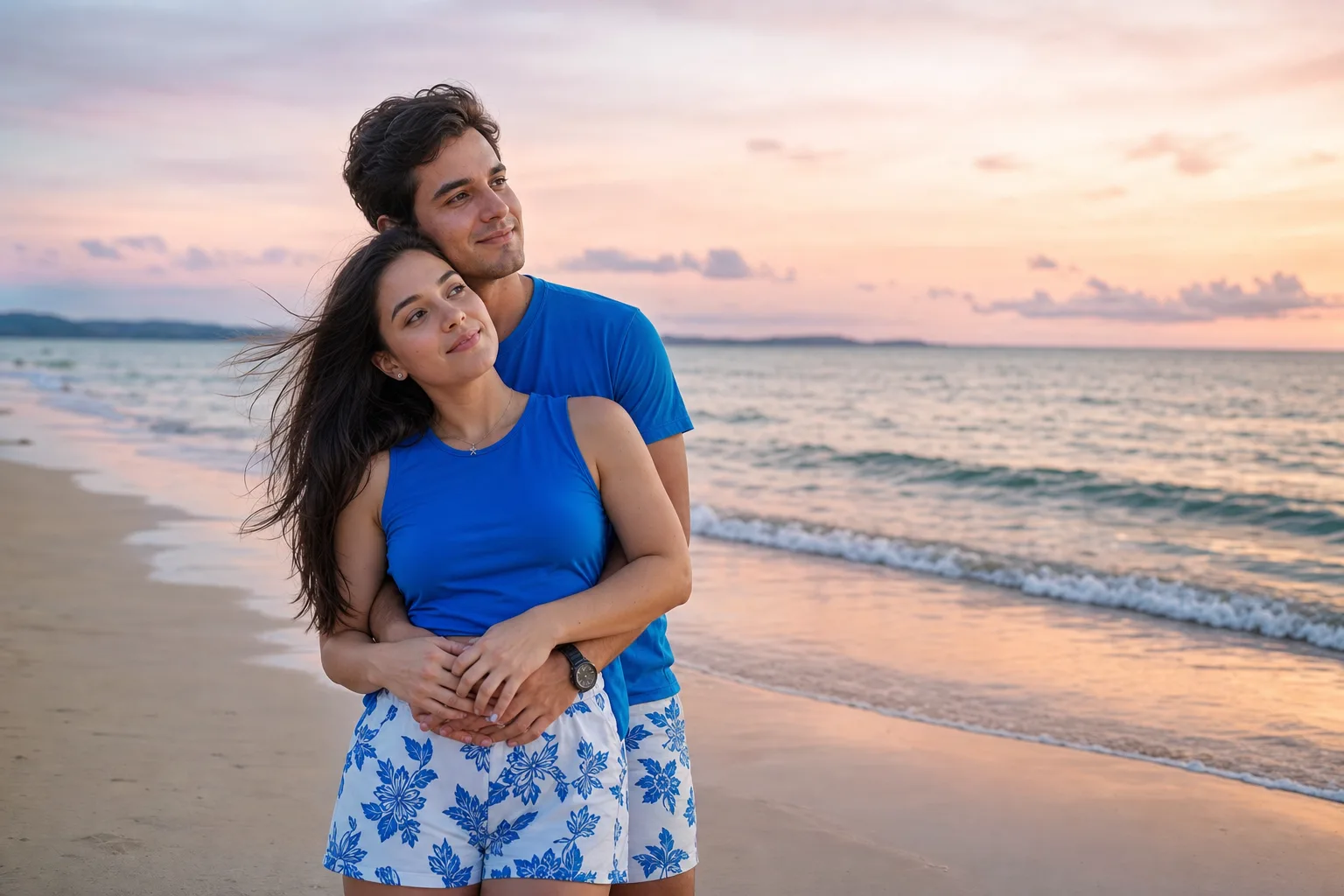
Beach Couple Photoshoot AI Prompt
Advertisement