Loading elite prompt experience...
Example Output
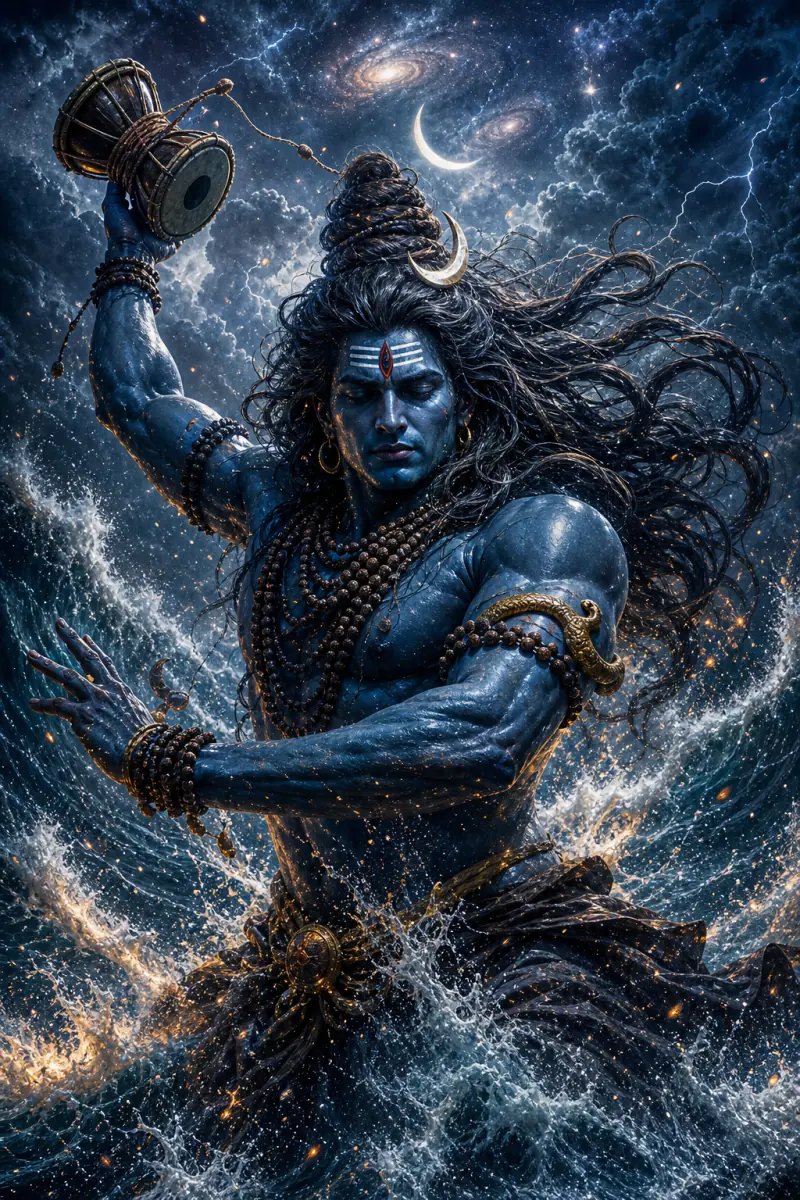 Open in Gallery
Loading elite prompt experience...
A curated stack for turning ideas into production-ready video, ads, and art.
Open in GalleryA Lord Shiva AI image prompt that generates jaw-dropping, crisp devotional portraits of Mahadev across his many divine forms, moods, and settings.
Its heart is the Divine Form selector, backed by six more controls for scene, setting, mood, art style, light and sacred extras. The result is epic, reverent imagery in which the crescent moon, tripundra, rudraksha, serpent and Ganga always land where they belong.
The selector holds ten complete manifestations, each carrying its own full description: Mahadev in serene meditation on Kailash, the fiery Third Eye awakening, Rudra in the fury of the Tandava, Nataraja dancing within the ring of cosmic fire, Neelkanth with the blue throat after drinking the halahala, the ash-smeared Ascetic Yogi of the high Himalayas, gentle smiling Bholenath granting blessings, the formless radiant Jyotirlingam, the monumental black Adiyogi statue, and the cosmic protector wielding the trishul. Because each form is self-contained, the iconography never blurs between them.
Devotional wallpapers and posts, Mahashivratri and Sawan content, YouTube bhajan visuals, and epic art prints.
Click the "Copy" button above to copy the complete prompt text to your clipboard. This will copy all the text including any placeholders.
If you see placeholders like {{topic}} or {{style}} in the prompt, click "Customize & Use" to open the customization dialog. Fill in your specific values to personalize the prompt for your needs.
Go to gemini.google.com and sign in to your Google account. Make sure you have access to the image generation feature.
In Gemini, look for the "Create image" or image generation option. If available, switch to Gemini Pro or Advanced mode for higher quality outputs.
Paste the copied prompt (Ctrl/Cmd + V) into the AI tool's text input field. click the send/generate button to create your image.
Review the generated image. If it doesn't match your expectations, try regenerating or adjusting the prompt with more specific details. Most AI tools allow multiple generation attempts.
Generate with
prompt auto-copiesAffiliate links · We may earn a commission at no cost to you
Tested by the PromptsRush team
Beach Couple Photoshoot AI Prompt
Advertisement