Loading elite prompt experience...
Example Output
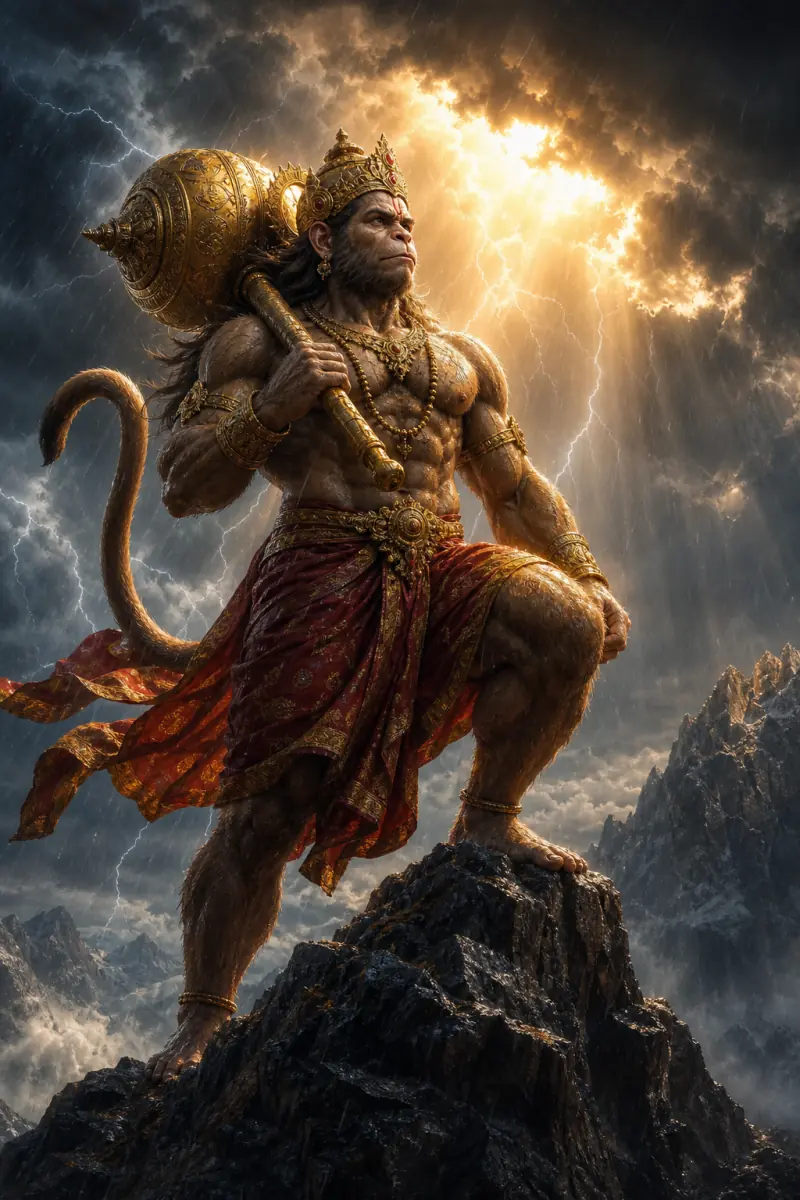 Open in Gallery
Loading elite prompt experience...
A curated stack for turning ideas into production-ready video, ads, and art.
Open in GalleryA Lord Hanuman AI image prompt that generates jaw-dropping, crisp devotional portraits of Bajrangbali across his divine aspects, moods, and epic settings.
It is the most extensively customizable deity template on PromptsRush, with nine controls for the full sweep of Hanuman imagery. Every selector carries a complete, self-contained description, so the output stays crisp and coherent across more than two million combinations.
The Divine Aspect selector holds ten complete manifestations: the mighty warrior with the golden gada, the Sanjeevani flight bearing the mountain in one palm, the humble Bhakt of Shri Ram, the five-faced Panchmukhi form, a colossal cosmic form, the burning-Lanka leap with tail aflame, the protective Sankat Mochan blessing, the meditating mountain yogi, a dark obsidian guardian at dusk, and the vanguard on the shores of Ram Setu. Because each is written out in full, the gada, sindoor, mane and sacred name राम appear where they belong for that form.
Devotional wallpapers, Hanuman Jayanti and Tuesday-post content, YouTube bhajan and Ramayana-story visuals, thumbnails, and art prints.
Click the "Copy" button above to copy the complete prompt text to your clipboard. This will copy all the text including any placeholders.
If you see placeholders like {{topic}} or {{style}} in the prompt, click "Customize & Use" to open the customization dialog. Fill in your specific values to personalize the prompt for your needs.
Go to gemini.google.com and sign in to your Google account. Make sure you have access to the image generation feature.
In Gemini, look for the "Create image" or image generation option. If available, switch to Gemini Pro or Advanced mode for higher quality outputs.
Paste the copied prompt (Ctrl/Cmd + V) into the AI tool's text input field. click the send/generate button to create your image.
Review the generated image. If it doesn't match your expectations, try regenerating or adjusting the prompt with more specific details. Most AI tools allow multiple generation attempts.
Generate with
prompt auto-copiesAffiliate links · We may earn a commission at no cost to you
Tested by the PromptsRush team
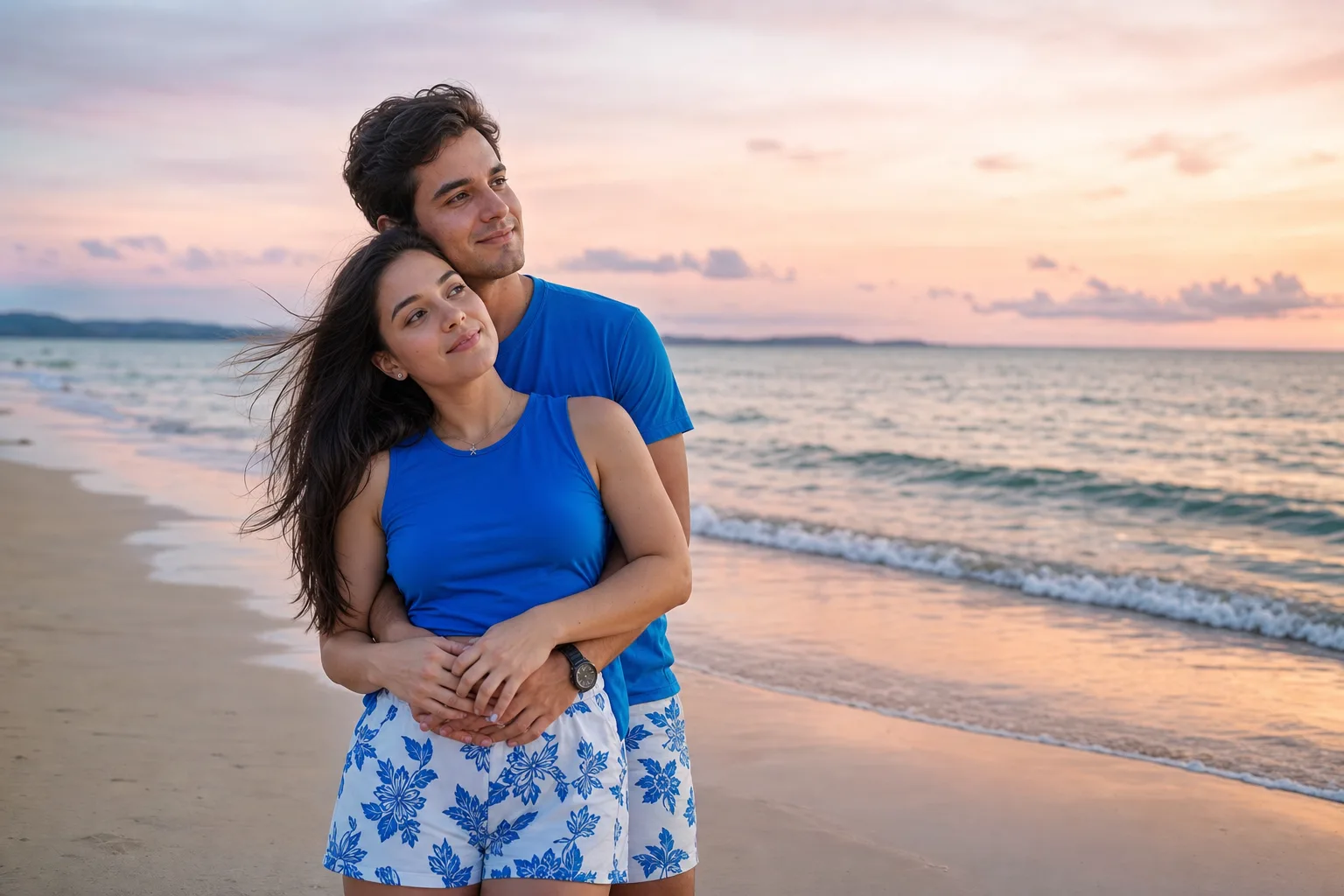
Beach Couple Photoshoot AI Prompt
Advertisement