Loading elite prompt experience...
Example Output
 Open in Gallery
Loading elite prompt experience...
A curated stack for turning ideas into production-ready video, ads, and art.
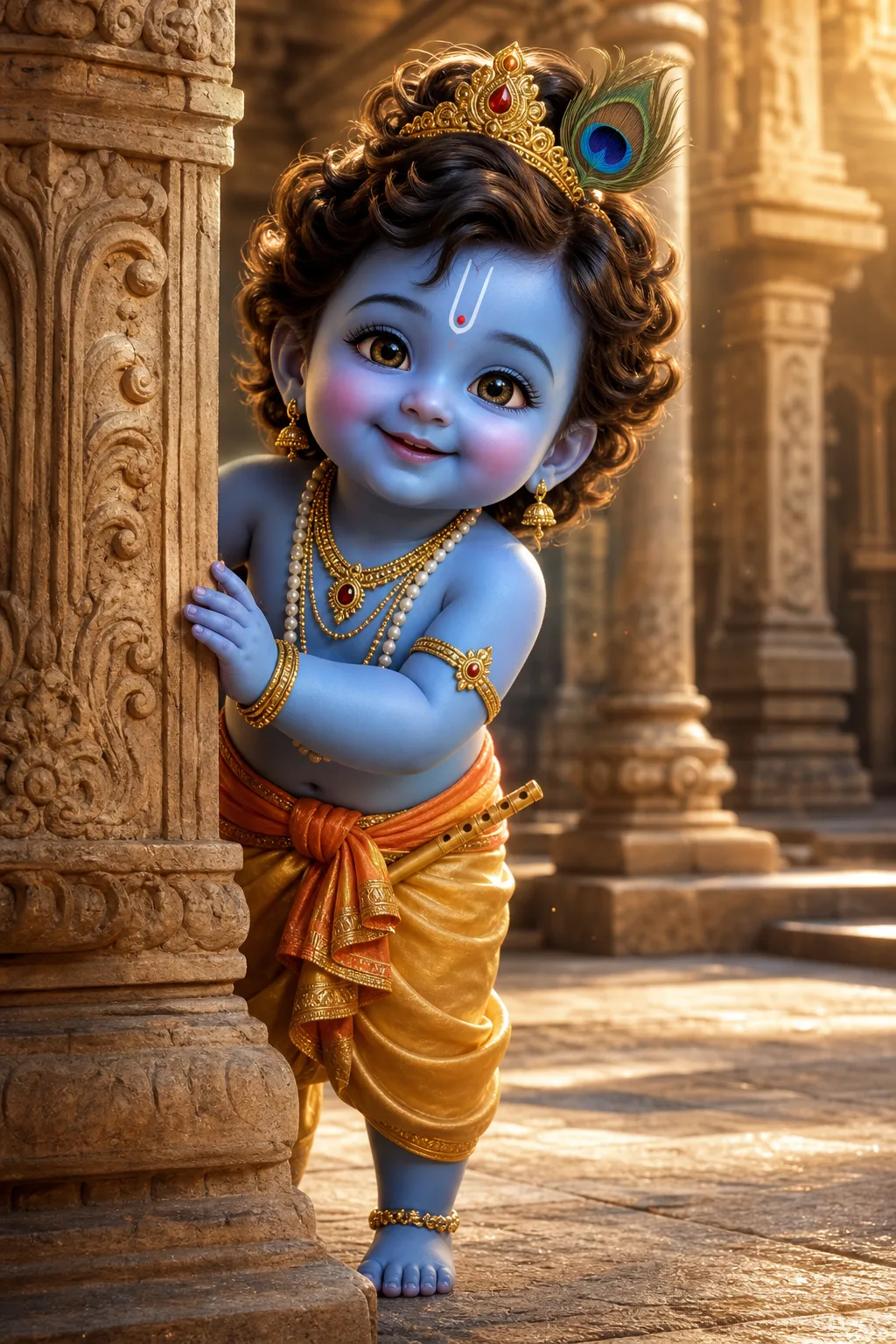
Open in GalleryA little Krishna prompt that generates divine, consistent 3D scenes of the beloved child form of Krishna for YouTube devotional videos and festival art.
It captures the modern animated-film treatment of Bal Krishna: luminous blue skin, sparkling eyes, curly hair under a tiny golden crown with its peacock feather, and every traditional ornament from the U-shaped tilak to the anklets. Six controls around the character shape the scene, styling, location, expression, lighting and props.
All of those features are pinned inside a fixed character lock, so he remains perfectly consistent across an entire channel of uploads. That is what separates a beloved recurring character from a series of lookalikes.
Devotional Shorts and story videos, Janmashtami and festival posts, bhajan visuals, thumbnails, and wallpapers.
Click the "Copy" button above to copy the complete prompt text to your clipboard. This will copy all the text including any placeholders.
If you see placeholders like {{topic}} or {{style}} in the prompt, click "Customize & Use" to open the customization dialog. Fill in your specific values to personalize the prompt for your needs.
Go to gemini.google.com and sign in to your Google account. Make sure you have access to the image generation feature.
In Gemini, look for the "Create image" or image generation option. If available, switch to Gemini Pro or Advanced mode for higher quality outputs.
Paste the copied prompt (Ctrl/Cmd + V) into the AI tool's text input field. click the send/generate button to create your image.
Review the generated image. If it doesn't match your expectations, try regenerating or adjusting the prompt with more specific details. Most AI tools allow multiple generation attempts.
Generate with
prompt auto-copiesAffiliate links · We may earn a commission at no cost to you
Tested by the PromptsRush team
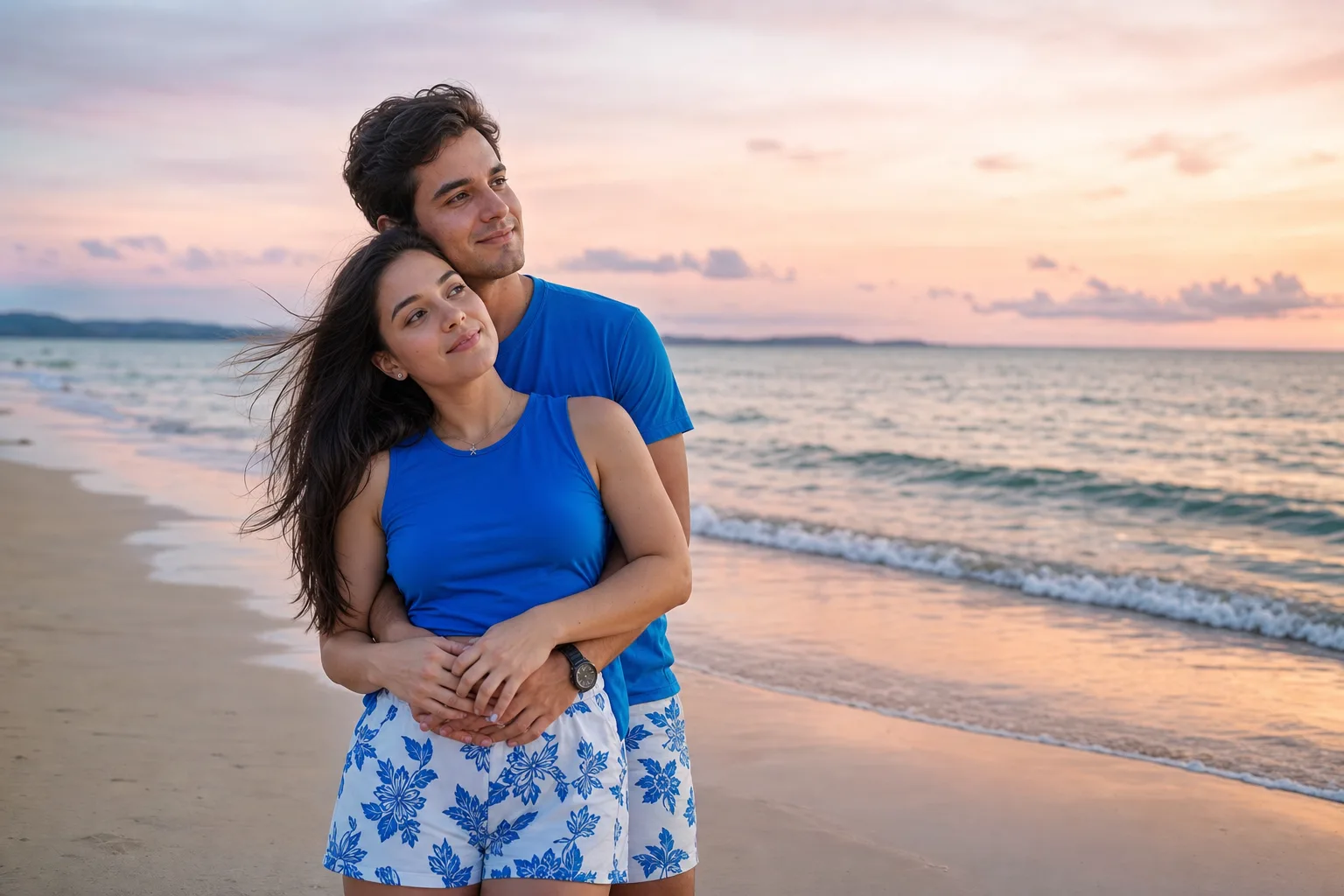
Beach Couple Photoshoot AI Prompt
Advertisement