Loading elite prompt experience...
Example Output
 Open in Gallery
Loading elite prompt experience...
A curated stack for turning ideas into production-ready video, ads, and art.
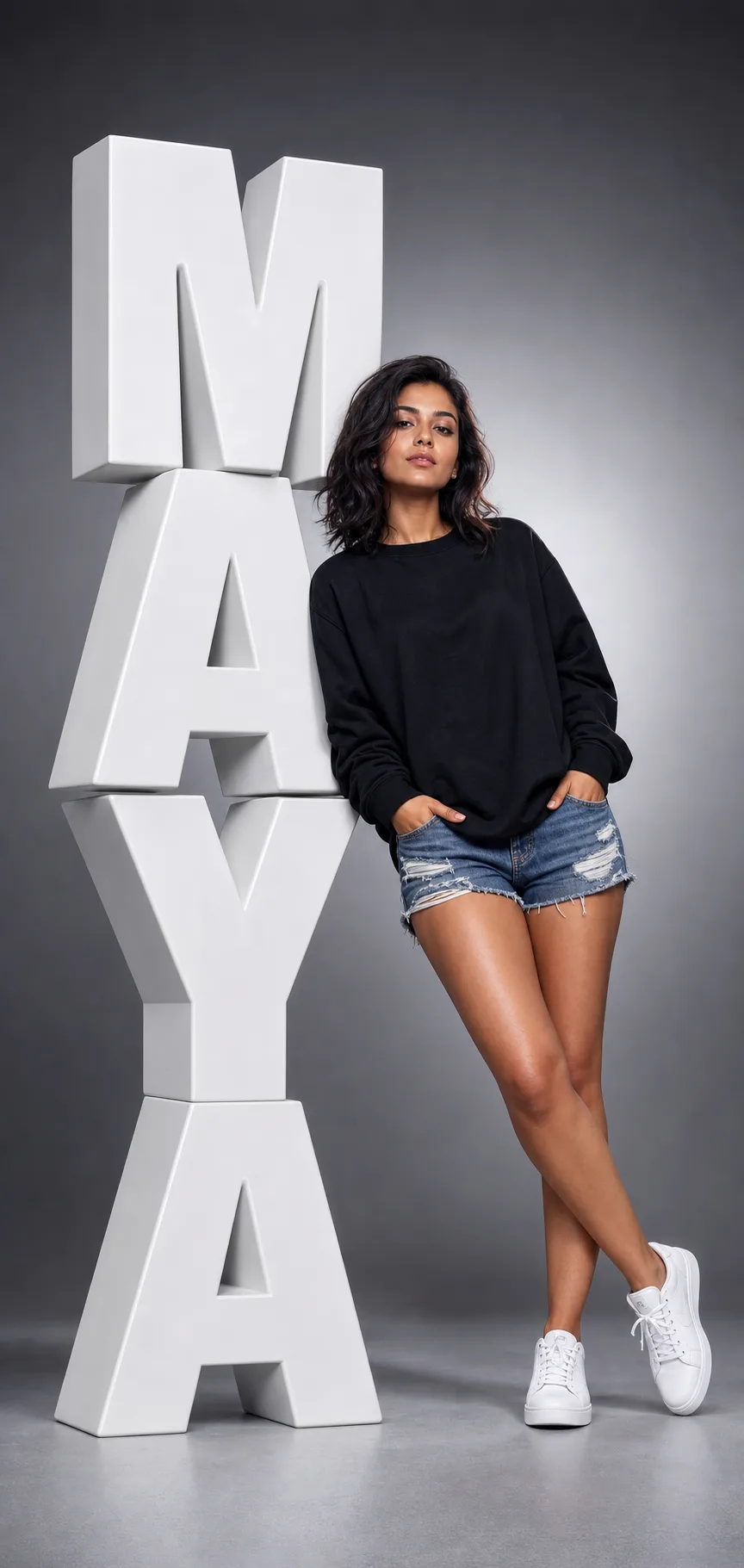
Open in GalleryA 3D name portrait prompt that stages a person leaning against giant sculptural letters of their own name — a bold, personalised studio poster in one shot.
The template renders the viral typography-portrait look: enormous glossy 3D extruded block letters stacked down the left side of a tall vertical frame, with bevelled edges, realistic depth and soft studio shadows, and a confident full-body subject leaning a shoulder against them under dramatic lighting with a gentle rim light. The name is fully yours, and outfit, pose, letter color and backdrop all adjust.
Anyone who wants a scroll-stopping personalised portrait: creators and influencers, personal-branding and LinkedIn banners, gifts, event and birthday graphics, team headshot series, and designers making fashion-campaign mockups, without a studio or a 3D artist.
Optional: upload a clear front-facing photo to carry a real likeness into the portrait.
Click the "Copy" button above to copy the complete prompt text to your clipboard. This will copy all the text including any placeholders.
If you see placeholders like {{topic}} or {{style}} in the prompt, click "Customize & Use" to open the customization dialog. Fill in your specific values to personalize the prompt for your needs.
Optional: "Model Photo" (image). Have these files ready before proceeding to the AI tool.
Go to gemini.google.com and sign in to your Google account. Make sure you have access to the image generation feature.
In Gemini, look for the "Create image" or image generation option. If available, switch to Gemini Pro or Advanced mode for higher quality outputs.
Before or along with your prompt, upload the required files. Most AI tools have an attachment/upload button near the prompt input area.
Paste the copied prompt (Ctrl/Cmd + V) into the AI tool's text input field. Make sure your attachments are uploaded, then click the send/generate button to create your image.
Review the generated image. If it doesn't match your expectations, try regenerating or adjusting the prompt with more specific details. Most AI tools allow multiple generation attempts.
Optional: upload a clear front-facing photo to carry a real likeness into the portrait.
Generate with
prompt auto-copiesAffiliate links · We may earn a commission at no cost to you
Tested by the PromptsRush team
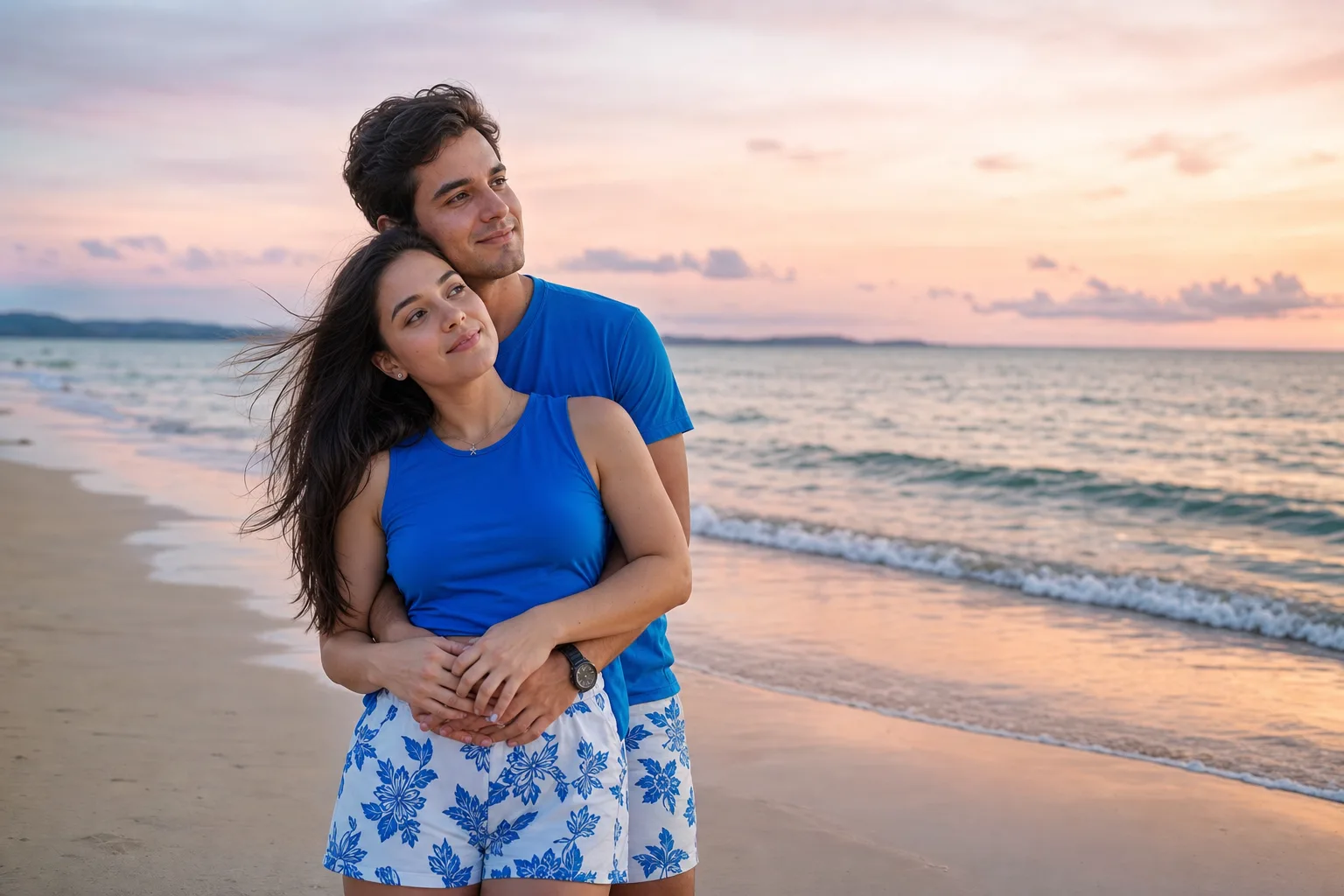
Beach Couple Photoshoot AI Prompt
Advertisement