Loading elite prompt experience...
Example Output
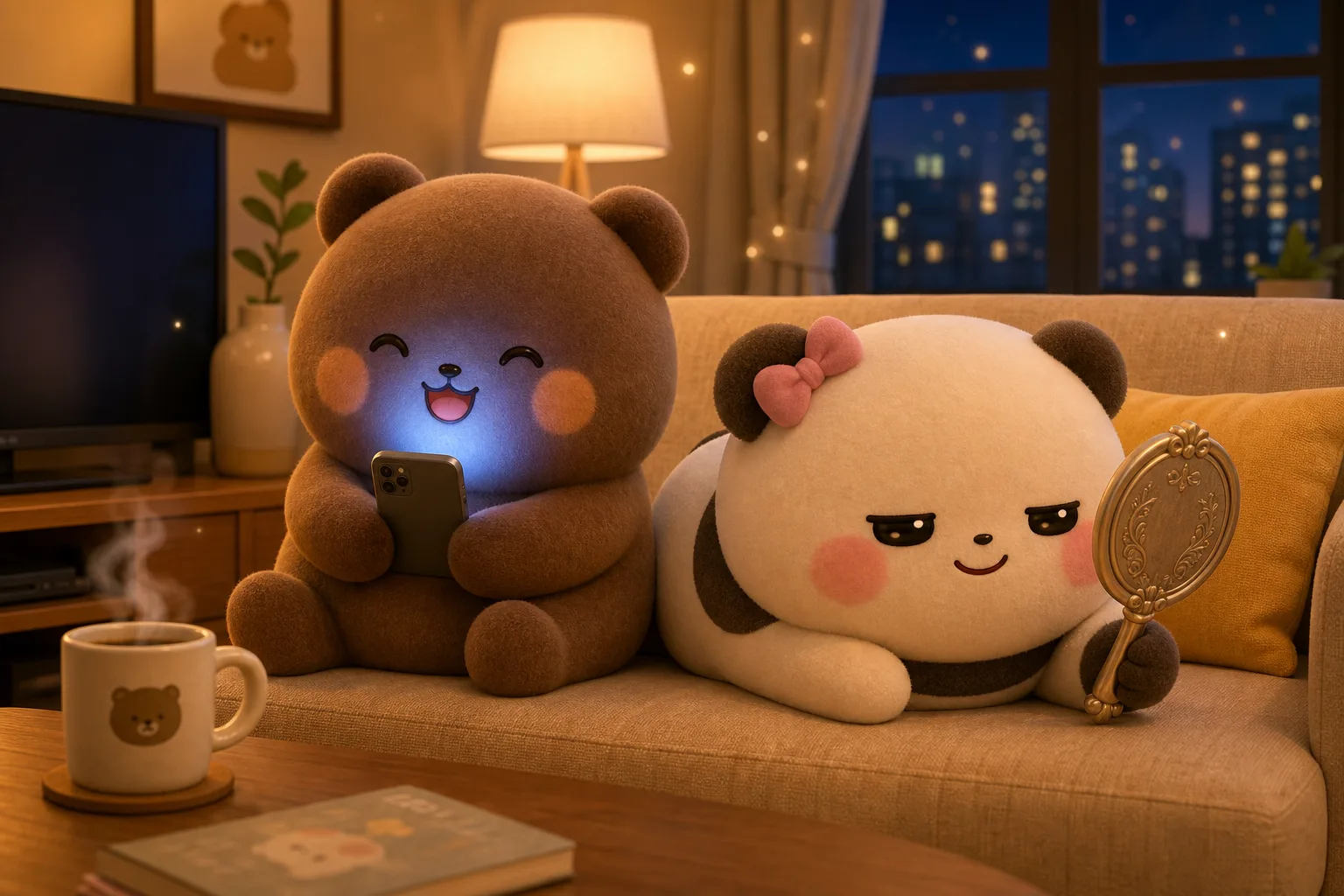 Open in Gallery
Loading elite prompt experience...
A curated stack for turning ideas into production-ready video, ads, and art.
Open in GalleryA Dudu and Bubu prompt that generates adorable 3D plush-style scenes of the bear-and-panda duo, with control over scene, location, expressions, and light.
It renders the pair as premium collectible toys with a fuzzy flocked-velvet texture, soft matte finish and a warm pastel palette. Shallow depth of field and Pixar-like subsurface scattering give every frame a soft, cozy, wholesome feel.
The template is built around a fixed character lock — a precise description of both characters, their proportions, blush placement, ear shape and plush texture — that stays identical in every generation. The two look like the same characters across an entire series rather than drifting from image to image.
Because the two expressions are set separately, you can build the little comedic beats the duo are loved for — one panicking while the other looks smug. It is ideal for sticker packs, reels and shorts, chat stickers, greeting cards, phone wallpapers and children's content.
Click the "Copy" button above to copy the complete prompt text to your clipboard. This will copy all the text including any placeholders.
If you see placeholders like {{topic}} or {{style}} in the prompt, click "Customize & Use" to open the customization dialog. Fill in your specific values to personalize the prompt for your needs.
Go to gemini.google.com and sign in to your Google account. Make sure you have access to the image generation feature.
In Gemini, look for the "Create image" or image generation option. If available, switch to Gemini Pro or Advanced mode for higher quality outputs.
Paste the copied prompt (Ctrl/Cmd + V) into the AI tool's text input field. click the send/generate button to create your image.
Review the generated image. If it doesn't match your expectations, try regenerating or adjusting the prompt with more specific details. Most AI tools allow multiple generation attempts.
Generate with
prompt auto-copiesAffiliate links · We may earn a commission at no cost to you
Tested by the PromptsRush team
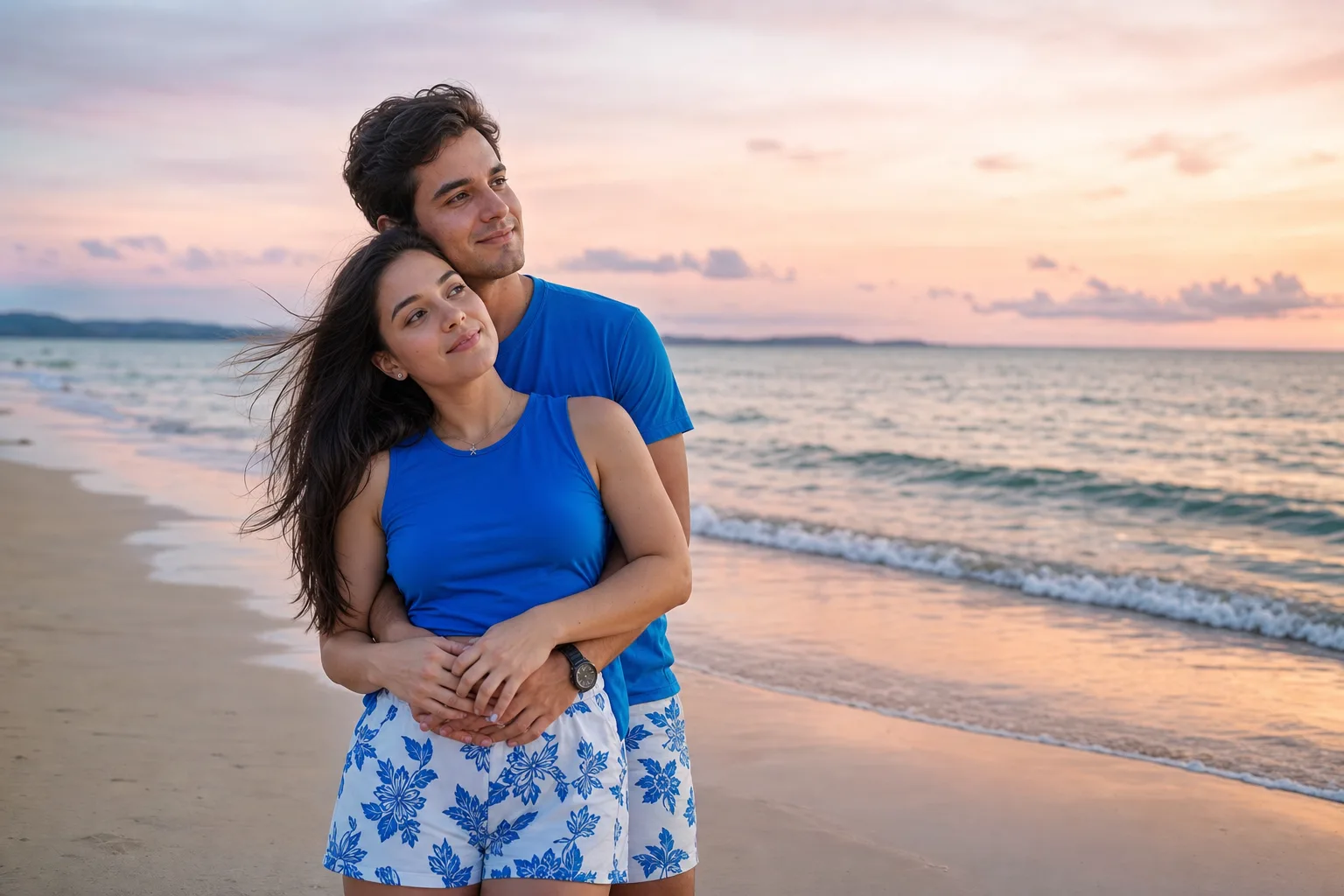
Beach Couple Photoshoot AI Prompt
Advertisement