Loading elite prompt experience...
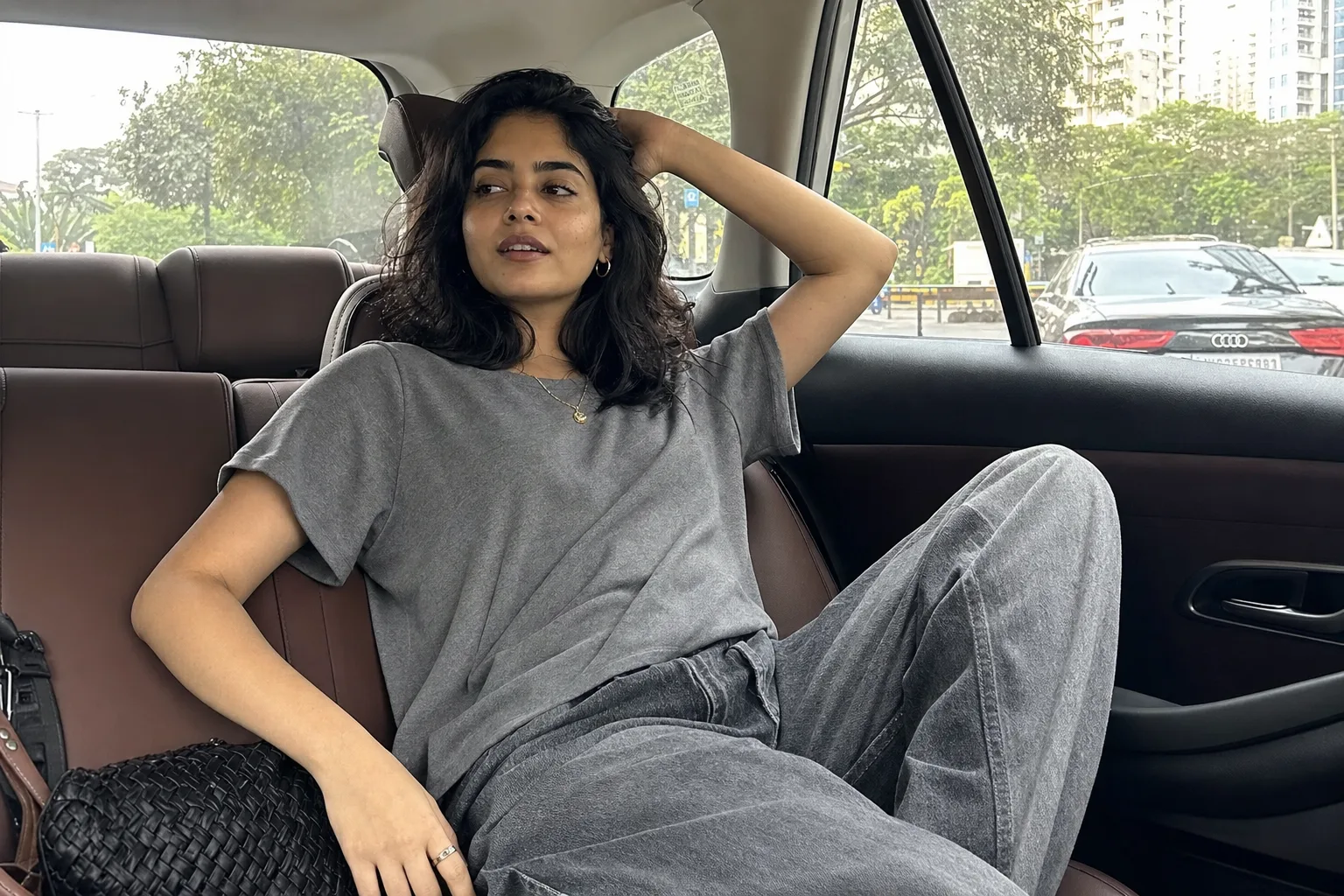
Example Output
 Open in Gallery
Loading elite prompt experience...
A curated stack for turning ideas into production-ready video, ads, and art.
Open in GalleryA candid AI photoshoot prompt for unposed, shot-on-phone aesthetic photos — backseat car shots, cafe windows, rooftops, with or without your photo.
The template is engineered around what makes the viral candid trend work: deliberate imperfection. Instead of studio polish it directs natural mid-moment body language, authentic skin texture with no beauty-filter smoothing, true-to-life color, subtle motion in hair or fabric, and the slightly-off framing of a photo a friend grabbed on their phone.
Attach a reference photo and the prompt preserves your exact face and hairstyle while the scene, outfit and lighting restyle around you. Leave it empty and describe any character from scratch. Nano Banana Pro handles the reference-photo path and realistic skin best; ChatGPT Image 2 is a strong alternative.
Instagram creators, lifestyle influencers, and anyone refreshing a feed or dating profile with photos that feel effortless rather than staged.
Optional — attach a clear photo to keep your exact face and hairstyle while the scene, outfit and lighting restyle around you.
Click the "Copy" button above to copy the complete prompt text to your clipboard. This will copy all the text including any placeholders.
If you see placeholders like {{topic}} or {{style}} in the prompt, click "Customize & Use" to open the customization dialog. Fill in your specific values to personalize the prompt for your needs.
Optional: "Reference Photo (optional)" (image). Have these files ready before proceeding to the AI tool.
Go to gemini.google.com and sign in to your Google account. Make sure you have access to the image generation feature.
In Gemini, look for the "Create image" or image generation option. If available, switch to Gemini Pro or Advanced mode for higher quality outputs.
Before or along with your prompt, upload the required files. Most AI tools have an attachment/upload button near the prompt input area.
Paste the copied prompt (Ctrl/Cmd + V) into the AI tool's text input field. Make sure your attachments are uploaded, then click the send/generate button to create your image.
Review the generated image. If it doesn't match your expectations, try regenerating or adjusting the prompt with more specific details. Most AI tools allow multiple generation attempts.
Optional — attach a clear photo to keep your exact face and hairstyle while the scene, outfit and lighting restyle around you.
Generate with
prompt auto-copiesAffiliate links · We may earn a commission at no cost to you
Tested by the PromptsRush team
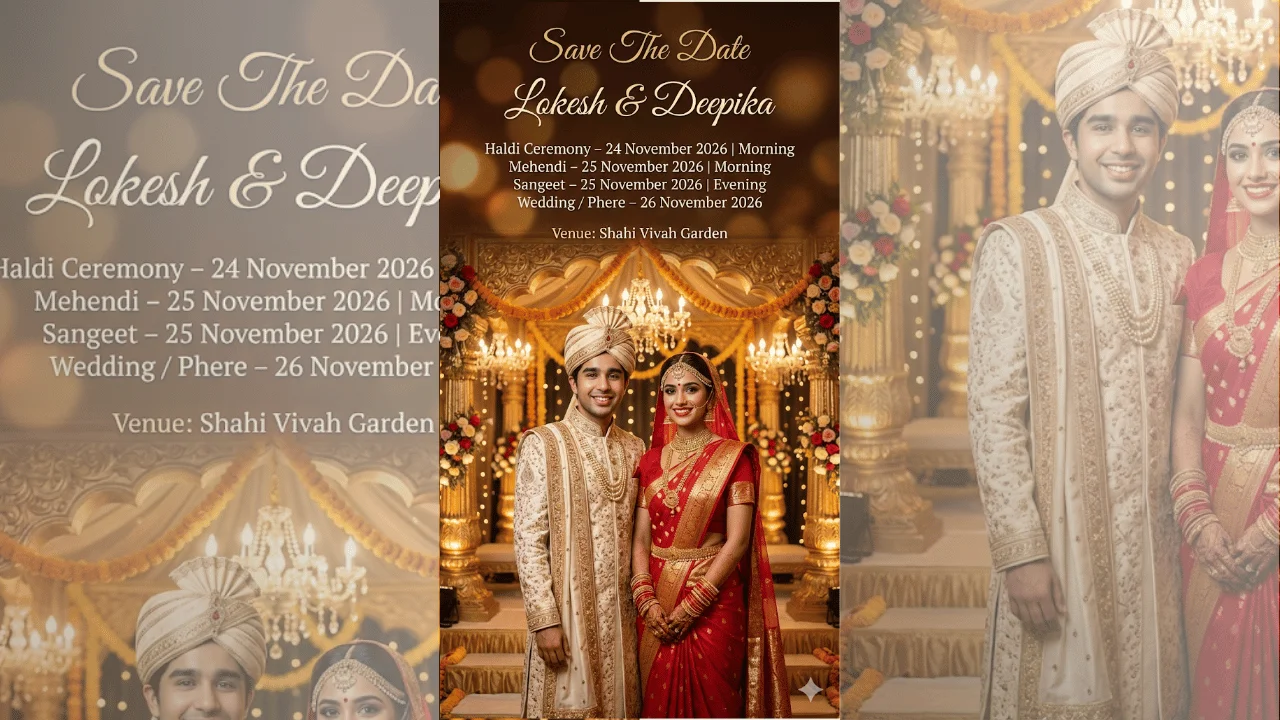
Indian Wedding Save The Date Poster
Advertisement