Loading elite prompt experience...
Example Output
 Open in Gallery
Loading elite prompt experience...
A curated stack for turning ideas into production-ready video, ads, and art.
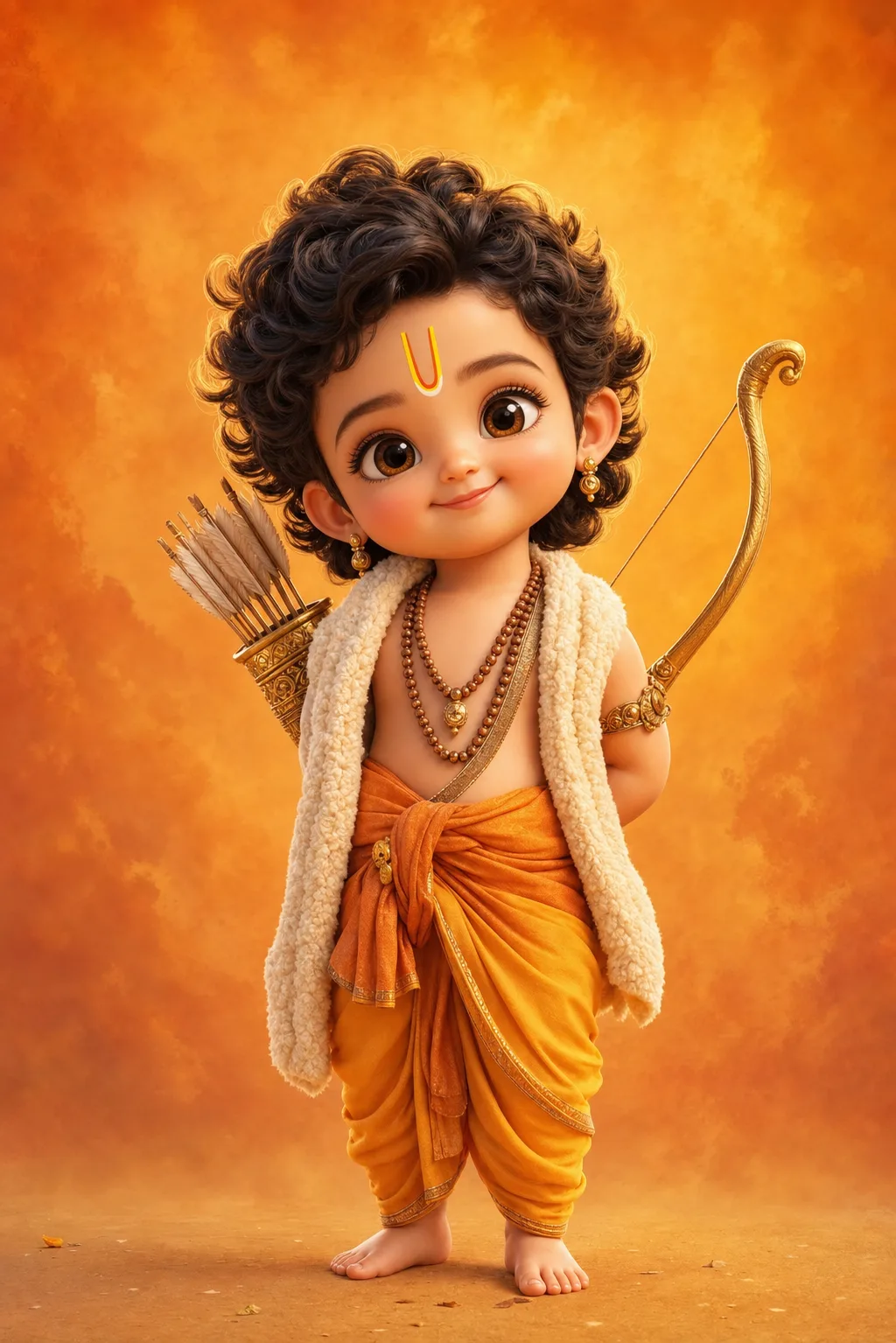
Open in GalleryA baby Ram and baby Krishna AI art prompt that renders adorable Pixar-style 3D toddler deities — five divine characters with glossy eyes and soft light.
The template recreates the beloved chibi devotional-art trend: a divine child with oversized sparkling eyes, chubby cheeks, curly hair and tiny bare feet, dressed and equipped with the authentic attributes of each deity, rendered like a frame from a premium animated film. Ultra-soft skin shading, fine fabric and wool texture, delicate gold jewelry and a warm rim light give every full-body render its huggable finish.
Every option keeps the character reverent and sweet: the charm comes from innocence, not caricature. Each deity's costume and props are written into the option itself, so the iconography arrives correct without extra prompting.
Devotional creators and family audiences — Ram Navami, Janmashtami and Ganesh Chaturthi festival posts, WhatsApp status images, phone wallpapers, kids' room art prints, YouTube devotional channel thumbnails, and greeting cards.
Click the "Copy" button above to copy the complete prompt text to your clipboard. This will copy all the text including any placeholders.
If you see placeholders like {{topic}} or {{style}} in the prompt, click "Customize & Use" to open the customization dialog. Fill in your specific values to personalize the prompt for your needs.
Go to gemini.google.com and sign in to your Google account. Make sure you have access to the image generation feature.
In Gemini, look for the "Create image" or image generation option. If available, switch to Gemini Pro or Advanced mode for higher quality outputs.
Paste the copied prompt (Ctrl/Cmd + V) into the AI tool's text input field. click the send/generate button to create your image.
Review the generated image. If it doesn't match your expectations, try regenerating or adjusting the prompt with more specific details. Most AI tools allow multiple generation attempts.
Generate with
prompt auto-copiesAffiliate links · We may earn a commission at no cost to you
Tested by the PromptsRush team
Beach Couple Photoshoot AI Prompt
Advertisement