Loading elite prompt experience...
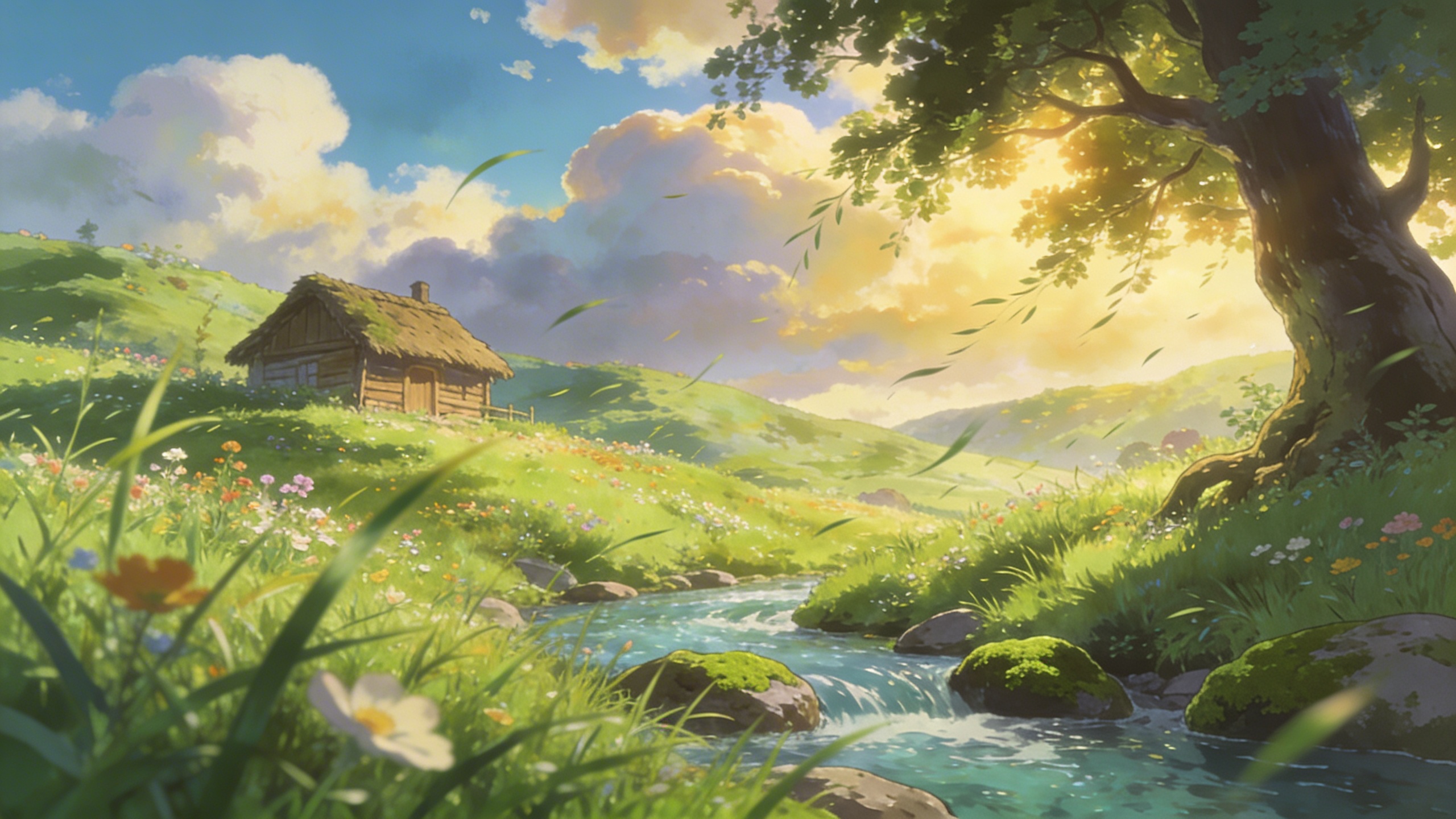
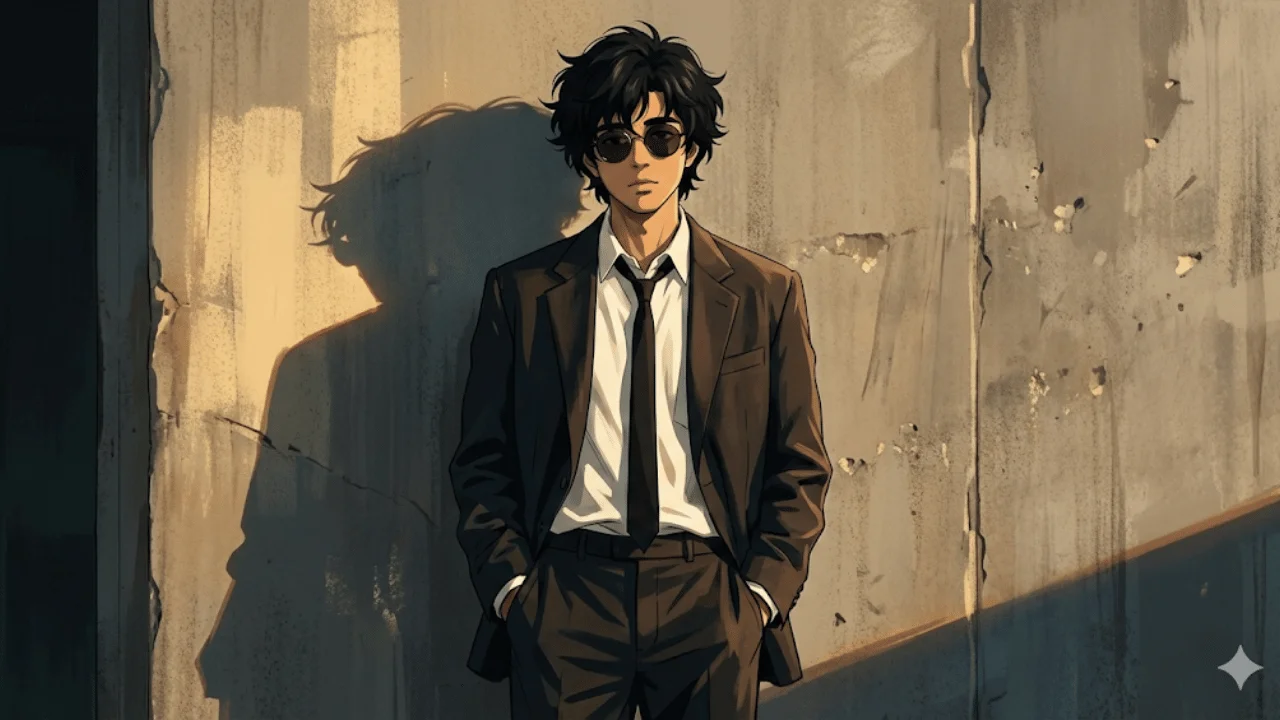
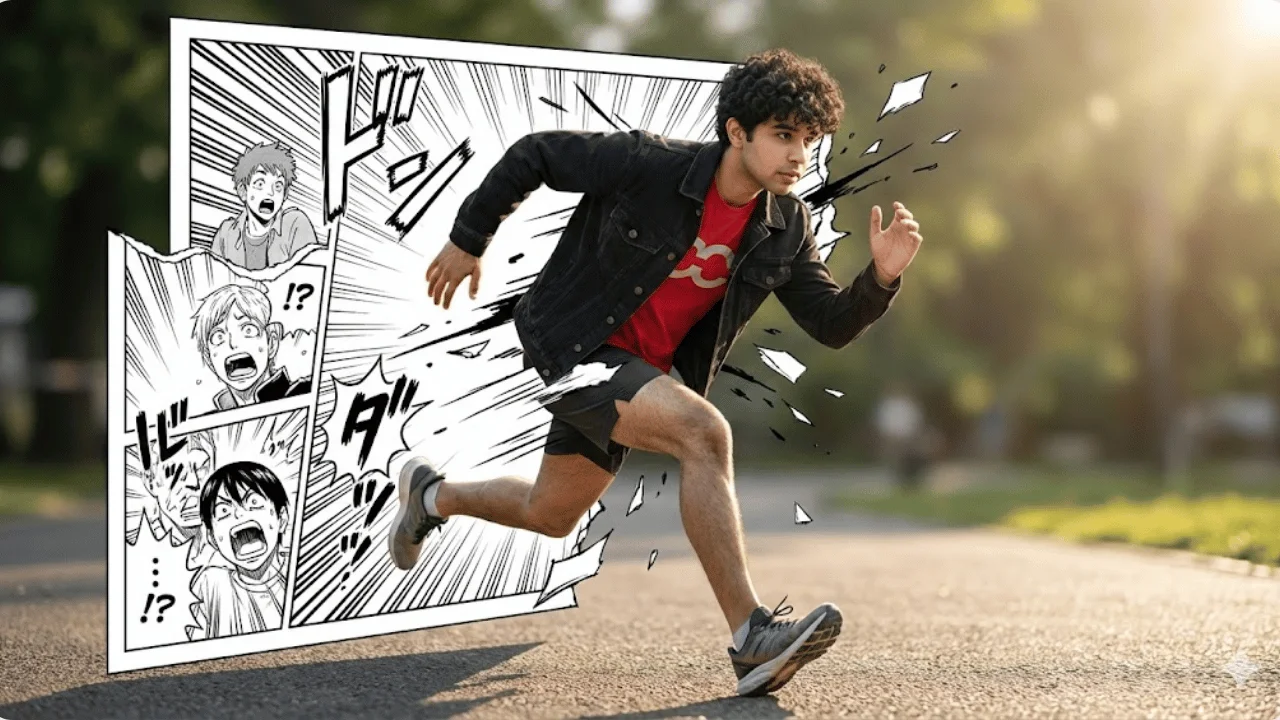
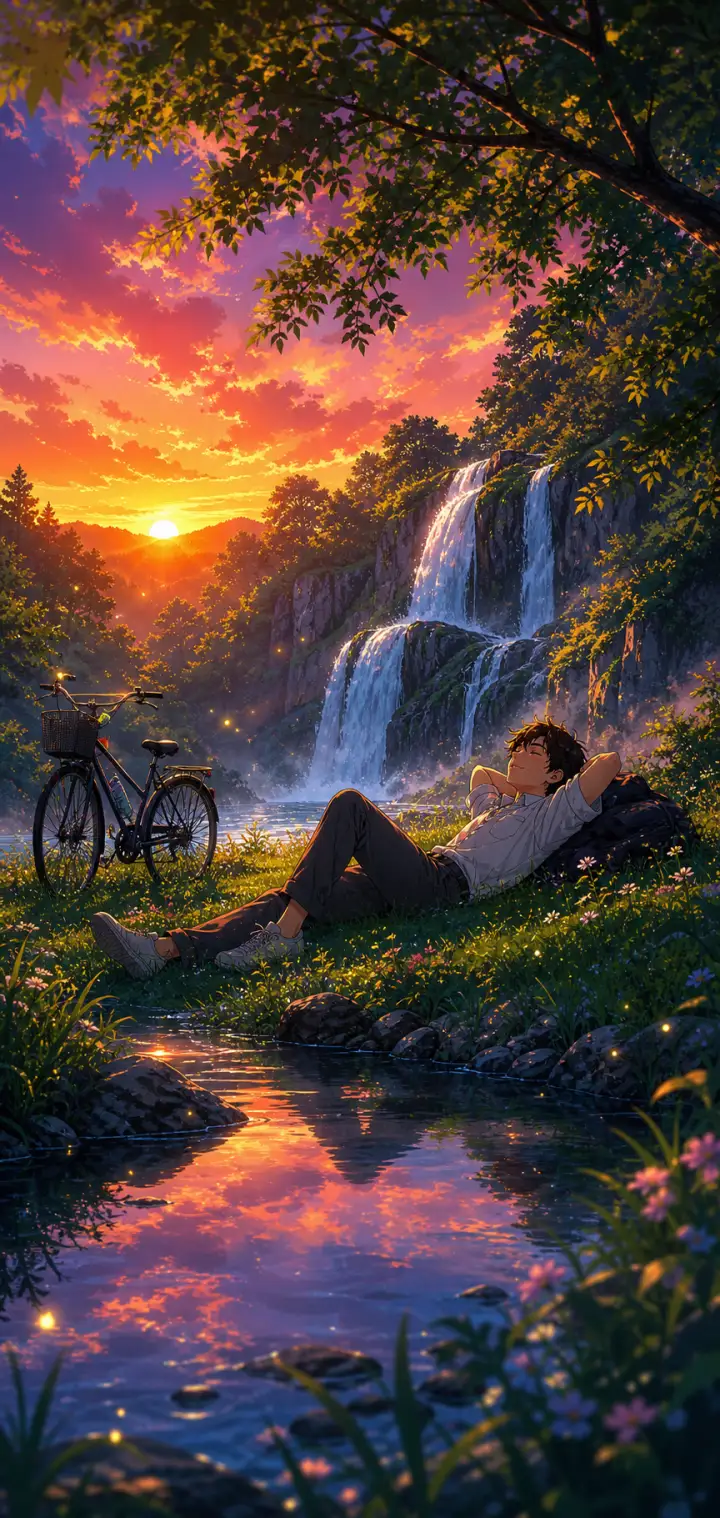
Example Output
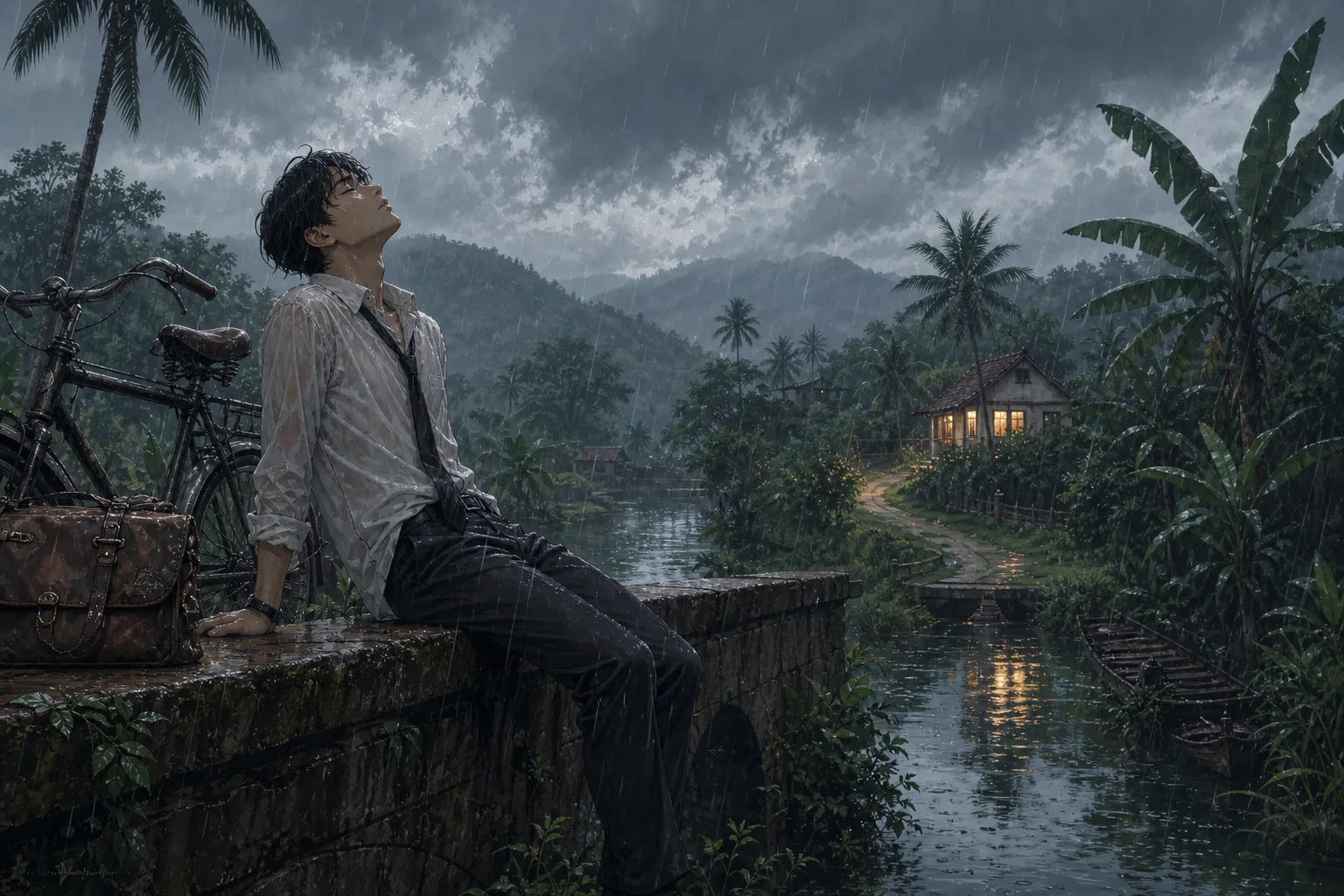 Open in Gallery
Loading elite prompt experience...
A curated stack for turning ideas into production-ready video, ads, and art.
Open in GalleryAn anime scene prompt that generates cinematic, atmospheric anime illustrations with swappable character, setting, and weather.
Built for the moody, painterly background-art look of modern Japanese animation — a lone figure framed against a vast, meticulously detailed world — this template turns one strong composition into an endless series of moods. Expect clean linework, soft cel shading and lush painterly depth, with foliage, weathered textures and reflections receding to the horizon and the subject in crisp focus against a soft background.
Wallpapers, key-visual mockups, webtoon and light-novel cover art, lo-fi music thumbnails, and mood boards.
Click the "Copy" button above to copy the complete prompt text to your clipboard. This will copy all the text including any placeholders.
If you see placeholders like {{topic}} or {{style}} in the prompt, click "Customize & Use" to open the customization dialog. Fill in your specific values to personalize the prompt for your needs.
Go to gemini.google.com and sign in to your Google account. Make sure you have access to the image generation feature.
In Gemini, look for the "Create image" or image generation option. If available, switch to Gemini Pro or Advanced mode for higher quality outputs.
Paste the copied prompt (Ctrl/Cmd + V) into the AI tool's text input field. click the send/generate button to create your image.
Review the generated image. If it doesn't match your expectations, try regenerating or adjusting the prompt with more specific details. Most AI tools allow multiple generation attempts.
Generate with
prompt auto-copiesAffiliate links · We may earn a commission at no cost to you
Tested by the PromptsRush team
Cinematic Anime-Noir Portrait
Advertisement