Loading elite prompt experience...
Example Output
 Open in Gallery
Loading elite prompt experience...
A curated stack for turning ideas into production-ready video, ads, and art.
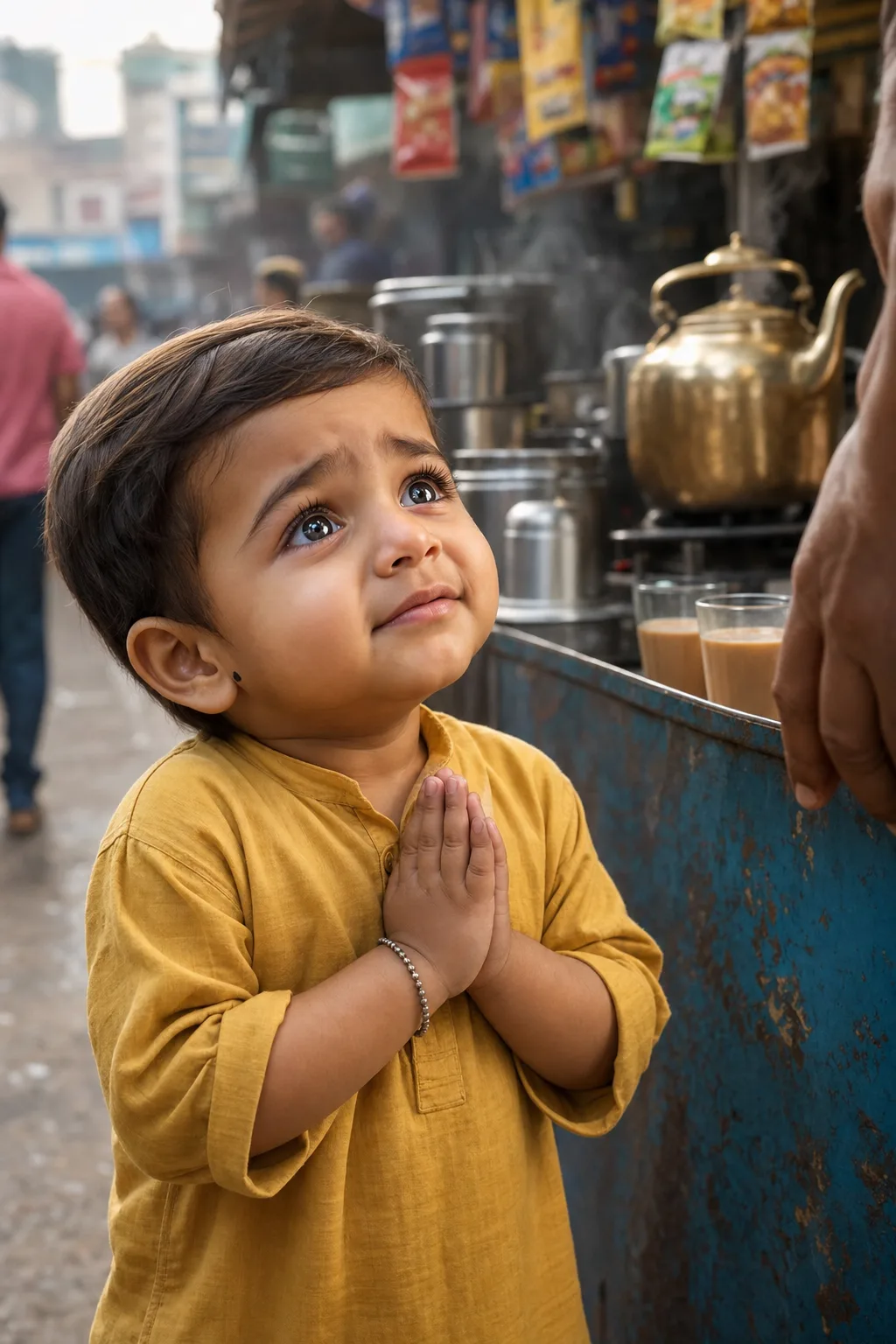
Open in GalleryAn AI Indian kid prompt that generates consistent, cinematic scenes of an adorable toddler for YouTube storytelling videos with full scenario control.
It is built for the hugely popular AI-baby story genre: a chubby-cheeked little boy with big expressive eyes living small emotional moments on Indian streets, from pleading for chai with folded hands to flying kites on a rooftop. Six controls around the character set the scene, outfit, location, expression, lighting and props.
Like every serial-character template, its heart is a fixed character lock: the boy's face, hair, skin tone, proportions and his little silver bracelet are pinned precisely and never change. He stays the same recognizable child across an entire channel rather than morphing between uploads.
Shorts and long-form storyboards, thumbnails, and channel art. Frame in 9:16 or 2:3 for Shorts.
Click the "Copy" button above to copy the complete prompt text to your clipboard. This will copy all the text including any placeholders.
If you see placeholders like {{topic}} or {{style}} in the prompt, click "Customize & Use" to open the customization dialog. Fill in your specific values to personalize the prompt for your needs.
Go to gemini.google.com and sign in to your Google account. Make sure you have access to the image generation feature.
In Gemini, look for the "Create image" or image generation option. If available, switch to Gemini Pro or Advanced mode for higher quality outputs.
Paste the copied prompt (Ctrl/Cmd + V) into the AI tool's text input field. click the send/generate button to create your image.
Review the generated image. If it doesn't match your expectations, try regenerating or adjusting the prompt with more specific details. Most AI tools allow multiple generation attempts.
Generate with
prompt auto-copiesAffiliate links · We may earn a commission at no cost to you
Tested by the PromptsRush team
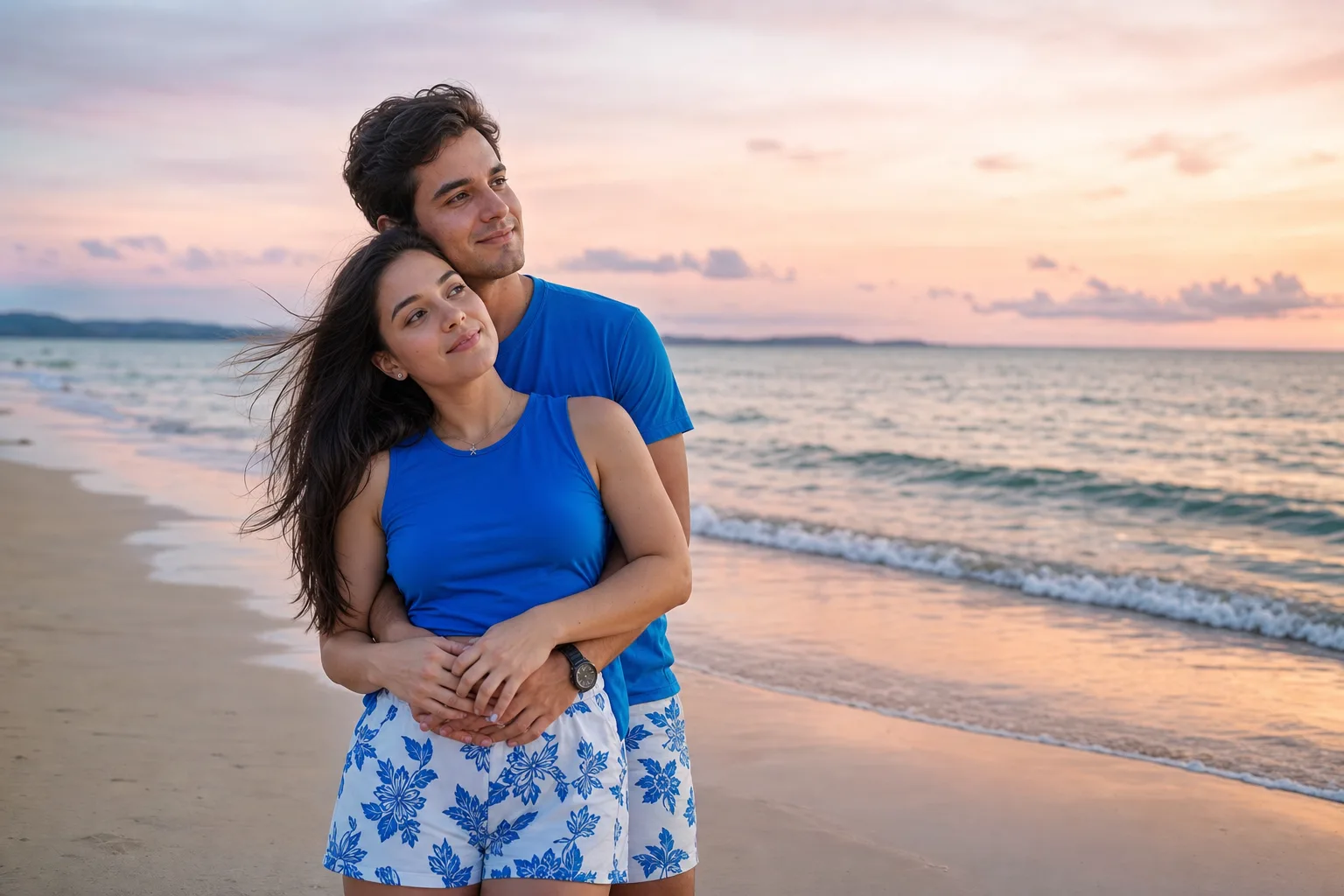
Beach Couple Photoshoot AI Prompt
Advertisement