Loading elite prompt experience...
Example Output
 Open in Gallery
Loading elite prompt experience...
A curated stack for turning ideas into production-ready video, ads, and art.
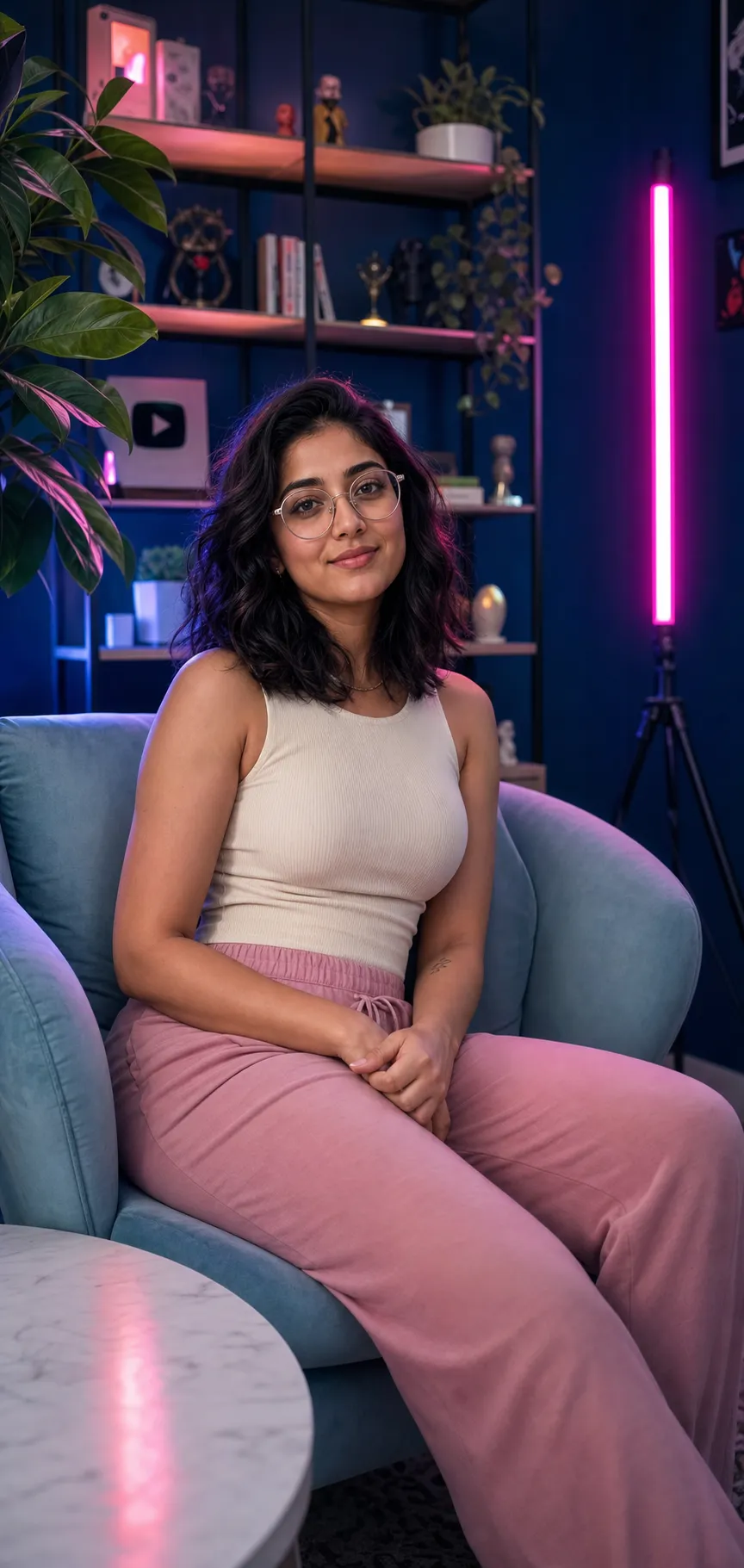
Open in GalleryAn aesthetic room portrait prompt that seats a person in a moody, RGB-lit creator space — the styled content creator setup look in rich cinematic color.
The template composes the whole scene: a relaxed subject in an armchair, a curated shelf wall of plants and figurines behind them, a glowing tube light washing the room in color, and a soft foreground framing, all with realistic skin and a warm-against-cool color contrast. Room style and accent-light color are the main creative knobs, so the same vibe re-renders as a navy shelf studio, a cozy plant den, a minimalist setup or a neon gamer room in any glow you choose.
Creators, streamers and anyone who wants a polished personal-brand portrait or channel visual — profile pictures, about-page shots, thumbnail bases and social posts — with the moody, aesthetic setup look and no studio required.
Optional: upload a clear front-facing photo to carry a real likeness into the portrait.
Click the "Copy" button above to copy the complete prompt text to your clipboard. This will copy all the text including any placeholders.
If you see placeholders like {{topic}} or {{style}} in the prompt, click "Customize & Use" to open the customization dialog. Fill in your specific values to personalize the prompt for your needs.
Optional: "Model Photo" (image). Have these files ready before proceeding to the AI tool.
Go to gemini.google.com and sign in to your Google account. Make sure you have access to the image generation feature.
In Gemini, look for the "Create image" or image generation option. If available, switch to Gemini Pro or Advanced mode for higher quality outputs.
Before or along with your prompt, upload the required files. Most AI tools have an attachment/upload button near the prompt input area.
Paste the copied prompt (Ctrl/Cmd + V) into the AI tool's text input field. Make sure your attachments are uploaded, then click the send/generate button to create your image.
Review the generated image. If it doesn't match your expectations, try regenerating or adjusting the prompt with more specific details. Most AI tools allow multiple generation attempts.
Optional: upload a clear front-facing photo to carry a real likeness into the portrait.
Generate with
prompt auto-copiesAffiliate links · We may earn a commission at no cost to you
Tested by the PromptsRush team
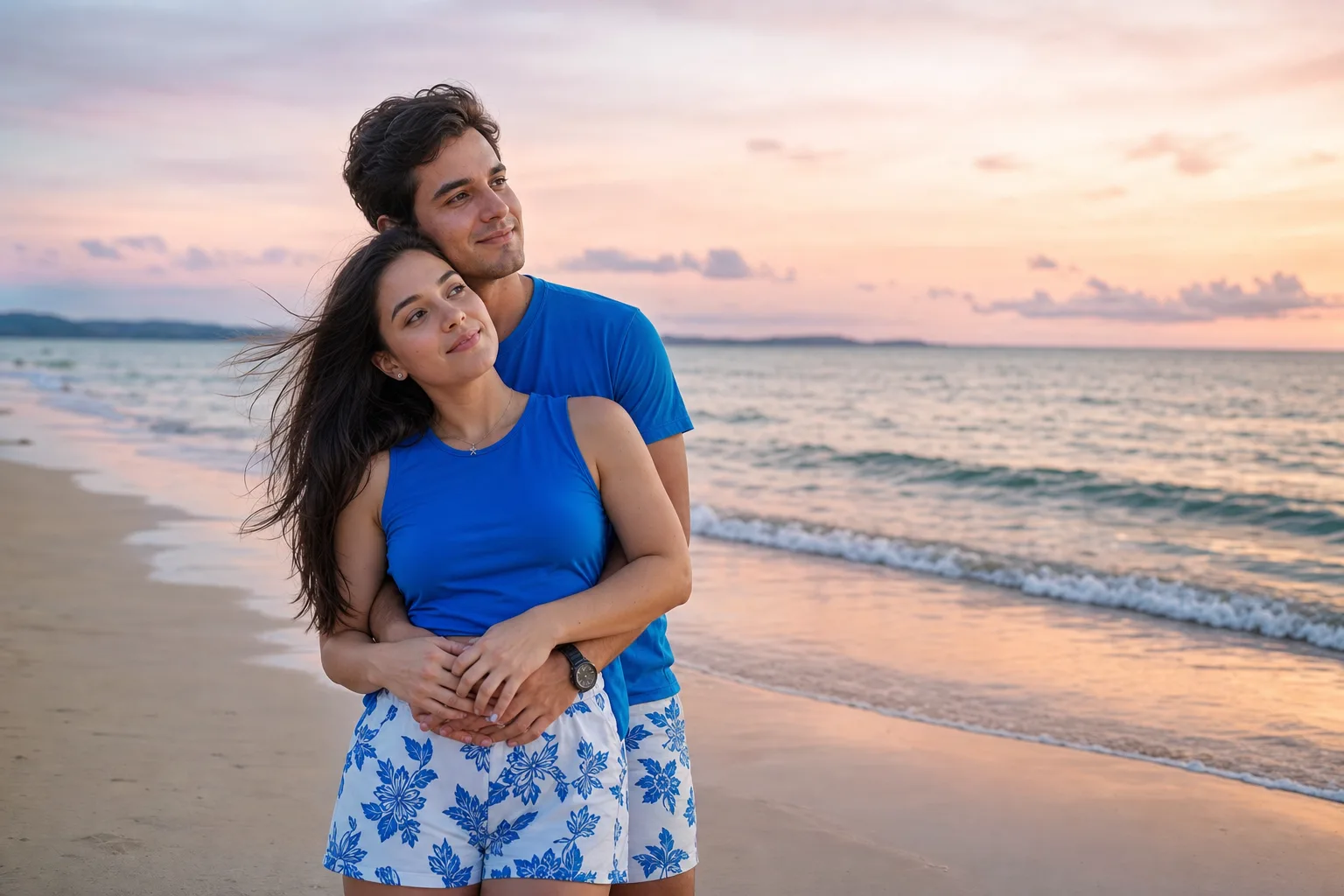
Beach Couple Photoshoot AI Prompt
Advertisement