Loading elite prompt experience...
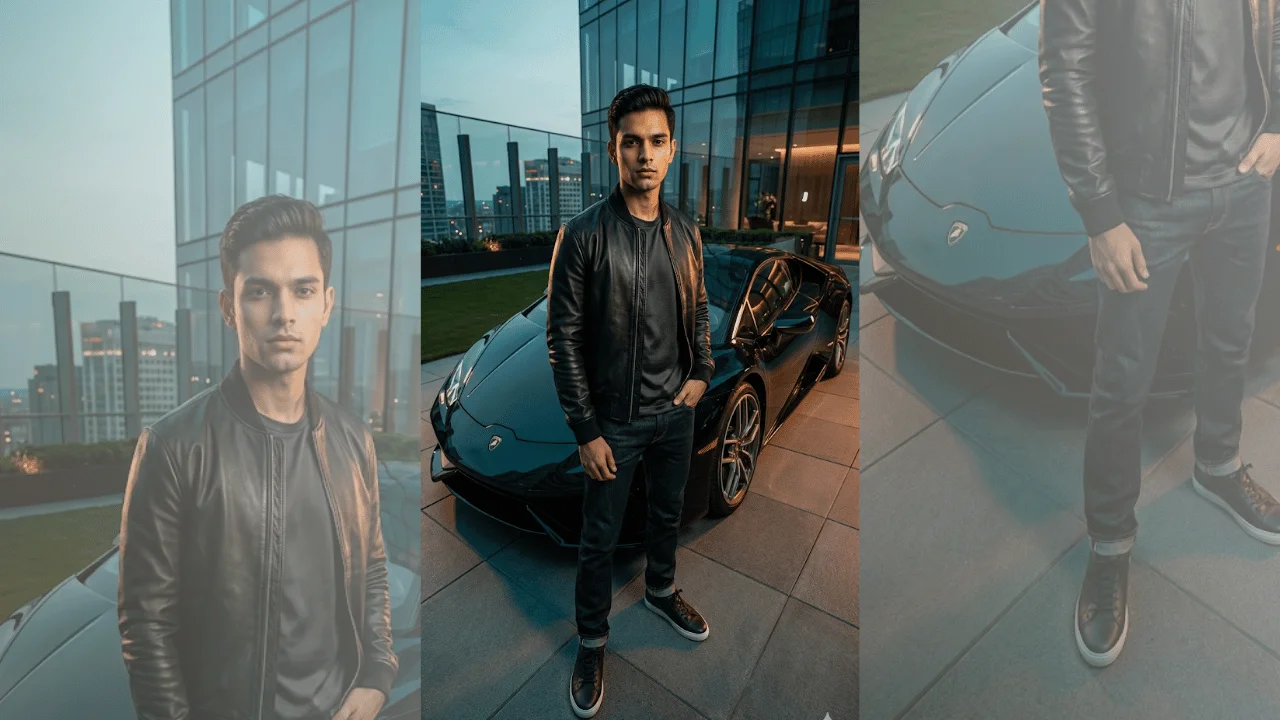
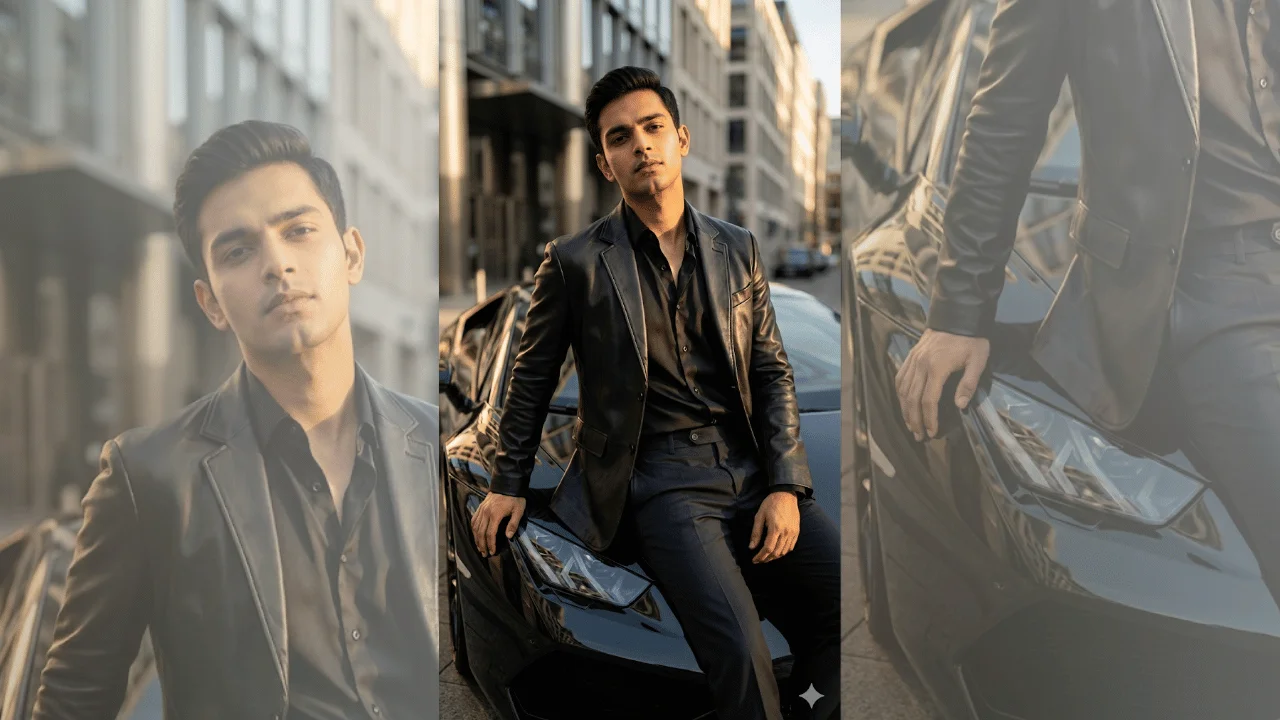
Example Output
 Open in Gallery
Loading elite prompt experience...
A curated stack for turning ideas into production-ready video, ads, and art.
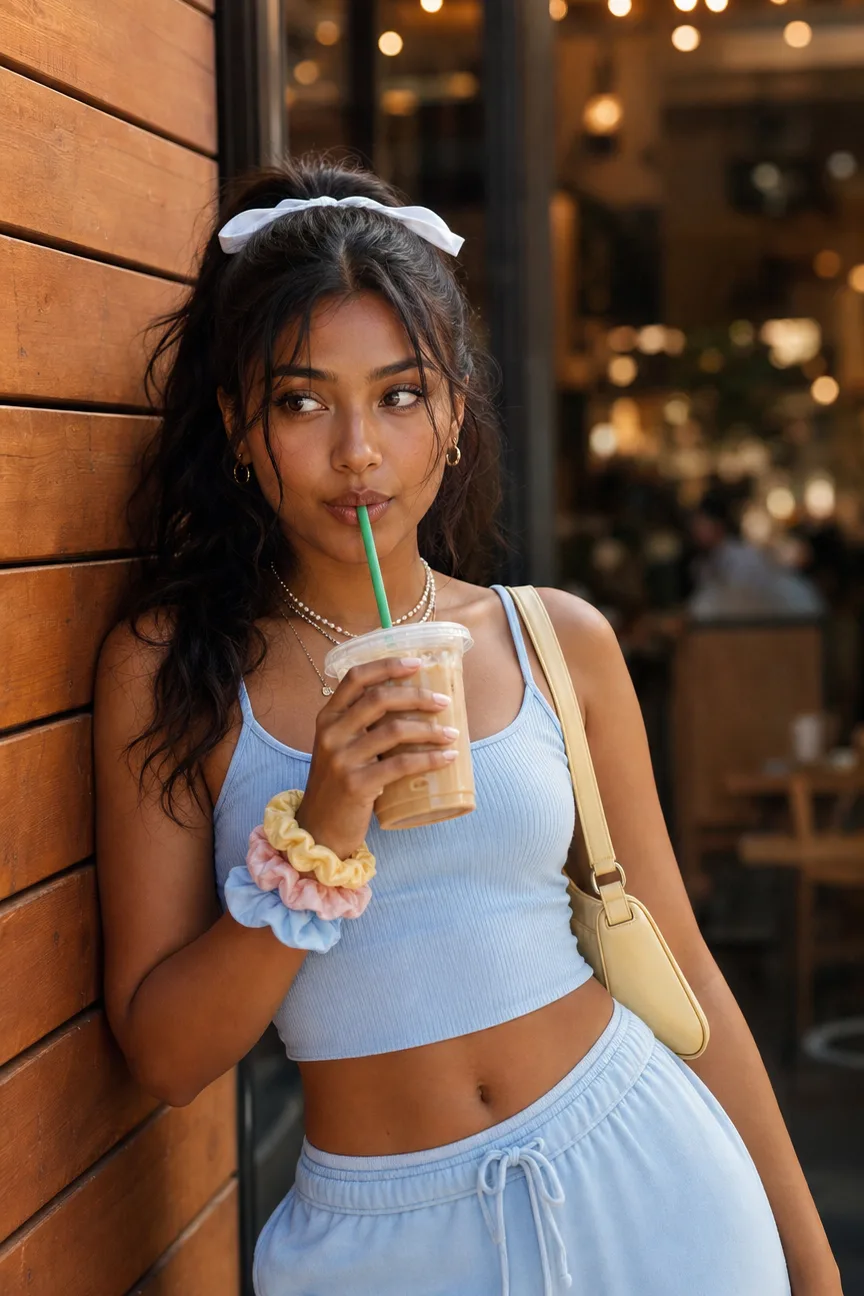
Open in GalleryA street style photoshoot prompt for the coffee-run aesthetic — pastel sets, iced drinks, cafe bokeh, and golden grades, with or without your photo.
Attach a clear photo and your exact face and hair are preserved while the outfit, drink, scene, and grade are restyled around you — or skip the upload and describe any subject from scratch. The pose is the fixed craft: the relaxed shoulder lean, hips angled away, soft off-camera gaze that makes the frame read as caught rather than posed.
Instagram feed and story content, outfit posts, cafe and lifestyle creator shoots, and mockups for fashion or beverage-adjacent brands that want the coffee-run look without a location day.
Optional — attach a clear, well-lit photo and the exact face, skin tone, and hair texture are preserved while the outfit, drink, scene, and grade are restyled around you. Avoid sunglasses, hats, or heavy filters.
Click the "Copy" button above to copy the complete prompt text to your clipboard. This will copy all the text including any placeholders.
If you see placeholders like {{topic}} or {{style}} in the prompt, click "Customize & Use" to open the customization dialog. Fill in your specific values to personalize the prompt for your needs.
Optional: "Reference Photo" (image). Have these files ready before proceeding to the AI tool.
Go to gemini.google.com and sign in to your Google account. Make sure you have access to the image generation feature.
In Gemini, look for the "Create image" or image generation option. If available, switch to Gemini Pro or Advanced mode for higher quality outputs.
Before or along with your prompt, upload the required files. Most AI tools have an attachment/upload button near the prompt input area.
Paste the copied prompt (Ctrl/Cmd + V) into the AI tool's text input field. Make sure your attachments are uploaded, then click the send/generate button to create your image.
Review the generated image. If it doesn't match your expectations, try regenerating or adjusting the prompt with more specific details. Most AI tools allow multiple generation attempts.
Optional — attach a clear, well-lit photo and the exact face, skin tone, and hair texture are preserved while the outfit, drink, scene, and grade are restyled around you. Avoid sunglasses, hats, or heavy filters.
Generate with
prompt auto-copiesAffiliate links · We may earn a commission at no cost to you
Tested by the PromptsRush team
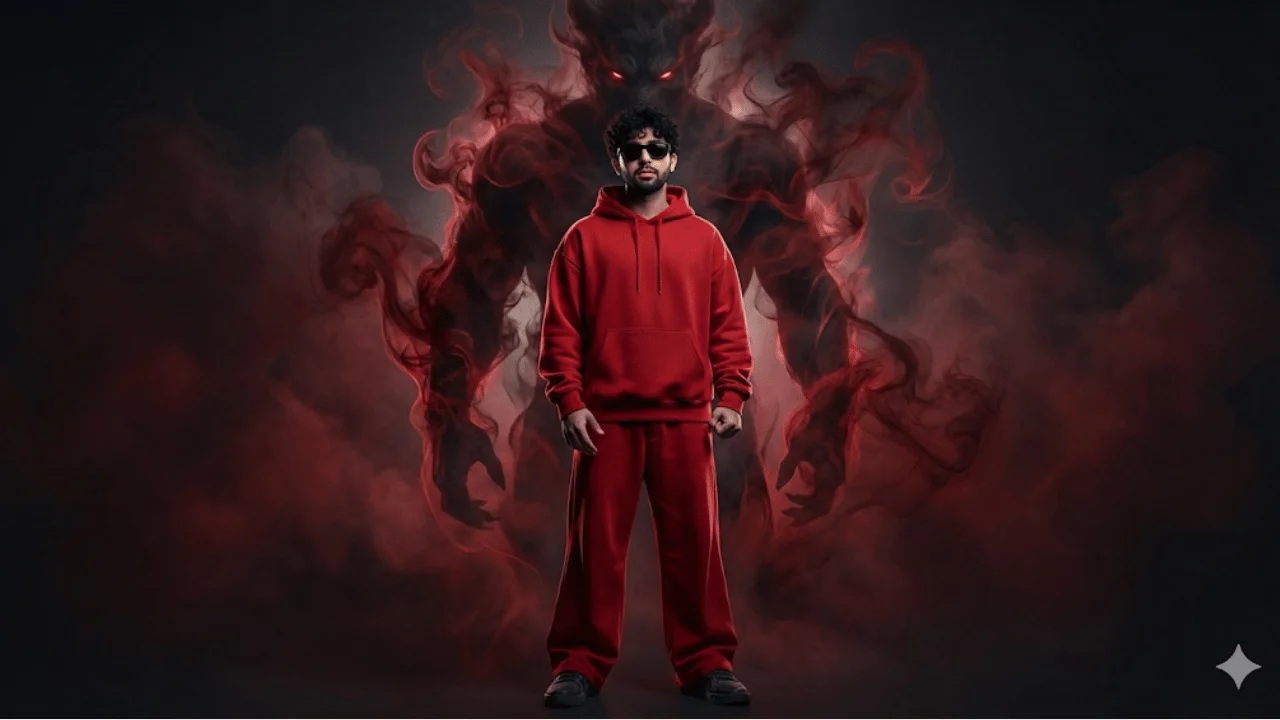
Cinematic Streetwear Portrait – Smoke Demon Presence
Advertisement