Loading elite prompt experience...
Example Output
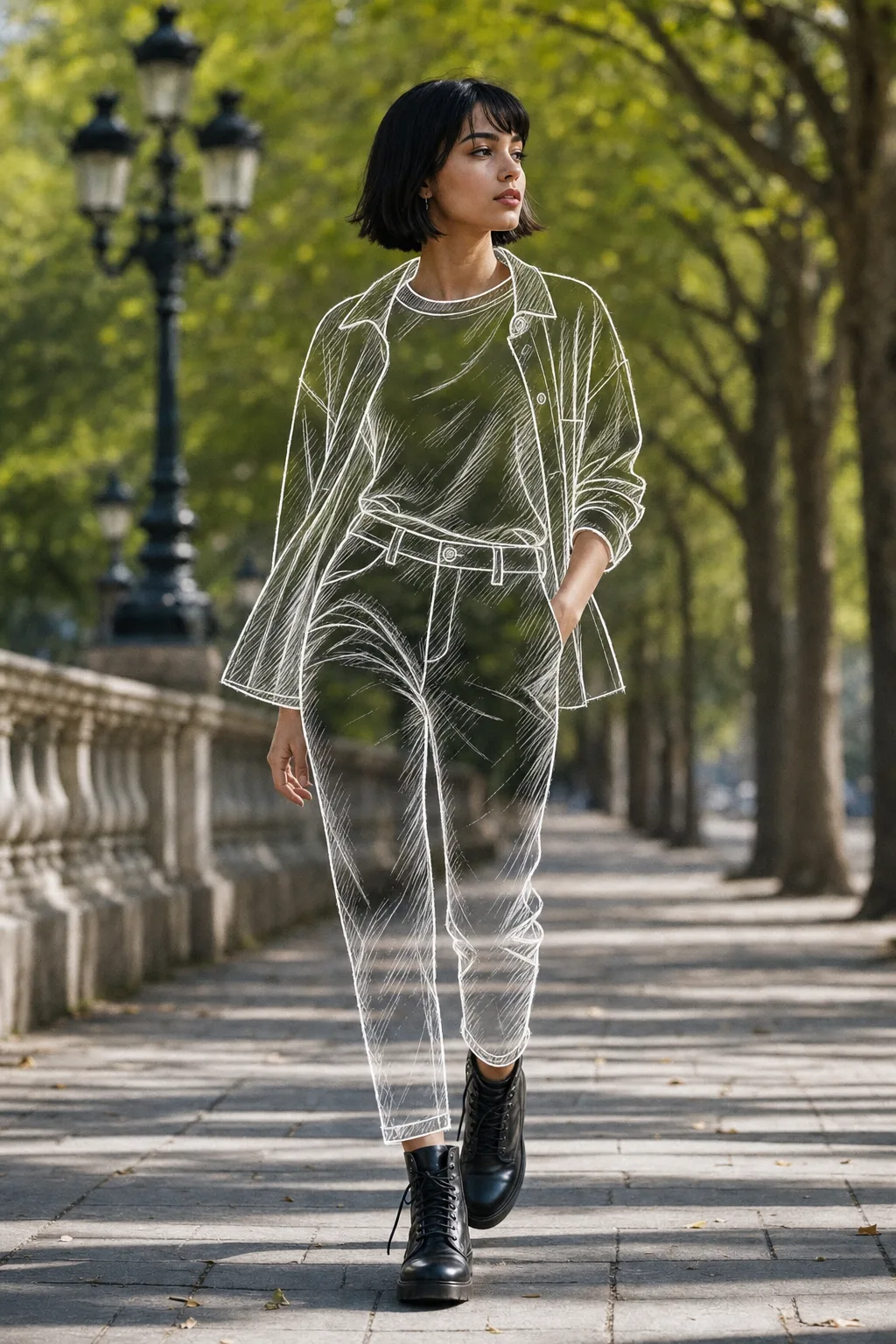 Open in Gallery
Loading elite prompt experience...
A curated stack for turning ideas into production-ready video, ads, and art.
Open in GalleryA sketch outfit AI prompt that redraws your clothes as transparent line art over a real photo — the viral mixed-media fashion edit, in four styles.
The template performs a precise partial transformation: your face, hair, hands, shoes, pose and the entire background stay untouched photography, while the clothing you choose is replaced by hand-drawn, see-through sketch garments that trace the exact silhouette, folds and drape of what you were wearing. The contrast between real and drawn is what makes the effect stop thumbs.
The prompt keeps the background visible through the sketched areas, adds subtle sketch shadows where the fabric folds, and asks for seamless blending between photographic and drawn regions. Shoes are deliberately kept real to ground the effect. Nano Banana Pro executes the partial photo edit most faithfully; ChatGPT Image 2 is a capable alternative.
Fashion creators, stylists and personal-brand accounts: Instagram reel covers, lookbook posts, portfolio pieces for fashion designers (it reads as a designer's sketch coming to life), and playful profile pictures.
A clear full-body photo with visible outfit structure — face, hair, hands, shoes and background stay photorealistic; the chosen garments become sketch.
Click the "Copy" button above to copy the complete prompt text to your clipboard. This will copy all the text including any placeholders.
If you see placeholders like {{topic}} or {{style}} in the prompt, click "Customize & Use" to open the customization dialog. Fill in your specific values to personalize the prompt for your needs.
This prompt requires 1 attachment: "Reference Photo" (image). Have these files ready before proceeding to the AI tool.
Go to gemini.google.com and sign in to your Google account. Make sure you have access to the image generation feature.
In Gemini, look for the "Create image" or image generation option. If available, switch to Gemini Pro or Advanced mode for higher quality outputs.
Before or along with your prompt, upload the required files. Required: Reference Photo. Most AI tools have an attachment/upload button near the prompt input area.
Paste the copied prompt (Ctrl/Cmd + V) into the AI tool's text input field. Make sure your attachments are uploaded, then click the send/generate button to create your image.
Review the generated image. If it doesn't match your expectations, try regenerating or adjusting the prompt with more specific details. Most AI tools allow multiple generation attempts.
A clear full-body photo with visible outfit structure — face, hair, hands, shoes and background stay photorealistic; the chosen garments become sketch.
Generate with
prompt auto-copiesAffiliate links · We may earn a commission at no cost to you
Tested by the PromptsRush team
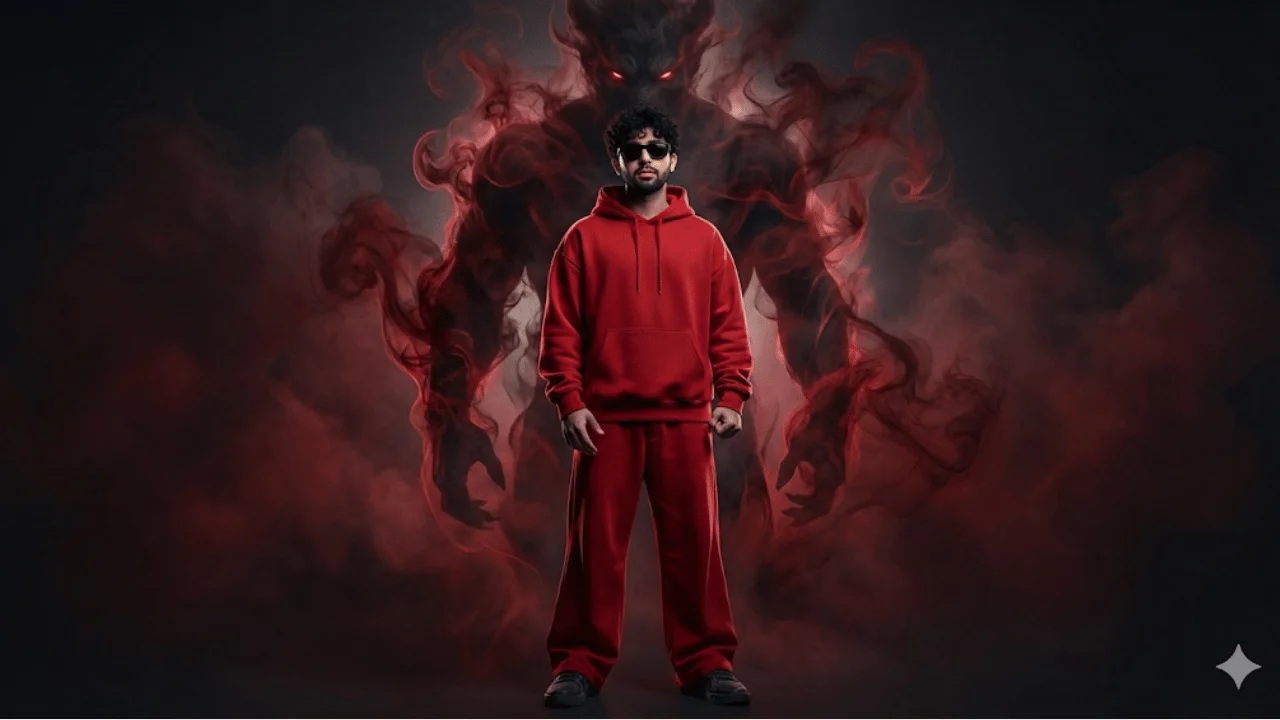
Cinematic Streetwear Portrait – Smoke Demon Presence
Advertisement