Loading elite prompt experience...
Example Output
 Open in Gallery
Loading elite prompt experience...
A curated stack for turning ideas into production-ready video, ads, and art.
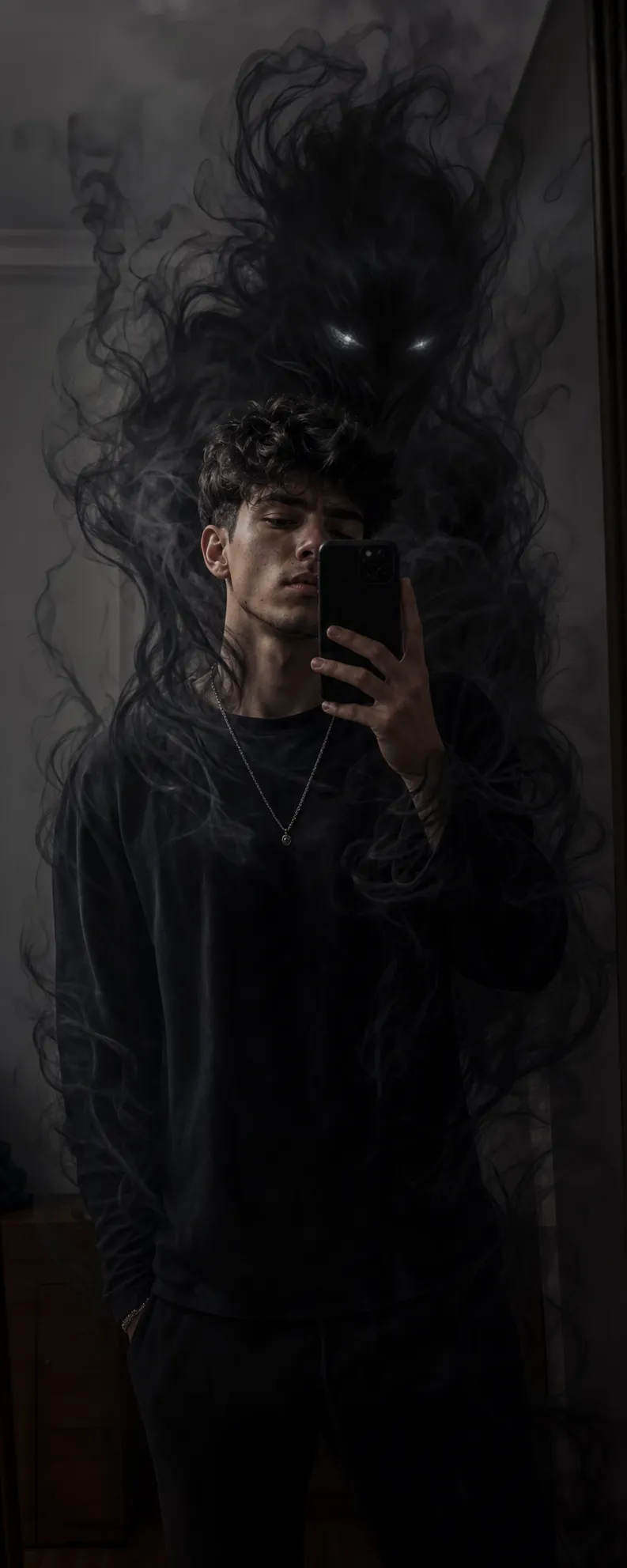
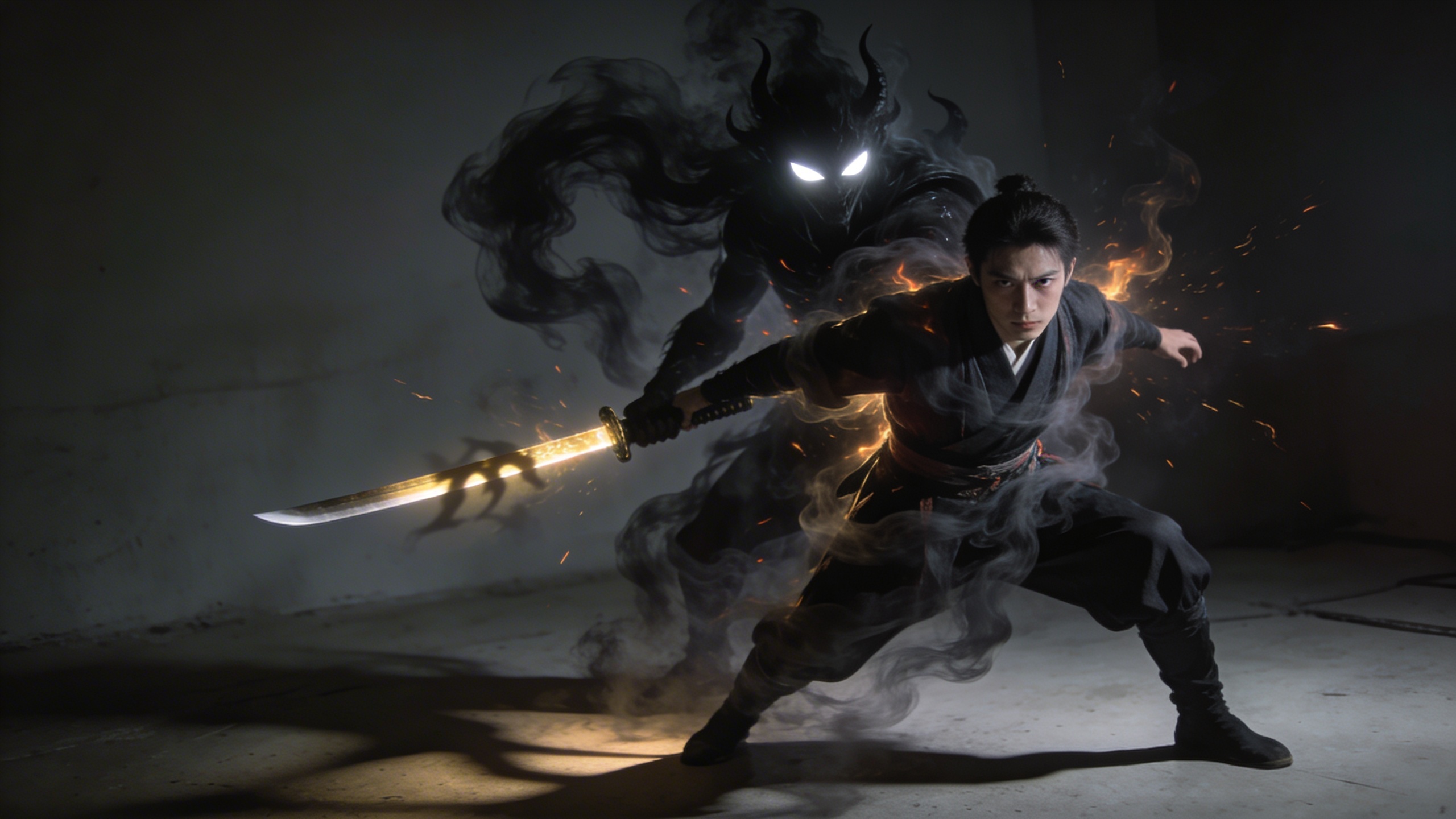
Open in GalleryThis template enhances an existing image with a dark cinematic fantasy overlay while keeping the original subject completely untouched. It is designed for creators who want to add a powerful supernatural presence without altering identity, pose, lighting, or realism.
The demonic entity is treated as an atmospheric extension of the scene—formed entirely from smoke and shadow—interacting naturally with light, depth, and the environment. The glowing katana introduces a focused visual accent and symbolic power while maintaining grounded realism.
Ideal for dark fantasy portraits, cinematic edits, supernatural branding visuals, and dramatic social media imagery where identity lock and realism are critical.
Defines the subject, lighting, pose, outfit, and background that must remain unchanged.
Click the "Copy" button above to copy the complete prompt text to your clipboard. This will copy all the text including any placeholders.
Optional: "Base Image" (image). Have these files ready before proceeding to the AI tool.
Go to gemini.google.com and sign in to your Google account. Make sure you have access to the image generation feature.
In Gemini, look for the "Create image" or image generation option. If available, switch to Gemini Pro or Advanced mode for higher quality outputs.
Before or along with your prompt, upload the required files. Most AI tools have an attachment/upload button near the prompt input area.
Paste the copied prompt (Ctrl/Cmd + V) into the AI tool's text input field. Make sure your attachments are uploaded, then click the send/generate button to create your image.
Review the generated image. If it doesn't match your expectations, try regenerating or adjusting the prompt with more specific details. Most AI tools allow multiple generation attempts.
Defines the subject, lighting, pose, outfit, and background that must remain unchanged.
Generate with
prompt auto-copiesAffiliate links · We may earn a commission at no cost to you
Tested by the PromptsRush team
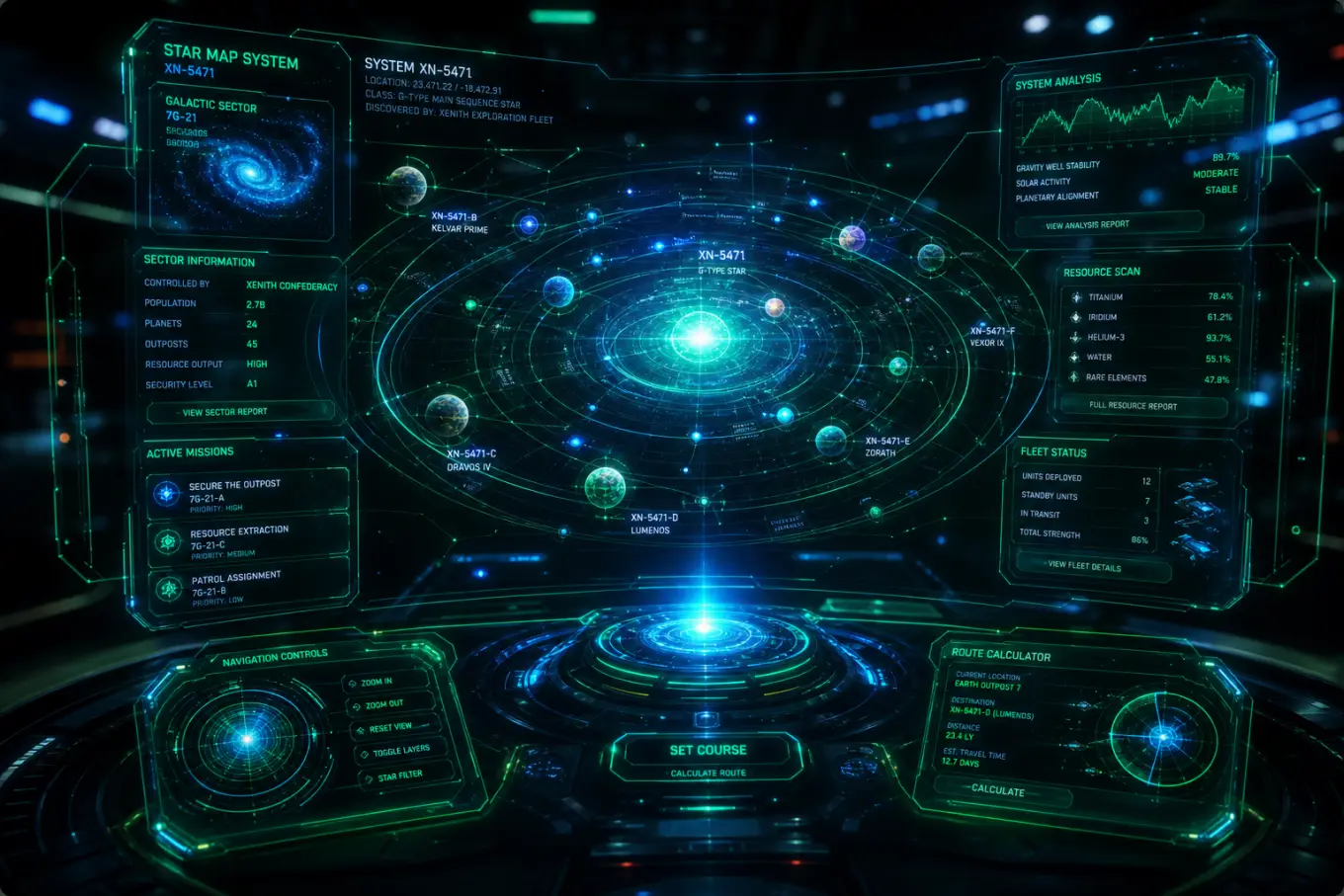
Holographic Tech UI
Advertisement