Loading elite prompt experience...
Example Output
 Open in Gallery
Loading elite prompt experience...
A curated stack for turning ideas into production-ready video, ads, and art.
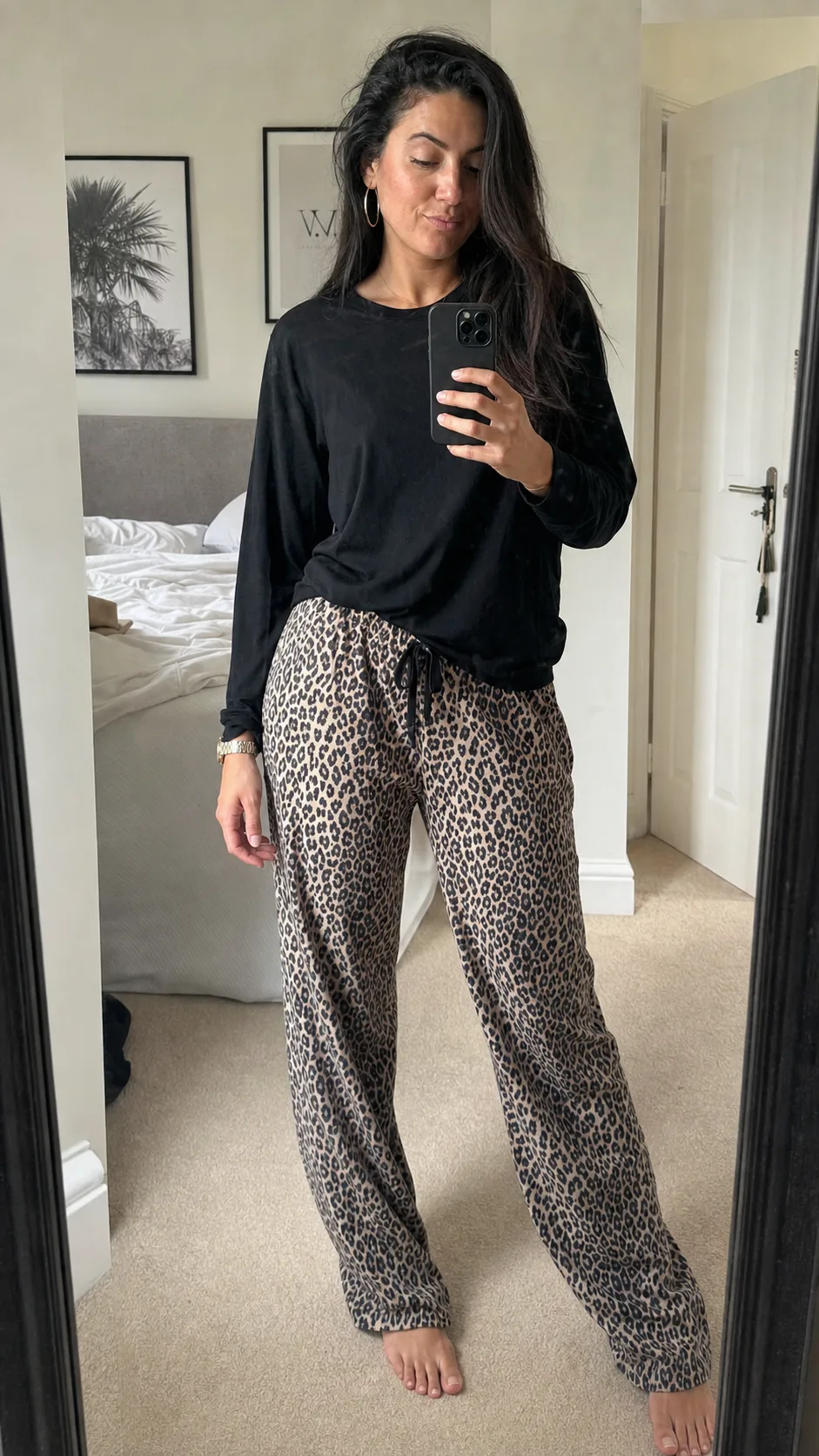
Open in GalleryA mirror selfie AI prompt for OOTD fit checks — bedroom, hotel and fitting-room mirrors with phone-real texture, with or without your photo.
The template recreates the outfit-check format exactly as it lives on Instagram and Pinterest: a full-length mirror, the phone visible in hand, a relaxed confident stance angled to show the fit, and the un-retouched realism of a photo taken in thirty seconds, mirror smudges included. It works two ways: attach a reference photo to keep your exact face and hairstyle while the outfit and scene restyle around you, or leave it empty and describe any subject.
Fashion creators and everyday posters alike: daily OOTD posts, styling reel covers, wardrobe try-on carousels, resale listing photos with lifestyle energy, and Pinterest outfit boards.
Optional — attach a clear photo to keep your exact face and hairstyle while the outfit and mirror scene restyle around you.
Click the "Copy" button above to copy the complete prompt text to your clipboard. This will copy all the text including any placeholders.
If you see placeholders like {{topic}} or {{style}} in the prompt, click "Customize & Use" to open the customization dialog. Fill in your specific values to personalize the prompt for your needs.
Optional: "Reference Photo (optional)" (image). Have these files ready before proceeding to the AI tool.
Go to gemini.google.com and sign in to your Google account. Make sure you have access to the image generation feature.
In Gemini, look for the "Create image" or image generation option. If available, switch to Gemini Pro or Advanced mode for higher quality outputs.
Before or along with your prompt, upload the required files. Most AI tools have an attachment/upload button near the prompt input area.
Paste the copied prompt (Ctrl/Cmd + V) into the AI tool's text input field. Make sure your attachments are uploaded, then click the send/generate button to create your image.
Review the generated image. If it doesn't match your expectations, try regenerating or adjusting the prompt with more specific details. Most AI tools allow multiple generation attempts.
Optional — attach a clear photo to keep your exact face and hairstyle while the outfit and mirror scene restyle around you.
Generate with
prompt auto-copiesAffiliate links · We may earn a commission at no cost to you
Tested by the PromptsRush team
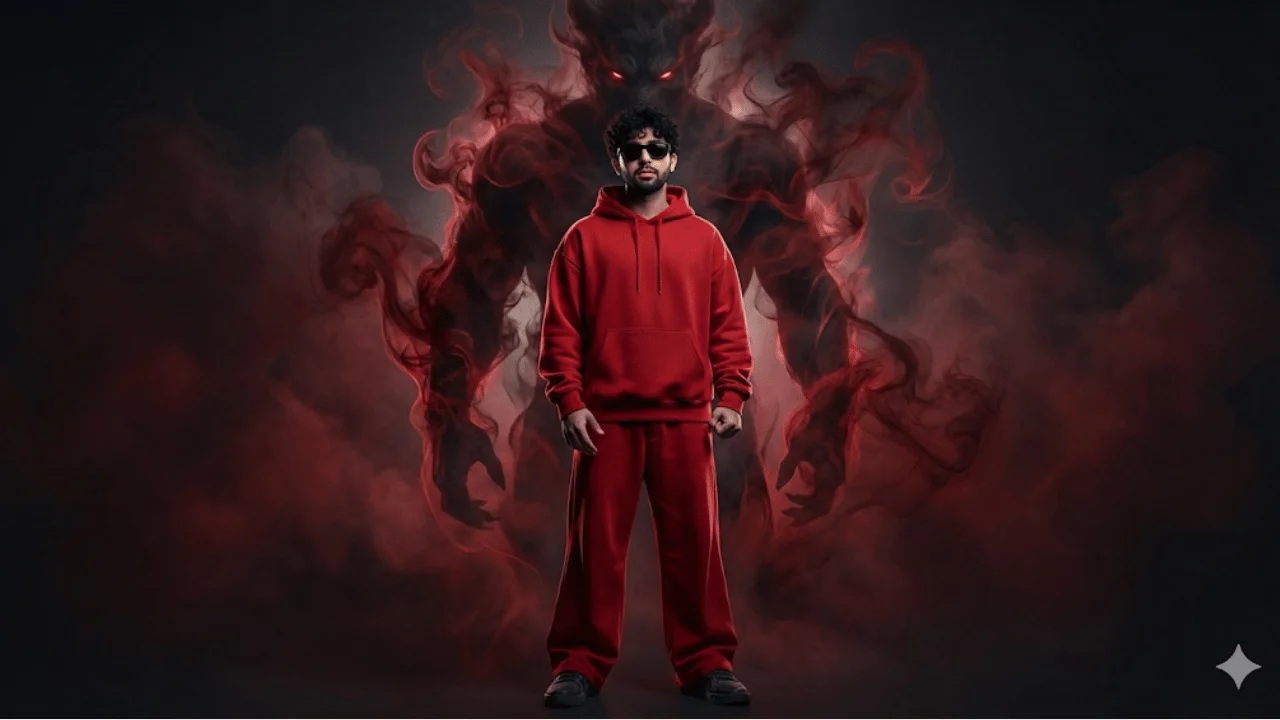
Cinematic Streetwear Portrait – Smoke Demon Presence
Advertisement