Loading elite prompt experience...
Example Output
 Open in Gallery
Loading elite prompt experience...
A curated stack for turning ideas into production-ready video, ads, and art.
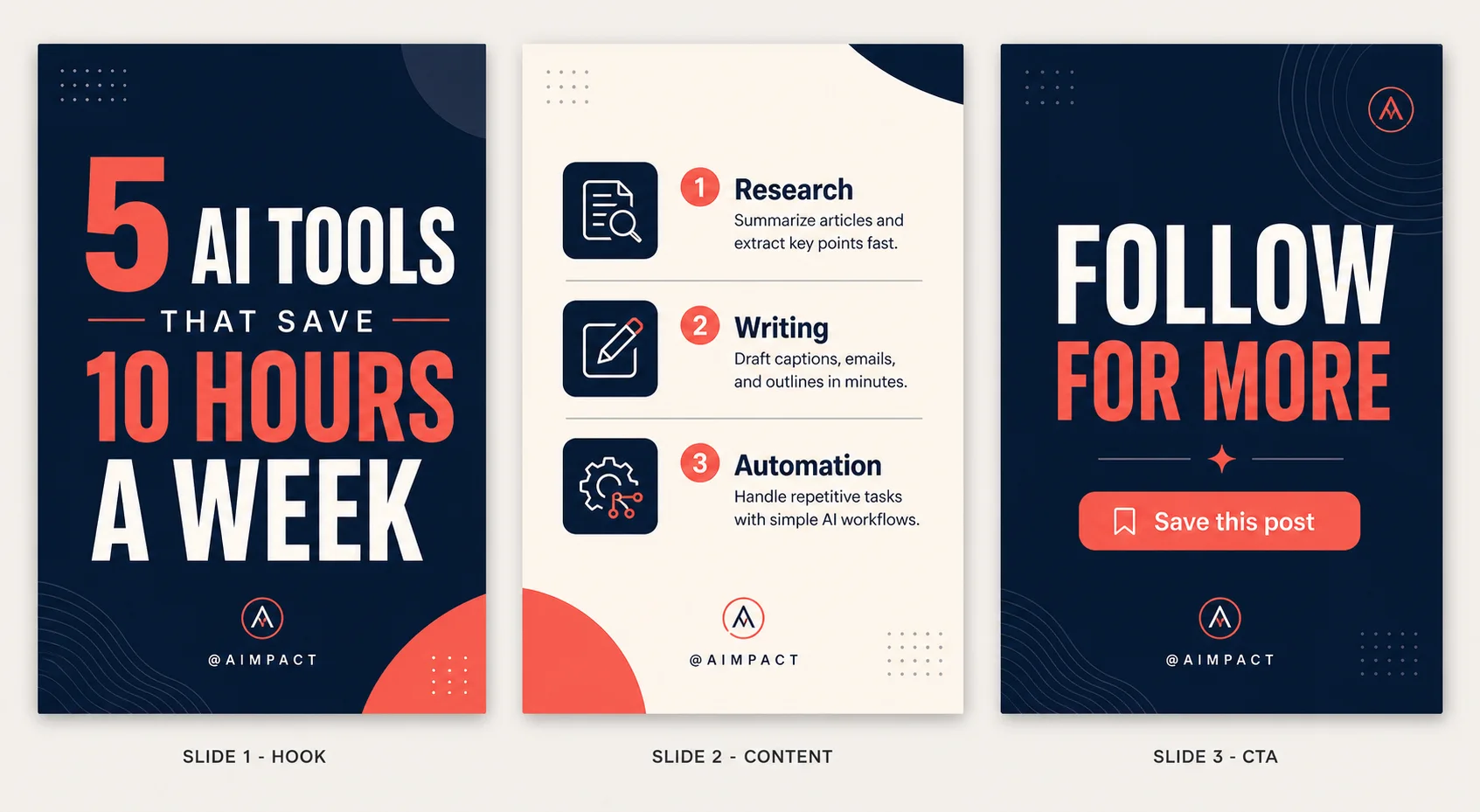
Open in GalleryAn Instagram carousel template prompt that designs a full 3-slide set in one image — a premium hook, a structured content slide and a call-to-action outro.
Write your topic and copy and the template renders a professional reference sheet: Slide 1 stops the scroll, Slide 2 delivers the value with icons and hierarchy, and Slide 3 drives the follow or save, every slide sharing the same palette, fonts and branding. Style, palette and iconography are all selectable, so the same structure can look like a bold modern deck, a minimal editorial layout, a playful gradient set or a luxury dark theme.
Creators, marketers, coaches and brands who post carousels — educational posts, listicles, tips, launches and lead magnets — and designers who need fast, on-brand slide mockups without opening Canva or Figma.
Click the "Copy" button above to copy the complete prompt text to your clipboard. This will copy all the text including any placeholders.
If you see placeholders like {{topic}} or {{style}} in the prompt, click "Customize & Use" to open the customization dialog. Fill in your specific values to personalize the prompt for your needs.
Go to gemini.google.com and sign in to your Google account. Make sure you have access to the image generation feature.
In Gemini, look for the "Create image" or image generation option. If available, switch to Gemini Pro or Advanced mode for higher quality outputs.
Paste the copied prompt (Ctrl/Cmd + V) into the AI tool's text input field. click the send/generate button to create your image.
Review the generated image. If it doesn't match your expectations, try regenerating or adjusting the prompt with more specific details. Most AI tools allow multiple generation attempts.
Generate with
prompt auto-copiesAffiliate links · We may earn a commission at no cost to you
Tested by the PromptsRush team
Indian Wedding Save The Date Poster
Advertisement